
Introduction
Thank you for choosing the SANODESK 4-Leg Electric Height Adjustable Standing Desk. This manual provides essential information for the safe and efficient assembly, operation, and maintenance of your new desk. Designed to enhance your workspace, this desk allows for seamless transitions between sitting and standing positions, promoting a healthier and more productive work environment.
Safety Information
- Always follow all assembly instructions carefully.
- Do not exceed the maximum weight limit of 220 pounds (99.7 kg) for the desk surface.
- Ensure the desk is placed on a level surface and is stable before use.
- Keep hands, fingers, and other objects clear of moving parts during height adjustment to prevent injury.
- Do not allow children to operate the desk without adult supervision.
- Disconnect power before cleaning or performing any maintenance.
Package Contents
Please verify that all components are present before beginning assembly. The package includes the desk frame, desktop panels, control panel, power adapter, and all necessary hardware for assembly. If any parts are missing or damaged, please contact customer support.
Setup
Assembly is required for this product. It is recommended to have two people for assembly due to the weight and size of the components. Follow the detailed instructions provided in the separate assembly guide included with your product. Ensure all connections are secure and stable before use.

Image: The robust 4-leg frame of the SANODESK standing desk, providing enhanced stability.
Operating Instructions
Height Adjustment
The desk features an electric height adjustment system, allowing you to smoothly transition between sitting and standing positions. The adjustable height range is from 28.7 inches to 47.2 inches. Use the up and down arrow buttons on the digital control panel to adjust the desk to your desired height.

Image: Close-up of the digital keypad with buttons for height adjustment and memory presets.
Memory Presets
The control panel includes three memory preset buttons (1, 2, 3) to save your preferred sitting and standing heights. To save a height setting:
- Adjust the desk to your desired height using the up/down arrows.
- Press the 'M' button. The display will show 'S-'.
- Press one of the number buttons (1, 2, or 3) within 2 seconds. The display will show 'S-1', 'S-2', or 'S-3' to confirm the setting is saved.
To recall a saved height, simply press the corresponding number button (1, 2, or 3).
Anti-Collision System
The desk is equipped with an anti-collision system that detects obstacles during height adjustment. If an obstruction is encountered, the desk will automatically stop and reverse slightly to prevent damage or injury. This feature ensures a safer workspace.
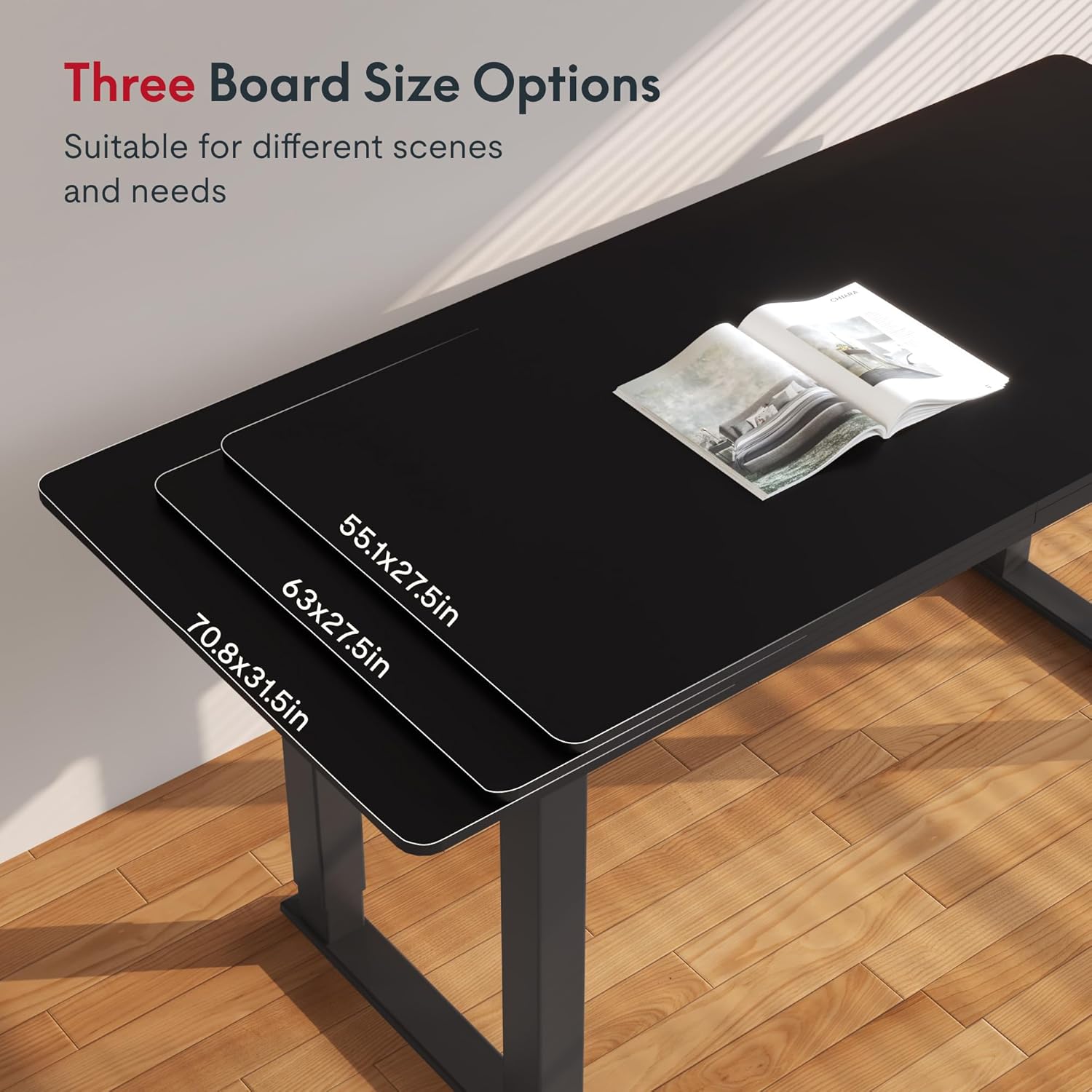
Image: Illustration of the anti-collision system detecting an obstacle and reversing desk movement.
Quiet Operation
The desk operates with a noise level of less than 50dB, ensuring a quiet and undisturbed work environment.
Maintenance
- Cleaning: Wipe the desk surface with a soft, damp cloth. Avoid harsh chemicals or abrasive cleaners that could damage the finish.
- Inspection: Periodically check all screws and fasteners to ensure they are tight. Retighten if necessary.
- Cable Management: Ensure power cords and other cables are neatly managed to prevent interference with the desk's movement.
Troubleshooting
| Problem | Possible Cause | Solution |
|---|---|---|
| Desk does not move | Power cable disconnected; Overload; Control panel error. | Check power connections; Reduce weight on desk; Reset the control panel (refer to assembly guide for specific reset instructions). |
| Uneven height adjustment | Obstruction; Unbalanced load. | Remove any obstructions; Redistribute weight evenly on the desk surface. |
| Anti-collision system triggers frequently | Sensitivity setting too high; Obstacles in path. | Check for obstacles; Adjust anti-collision sensitivity (refer to assembly guide). |
If you encounter issues not listed here or if the suggested solutions do not resolve the problem, please contact SANODESK customer support.
Specifications
| Feature | Detail |
|---|---|
| Brand | SANODESK |
| Model | 55x28 Inches (Black) |
| Product Dimensions (D x W x H) | 28"D x 55"W x 28.7"H |
| Adjustable Height Range | 28.7" to 47.2" |
| Maximum Weight Recommendation | 220 Pounds |
| Top Material Type | Engineered Wood |
| Frame Material Type | Carbon Steel |
| Lifting Mechanism | Electric |
| Special Feature | Corded, Memory Presets, Anti-Collision System |
| Noise Level | Less than 50dB |
| Assembly Required | Yes |

Image: Detailed dimensions of the 55x28 inch SANODESK standing desk.
Warranty and Support
Warranty Information
This SANODESK product comes with a Limited Warranty. For specific details regarding coverage and duration, please refer to the warranty documentation included with your purchase or contact SANODESK customer support.
Customer Support
For any questions, assistance with assembly, troubleshooting, or warranty claims, please contact SANODESK customer support. Contact information can typically be found on the product packaging or the official SANODESK website.
Optional protection plans are available for purchase, including 2-Year and 3-Year plans, as well as a monthly 'Complete Protect' option. These plans offer extended coverage beyond the standard warranty.


