
1. Introduction
Thank you for choosing the SANODESK Standing Desk. This electric height-adjustable desk is designed to provide a reliable and comfortable experience for your home or office, promoting a healthier work environment by allowing seamless transitions between sitting and standing positions. This manual provides essential information for the proper assembly, operation, and maintenance of your new standing desk.
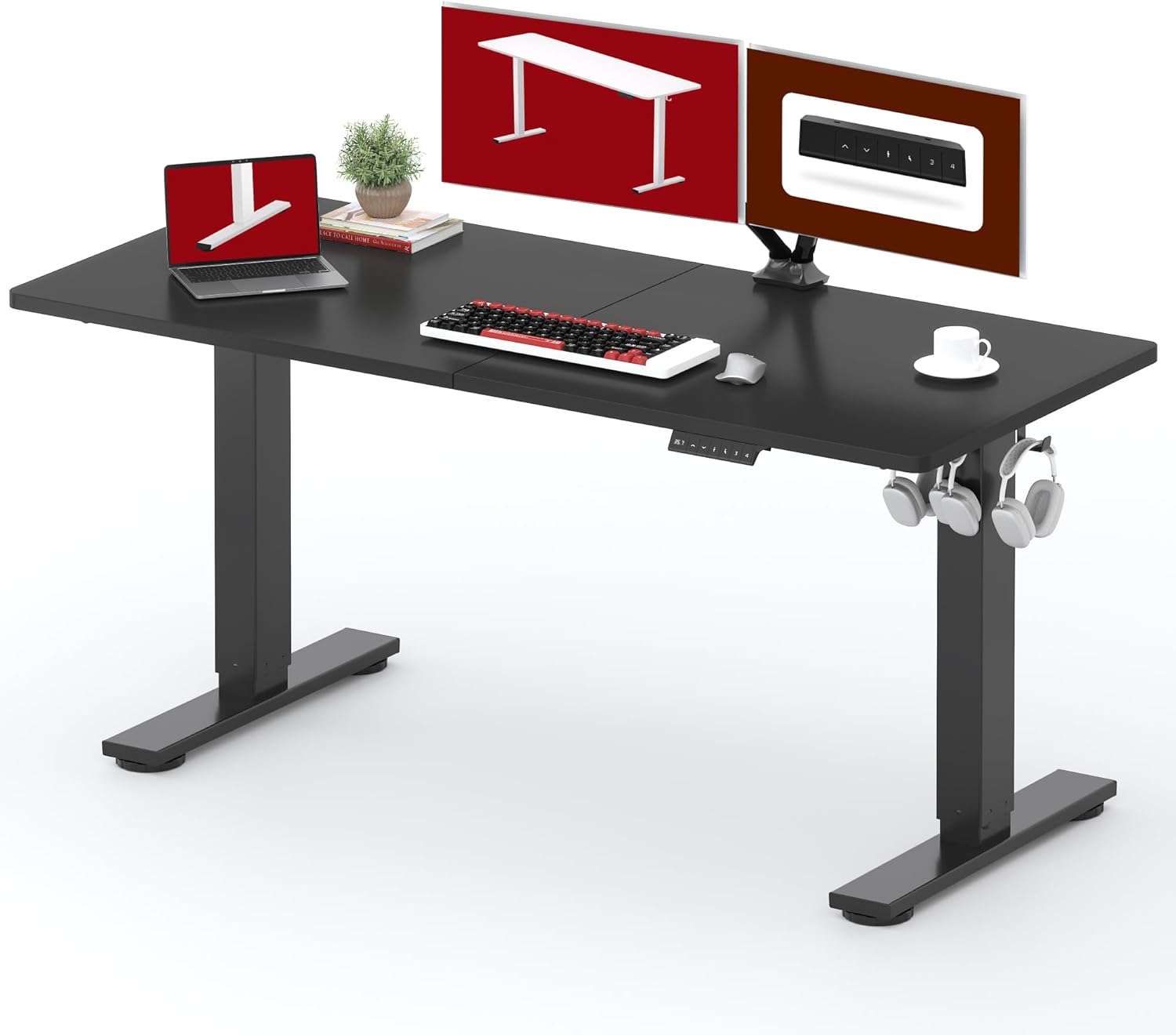
Image 1.1: The SANODESK Standing Desk in a typical office setup.
2. Safety Information
Please read and understand all safety instructions before assembling or operating the desk. Failure to follow these instructions may result in injury or damage to the product.
- Always follow the assembly instructions carefully to ensure the desk is properly assembled and stable.
- Be cautious when using the electric height adjustment mechanism to avoid injury.
- Keep fingers and other body parts away from moving parts during operation.
- Do not exceed the weight limit of the desk (154 lbs).
- Always anchor the desk to the floor if recommended by local regulations or if stability is a concern, to prevent tipping.
- Keep the desk area clear of obstacles to prevent accidents during height adjustments.
- Ensure the power cord is not pinched or damaged.
3. Package Contents
Verify that all components are present and undamaged before beginning assembly. If any parts are missing or damaged, please contact customer support.
- Desktop Panels (Splice Board)
- Desk Legs (Frame)
- Motor and Control Box
- Control Panel
- Power Adapter and Cable
- Assembly Tools (Allen keys, screwdriver)
- Screws and Fasteners
- Cable Management Clips/Hooks
- Instruction Manual
4. Setup and Assembly
The SANODESK standing desk is designed for easy assembly. A detailed installation manual and video guide are typically included with your purchase. Embedded screw hole locations and provided tools simplify the process.
4.1. Preparation
- Clear a spacious area for assembly.
- Unpack all components and lay them out, checking against the package contents list.
- Keep the provided assembly tools handy.
4.2. Assembly Steps (General Overview)
- Attach the desk legs to the desktop panels. Ensure the splice board sections are securely joined.
- Install the motor and control box according to the specific instructions provided in your manual.
- Mount the control panel to the underside of the desk in an accessible location.
- Connect all necessary cables (motor to control box, control box to control panel, power adapter to control box).
- Plug the power adapter into a wall outlet.
- Perform an initial reset if required by your specific model (refer to your detailed manual).

Image 4.1: Desk dimensions for the 63x24 inch model.
5. Operating Instructions
Your SANODESK standing desk features electric height adjustment and memory presets for convenience.
5.1. Control Panel Overview

Image 5.1: Multifunctional Control Panel.
- LED Display: Shows the current desk height in inches.
- Up/Down Buttons: Press and hold to adjust the desk height manually. Release to stop.
- Memory Function (1, 2, 3, 4): Allows you to save and recall up to four custom height positions.
5.2. Adjusting Height
- Manual Adjustment: Press and hold the Up or Down button until the desk reaches your desired height.
- Height Range: The desk can be adjusted from a minimum height of 28.9 inches to a maximum height of 46.5 inches.

Image 5.2: Wide Lifting Range of the SANODESK Standing Desk.
5.3. Setting Memory Presets
- Adjust the desk to your desired height using the Up/Down buttons.
- Press the M button (if present, or a similar 'Set' button) once. The LED display may flash.
- Within a few seconds, press one of the numbered memory buttons (1, 2, 3, or 4). The height is now saved to that preset.
5.4. Recalling Memory Presets
- Simply press the desired numbered memory button (1, 2, 3, or 4). The desk will automatically move to the saved height.

Image 5.3: Healthy working posture while standing at the desk.
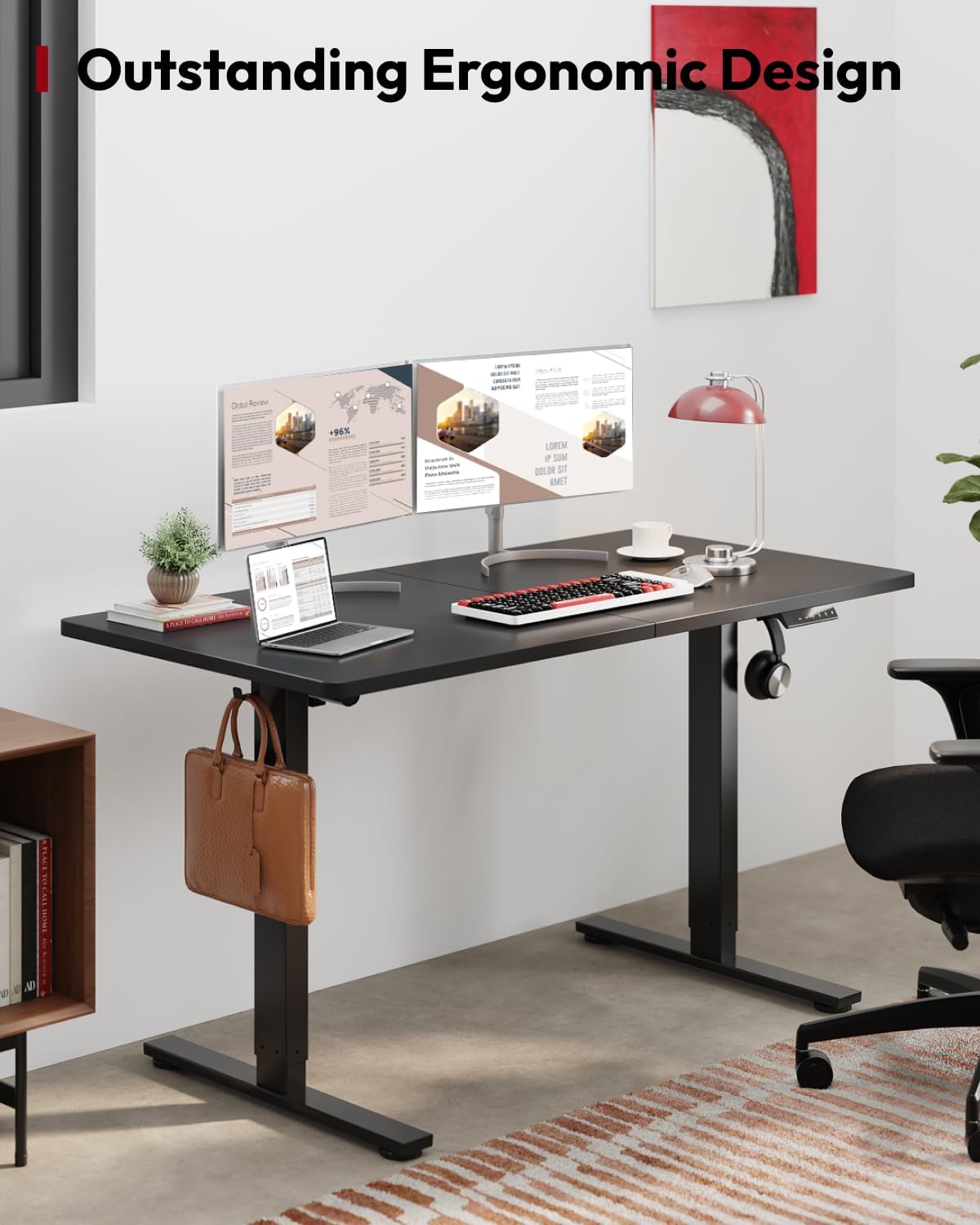
Image 5.4: Ergonomic design for comfortable sitting.
6. Maintenance
Regular maintenance ensures the longevity and optimal performance of your SANODESK standing desk.
- Cleaning: Wipe the desktop and frame with a soft, damp cloth. Avoid harsh chemicals or abrasive cleaners that could damage the finish.
- Cable Management: Periodically check all cables to ensure they are securely connected and not pinched or frayed. Use the provided cable management clips to keep wires tidy and prevent interference with moving parts.
- Fasteners: Occasionally check all screws and fasteners to ensure they are tight. Retighten if necessary.
- Load Capacity: Do not overload the desk. The maximum load capacity is 154 lbs.

Image 6.1: Round Safety Edges and Thick Desktop for durability.
7. Troubleshooting
If you encounter issues with your SANODESK standing desk, refer to the following common troubleshooting steps. For persistent problems, contact customer support.
7.1. Desk Not Moving / No Power
- Check if the power cable is securely plugged into both the wall outlet and the control box.
- Ensure the wall outlet is functional by testing it with another device.
- Verify all connections between the motor, control box, and control panel are secure.
7.2. Desk Moves Unevenly or Stops
- Ensure the desk is not overloaded. Remove excess weight and try again.
- Check for any obstructions under or around the desk that might impede movement.
- Perform a reset procedure (refer to your specific manual for instructions, typically involves holding down a button until the desk moves to its lowest point and slightly back up).
7.3. Error Codes on LED Display
If an error code appears on the LED display, consult your specific product manual for the meaning of the code and recommended solutions. Common solutions often involve power cycling the desk or performing a reset.
8. Specifications
| Feature | Specification |
|---|---|
| Brand | SANODESK |
| Model | 63x24 Black Frame+ Black Top |
| Product Dimensions (D x W x H) | 24"D x 63"W x 29"H (at lowest setting) |
| Color | Black Frame+ Black Top |
| Style | Modern |
| Base Material | Alloy Steel |
| Top Material Type | Wood |
| Lifting Mechanism | Electric |
| Minimum Height | 28.9 Inches |
| Maximum Height | 46.5 Inches |
| Tabletop Thickness | 1.07 Inches |
| Maximum Load Capacity | 154 lbs |
| Required Assembly | Yes |
| Recommended People for Assembly | 1 |
| Included Components | Assembly Tools |

Image 8.1: Desk demonstrating its load capacity and stability.
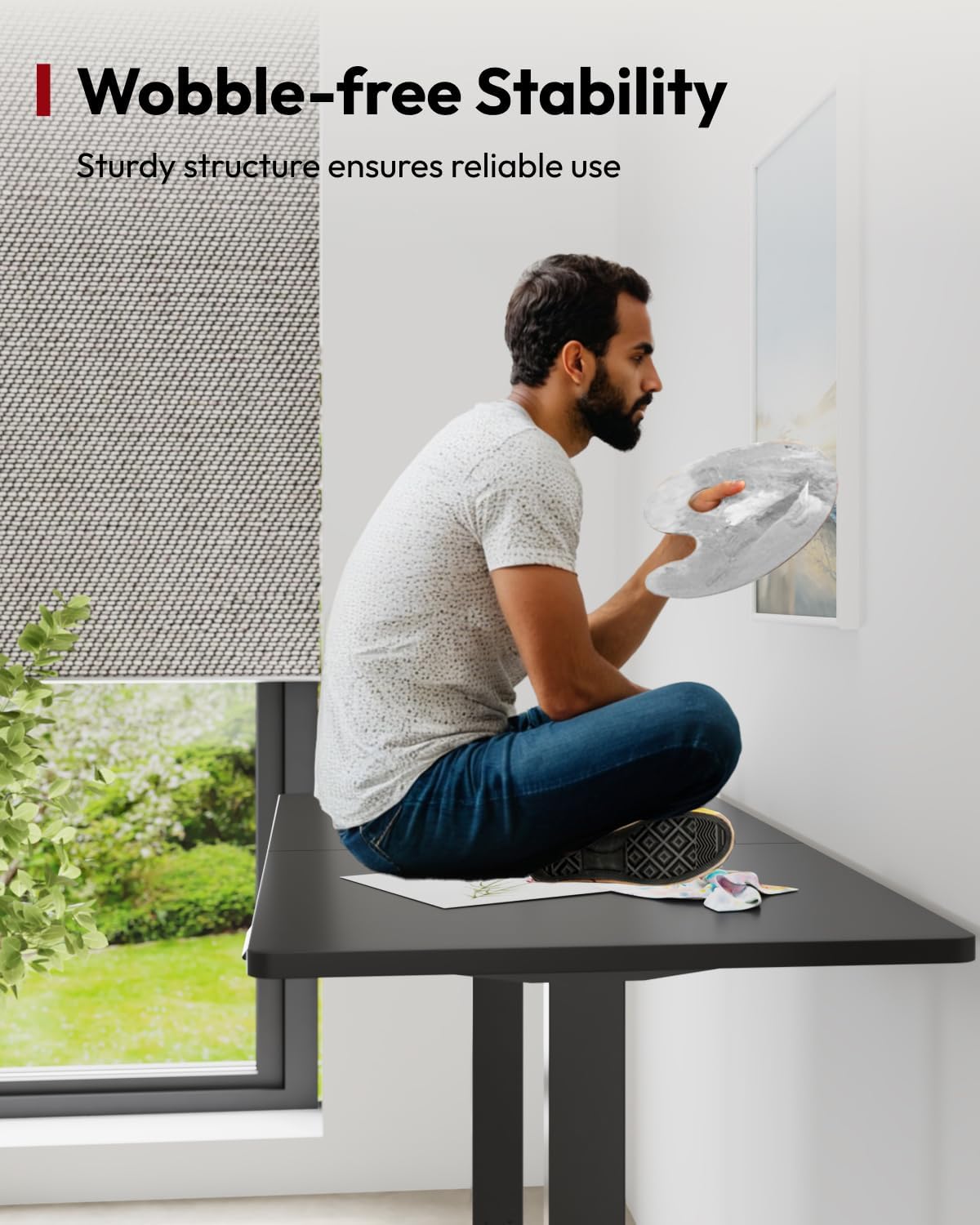
Image 8.2: Wobble-free stability of the desk.
9. Warranty and Support
Your SANODESK Standing Desk comes with a limited warranty. Please refer to the warranty card included with your product for specific terms and conditions.
9.1. Protection Plans
Extended protection plans may be available for purchase to cover your product beyond the standard warranty period:
- 2-Year Protection Plan: Provides extended coverage for 24 months.
- 3-Year Protection Plan: Provides extended coverage for 36 months.
9.2. Customer Support
For any questions, assistance with assembly, troubleshooting, or warranty claims, please contact SANODESK customer support. Contact information can typically be found on the SANODESK website or on the packaging materials.


