
boAt 1000003310
boAt Airdopes 311 Pro Truly Wireless Earbuds
User Instruction Manual
1. Product Overview
The boAt Airdopes 311 Pro are truly wireless in-ear earbuds designed for an immersive audio experience with extended playtime and advanced features. They are equipped with 10mm drivers and Bluetooth v5.3 for stable connectivity and superior sound quality.

Figure 1.1: boAt Airdopes 311 Pro Earbuds and Charging Case (Space Grey)
This image displays the boAt Airdopes 311 Pro earbuds in their transparent Space Grey charging case. The earbuds are visible inside the case, which features a sleek, minimalist design.
Key Features:
- Immersive Audio: 10mm drivers and Bluetooth v5.3 for high-quality sound.
- Long Battery Life: Up to 50 hours of total playtime with the charging case.
- Low Latency Mode: 50ms Beast Mode for optimized gaming and video streaming.
- Fast Charging: ASAP Charging provides 150 minutes of playtime with just 10 minutes of charge.
- Water Resistance: IPX4 rating for resistance against water splashes and sweat.
- Dual Mics with ENx Tech: Ensures crystal-clear voice calls.
- IWP Tech: Instant Wake N' Pair technology for seamless connectivity.
2. What's in the Box
Upon unboxing your boAt Airdopes 311 Pro, you should find the following components:
- boAt Airdopes 311 Pro Earbuds
- Charging Case
- Ear Cushions (various sizes)
- USB Type-C Charging Cable (not explicitly listed in 'whats_in_the_box' but implied by 'Type-C Charging' feature)
- User Manual (this document)
3. Setup Guide
3.1 Charging the Earbuds and Case
Before first use, fully charge the Airdopes 311 Pro earbuds and their charging case.
- Place both earbuds into the charging case, ensuring they are correctly seated.
- Connect the USB Type-C charging cable to the charging port on the case and the other end to a compatible USB power source (e.g., wall adapter, computer USB port).
- The LED indicator on the case will show charging status. Once fully charged, the indicator will change or turn off.

Figure 3.1: Battery Life and Fast Charging
This image highlights the impressive 50 hours of total playback time offered by the Airdopes 311 Pro, including the charging case. It also emphasizes the ASAP Charging feature, which provides 150 minutes of playtime from just 10 minutes of charging.
3.2 Pairing with Your Device
The Airdopes 311 Pro features IWP (Instant Wake N' Pair) technology for quick and easy pairing.
- Open the lid of the charging case. The earbuds will automatically power on and enter pairing mode.
- On your smartphone or Bluetooth-enabled device, navigate to the Bluetooth settings.
- Search for available devices and select "Airdopes 311 Pro" from the list.
- Once connected, you will hear an audio prompt, and the LED indicator on the earbuds will confirm successful pairing.
- For subsequent uses, the earbuds will automatically connect to the last paired device when the case lid is opened.

Figure 3.2: Connectivity and Key Features
This composite image illustrates several key features of the Airdopes 311 Pro: Bluetooth v5.3 for stable wireless connection, IPX4 water and sweat resistance for durability, One-Touch Voice Assistant for convenient control, and Type-C Charging for modern and efficient power delivery.
4. Operating Instructions
4.1 Touch Controls
The Airdopes 311 Pro features intuitive touch controls on each earbud for managing playback, calls, and voice assistant.
| Action | Left Earbud | Right Earbud |
|---|---|---|
| Play/Pause | Single Tap | Single Tap |
| Next Track | Double Tap | |
| Previous Track | Double Tap | |
| Answer/End Call | Single Tap | Single Tap |
| Reject Call | Long Press (2s) | Long Press (2s) |
| Activate Voice Assistant | Triple Tap | Triple Tap |
| Toggle Beast Mode | Long Press (3s) | Long Press (3s) |
4.2 Special Modes
The Airdopes 311 Pro offers specialized modes for enhanced performance:
- Beast Mode (Low Latency): This mode reduces audio latency to 50ms, providing a more synchronized experience for gaming and video playback. Activate/deactivate by long-pressing the touch control for 3 seconds.

Figure 4.1: BEAST™ Mode for Low Latency Gaming
This image illustrates the BEAST™ Mode feature of the Airdopes 311 Pro, emphasizing its 50ms low latency for an optimized gaming experience. The visual suggests a seamless and responsive audio-visual synchronization.
- Dual Mics with ENx™ Technology: Equipped with dual microphones and ENx™ (Environmental Noise Cancellation) technology, these earbuds ensure clear voice calls by minimizing background noise.
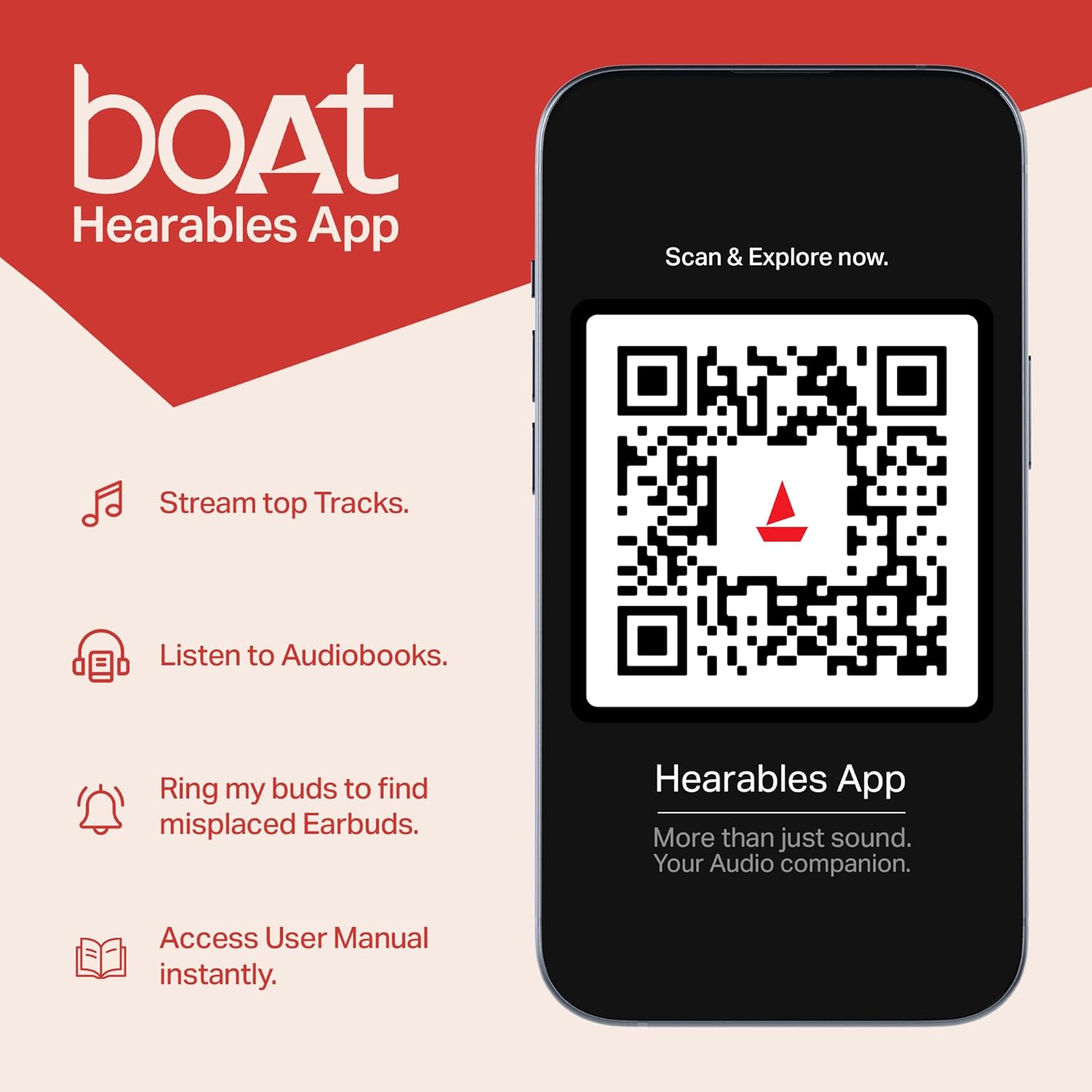
Figure 4.2: Dual Mics with ENx™ Technology
This diagram highlights the internal structure of the Airdopes 311 Pro earbuds, specifically showcasing the Dual Mics with ENx™ Technology. This technology is designed to provide clear voice calls by effectively canceling environmental noise.
5. Maintenance and Care
To ensure the longevity and optimal performance of your Airdopes 311 Pro, follow these maintenance guidelines:
- Cleaning: Regularly clean the earbuds and charging case with a soft, dry, lint-free cloth. Do not use abrasive cleaners or solvents.
- Water Resistance: The earbuds are IPX4 rated, meaning they are resistant to splashes and sweat. Do not submerge them in water or expose them to heavy rain. Dry them thoroughly if they get wet.
- Storage: When not in use, store the earbuds in their charging case to protect them from dust and damage. Store in a cool, dry place away from extreme temperatures.
- Charging: Use only the provided USB Type-C cable or a certified equivalent for charging. Avoid overcharging.
6. Troubleshooting
If you encounter issues with your Airdopes 311 Pro, try the following solutions:
6.1 Pairing Issues
- Earbuds not pairing with device: Ensure Bluetooth is enabled on your device. Make sure the earbuds are charged and in pairing mode. Forget the device from your phone's Bluetooth list and try pairing again.
- Only one earbud working: Place both earbuds back into the charging case, close the lid, wait a few seconds, then open the lid again. This often re-syncs them.
6.2 Sound Issues
- No sound: Check the volume level on both your device and the earbuds. Ensure the earbuds are properly connected.
- Low volume: Clean any debris from the earbud mesh. Adjust volume on your device.
- Distorted sound: Move closer to your paired device to avoid interference. Ensure the earbuds are fully charged.
6.3 Charging Issues
- Earbuds not charging: Ensure the earbuds are correctly seated in the charging case. Clean the charging contacts on both the earbuds and the case.
- Case not charging: Try a different USB Type-C cable and power adapter. Ensure the charging port is clean and free of debris.
7. Specifications
| Feature | Specification |
|---|---|
| Model Name | Airdopes 311 Pro |
| Connectivity Technology | Bluetooth |
| Wireless Communication Technology | Bluetooth v5.3 |
| Audio Latency | 50 Milliseconds (Beast Mode) |
| Driver Size | 10mm |
| Playtime (Total) | Up to 50 hours (with charging case) |
| Fast Charging | ASAP Charging (10 mins charge = 150 mins playtime) |
| Water Resistance Level | IPX4 (Water Resistant) |
| Control Method | Touch |
| Microphones | Dual Mics with ENx™ Technology |
| Earpiece Shape | In-ear |
| Item Weight | 120 Grams (4.2 ounces) |
| Product Dimensions | 1.73 x 3.66 x 4.72 inches |
| Batteries | 1 Lithium Polymer battery required (included) |
| Color | Space Grey |
8. Warranty and Support
Your boAt Airdopes 311 Pro comes with a manufacturer's warranty. Please refer to the warranty card included in your product packaging for specific terms and conditions, including warranty duration and claim procedures.
For further assistance, product registration, or to access the user manual digitally, you can download the boAt Hearables App.

Figure 8.1: boAt Hearables App
This image promotes the boAt Hearables App, which allows users to stream top tracks, listen to audiobooks, find misplaced earbuds, and access the user manual instantly. A QR code is provided for easy download and exploration of the app's features. You can download the app via this link: boAt Hearables App Download
You can also visit the official boAt website for support and FAQs: www.boat-lifestyle.com
Related documents1000003310


Ask a question about this manual
Ask about setup, troubleshooting, compatibility, parts, safety, or missing instructions. Manuals+ will review the question and use this page’s manual context to help answer it.