
1. Introduction
Welcome to your SANODESK Electric Standing Desk. This desk is designed to provide a flexible and ergonomic workspace, allowing you to easily switch between sitting and standing positions throughout your day. Its key features include electric height adjustment, memory presets for convenience, and an anti-collision system for safety. This manual will guide you through the assembly, operation, and maintenance of your new desk.
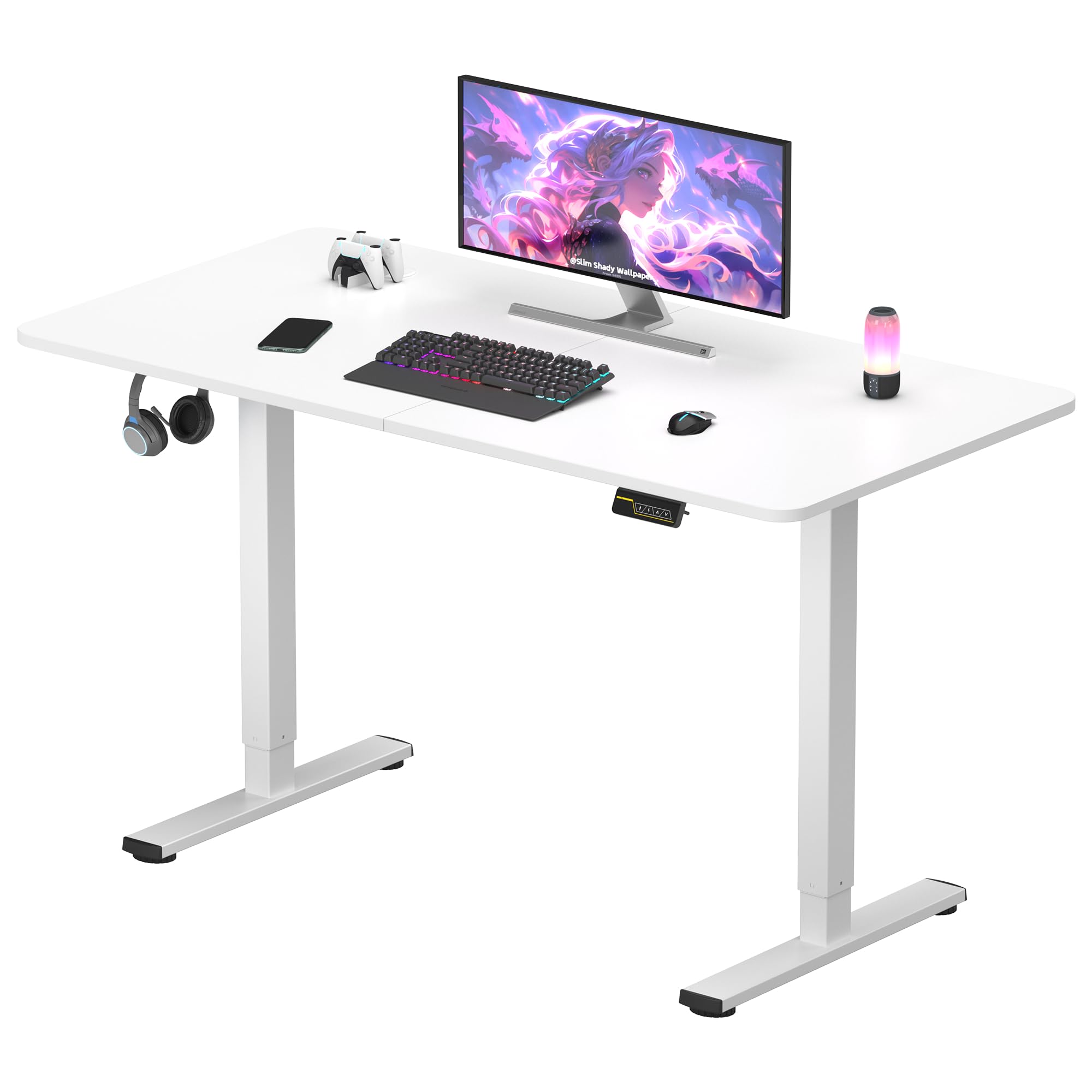
Figure 1: SANODESK 120x60 Electric Standing Desk in a typical office setup.
2. Safety Information
Please read and understand all safety instructions before assembling or operating your desk to prevent injury or damage.
- Keep children and pets away from the desk during operation.
- Ensure all cables are properly routed to avoid pinching, tripping hazards, or damage.
- Do not overload the desk. The maximum load capacity is 60 kg.
- Only use the power adapter provided with your desk.
- Do not attempt to disassemble or repair the motor or control system yourself. Contact SANODESK customer support for assistance.
- Ensure there are no obstructions above or below the desk when adjusting its height.
3. Package Contents
Before beginning assembly, verify that all components are present and undamaged:
- Desk Frame Components (legs, crossbar)
- Desktop Panel (120 x 60 cm, White)
- Control Panel with LED Display
- Power Adapter and Cable
- Assembly Hardware (screws, tools)
- Accessory Hook
- User Manual
4. Setup and Assembly
Assembly is straightforward and can typically be completed by one person. Follow these general steps:
- Unpack Components: Carefully remove all parts from the packaging. Place them on a soft, clean surface to prevent scratches.
- Assemble the Frame: Attach the desk legs to the crossbar using the provided screws. Ensure all connections are secure and tightened.
- Attach the Desktop: Carefully place the desktop panel onto the assembled frame. Align the pre-drilled holes and secure the desktop with the appropriate screws.
- Install Control Panel and Accessories: Mount the control panel to the underside of the desktop in a convenient location. Attach the accessory hook as desired.
- Connect Power: Connect the power cable to the control box and then plug it into a standard power outlet.
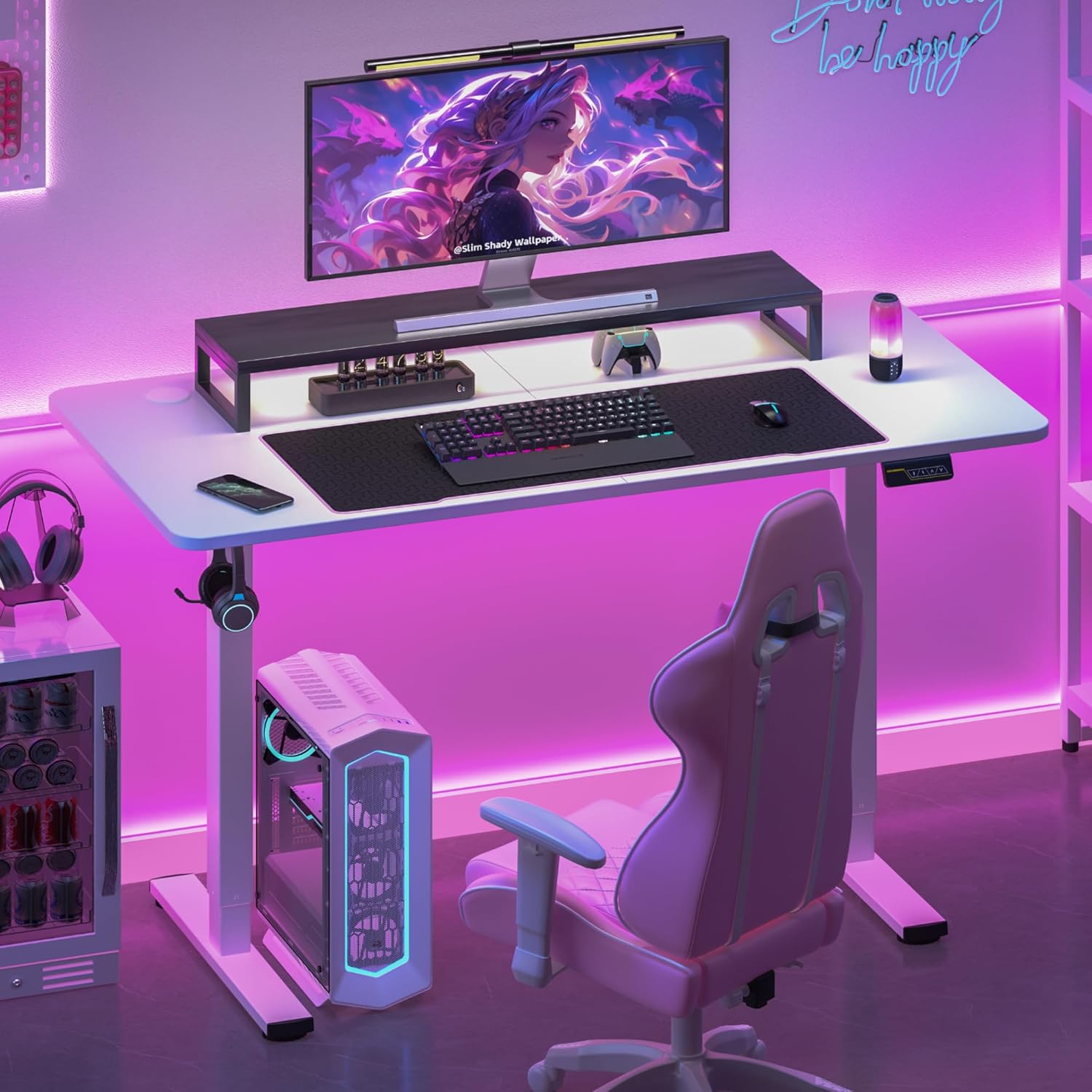
Figure 2: An example of a fully assembled SANODESK Electric Standing Desk with accessories, ready for use.
5. Operating Instructions
5.1. Height Adjustment
Use the control panel to adjust the desk height:
- Press and hold the "Up" (∧) button to raise the desk.
- Press and hold the "Down" (∨) button to lower the desk.
- The LED display will show the current height in centimeters.
- The adjustable height range is from 73 cm to 118 cm.
5.2. Memory Presets
Save your preferred sitting and standing heights for quick adjustments:
- To save a height: Adjust the desk to your desired height. Press the "M" button, then press a number button (e.g., "1" or "2") to save the current height to that preset.
- To recall a saved height: Simply press the corresponding number button (e.g., "1" or "2"). The desk will automatically move to the saved height.
5.3. Anti-Collision System
Your SANODESK is equipped with an anti-collision system. If the desk encounters an obstacle during height adjustment, it will automatically stop and reverse slightly to prevent damage to the desk or objects.

Figure 3: Close-up view of the SANODESK control panel, featuring an LED display for height, Up/Down buttons, and memory function buttons.

Figure 4: Illustration demonstrating the adjustable height range of the SANODESK Electric Standing Desk, from 72 cm to 117 cm.
6. Maintenance
Regular maintenance ensures the longevity and optimal performance of your desk:
- Cleaning: Wipe the desktop and frame with a soft, damp cloth. Avoid using abrasive cleaners or harsh chemicals that could damage the surface.
- Cable Management: Periodically check and organize all cables to prevent tangles, pinching, or damage.
- Fastener Check: Ensure all screws and fasteners remain tight. Retighten if necessary to maintain stability.
7. Troubleshooting
If you encounter any issues with your SANODESK, refer to the following common troubleshooting steps:
- Desk Not Moving:
- Check if the power cable is securely connected to both the desk's control box and a functional power outlet.
- Ensure the power outlet is working by testing it with another device.
- If an error code appears on the LED display, try unplugging the desk for 10 seconds and plugging it back in to reset.
- Uneven Movement:
- Ensure the desk is not overloaded and that weight is evenly distributed across the desktop.
- Check for any obstructions under or around the desk legs.
- Anti-Collision System Triggering Frequently:
- Verify that there are no objects in the desk's path during height adjustment.
- Ensure the desk is not placed too close to a wall or other furniture.
If these steps do not resolve the issue, please contact SANODESK customer support for further assistance.
8. Specifications
| Feature | Specification |
|---|---|
| Desktop Dimensions (L x W) | 120 cm x 60 cm |
| Adjustable Height Range | 73 cm - 118 cm |
| Maximum Load Capacity | 60 kg |
| Desktop Material | Wood |
| Frame Material | Metal |
| Operation Noise Level | <50dB |
| Special Features | Electric Height Adjustment, Memory Presets, Anti-Collision System, Accessory Hook |
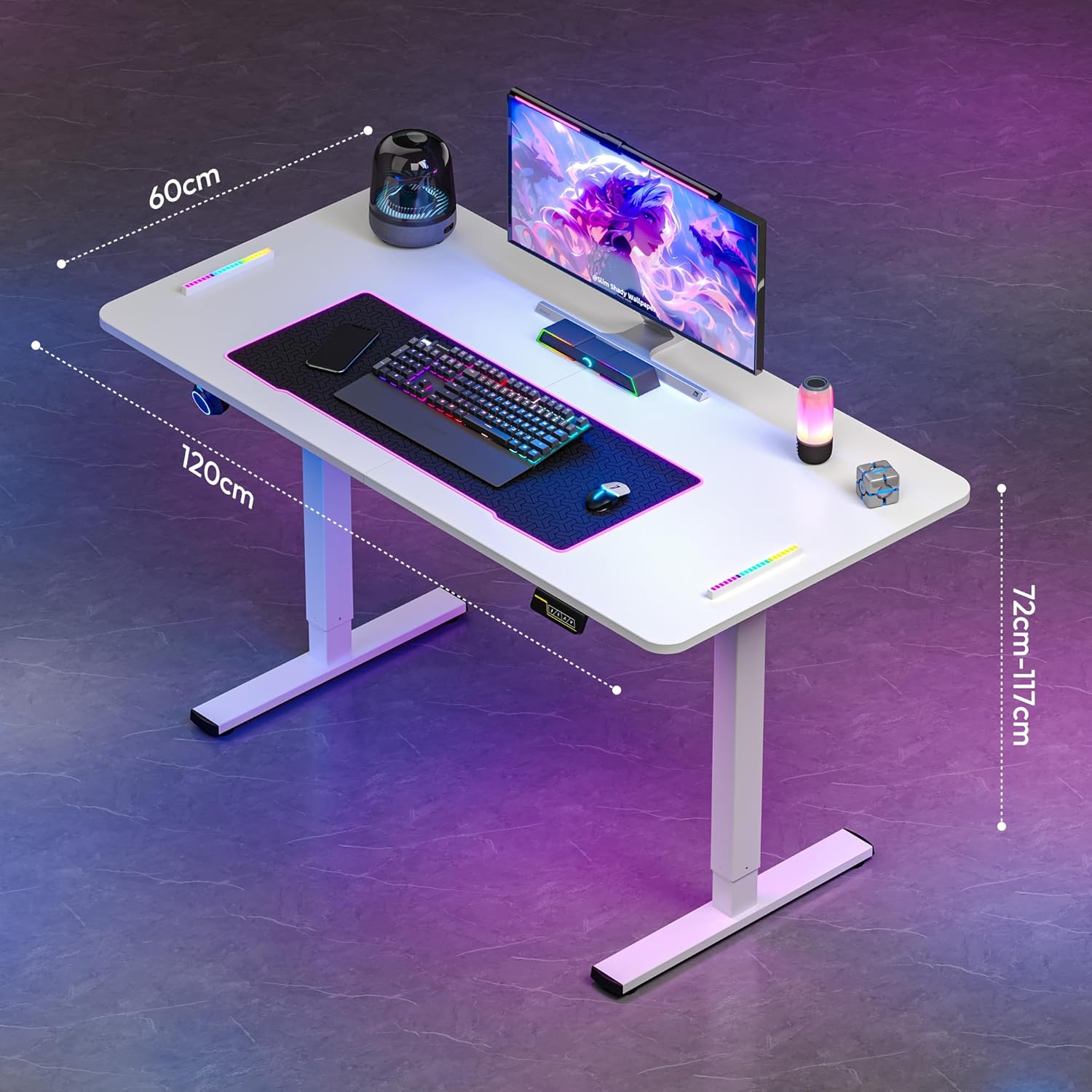
Figure 5: An overhead view of the SANODESK Electric Standing Desk, highlighting its dimensions of 120 cm length, 60 cm width, and adjustable height.

Figure 6: Image illustrating the robust design of the SANODESK Electric Standing Desk, capable of supporting a maximum weight of 60 kg.

Figure 7: Visual representation emphasizing the quiet operation of the SANODESK Electric Standing Desk, with a noise level below 50 decibels.
9. Warranty and Support
For any questions, technical assistance, or warranty inquiries, please do not hesitate to contact SANODESK customer support. We are committed to responding to your queries within 24 hours and providing satisfactory service solutions.
Please refer to your purchase documentation for specific warranty terms and conditions.


