
1. Introduction and Overview
This manual provides essential information for the assembly, operation, maintenance, and troubleshooting of your SANODESK Electric Standing Desk, Model 156E. This desk is designed to offer a versatile and ergonomic workspace for various activities, including office work, studying, and gaming, allowing seamless transitions between sitting and standing positions.

Figure 1: The SANODESK Electric Standing Desk in a white finish, with a user standing comfortably while operating a multi-monitor setup. The desk is shown at an elevated height, highlighting its standing functionality.
2. Important Safety Information
Always ensure the desk is properly anchored to the floor to prevent tipping. Do not place heavy objects on the desk that exceed the weight limit of 198 lbs to maintain stability and prevent injuries.
- Keep children and pets away from the desk during operation.
- Ensure no obstacles are in the path of the desk's movement (up or down).
- Do not sit or stand on the desk.
- Avoid spilling liquids on the control panel or electrical components.
3. Product Features
- Spacious Desktop: A generous 71" x 32" work surface provides ample space for multiple monitors, laptops, and other office equipment.
- LED Memory Control Panel: Features a 6-button controller with an LED display, allowing easy height adjustment and storage of up to four preset heights for quick recall.
- Electric Lifting System: Smoothly adjusts height from 28.9 inches to 46.5 inches, powered by a quiet motor. The industrial-grade steel frame ensures stability and supports up to 154 lbs.
- Sleek and Timeless Design: The frame is coated with waterproof and rustproof paint, offering easy cleaning and a modern aesthetic suitable for various decor styles.
- High-Quality Desktop Material: Thick, waterproof, and eco-friendly wood desktop for durability and a premium feel.

Figure 2: An overhead perspective highlighting the broad and uncluttered surface of the desk, capable of accommodating multiple monitors, a keyboard, mouse, and other office essentials, promoting an organized workspace.
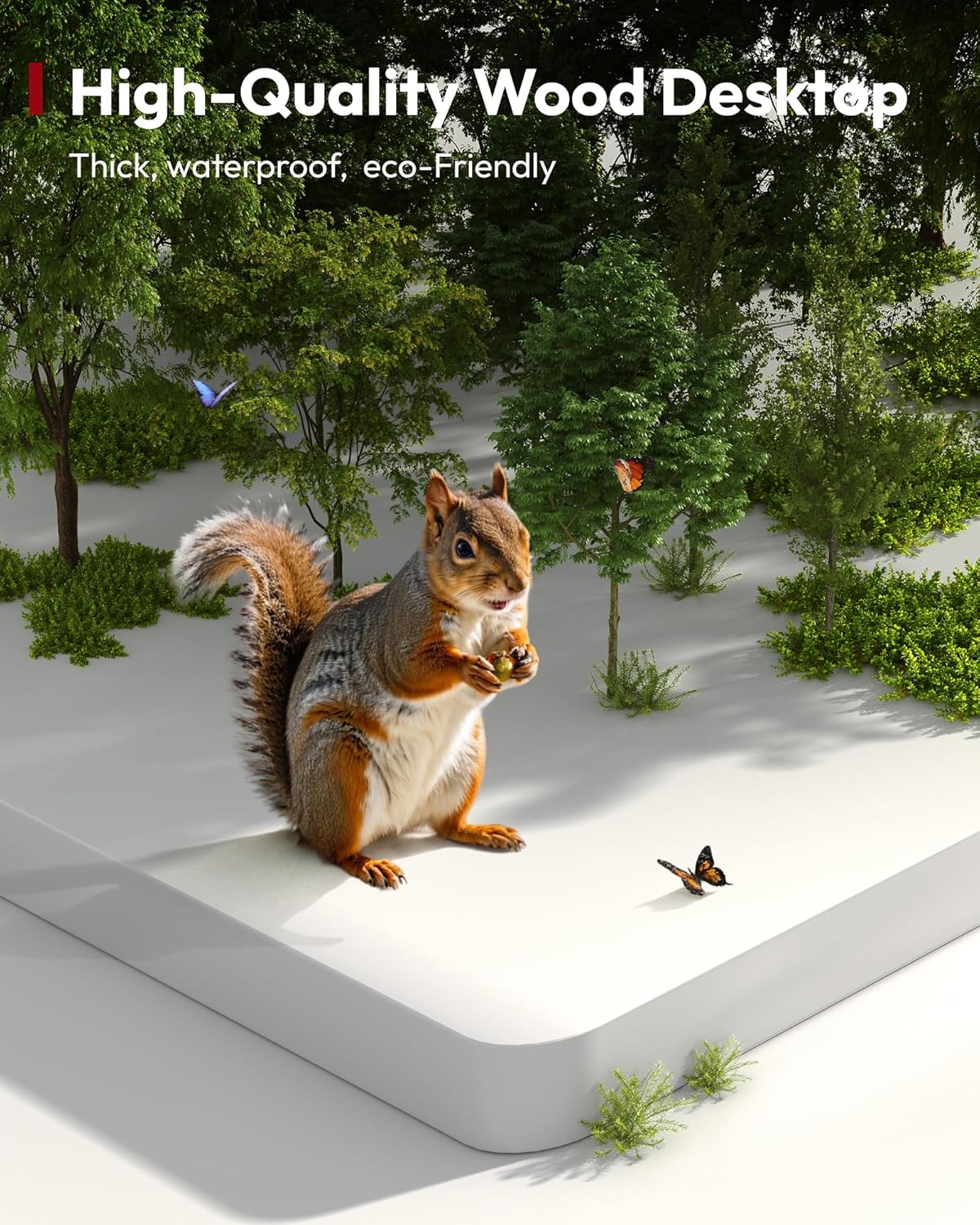
Figure 3: This close-up image emphasizes the desk's high-quality wood desktop, noting its thickness, waterproof properties, and eco-friendly composition, ensuring durability and a pleasant aesthetic.
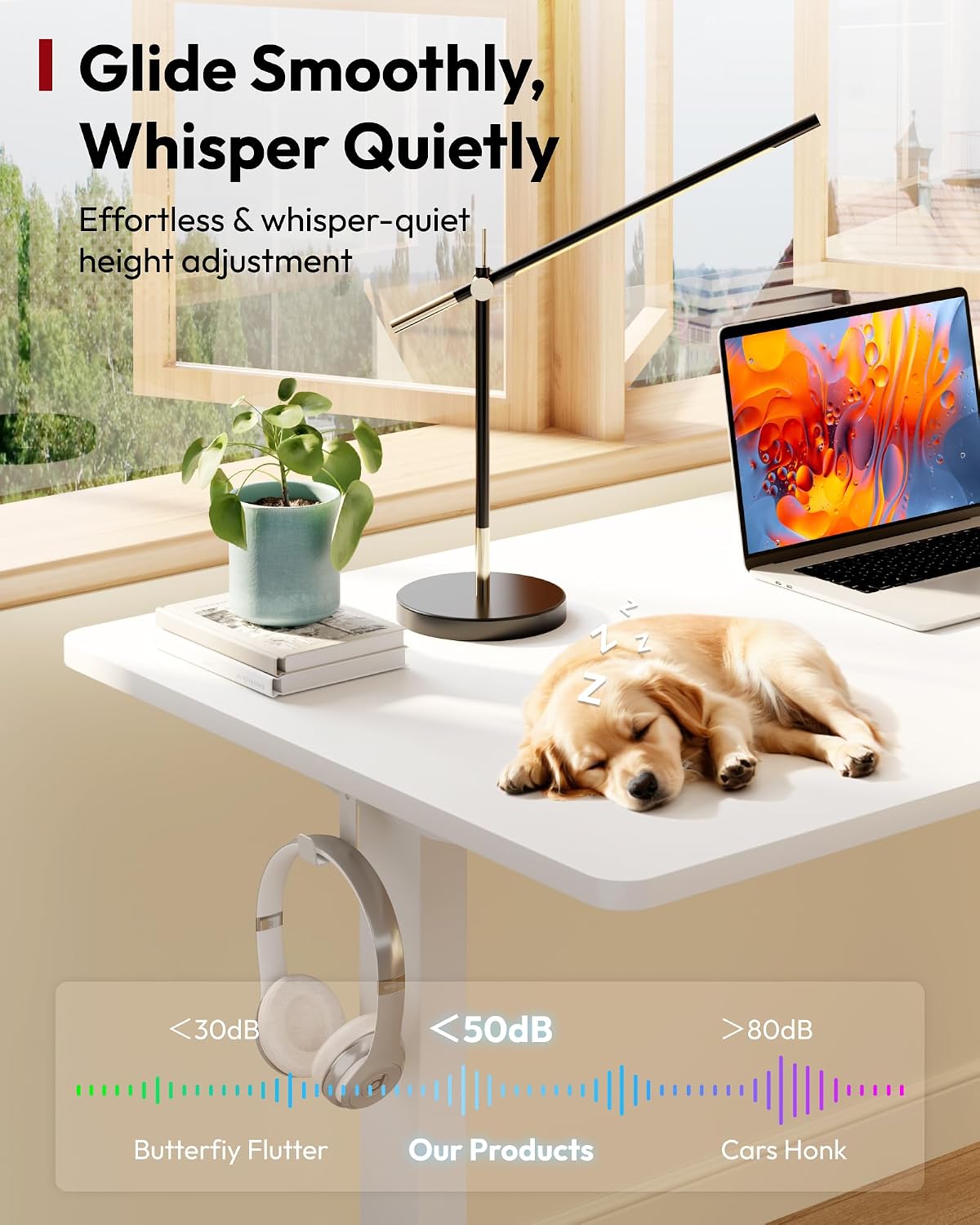
Figure 4: This visual representation highlights the desk's quiet operation, indicating a noise level below 50dB, ensuring minimal disturbance during height adjustments.
4. Setup and Assembly
The SANODESK Electric Standing Desk is designed for straightforward assembly. Please note that the desk will be delivered in two separate packages, which may arrive at different times. Ensure all components are present before beginning assembly.
- Unpack all components and verify against the included parts list.
- Follow the detailed instructions provided in the assembly manual included in your package.
- Ensure all screws and fasteners are securely tightened for stability.
- Connect the power cable to the control box and a suitable power outlet.
For optimal stability, ensure the desk is placed on a level surface.
5. Operating Instructions
Your SANODESK Electric Standing Desk features an intuitive 6-button LED memory control panel for easy height adjustment.

Figure 5: A detailed view of the desk's control panel, featuring an LED display for height indication, up/down adjustment buttons, and four memory preset buttons. A convenient headphone hook is also visible on the desk's side.

Figure 6: This image showcases the adjustable height range of the SANODESK Electric Standing Desk, from a minimum of 28.9 inches to a maximum of 46.5 inches, accommodating various user preferences for sitting and standing.
5.1. Manual Height Adjustment
- Use the Up (▲) and Down (▼) arrow buttons to manually raise or lower the desk to your desired height. The LED display will show the current height.
5.2. Setting Memory Presets
The control panel allows you to save up to four preferred height settings.
- Adjust the desk to your desired height using the Up/Down arrows.
- Press the Memory (M) button. The LED display will flash 'S-'.
- Immediately press one of the numbered preset buttons (1, 2, 3, or 4) to save the current height to that position. The display will show the number you selected, confirming the setting is saved.
5.3. Recalling Memory Presets
- Simply press the corresponding numbered preset button (1, 2, 3, or 4) to automatically move the desk to the saved height.
6. Maintenance
- Cleaning: Wipe the desk surface and frame with a soft, damp cloth. Avoid abrasive cleaners or harsh chemicals that could damage the finish.
- Cable Management: Regularly check and organize cables to prevent tangles and damage, ensuring smooth operation of the desk.
- Inspection: Periodically inspect all screws and connections to ensure they remain tight.
7. Troubleshooting
| Problem | Possible Cause | Solution |
|---|---|---|
| Desk does not move or stops mid-movement. | Power connection issue, overload, or motor error. | Check power cable connection. Reduce weight on the desk (max 154 lbs). Perform a reset by unplugging the desk for 10 seconds, then plugging it back in. |
| One leg adjusts, but the other does not. | Synchronization issue between motors. | Lower the desk to its lowest position and hold the down button for 5-10 seconds to re-synchronize the legs. If the issue persists, contact customer service. |
| LED display shows an error code. | Specific system error. | Refer to the detailed error code list in the full product manual (if available) or contact customer service with the specific code. |
8. Specifications

Figure 7: This diagram illustrates the overall dimensions of the SANODESK Electric Standing Desk, measuring 71 inches in length and 32 inches in width, providing a spacious work surface.
| Feature | Detail |
|---|---|
| Brand | SANODESK |
| Model Name | 156E |
| Product Dimensions | 71"D x 32"W x 28.3"H |
| Color | White Frame+white Top |
| Style | Modern |
| Base Material | Alloy Steel |
| Top Material Type | Wood |
| Finish Type | Wood |
| Recommended Uses | Office, Working, Gaming |
| Minimum Height | 28.3 Inches |
| Maximum Height | 46.5 Inches |
| Maximum Weight Recommendation | 154 Pounds |
| Required Assembly | Yes |
| Included Components | Desk, Keyboard Tray, Monitor Arm (Note: Components may vary by package) |
9. Warranty and Support
Your satisfaction is a priority for SANODESK. The product comes with a Limited Warranty. For specific details regarding the warranty period and coverage, please refer to the documentation included with your purchase.
If you encounter any problems when you receive the product or during its use, we provide a 30-day return or exchange service. Please contact customer service through your order page for assistance. We are committed to offering support and resolving any issues you may experience.


