
1. Important Safety Information
Please read and understand all safety warnings and assembly instructions before operating this electric standing desk. Failure to follow these instructions may result in injury or damage to the product.
- This electric standing desk has a maximum load capacity of 70 kg (154 lbs). Do not exceed this weight limit.
- Always ensure the desk is stable before use.
- Utilize the integrated child safety system to prevent unintended operation.
- The motor is equipped with an automatic shut-off feature that activates if resistance is encountered during height adjustment. This is a safety mechanism; do not force the desk if it stops.
- Keep hands and objects clear of moving parts during operation.
- Do not allow children to play with or operate the desk without adult supervision.
- Ensure all cables are properly managed to prevent tripping hazards or damage to the desk's mechanism.
2. Product Overview
The SANODESK QS1 Electric Standing Desk is designed to provide a versatile and ergonomic workspace, allowing seamless transitions between sitting and standing positions. It features a robust frame, a quiet motor, and an intelligent control panel with memory functions.
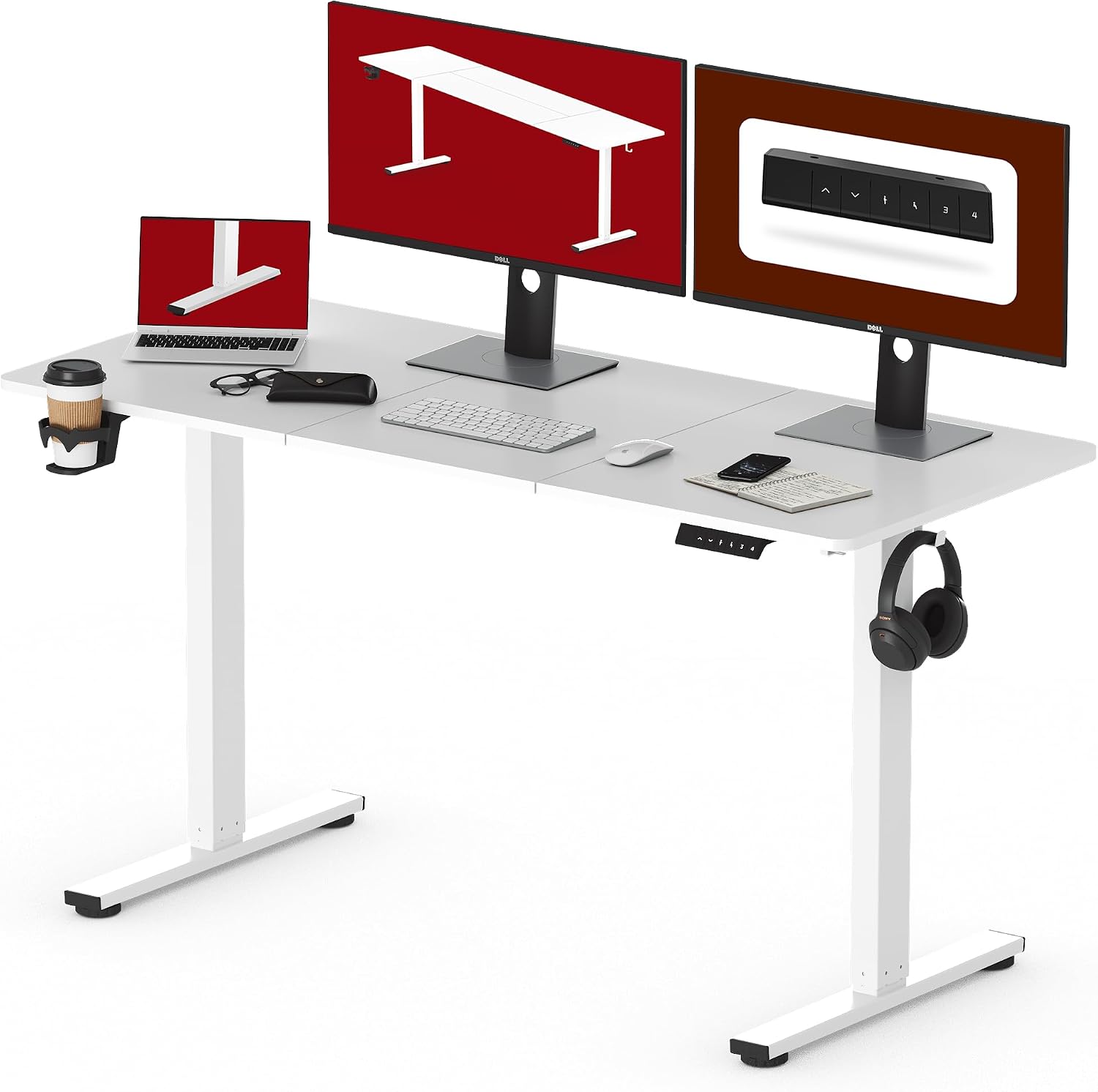
Figure 2.1: Overview of the SANODESK QS1 Electric Standing Desk setup.
Key Features:
- Height Adjustable: Easily adjust the desk height to your preferred sitting or standing position.
- Smooth Lifting: Equipped with a single, silent motor for smooth and stable height transitions.
- Stable Construction: Built with durable materials to ensure stability and reliability.
- Memory Height Presets: Program and recall your favorite heights with the touch of a button.
- Low Noise Operation: Operates quietly, ensuring a distraction-free work environment.
- Useful Accessories: Includes a convenient cup holder and hooks for organization.

Figure 2.2: Product dimensions and core features.
3. Setup and Assembly
The SANODESK QS1 requires assembly. Please refer to the detailed assembly instructions provided in the product packaging for step-by-step guidance. Ensure all components are present and undamaged before beginning assembly.
Assembly Tips:
- Lay out all parts on a clean, soft surface to prevent scratches.
- Follow the numerical order of steps in the assembly manual.
- Ensure all screws and fasteners are tightened securely, but do not overtighten.
- Proper cable management is crucial for safety and aesthetics. Utilize the integrated cable management solutions.

Figure 3.1: Example of effortless cable organization.
4. Operating Instructions
The SANODESK QS1 features an intuitive control panel for easy height adjustment and memory functions.
Control Panel Functions:

Figure 4.1: Smart Controller Panel.
- LED Display: Shows the current desk height in centimeters.
- Up/Down Arrows (▲ / ▼): Press and hold to manually adjust the desk height up or down. Release the button to stop at the desired height.
- Sit/Stand Button (🧍): Quickly toggles between a pre-set sitting and standing height.
- Memory Buttons (1, 2, 3, 4): These buttons allow you to save and recall up to four preferred desk heights.
Setting Memory Presets:
- Adjust the desk to your desired height using the Up/Down arrows.
- Press the 'M' button (or similar memory set button, if present, otherwise directly press the number).
- Within 3 seconds, press the desired memory button (1, 2, 3, or 4) to save the current height. The display may flash to confirm.
- To recall a saved height, simply press the corresponding memory button (1, 2, 3, or 4). The desk will automatically move to that height.
Height Adjustment Range:
The desk can be adjusted from a minimum height of 73.5 cm (28.9 inches) to a maximum height of 118 cm (46.5 inches).

Figure 4.2: Desk height adjustment range.
Quiet Operation:
The desk's motor operates at a low noise level of less than 50 dB, ensuring a quiet and undisturbed working environment.
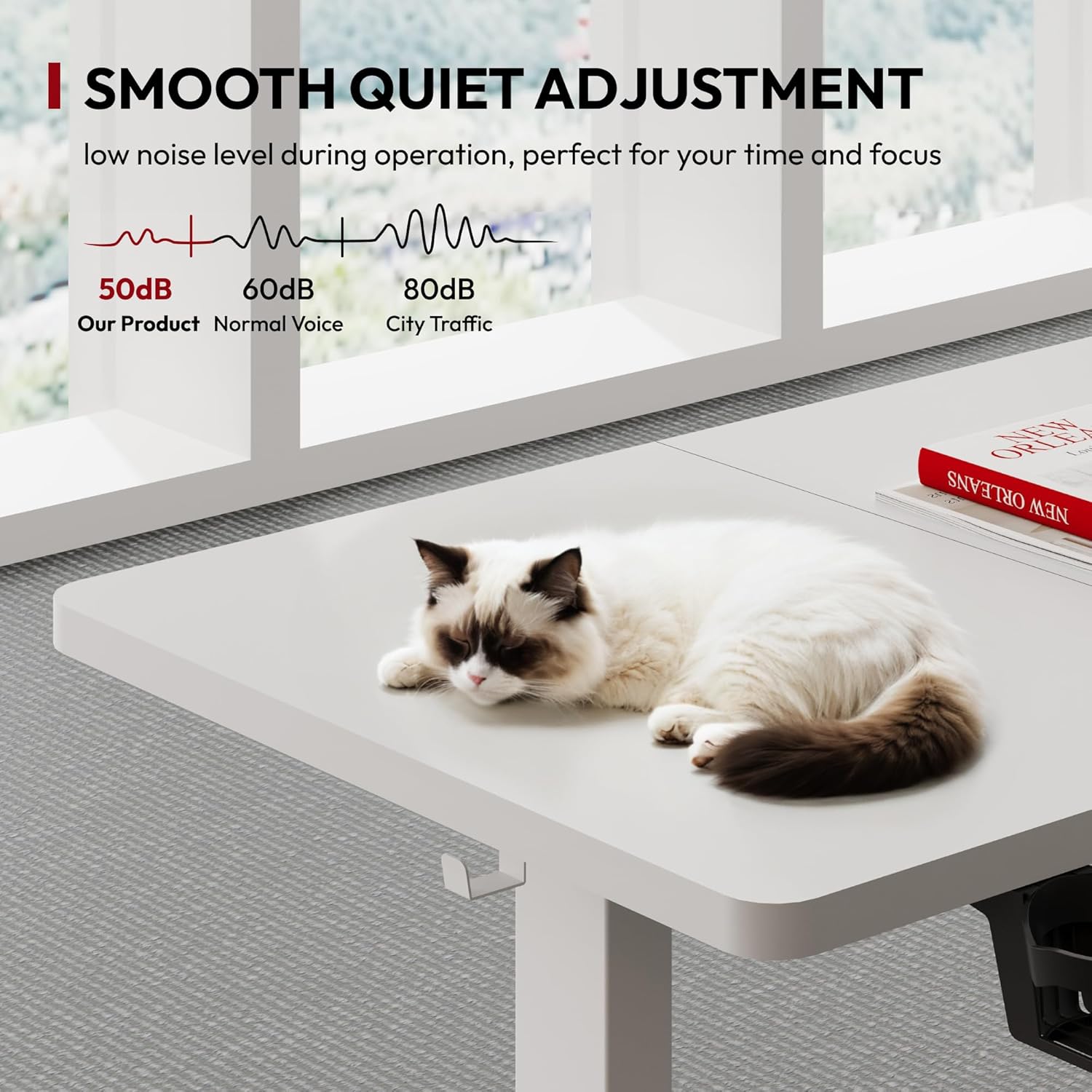
Figure 4.3: Smooth and quiet adjustment.
5. Maintenance
Regular maintenance helps ensure the longevity and optimal performance of your SANODESK QS1 Electric Standing Desk.
- Cleaning: Wipe the desk surface and frame with a soft, damp cloth. Avoid using harsh chemicals or abrasive cleaners that could damage the finish.
- Check Connections: Periodically inspect all screws and bolts to ensure they remain tight. Retighten if necessary.
- Cable Management: Ensure cables are not pinched or tangled, which could affect desk movement or damage wiring.
- Load Capacity: Do not overload the desk beyond its specified maximum capacity of 70 kg.
6. Troubleshooting
If you encounter any issues with your SANODESK QS1 Electric Standing Desk, please refer to the following common troubleshooting steps:
| Problem | Possible Cause | Solution |
|---|---|---|
| Desk does not move or respond to controls. | Power cable disconnected; motor overload; safety stop activated. | Check power connection. Unplug and replug the power cord. Reduce load on the desk. If safety stop activated, remove obstruction and try again. |
| Desk moves unevenly or makes unusual noises. | Uneven load; loose connections; obstruction. | Distribute weight evenly on the desk. Check and tighten all assembly screws. Inspect for any obstructions under or around the desk. |
| Memory presets are not working correctly. | Presets not saved correctly; power interruption. | Re-program the memory presets following the instructions in Section 4. |
| Desk stops moving unexpectedly. | Overload protection; anti-collision feature activated. | Reduce the weight on the desk. Check for any objects obstructing the desk's movement. The desk will resume operation after a short pause. |
If the problem persists after attempting these solutions, please contact SANODESK customer support for further assistance.
7. Specifications
| Attribute | Specification |
|---|---|
| Brand | SANODESK |
| Model Number | QS1W-1460-EU |
| Color | White |
| Product Dimensions (L x W x H) | 140 cm x 60 cm x 73.5-118 cm (55.1 x 23.6 x 28.9-46.5 inches) |
| Material | Engineered Wood (Tabletop), Metal (Base) |
| Weight | 26.5 kg (58.4 lbs) |
| Maximum Load Capacity | 70 kg (154 lbs) |
| Motor Type | Single Motor |
| Noise Level | < 50 dB |
| Special Features | Ergonomic, Height Adjustable, Electric, Memory Presets, Child Safety, Anti-Collision |
8. Warranty and Support
SANODESK is committed to providing high-quality products and customer satisfaction.
Return Policy:
This product is eligible for a 30-day return policy. Please refer to the retailer's specific return terms and conditions for detailed information.
Customer Support:
For any questions, technical assistance, or warranty claims, please contact SANODESK customer support directly through the retailer's platform or via the contact information provided in your product packaging. When contacting support, please have your model number (QS1W-1460-EU) and purchase details ready.


