
1. Introduction
This manual provides essential instructions for the safe and efficient use of your OnePlus Nord Buds 2 True Wireless Earbuds. Please read this manual thoroughly before using the product and retain it for future reference.
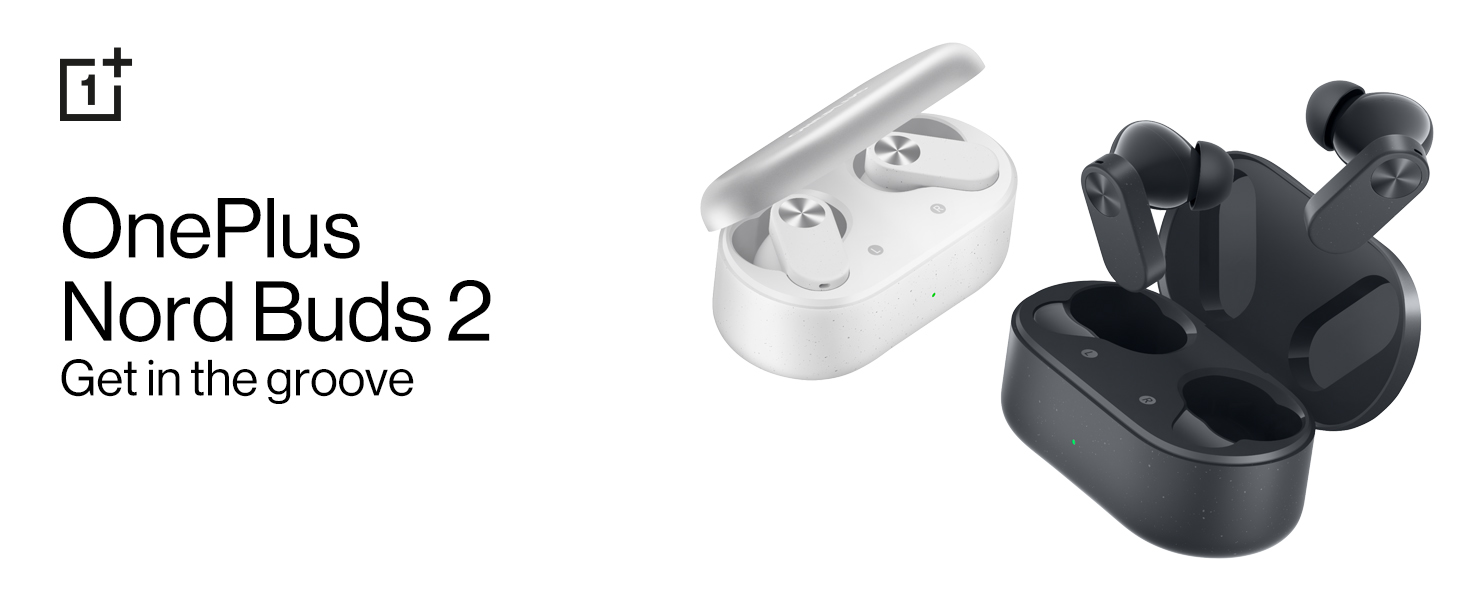
Image: OnePlus Nord Buds 2 in both Lightning White and Thunder Gray colors, alongside their respective charging cases.
2. What's in the Box
Verify that all items are present in the packaging:
- OnePlus Nord Buds 2 Earbuds (Left and Right)
- Charging Case
- 1U Charging Cable (USB Type-C)
- 4N Eartips (various sizes)
- 1U User Guide
- 1U Warranty & Safety Card
- 1N Red Cable Club Welcome Card
3. Product Overview
3.1 Earbuds and Charging Case
The OnePlus Nord Buds 2 consist of two true wireless earbuds and a portable charging case. The earbuds feature a stem design with touch control areas.

Image: The OnePlus Nord Buds 2 earbuds shown with their charging case, illustrating their compact design.
3.2 Components
- Earbud Speaker: Delivers audio.
- Microphones: Used for calls and Active Noise Cancellation.
- Touch Control Area: For managing playback, calls, and modes.
- Charging Contacts: For charging the earbuds within the case.
- Charging Case LED Indicator: Shows charging status and battery level.
- USB Type-C Port: For charging the case.

Image: A detailed view of a single earbud, showing the speaker and microphone components.
4. Setup
4.1 Charging
- Initial Charge: Before first use, place both earbuds into the charging case and connect the case to a power source using the provided USB Type-C cable. Ensure the case and earbuds are fully charged.
- Charging Earbuds: Place the earbuds into the charging case. They will charge automatically. The case LED indicates the charging status.
- Charging Case: Connect the charging case to a USB power adapter using the USB Type-C cable. The LED indicator will show charging progress. A full charge provides up to 36 hours of total playback with the case.
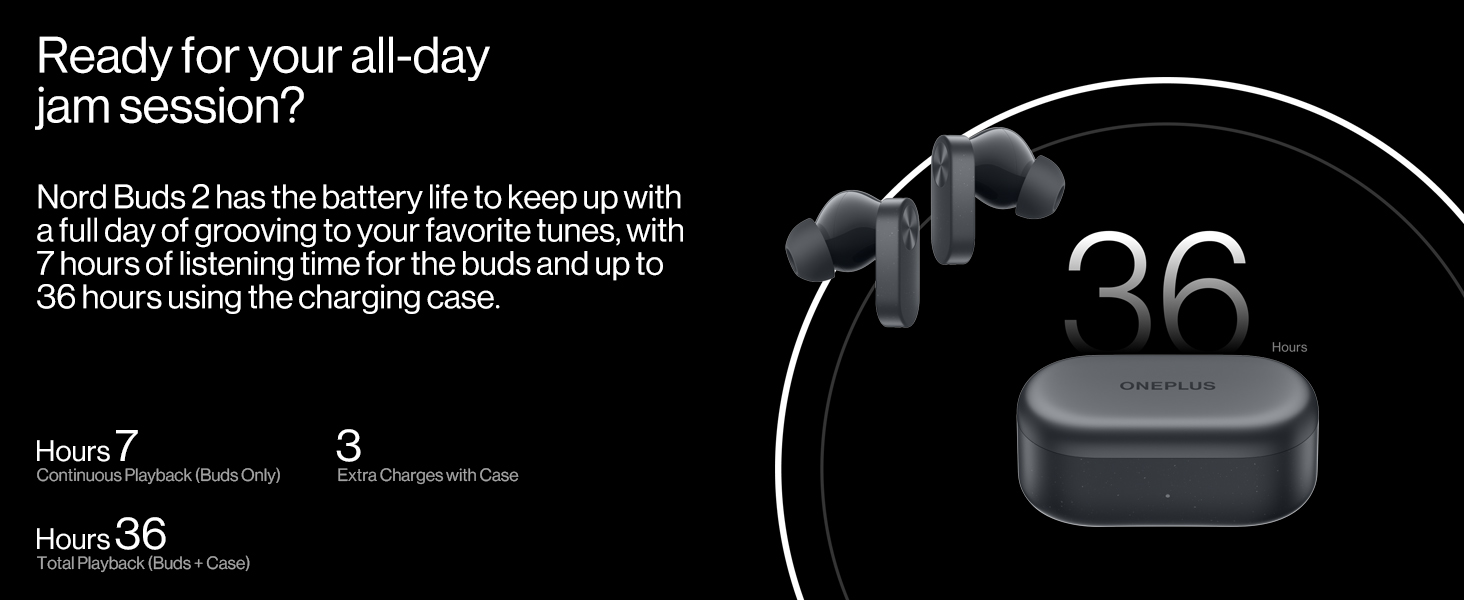
Image: Visual representation of the battery life, indicating 7 hours of continuous playback for earbuds and 36 hours total with the charging case.
4.2 Pairing
- First-time Pairing: Open the charging case with the earbuds inside. The earbuds will automatically enter pairing mode.
- Connect to Device: On your smartphone or Bluetooth device, go to Bluetooth settings and select "OnePlus Nord Buds 2" from the list of available devices.
- Re-pairing/New Device: To pair with a new device or re-pair, place the earbuds in the case, open the lid, and press and hold the function button on the case for 2 seconds until the indicator light flashes white. Then select the earbuds on your device.
- Fast Pairing (OnePlus Devices): For OnePlus devices, simply open the charging case near your phone, and a pop-up will appear for quick connection.
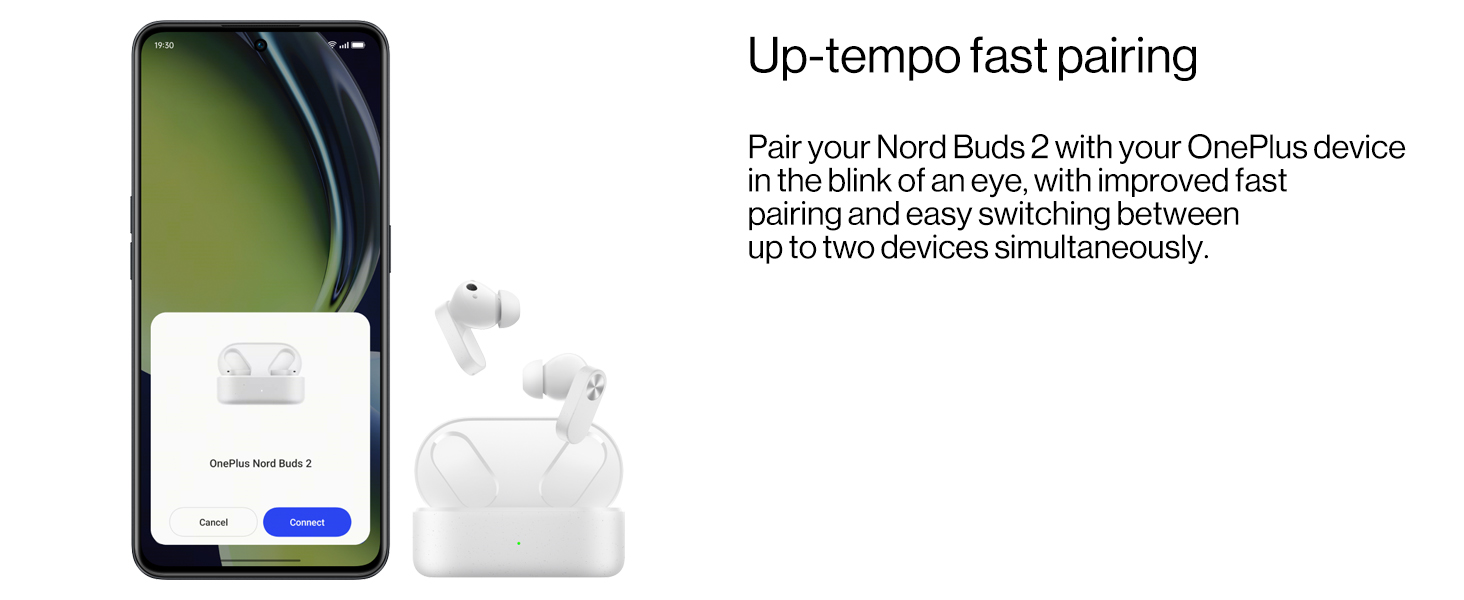
Image: A smartphone screen showing the fast pairing interface for OnePlus Nord Buds 2.
4.3 Wearing the Earbuds
- Select Eartips: Choose the eartips that provide the best seal and comfort for your ears. Different sizes are included.
- Insert Earbuds: Gently insert the earbuds into your ear canals.
- Adjust Position: Rotate the earbuds slightly until they fit securely and comfortably, ensuring the stem points downwards. A proper fit is crucial for optimal sound quality and Active Noise Cancellation performance.

Image: A selection of eartips in different sizes, allowing users to find the best fit for comfort and sound isolation.
5. Operating the Earbuds
5.1 Touch Controls
The touch control area is located on the stem of each earbud. Functions can be customized via the HeyMelody app.
- Single Tap: Play/Pause music, Answer/End call.
- Double Tap: Next track, Decline call.
- Triple Tap: Previous track.
- Press and Hold (1 second): Switch between Noise Cancellation modes (ANC On, Transparency, ANC Off).
5.2 Active Noise Cancellation (ANC)
The Nord Buds 2 feature up to 25dB Active Noise Cancellation to reduce ambient noise. Press and hold the touch control area on either earbud to cycle through ANC On, Transparency Mode, and ANC Off.

Image: A visual representation of how Active Noise Cancellation works, showing an earbud suppressing ambient sound waves.
5.3 Transparency Mode
Transparency Mode allows you to hear your surroundings while still listening to audio. This is useful for situational awareness. Activate it by pressing and holding the touch control area.
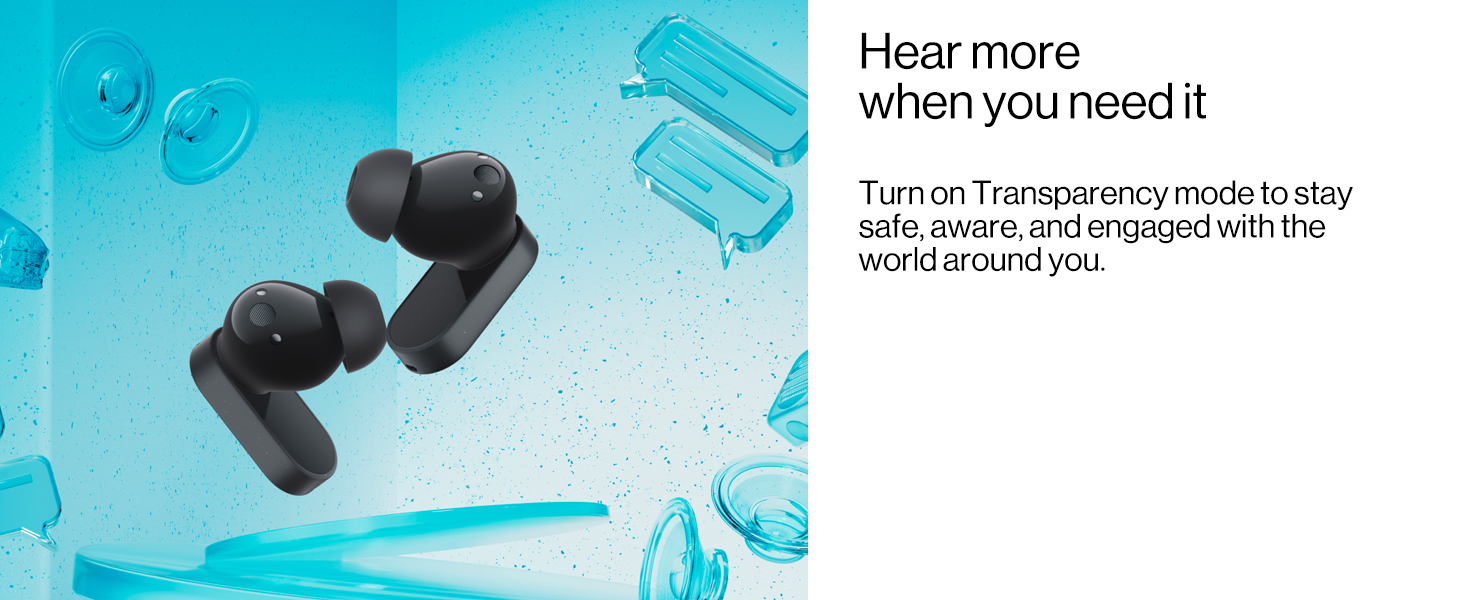
Image: Earbuds depicted with elements suggesting external sound, illustrating the function of Transparency Mode.
5.4 Sound Master Equalizers and BassWave Technology
Customize your audio experience using the HeyMelody app. The app provides various sound profiles (Balance, Vocal, Transparent) and the BassWave bass enhancement algorithm for dynamic low-frequency response.
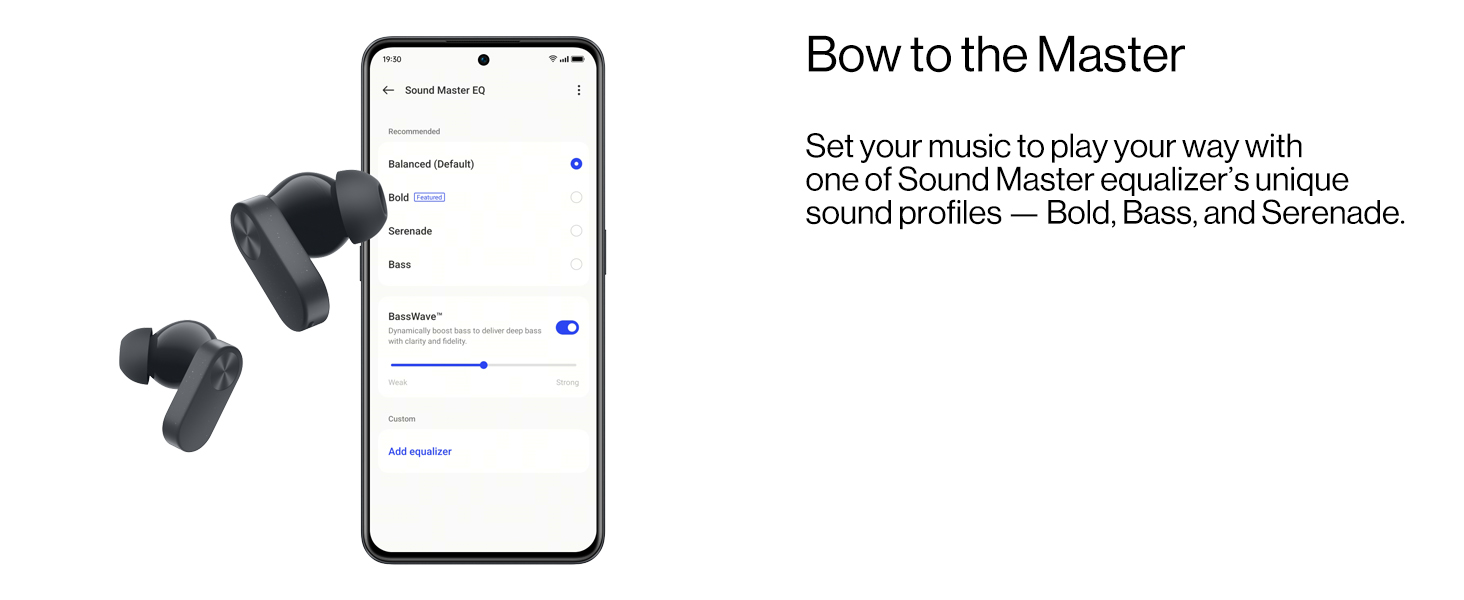
Image: A smartphone screen displaying the Sound Master Equalizer settings within the HeyMelody app, showing options for sound profiles and BassWave.
5.5 Call Functions
The Nord Buds 2 feature a 4-mic design and AI Clear Calls algorithm for clear voice pickup during calls, filtering out background noise.

Image: An illustration of an earbud indicating the placement and function of the noise cancellation and call clarity microphones.
6. Maintenance
6.1 Cleaning
Regular cleaning helps maintain optimal performance and hygiene:
- Use a soft, dry, lint-free cloth to wipe the earbuds and charging case.
- Gently remove any earwax or debris from the eartips and speaker mesh using a small, clean brush or cotton swab.
- Ensure charging contacts on both earbuds and case are clean and dry.
- Do not use abrasive materials, alcohol, or chemical cleaners.
6.2 Water Resistance (IP55 Rating)
The OnePlus Nord Buds 2 earbuds have an IP55 rating, indicating resistance to dust and splashes of water. This means they can withstand sweat and light rain. However, they are not waterproof and should not be submerged in water or exposed to high-pressure water jets.
- Dry the earbuds completely before placing them back into the charging case to prevent damage.
- The charging case is not water-resistant.

Image: A user wearing the earbuds during a workout, demonstrating their IP55 rating for sweat and water resistance.
7. Troubleshooting
7.1 Common Issues and Solutions
- Earbuds not pairing:
- Ensure earbuds are charged.
- Place earbuds in the case, close the lid, then open it. Press and hold the function button on the case for 2 seconds until the indicator light flashes white.
- Turn off and on Bluetooth on your device.
- Forget the device in your Bluetooth settings and try pairing again.
- No sound from one earbud:
- Ensure both earbuds are charged.
- Clean the charging contacts on both the earbud and the case.
- Try resetting the earbuds (refer to the full user guide for specific reset instructions).
- Low volume or poor sound quality:
- Adjust the volume on your connected device.
- Ensure eartips are correctly sized and provide a good seal.
- Clean the speaker mesh for any obstructions.
- Check equalizer settings in the HeyMelody app.
- ANC not effective:
- Ensure earbuds are properly seated in your ears with a good seal.
- Verify ANC is activated via touch control or the HeyMelody app.
8. Specifications
| Model | E508A |
| Connectivity | Bluetooth 5.3 |
| Wireless Range | Up to 10 meters |
| Driver Size | 12.4mm Dynamic Titanium Drivers |
| Noise Control | Active Noise Cancellation (up to 25dB) |
| Microphones | 4-Mic Design for calls |
| Battery Life (Earbuds) | Up to 7 hours (single charge) |
| Battery Life (Total with Case) | Up to 36 hours |
| Charging Time (Case) | Approximately 36 hours (This seems to be a typo in the source data, likely referring to total playback, not charge time. Actual charge time is typically much shorter, e.g., 1-2 hours for case.) |
| Fast Charging | 10 minutes charge for 5 hours playback |
| Water Resistance | IP55 (Earbuds only) |
| Control Type | Touch Control |
| Weight | 47 grams (total) |
9. Warranty and Support
For detailed warranty information, please refer to the included Warranty & Safety Card. This document outlines the terms and conditions of your product warranty.
For further assistance, technical support, or to access the full user manual, please visit the official OnePlus support website or contact their customer service.
Manufacturer: ONEPLUS TECHNOLOGY (SHENZHEN) CO., LTD.
Importer: MOBITECH CREATIONS PRIVATE LIMITED


