
Introduction
This manual provides detailed instructions for the safe and efficient operation of your Starfrit Digital Kitchen Scale. Please read this manual thoroughly before first use and retain it for future reference. This scale is designed for precise measurement of food ingredients, both solid and liquid, up to a maximum capacity of 11 lb (5 kg).
Key Features:
- High precision measurement: Accurate to 0.1 oz / 1 g.
- Durable stainless steel platform for easy cleaning.
- Measures volume of milk and water.
- Zero and Tare functions for precise ingredient measurement.
- Automatic imperial/metric unit conversion.
- Low battery and overload indicators.
- Automatic shut-off after 2 minutes of inactivity.
- Powered by 2 AAA batteries (included).
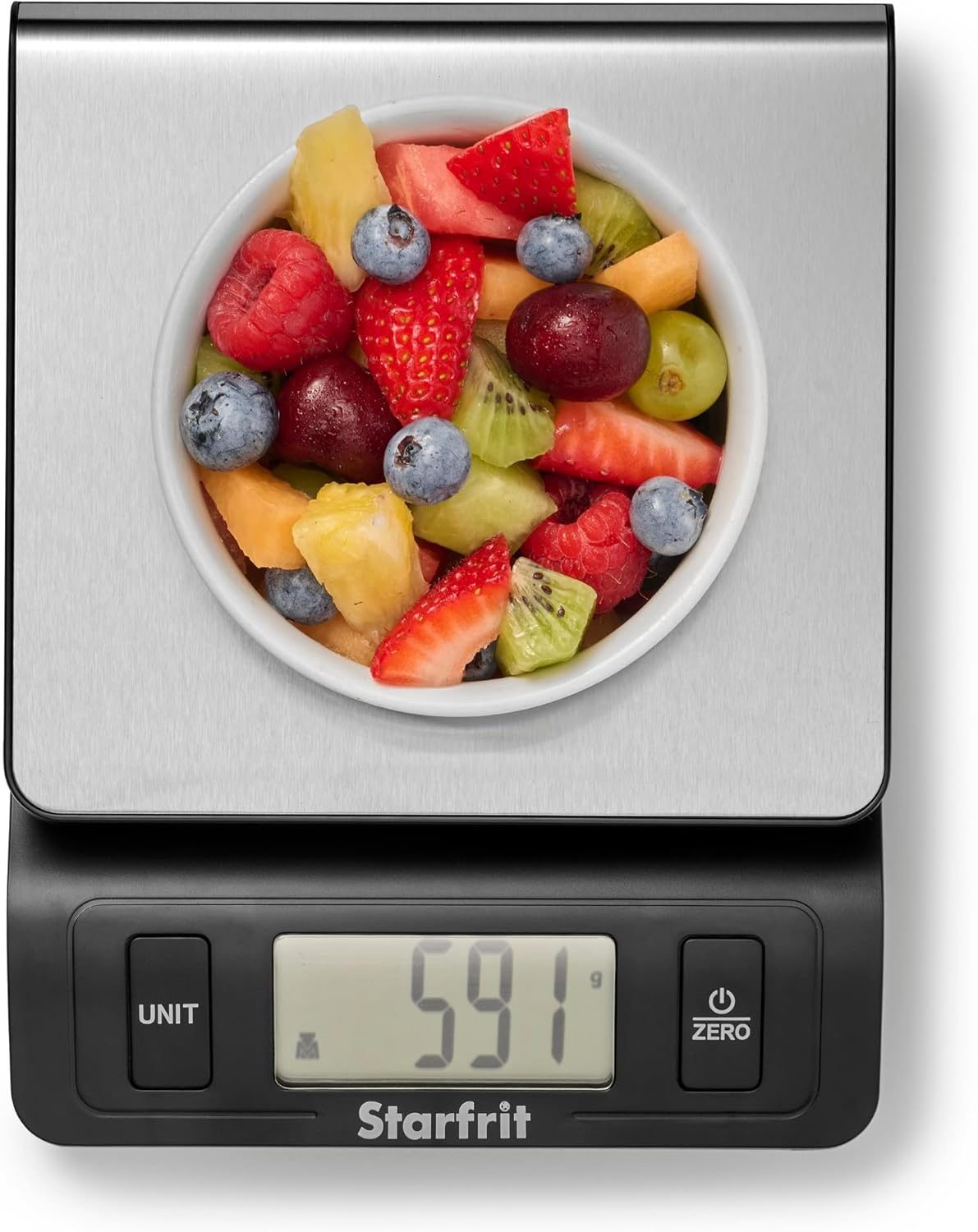
Image: The Starfrit Digital Kitchen Scale displaying a measurement of 591 grams for a bowl of fruit salad.
Safety Precautions
- Do not immerse the scale in water or other liquids.
- Clean the scale with a damp cloth; avoid abrasive cleaners.
- Do not overload the scale beyond its maximum capacity of 11 lb / 5 kg.
- Keep out of reach of children.
- Use on a flat, stable surface for accurate readings.
- Avoid extreme temperatures and direct sunlight.
Package Contents
- Starfrit Digital Kitchen Scale
- 2 x AAA Batteries
- User Manual (this document)
Setup
- Battery Installation: Open the battery compartment on the underside of the scale. Insert the two AAA batteries, ensuring correct polarity (+/-). Close the compartment securely.
- Placement: Place the scale on a hard, flat, and stable surface to ensure accurate measurements. Avoid soft or uneven surfaces.
- Initial Power On: Press the "ZERO" button to turn on the scale. The display will show "8888" and then "0 g" or "0 lb:oz".

Image: Visual representation of key features including capacity, precision, and battery type.
Operating Instructions
1. Power On/Off
Press the "ZERO" button to turn the scale on. To turn off the scale, press and hold the "ZERO" button for a few seconds, or the scale will automatically shut off after 2 minutes of inactivity.
2. Unit Conversion
Press the "UNIT" button to cycle through the available measurement units: grams (g), pounds:ounces (lb:oz), milliliters for milk (ml milk), fluid ounces for milk (fl'oz milk), milliliters for water (ml water), and fluid ounces for water (fl'oz water).

Image: The scale's display showing a measurement and an arrow pointing to the "UNIT" button, illustrating the six available unit measurements.
3. Tare Function (Zeroing the Scale)
The Tare function allows you to weigh multiple ingredients in the same container or to subtract the weight of a container from the total weight.
- Place an empty container on the scale platform. The display will show its weight.
- Press the "ZERO" button. The display will reset to "0".
- Add your first ingredient to the container. The display will show the weight of the ingredient only.
- To add more ingredients, press "ZERO" again after each ingredient to reset the display to "0" before adding the next.
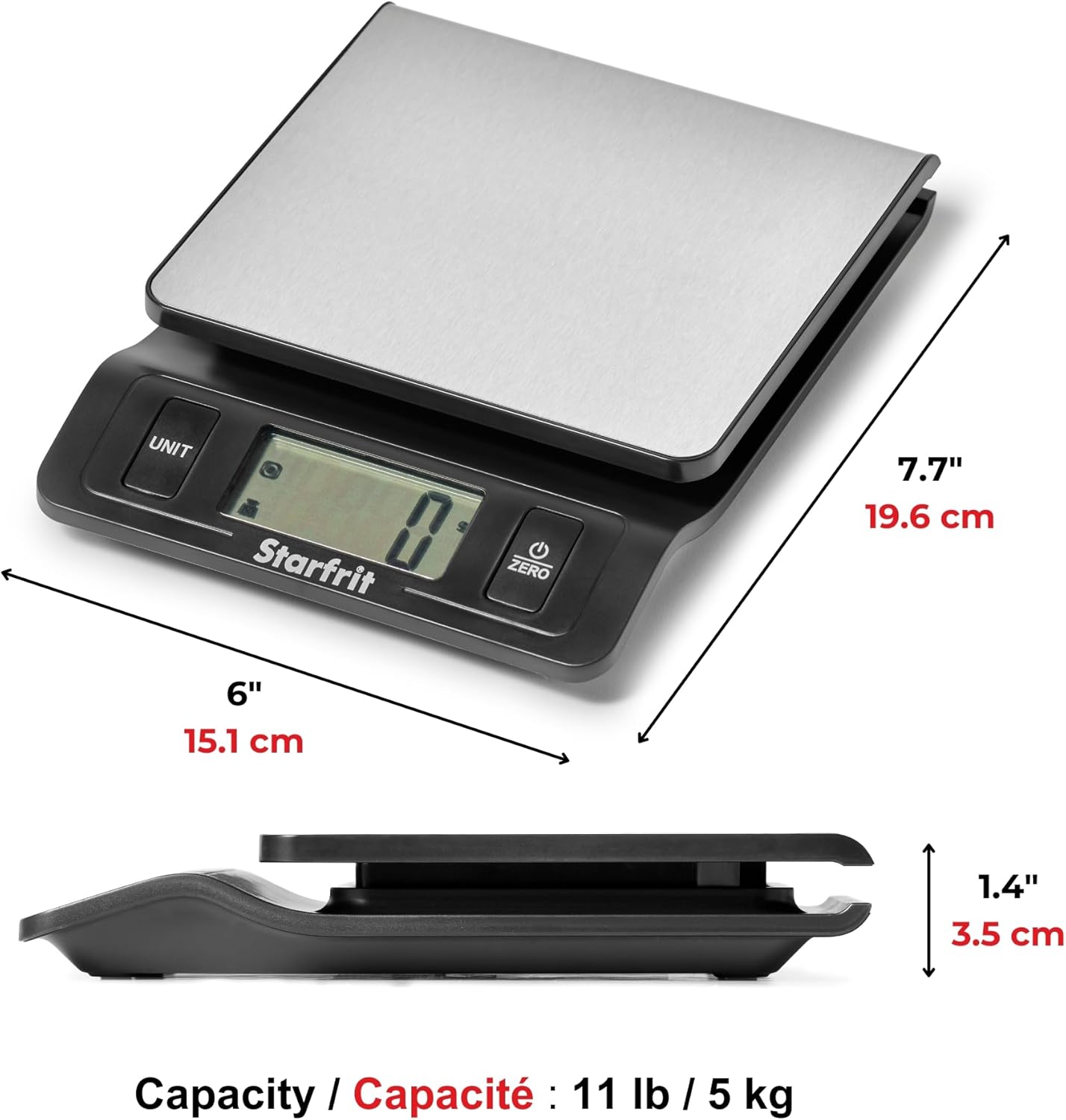
Image: Step-by-step visual guide demonstrating how to use the Tare function to weigh ingredients accurately.
4. Weighing Ingredients
Ensure the scale is on a flat surface and powered on. Select your desired unit using the "UNIT" button. Place the item directly onto the stainless steel platform or in a container (using the Tare function). The weight will be displayed on the LCD screen.

Image: The digital kitchen scale weighing two granola bars, showing a measurement of 74 units.
Maintenance and Care
- Cleaning: Wipe the scale with a soft, damp cloth. For stubborn stains, a mild detergent can be used. Do not use abrasive cleaners or immerse the scale in water.
- Storage: Store the scale in a cool, dry place. Its ultra-slim design allows for easy storage in kitchen cabinets or drawers.
- Battery Replacement: When the "Lo" indicator appears on the display, replace both AAA batteries with new ones.

Image: Demonstrating the easy cleaning of the stainless steel platform of the scale.
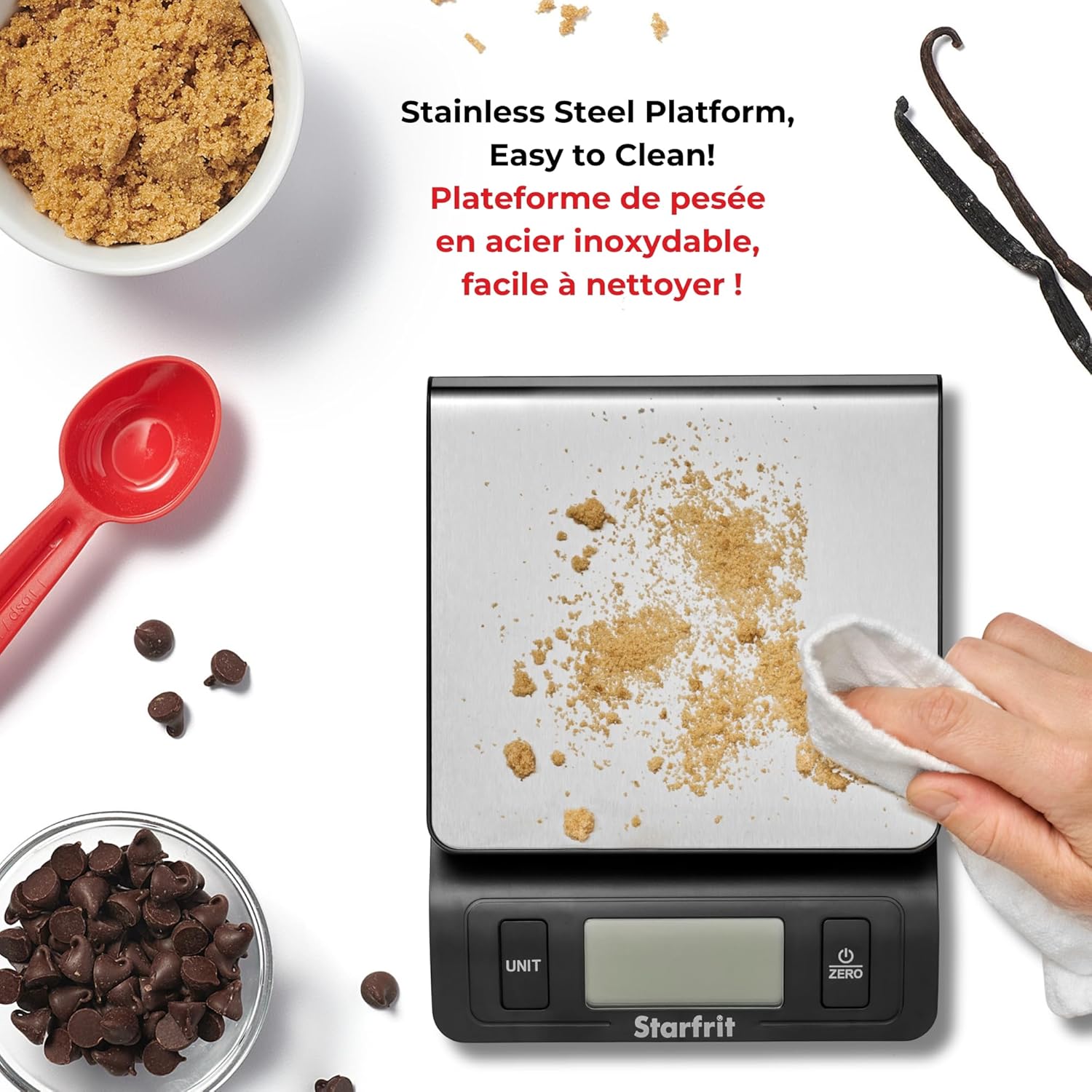
Image: The ultra-slim design of the scale allowing for convenient storage in a kitchen drawer.
Troubleshooting
| Problem | Possible Cause | Solution |
|---|---|---|
| Scale does not turn on. | Dead or incorrectly installed batteries. | Check battery polarity. Replace batteries if necessary. |
| "Lo" displayed. | Low battery power. | Replace both AAA batteries. |
| "Err" displayed. | Scale overloaded. | Remove items from the scale. Do not exceed 11 lb / 5 kg capacity. |
| Inaccurate readings. | Uneven surface, scale not zeroed, or external interference. | Place scale on a flat, stable surface. Press "ZERO" before weighing. Avoid strong electromagnetic fields. |
Specifications
- Brand: Starfrit
- Model Number: 093016-003-NEW3
- Material: Stainless Steel (Platform)
- Color: Silver
- Maximum Weight Capacity: 11 lb / 5 kg
- Measurement Accuracy: 0.1 oz / 1 g
- Product Dimensions: 17 x 7.5 x 22.5 cm (approx. 6.7 x 3 x 8.9 inches)
- Item Weight: 336 g (approx. 0.74 lb)
- Power Source: 2 x AAA Batteries (included)
- Special Features: Auto Shut Off, Tare Function, Unit Conversion (g, lb:oz, ml milk, fl'oz milk, ml water, fl'oz water)
- Display Type: LCD
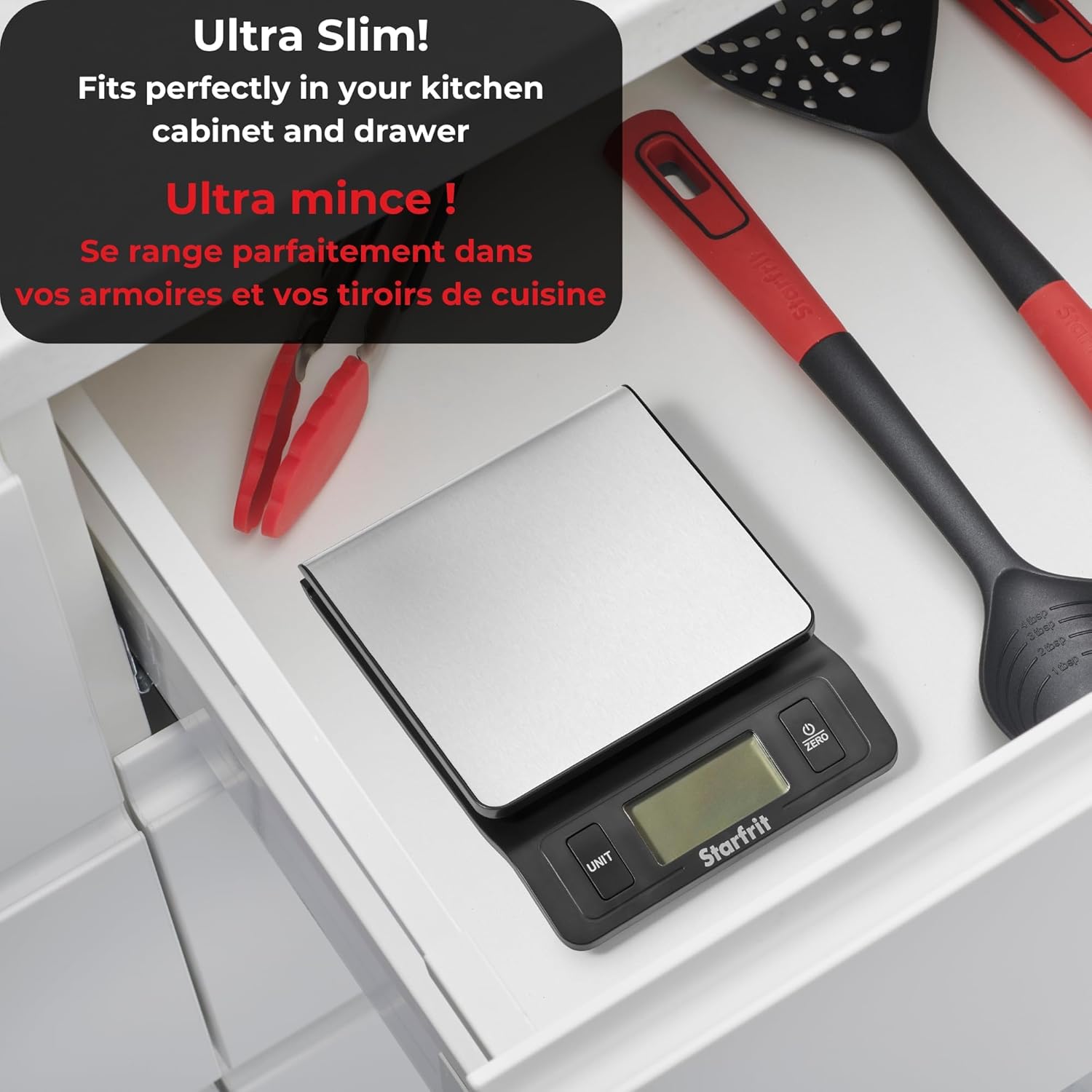
Image: Diagram illustrating the physical dimensions of the Starfrit Digital Kitchen Scale.
Warranty and Support
For warranty information or technical support, please refer to the contact details provided with your purchase documentation or visit the official Starfrit website. Keep your proof of purchase for warranty claims.
Manufacturer: Starfrit
Place of Business: EDMOND, OK, 73013 US
Date First Available: September 8, 2012
For further assistance, please contact Starfrit customer service.


