
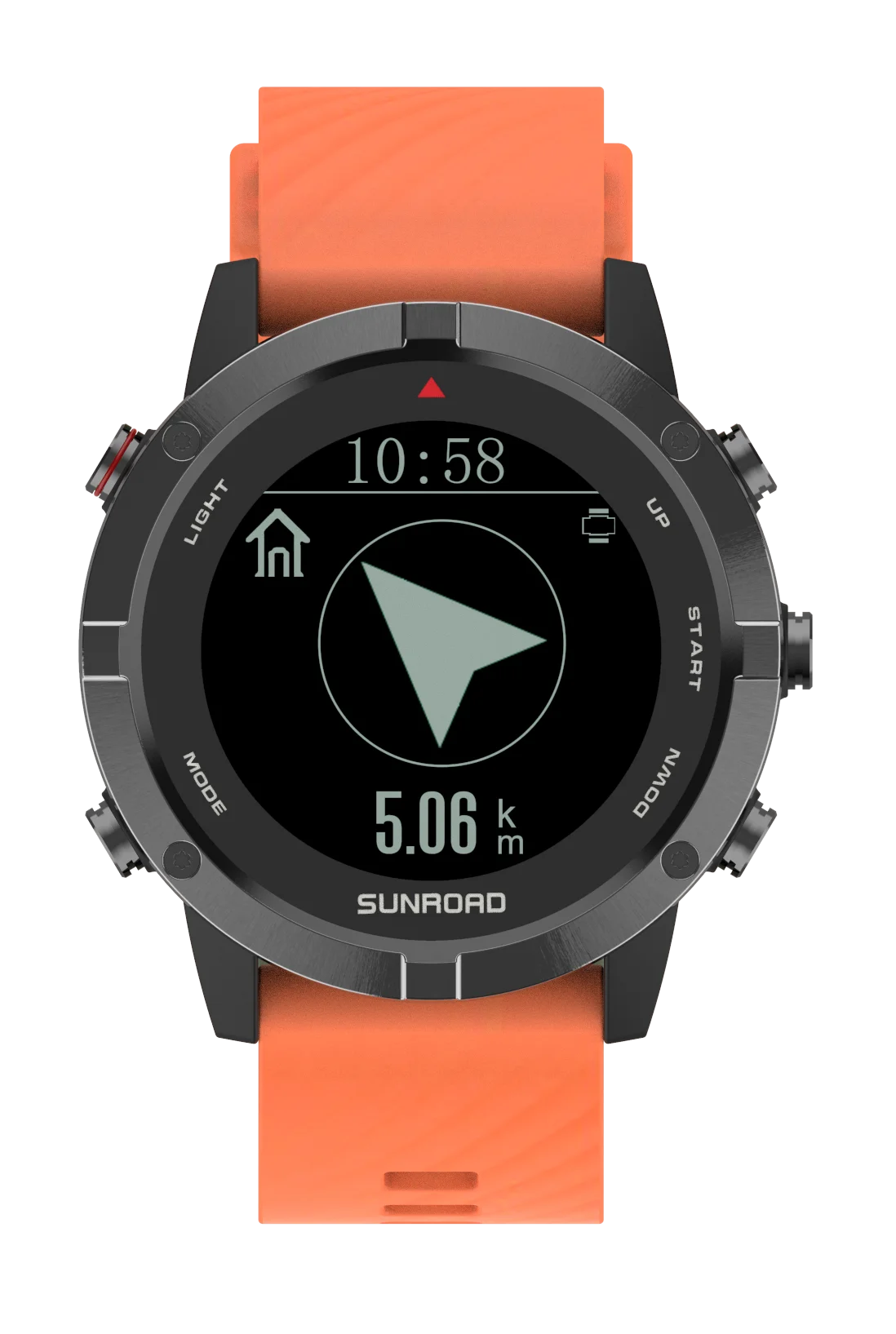
SUNROAD FR715A Digital Sports Watch User Guide
SUNROAD FR715A Digital Sports Watch Quick Setup & Use Time & settings: The watch defaults to Time mode. Long-press MODE to enter setting mode, then press MODE to cycle through…


Sunroad specializes in professional outdoor sports watches, diving computers, and GPS altimeters designed for hiking, fishing, and underwater exploration.
Sunroad is a dedicated designer and manufacturer of professional outdoor gear, with a core focus on multifunctional digital sports watches and outdoor electronic devices. Their product lineup includes advanced scuba diving computers (like the D3 and D5 series), GPS running watches, and specialized altimeter and barometer devices customized for mountaineering, fishing, and hiking.
Built to withstand extreme environments, Sunroad devices integrate high-precision sensors, including smart 16-point digital compasses, dynamic heart rate monitors, and comprehensive tracking systems for diving depth and outdoor navigation. On this page, you will find comprehensive user manuals and operating instructions to help you safely operate, calibrate, and maintain your Sunroad gear.
Selected manuals from manuals+ curated for this brand.




Watch setup, installation, and troubleshooting videos for this brand.


Common questions about manuals, registration, and support for this brand.
You can find setup instructions, calibration guides, and detailed user manuals for Sunroad GPS altimeters, diving computers, and smartwatches in the categorized list on this Manuals.plus page.
To calibrate the compass, enter the compass mode by pressing the designated mode button. When the 'CAL' prompt appears, keep the device perfectly level and rotate it clockwise at a steady speed until the calibration completes and it returns to the standard compass interface.
Specific models, such as the Sunroad D3 and D5, are professional diving computers that are entirely waterproof and capable of monitoring dives up to 50-100 meters. However, not all Sunroad watches are designed for diving. Always consult your device's instruction manual for its specific waterproof rating before submerging it.
In your watch's normal time mode, press and hold the 'Set' or 'Select' button to enter the general settings. Cycle through the settings to the unit menu, and use the up/down buttons to toggle the altitude unit from meters (m) to feet (ft), then press confirm to save.