
Monster S300
Monster S300 Portable Bluetooth Speaker
User Manual
Introduction
Thank you for purchasing the Monster S300 Portable Bluetooth Speaker. This manual provides detailed instructions on how to set up, operate, and maintain your speaker. Please read this manual carefully before use to ensure optimal performance and longevity of your device.

Image: The Monster S300 Portable Bluetooth Speaker, a compact black speaker with a colorful RGB light ring and a lanyard, shown in an outdoor setting.
What's in the Box?
Please check the package contents to ensure all items are present:
- Monster S300 Speaker x 1
- Charging Cable x 1
- Handlebar Mount x 1
- Rubber Strip x 2
- Quick Start Guide x 1

Image: A visual representation of the Monster S300 speaker, charging cable, handlebar mount, rubber strips, and quick start guide, laid out next to the product box.
Product Overview
Familiarize yourself with the speaker's components and controls:

Image: A diagram showing the Monster S300 speaker from multiple angles, with labels pointing to the Power On/Off button, Light Mode Switch, Next Song/Volume Up, Play/Pause, Previous Song/Volume Down, Micro SD Card Input, Charging Indicator Light, USB-C charging port, and the Handlebar Mount components.
- Power On/Off Button: Press and hold to power on or off.
- Light Mode Switch: Press to cycle through RGB light modes.
- Next Song / Volume Up: Short press for next song, long press for volume up.
- Play/Pause Button: Press to play or pause music, answer/end calls.
- Previous Song / Volume Down: Short press for previous song, long press for volume down.
- Micro SD Card Input: For playing music directly from a TF card.
- Charging Indicator Light: Indicates charging status.
- USB-C Charging Port: For charging the speaker.
- Handlebar Mount: For attaching the speaker to bikes, motorcycles, or scooters.
Setup
1. Charging the Speaker
- Connect the provided USB-C charging cable to the speaker's charging port.
- Connect the other end of the cable to a USB power adapter (not included) or a computer's USB port.
- The charging indicator light will illuminate during charging and turn off when fully charged.
- Ensure the speaker is fully charged before first use (approximately 10 hours playtime on a 3300mAh battery).

Image: The Monster S300 speaker displaying its RGB lights, with text indicating "10-Hour Playtime" and a "3300mAh" battery capacity, set against a natural background.
2. Mounting the Speaker (Optional)
The Monster S300 comes with a secure handlebar mount for bicycles, motorcycles, and scooters.
- Select the appropriate rubber strip for your handlebar diameter (19-24mm, 25-30mm, or 29-34mm).
- Place the rubber strip around your handlebar.
- Attach the handlebar mount over the rubber strip and secure it tightly.
- Slide the Monster S300 speaker into the mount until it clicks securely into place.

Image: A step-by-step visual guide demonstrating how to attach the Monster S300 speaker's clip-on mount to a bicycle handlebar, showing the speaker, mount, and handlebar with size specifications (19-35mm).

Image: A diagram illustrating the universal handlebar mount with different size options (19-24mm, 25-30mm, 29-34mm) to fit various handlebar diameters.
3. Bluetooth Pairing
- Power on the Monster S300 speaker by pressing and holding the Power On/Off button. The speaker will enter pairing mode, indicated by a flashing light.
- On your mobile device, enable Bluetooth and search for available devices.
- Select "Monster S300" from the list of devices.
- Once connected, the speaker will emit an audible confirmation, and the light will stop flashing.
Operating Instructions
Power On/Off
- To Power On: Press and hold the Power On/Off button for 2-3 seconds.
- To Power Off: Press and hold the Power On/Off button for 2-3 seconds.
Music Playback
- Play/Pause: Press the Play/Pause button once.
- Next Song: Short press the "Next Song / Volume Up" button.
- Previous Song: Short press the "Previous Song / Volume Down" button.
- Volume Up: Long press the "Next Song / Volume Up" button.
- Volume Down: Long press the "Previous Song / Volume Down" button.
You can also play music directly from a Micro SD (TF) card inserted into the designated slot.
RGB Light Modes
The speaker features dynamic RGB lights that pulse with your music.
- Change Light Mode: Press the Light Mode Switch button to cycle through different light patterns or turn them off.

Image: Three Monster S300 speakers showcasing different dynamic RGB light patterns, with a cyclist in the background, illustrating the lights in action.
Hands-Free Calls
With the built-in microphone, you can answer calls directly through the speaker.
- Answer/End Call: Press the Play/Pause button once.
- Reject Call: Press and hold the Play/Pause button.

Image: A Monster S300 speaker mounted on a bicycle handlebar, with a speech bubble indicating voice navigation and a smartphone displaying a map, demonstrating hands-free use.
True Wireless Stereo (TWS) Pairing
Pair two Monster S300 speakers together for an immersive stereo sound experience.
- Ensure both Monster S300 speakers are powered on and not connected to any other Bluetooth device.
- On one speaker (this will be the primary speaker), double-press the Play/Pause button. It will enter TWS pairing mode.
- The two speakers will automatically connect to each other. You will hear a confirmation tone.
- Once TWS paired, connect your mobile device to the primary speaker via Bluetooth as described in the "Bluetooth Pairing" section.

Image: Two Monster S300 speakers mounted on bicycles, with a Bluetooth icon and dotted lines indicating a wireless connection between them, demonstrating TWS pairing for shared music on rides.
Maintenance
Waterproof Care (IPX7 Rating)
The Monster S300 speaker is IPX7 waterproof, meaning it can withstand immersion in water up to 1 meter for 30 minutes. To maintain its waterproof integrity:
- Ensure the charging port cover is securely closed before exposing the speaker to water.
- Do not expose the speaker to saltwater or other chemicals, as this may damage the seals.
- After exposure to water, especially chlorinated or saltwater, rinse the speaker with fresh water and dry it thoroughly before charging or opening the port cover.
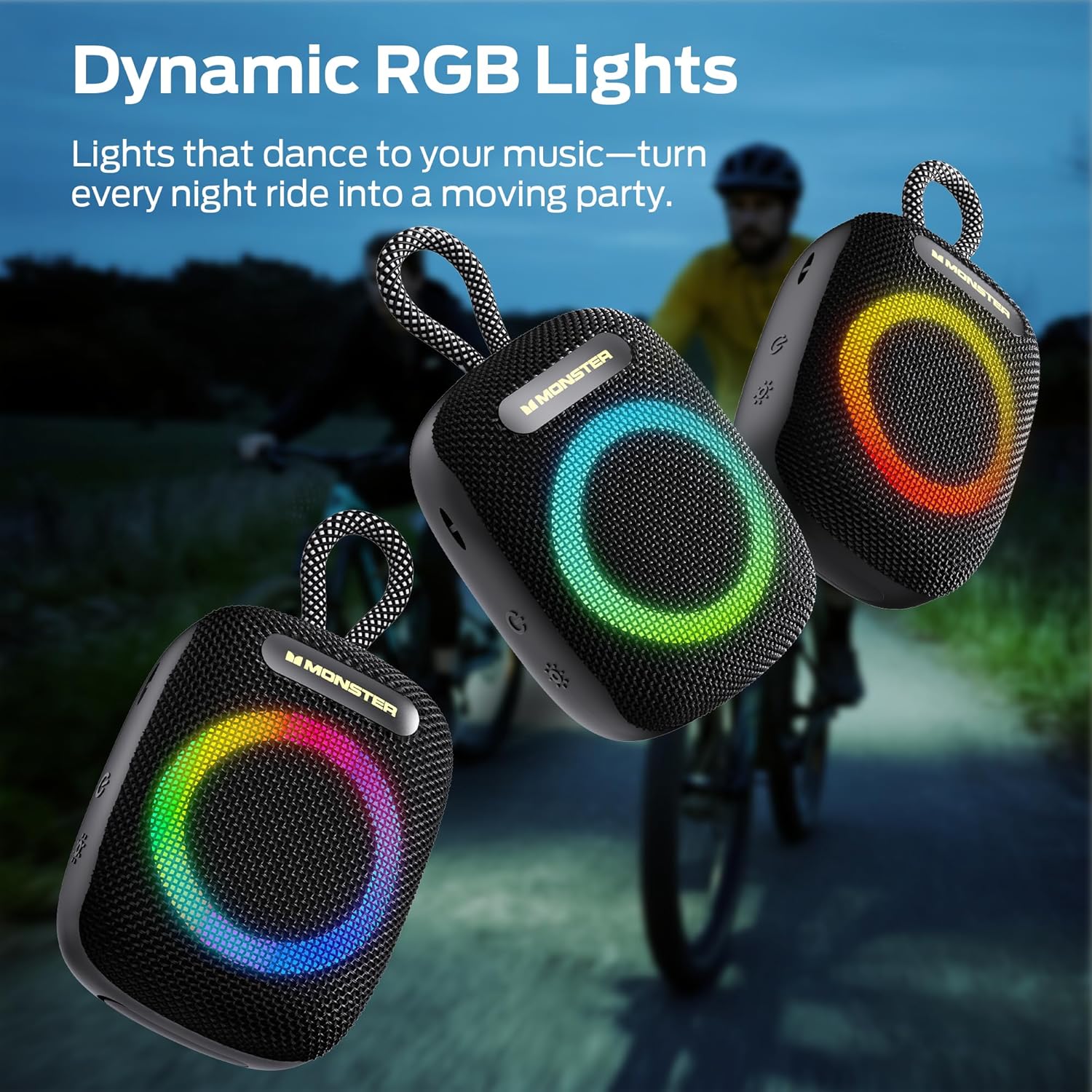
Image: The Monster S300 speaker partially submerged in water, with splashes, highlighting its IPX7 waterproof rating.
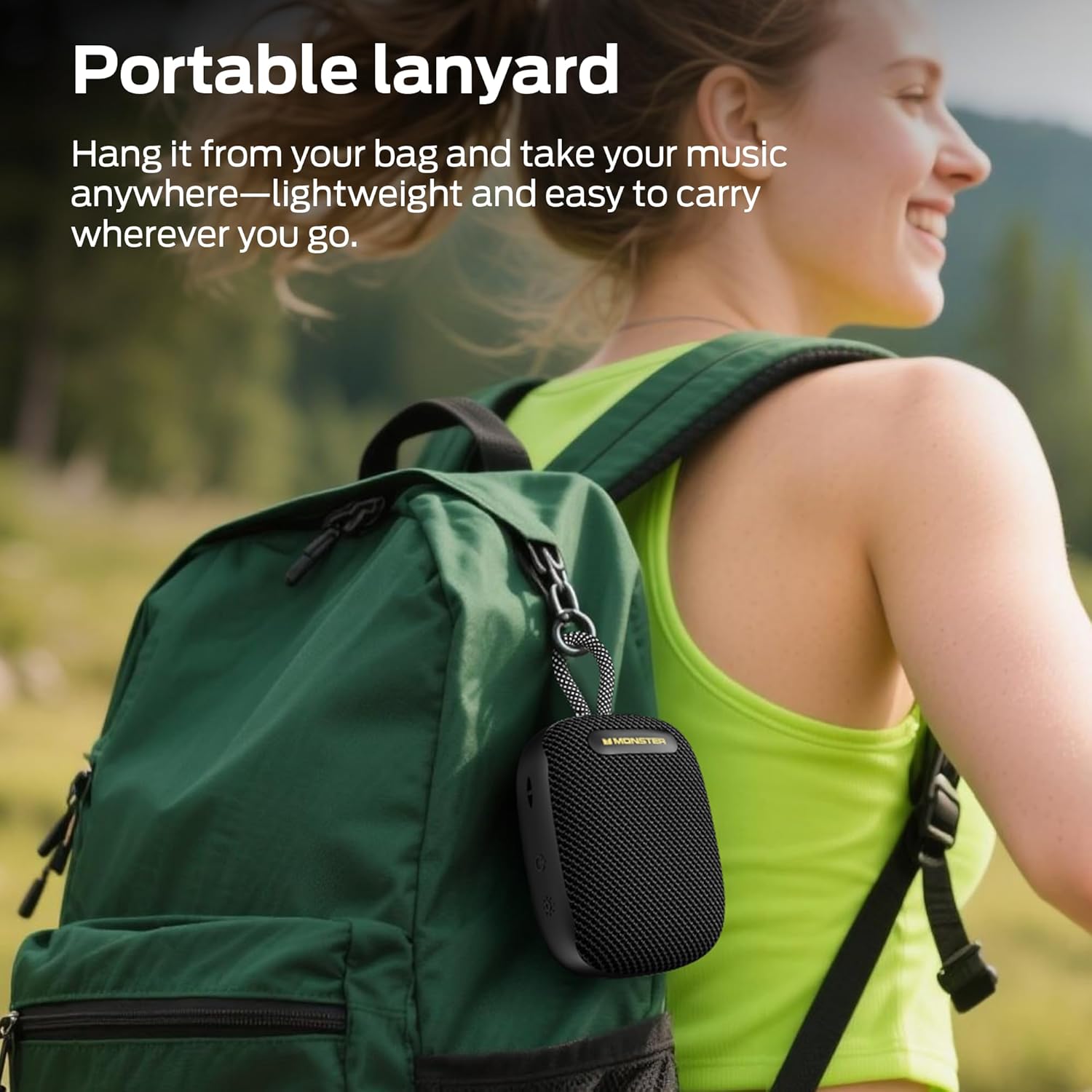
Image: The Monster S300 speaker hanging in a shower, with water spraying, demonstrating its showerproof capability.
Cleaning
- Wipe the speaker with a soft, damp cloth.
- Do not use abrasive cleaners, alcohol, or chemical solvents.
Battery Care
- Charge the speaker regularly, even if not in use, to prolong battery life.
- Avoid extreme temperatures, which can affect battery performance.
Troubleshooting
| Problem | Solution |
|---|---|
| Speaker does not power on. | Ensure the speaker is charged. Connect it to a power source using the USB-C cable. |
| Cannot pair via Bluetooth. | Make sure the speaker is in pairing mode (flashing light). Turn off Bluetooth on other devices that might be connected. Restart your device and the speaker. |
| No sound or low volume. | Check the volume levels on both the speaker and your connected device. Ensure the speaker is not muted. |
| TWS pairing fails. | Ensure both speakers are disconnected from other Bluetooth devices. Try double-pressing the Play/Pause button on one speaker again to initiate TWS pairing. |
| Sound quality is poor during calls. | Ensure you are in a quiet environment. The speaker's microphone performance may vary in noisy conditions. |
Specifications
| Feature | Detail |
|---|---|
| Model Number | Monster S300 |
| Connectivity | Bluetooth 6.0 |
| Audio Output Mode | Stereo |
| Waterproof Rating | IPX7 |
| Battery Capacity | 3300mAh (1 A battery included) |
| Playtime | Up to 10 hours (at 50% volume with lights off) |
| Dimensions | 14.9 x 9.5 x 6.1 cm |
| Weight | 390 g |
| Color | Black |
Warranty and Support
For warranty information or technical support, please refer to the warranty card included in your package or visit the official Monster website. Keep your purchase receipt as proof of purchase.
Online Resources:
- Official Monster Website: www.monsterproducts.com
- Customer Support: Refer to your quick start guide for specific contact details.
Related documentsS300


Ask a question about this manual
Ask about setup, troubleshooting, compatibility, parts, safety, or missing instructions. Manuals+ will review the question and use this page’s manual context to help answer it.