
1. Introduction
This manual provides comprehensive instructions for the safe and efficient installation and operation of your Perlegear In-Wall Cable Management Kit (PGWH02W-US) and Full Motion TV Wall Mount (PGXLF02-US). These products are designed to enhance your home entertainment setup by providing a secure mounting solution for 42-90 inch televisions weighing up to 150 lbs, along with a discreet system for concealing cables within the wall.
Please read this manual thoroughly before beginning installation to ensure proper setup and to prevent damage or injury. Keep this manual for future reference.
2. Safety Information
WARNING: Failure to read and follow all instructions can result in personal injury, property damage, or voiding of your warranty. If you have any questions, please contact Perlegear customer service.
- Ensure the mounting surface can safely support the combined weight of the TV mount, TV, and all attached accessories.
- Do not install on drywall alone. The TV mount must be installed on wood studs, concrete, or brick walls.
- Verify wall depth is at least 2.8 inches for the cable management kit.
- Use appropriate safety gear, including eye protection, during installation.
- Do not overtighten screws. Overtightening can cause damage to the product or mounting surface.
- Keep children and pets away from the work area during installation.
- The cable management kit components are fire-resistant and UL Listed, ensuring electrical safety.
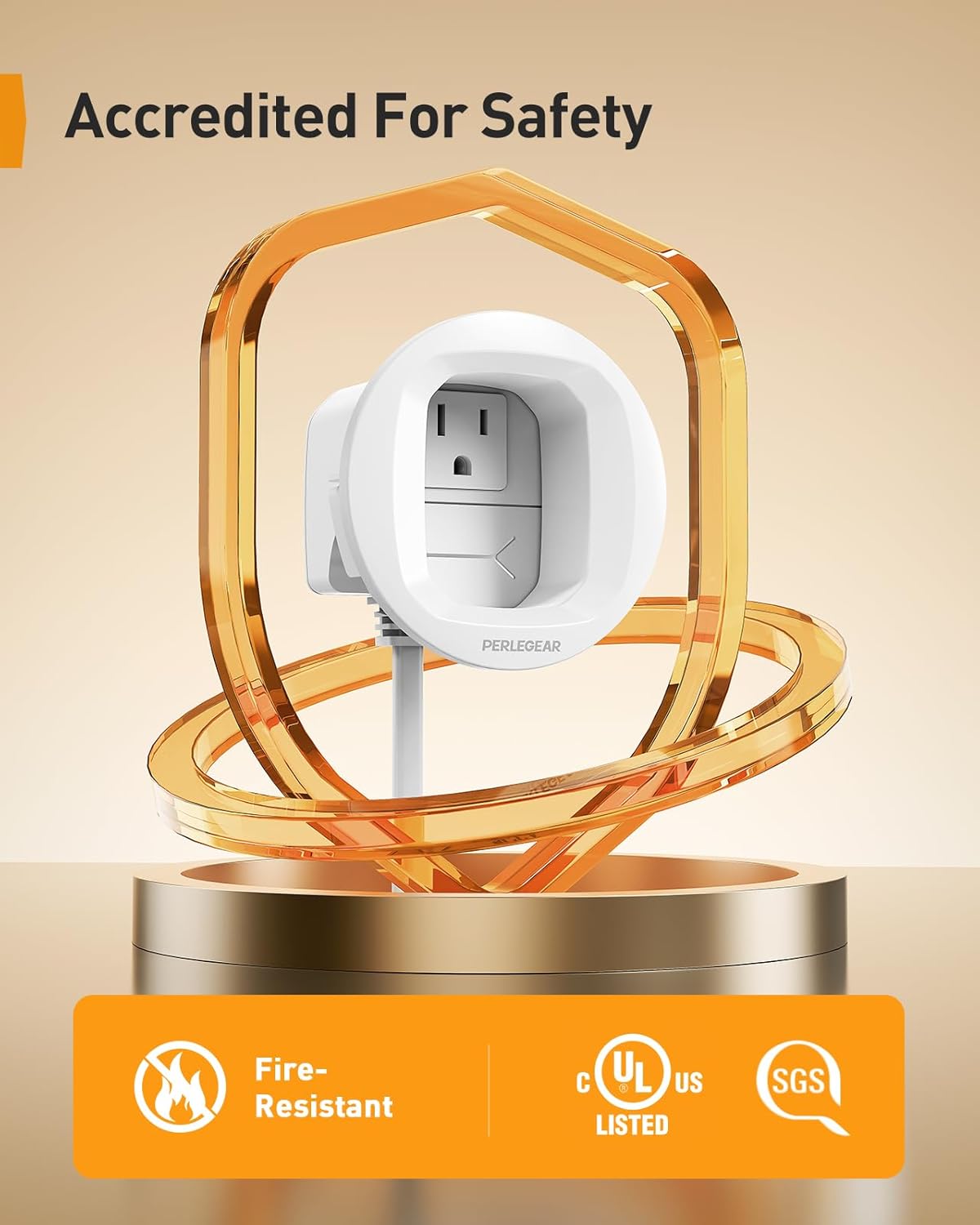
Image: The cable management kit is accredited for safety, featuring fire-resistant materials and UL/SGS certifications.
3. Package Contents
Please check that all components are present and undamaged before installation. If any parts are missing or defective, contact Perlegear customer service.
3.1 Perlegear In-Wall Cable Management Kit (PGWH02W-US)
- In-wall cable modules (upper and lower)
- Drywall hole saw drill attachment
- Dust bag
- Drill template
- Mounting hardware
3.2 Perlegear Full Motion TV Wall Mount (PGXLF02-US)
- TV wall mount assembly
- TV brackets
- Wall plate
- Assorted TV screws, spacers, and washers
- Lag bolts and concrete anchors
- Level
- Instruction manual
4. Setup and Installation
Installation requires a drill and basic hand tools. Follow these steps carefully.
4.1 Planning Your Installation
- Determine the ideal viewing height for your TV.
- Locate wall studs if mounting on wood. Use a stud finder for accuracy.
- Ensure there are no electrical wires, water pipes, or other obstructions in the drilling area.
- Confirm your TV's VESA pattern is compatible with the mount (200x100mm to 800x400mm).
- Verify your wall type: wood studs (8"/12"/16"/24" spacing), concrete, or brick. Do not install on drywall alone.
4.2 Installing the In-Wall Cable Management Kit (PGWH02W-US)
- Prepare the Wall: Use the provided drill template to mark the locations for the upper and lower cable modules. Ensure the wall depth is at least 2.8 inches at these locations.
- Drill Holes: Attach the drywall hole saw drill attachment to your drill. Position the dust bag directly below the drilling area to collect debris. Carefully drill the marked holes for both the upper and lower modules.
- Insert Modules: Insert the cable modules into the drilled holes. The secure locking wings will engage to hold the modules firmly in place.
- Route Cables: Feed your TV and media device cables through the upper module, down inside the wall, and out through the lower module. This conceals all wires for a clean look.

Image: Tools for installing the cable management kit, including a drill, hole saw, drill template, and dust bag for a clean setup.

Image: The installed cable management system, demonstrating how cables are hidden within the wall. A diagram shows the module dimensions: 3.65 inches in height and 2.84 inches in depth.
4.3 Installing the Full Motion TV Wall Mount (PGXLF02-US)
- Attach TV Brackets: Secure the TV brackets to the back of your television using the appropriate screws, washers, and spacers from the provided hardware kit. Ensure the brackets are centered and level.
- Mount Wall Plate: Position the wall plate on the wall at your desired height, ensuring it is level. Mark the drilling points. For wood studs, drill pilot holes. For concrete or brick, drill holes and insert anchors before securing the wall plate with lag bolts.
- Hang TV: Carefully lift the TV and hook the TV brackets onto the wall plate. Secure the TV to the mount using the safety screws or locking mechanisms provided.

Image: The TV mount is compatible with various wall types including concrete, wood studs (with spacing options), and brick. It supports VESA patterns from 200x100mm to 800x400mm and a maximum load of 150 lbs.
5. Operating the TV Wall Mount
The Perlegear Full Motion TV Wall Mount offers flexible viewing options:
- Extension: Pull the TV gently away from the wall to extend it up to 40.1 inches for closer viewing or to access the back of the TV.
- Retraction: Push the TV back towards the wall to retract it to a minimum distance of 3.7 inches, saving space when not in use.
- Swivel: The mount allows for a swivel range of ±90°, enabling multi-zone viewing from different angles in your room.
- Leveling: Adjust the TV ±4° for perfect leveling after installation.

Image: The TV mount extends up to 40.1 inches for optimal viewing and retracts to 3.7 inches to conserve space.
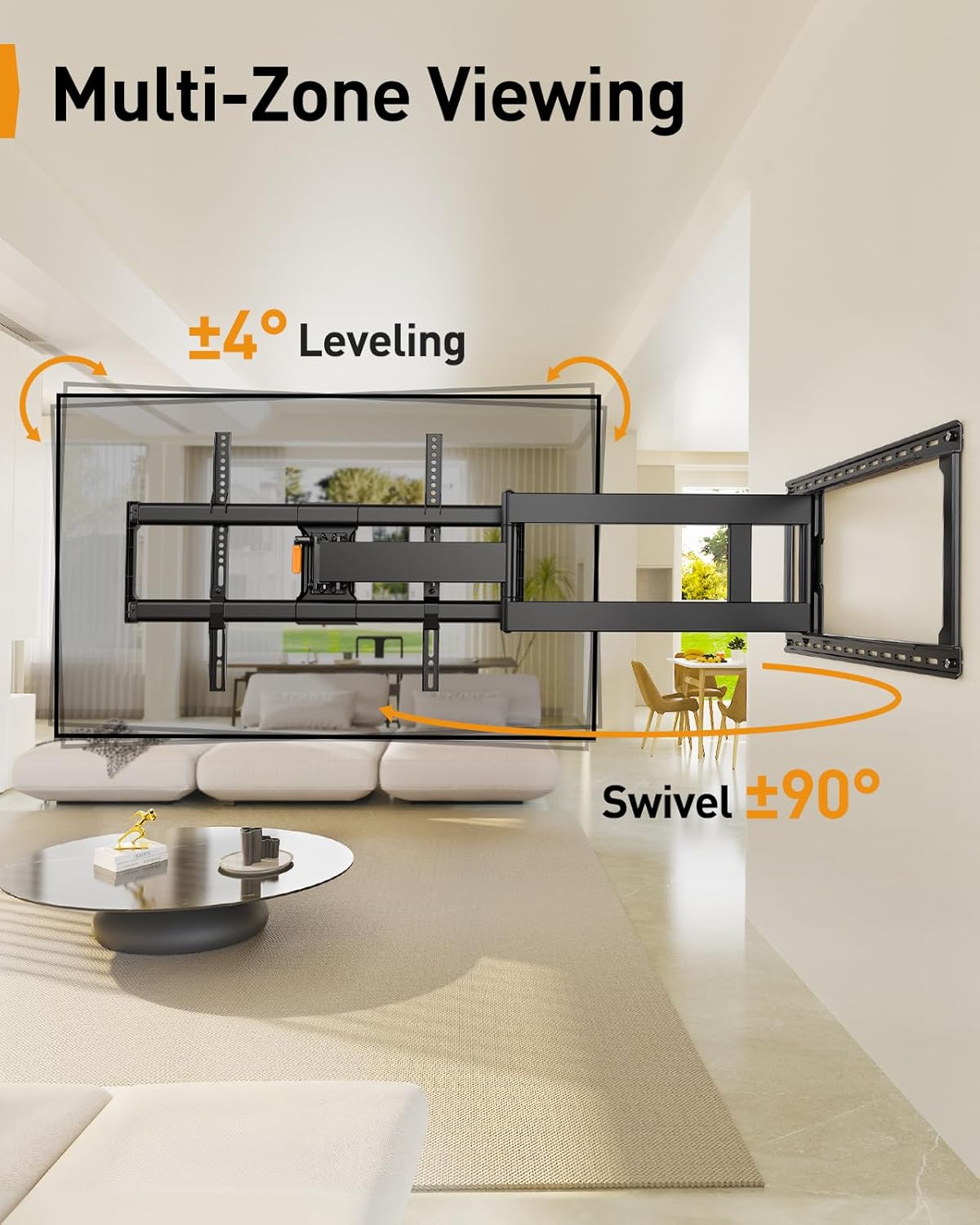
Image: The TV mount offers ±90° swivel and ±4° leveling adjustments, allowing for comfortable viewing from multiple zones within a room.
6. Maintenance
- Cleaning: Wipe the mount and cable management components with a soft, dry cloth. Avoid abrasive cleaners or solvents.
- Periodic Checks: Periodically check all screws and bolts to ensure they remain tight and secure. Re-tighten if necessary.
- Cable Inspection: Inspect cables routed through the wall for any signs of wear or damage. Replace damaged cables immediately.
7. Troubleshooting
- TV is not level: Use the ±4° leveling adjustment feature on the mount to fine-tune the TV's horizontal position.
- Mount feels loose: Re-check all wall plate lag bolts and TV bracket screws. Ensure they are tightened securely. Do not overtighten.
- Cables do not fit through modules: Ensure you are not trying to route excessively thick or too many cables through the modules. The modules are designed for standard TV and media device cables.
- Difficulty extending/retracting: Check for any obstructions behind the TV or along the mount's arms. Ensure the mount is not overloaded beyond its 150 lbs capacity.
8. Specifications
- Product Models: PGWH02W-US (Cable Management Kit), PGXLF02-US (TV Wall Mount)
- TV Size Compatibility: 42 - 90 inches
- Weight Capacity: Up to 150 lbs (68 kg)
- VESA Compatibility: 200x100mm to 800x400mm
- Wall Type Compatibility: Wood studs (8"/12"/16"/24" spacing), Concrete, Brick (Not for drywall alone)
- Extension Range: 3.7 inches (retracted) to 40.1 inches (extended)
- Swivel: ±90°
- Leveling Adjustment: ±4°
- Cable Management Wall Depth Requirement: Minimum 2.8 inches
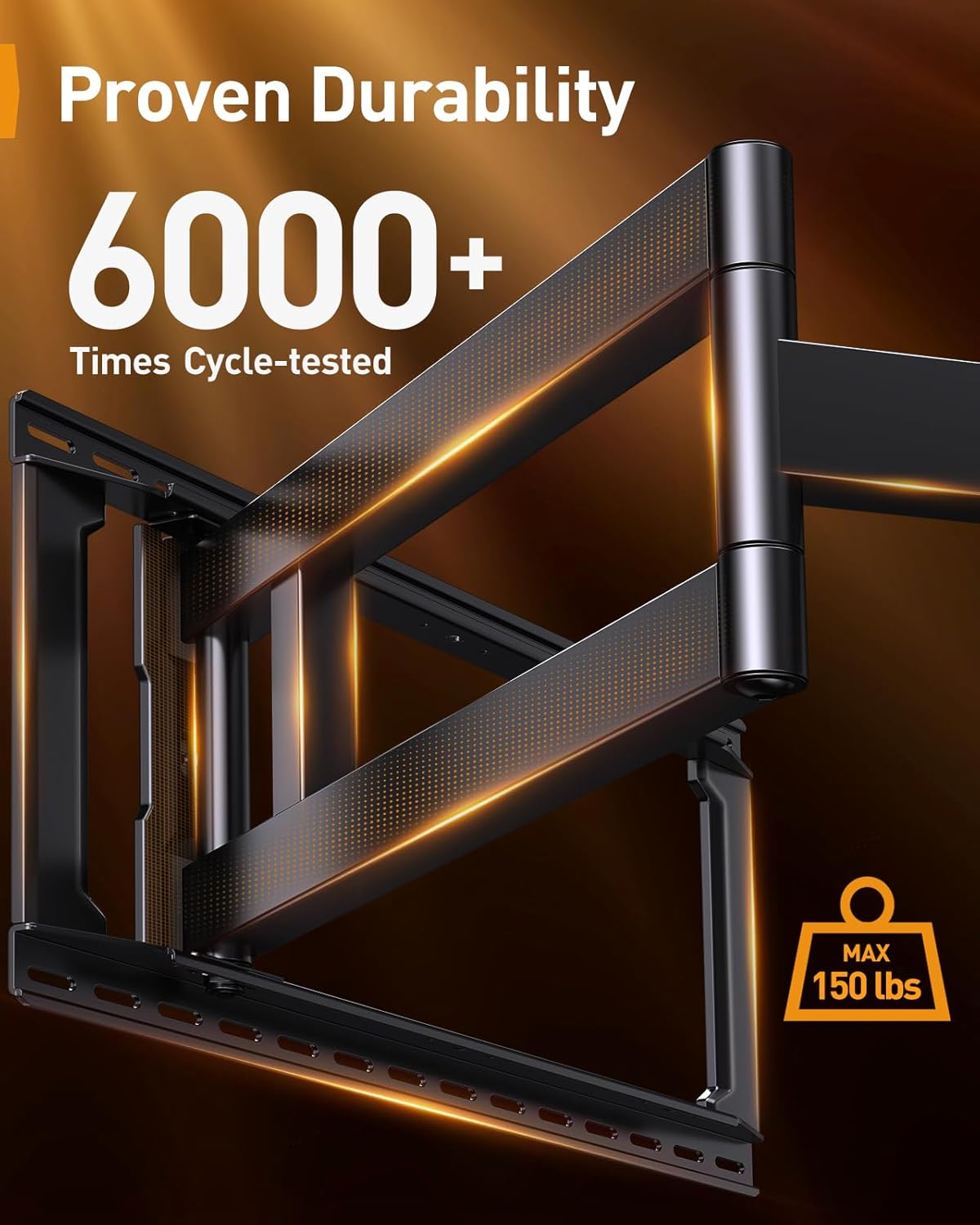
Image: The TV mount has undergone over 6000 cycle tests, demonstrating its proven durability and ability to support a maximum load of 150 lbs.
9. Warranty and Support
Perlegear products are designed for durability and performance. For warranty information, technical support, or assistance with any issues, please contact Perlegear customer service through the retailer where the product was purchased or visit the official Perlegear website.


