1. Introduction
Thank you for choosing the boAt Rockerz 512 ANC Wireless Headphones. This manual provides essential information for setting up, operating, and maintaining your headphones. Please read it carefully to ensure optimal performance and longevity of your device.

Image: boAt Rockerz 512 ANC Wireless Headphones, Cosmic Black.
2. Package Contents
Ensure all items are present in your package:
- boAt Rockerz 512 ANC Wireless Headphones
- Charging Cable
- User Manual
3. Setup
3.1 Charging the Headphones
Before first use, fully charge your headphones. The boAt Rockerz 512 ANC offers up to 80 hours of playback on a full charge.
- Connect the charging cable to the charging port on the headphones.
- Connect the other end of the cable to a USB power source (e.g., wall adapter, computer USB port).
- The LED indicator will show the charging status. It will typically turn off or change color once fully charged.

Image: Headphones illustrating 80 hours of battery life.
3.2 Powering On/Off
- To Power On: Press and hold the Power button until the LED indicator lights up.
- To Power Off: Press and hold the Power button until the LED indicator turns off.
3.3 Bluetooth Pairing
The headphones use Bluetooth v5.4 for a stable connection up to 10 meters.
- Ensure the headphones are powered off.
- Press and hold the Power button for approximately 5-7 seconds until the LED indicator flashes blue and red, indicating pairing mode.
- On your device (smartphone, laptop, tablet), enable Bluetooth and search for available devices.
- Select "boAt Rockerz 512 ANC" from the list of devices.
- Once paired, the LED indicator will flash blue periodically.

Image: Close-up of headphone controls for power and pairing.
4. Operating Instructions
4.1 Music Playback
- Play/Pause: Press the Multi-function button once.
- Volume Up: Press the Volume + button.
- Volume Down: Press the Volume - button.
- Next Track: Press and hold the Volume + button.
- Previous Track: Press and hold the Volume - button.
4.2 Call Management
- Answer/End Call: Press the Multi-function button once.
- Reject Call: Press and hold the Multi-function button for 2 seconds.
- Voice Assistant: Double-press the Multi-function button to activate your device's voice assistant.
The integrated ENx Technology ensures clear voice transmission during calls, even in noisy environments.

Image: Illustration of ENx Technology for clear calls.
4.3 Active Noise Cancellation (ANC) & Ambient Mode
The headphones feature 40dB Hybrid ANC to reduce ambient noise and an Ambient Mode to stay aware of your surroundings.
- Activate/Deactivate ANC: Press the ANC button once.
- Switch to Ambient Mode: Press the ANC button again to cycle through modes (ANC On, Ambient Mode, ANC Off).

Image: Person experiencing 40dB Hybrid Active Noise Cancellation.

Image: Person using Ambient Mode to stay aware of surroundings.
4.4 BEAST Mode (Low Latency Gaming)
Activate BEAST Mode for an ultra-low latency of 40ms, enhancing your gaming experience.
- Activate/Deactivate BEAST Mode: Refer to the specific button or combination on your headphones (usually a dedicated button or a long press of a volume button).
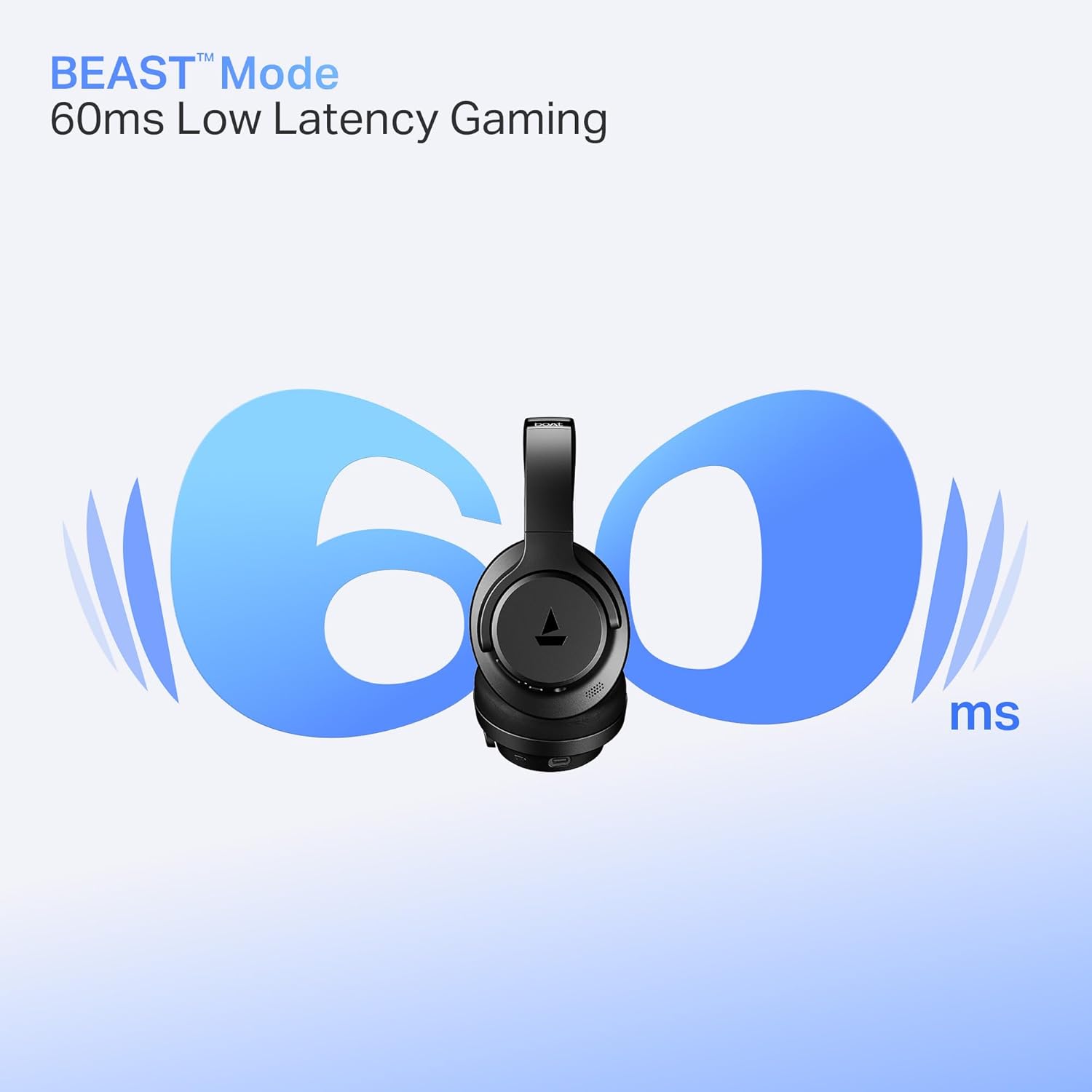
Image: Headphones illustrating BEAST Mode for low latency gaming.
4.5 boAt Hearables App Support
Enhance your experience by downloading the boAt Hearables App. The app provides additional features and controls for your headphones.
Image: Smartphone displaying the boAt Hearables App with a QR code for download. Scan the QR code or visit https://l.ead.me/bdAX6k to download the app.
5. Maintenance
5.1 Cleaning
Regular cleaning helps maintain the headphones' condition.
- Wipe the headphones with a soft, dry cloth.
- Do not use abrasive cleaners, solvents, or harsh chemicals.
5.2 Storage
The headphones feature foldable earcups for convenient storage.
- Fold the earcups inward when not in use to save space and protect them.
- Store in a cool, dry place, away from extreme temperatures and direct sunlight.

Image: Headphones with earcups folded for storage.
5.3 Water Resistance
The headphones are IPX4 rated, meaning they are resistant to splashes of water. They are not waterproof and should not be submerged in water.
6. Troubleshooting
If you encounter issues with your boAt Rockerz 512 ANC headphones, refer to the following common solutions:
- No Power: Ensure the headphones are fully charged. Connect them to a power source and check the charging indicator.
- Cannot Pair: Make sure the headphones are in pairing mode (flashing blue and red LED). Ensure Bluetooth is enabled on your device and it is within the 10-meter range. Try forgetting the device on your phone and re-pairing.
- No Sound: Check the volume levels on both the headphones and your connected device. Ensure the headphones are properly paired and connected.
- ANC Not Working Effectively: Ensure the ANC feature is activated. In extremely noisy environments, some sounds may still be audible.
- Poor Call Quality: Ensure the microphone is not obstructed. Check your device's network signal. ENx Technology helps, but extreme background noise can still affect clarity.
7. Specifications
| Feature | Specification |
|---|---|
| Model Name | Rockerz |
| Model Number | PB0012 |
| Connectivity Technology | Bluetooth |
| Bluetooth Version | 5.4 |
| Bluetooth Range | 10 Metres |
| Audio Driver Type | Dynamic Driver |
| Driver Size | 40mm |
| Noise Control | Hybrid Active Noise Cancellation (up to 40dB) |
| Battery Life | Up to 80 Hours |
| Low Latency Mode | BEAST Mode (40ms) |
| Microphone Technology | ENx Technology |
| Water Resistance Level | IPX4 (Splash Resistant) |
| Item Weight | 250 Grams |
| Product Dimensions | 17 x 7 x 20 cm |
| Compatible Devices | Cellphones, Laptops, Tablets |
| Control Method | Push Button |
| Manufacturer | Imagine Marketing Limited |
| Country of Origin | China |

Image: Internal view highlighting the 40mm audio drivers.
8. Warranty and Support
8.1 Warranty Information
Your boAt Rockerz 512 ANC headphones come with a standard manufacturer's warranty. Please refer to the warranty card included in your package or visit the official boAt website for detailed terms and conditions.
8.2 Customer Support
For any queries, technical assistance, or warranty claims, please contact boAt customer support:
- Email: info@imaginemarketingindia.com
- Website: Visit the official boAt website for support resources and FAQs.


