
Introduction
The Monster S300 Portable Bluetooth Speaker is designed for versatile audio playback in various environments. Featuring IPX7 waterproofing, RGB lighting, and TWS pairing, this speaker offers robust sound and functionality for both indoor and outdoor use. This manual provides detailed instructions for setup, operation, and maintenance to ensure optimal performance and longevity of your device.
What's in the Package?

- Monster S300 Speaker x 1
- Charging Cable x 1
- Handlebar Mount x 1
- Rubber Strip x 2
- Quick Start Guide x 1
Please ensure all items are present before proceeding with setup.
Product Overview

The image above illustrates the various buttons and ports on your Monster S300 speaker, including the power button, light mode switch, volume/track controls, Micro SD card input, charging indicator, and USB-C charging port. Familiarize yourself with these controls for easy operation.
Setup
1. Charging the Speaker
Before first use, fully charge the speaker. Connect the provided USB-C charging cable to the speaker's charging port and a compatible USB power adapter (not included). The charging indicator light will show charging status.
2. Attaching the Handlebar Mount

The Monster S300 comes with a secure handlebar mount. Slide the speaker onto the mount until it clicks into place. Use the provided rubber strips to ensure a snug fit on handlebars ranging from 19mm to 35mm in diameter. This mount is suitable for bicycles, motorcycles, and scooters.
3. Using the Portable Lanyard
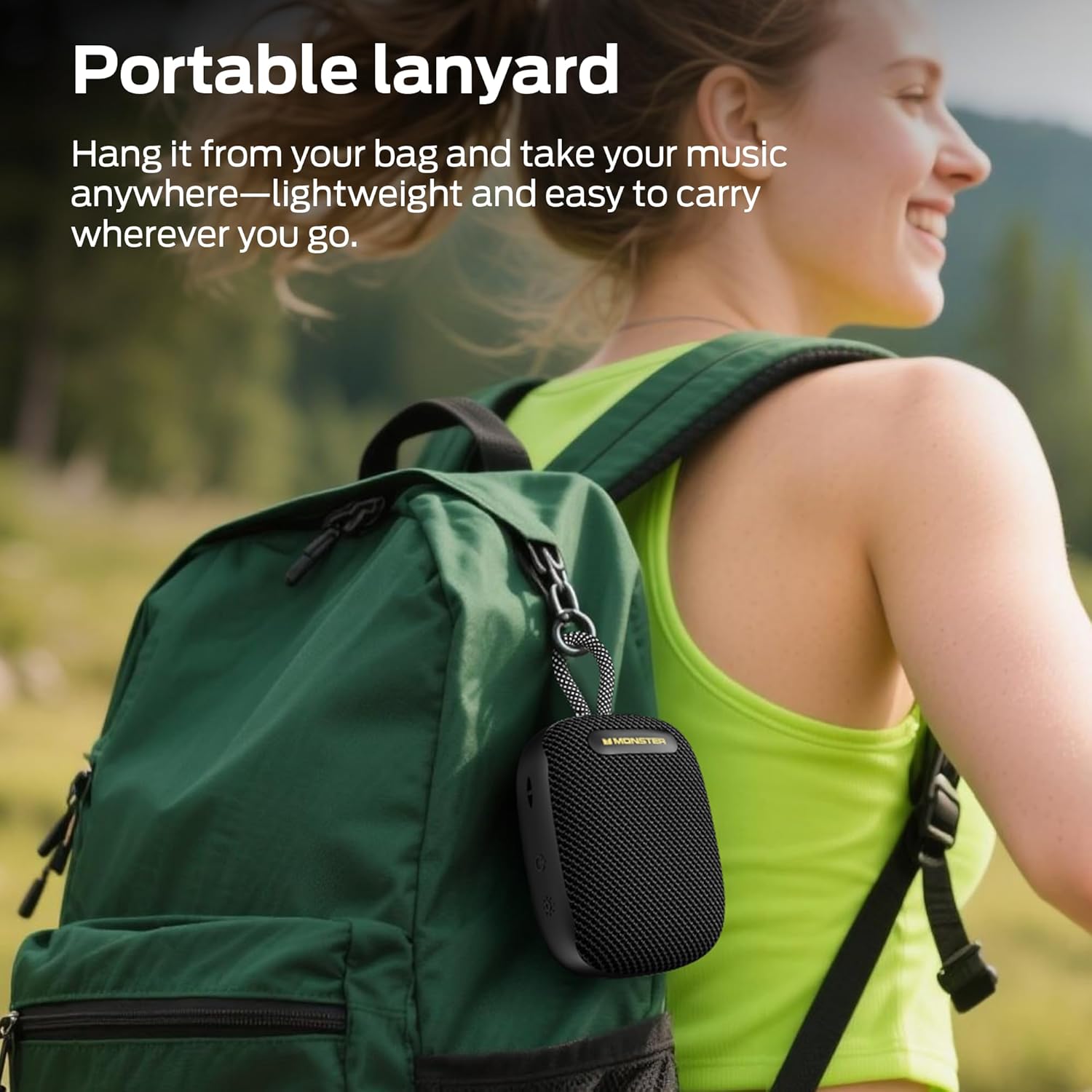
The speaker features a durable lanyard for easy portability. Attach it to your backpack, belt loop, or hang it in a shower for convenient access to your music on the go.
Operating Instructions
1. Power On/Off
- Power On: Press and hold the power button (⏻) on the side of the speaker for 2-3 seconds until the RGB lights illuminate and you hear a power-on tone.
- Power Off: Press and hold the power button (⏻) again for 2-3 seconds until the lights turn off and you hear a power-off tone.
2. Bluetooth Pairing
- Ensure the speaker is powered on and in Bluetooth pairing mode (RGB lights will be flashing).
- On your mobile device, enable Bluetooth and search for available devices.
- Select "Monster S300" from the list. Once connected, the speaker will emit a confirmation tone, and the RGB lights will change to a steady pattern.
3. TWS (True Wireless Stereo) Pairing

For an enhanced stereo experience, you can pair two Monster S300 speakers together:
- Ensure both speakers are powered on and not connected to any other Bluetooth device.
- On one speaker (this will be the primary speaker), double-press the Play/Pause button. The speaker will search for another S300.
- Once connected, both speakers will emit a confirmation tone, and their RGB lights will synchronize.
- Now, connect your mobile device to the primary speaker via Bluetooth as described above. Audio will play in stereo through both speakers.
4. Controlling Playback
- Play/Pause: Press the Play/Pause button (▶) once.
- Volume Up: Press the '+' button.
- Volume Down: Press the '-' button.
- Next Track: Press and hold the '+' button.
- Previous Track: Press and hold the '-' button.
5. RGB Light Modes
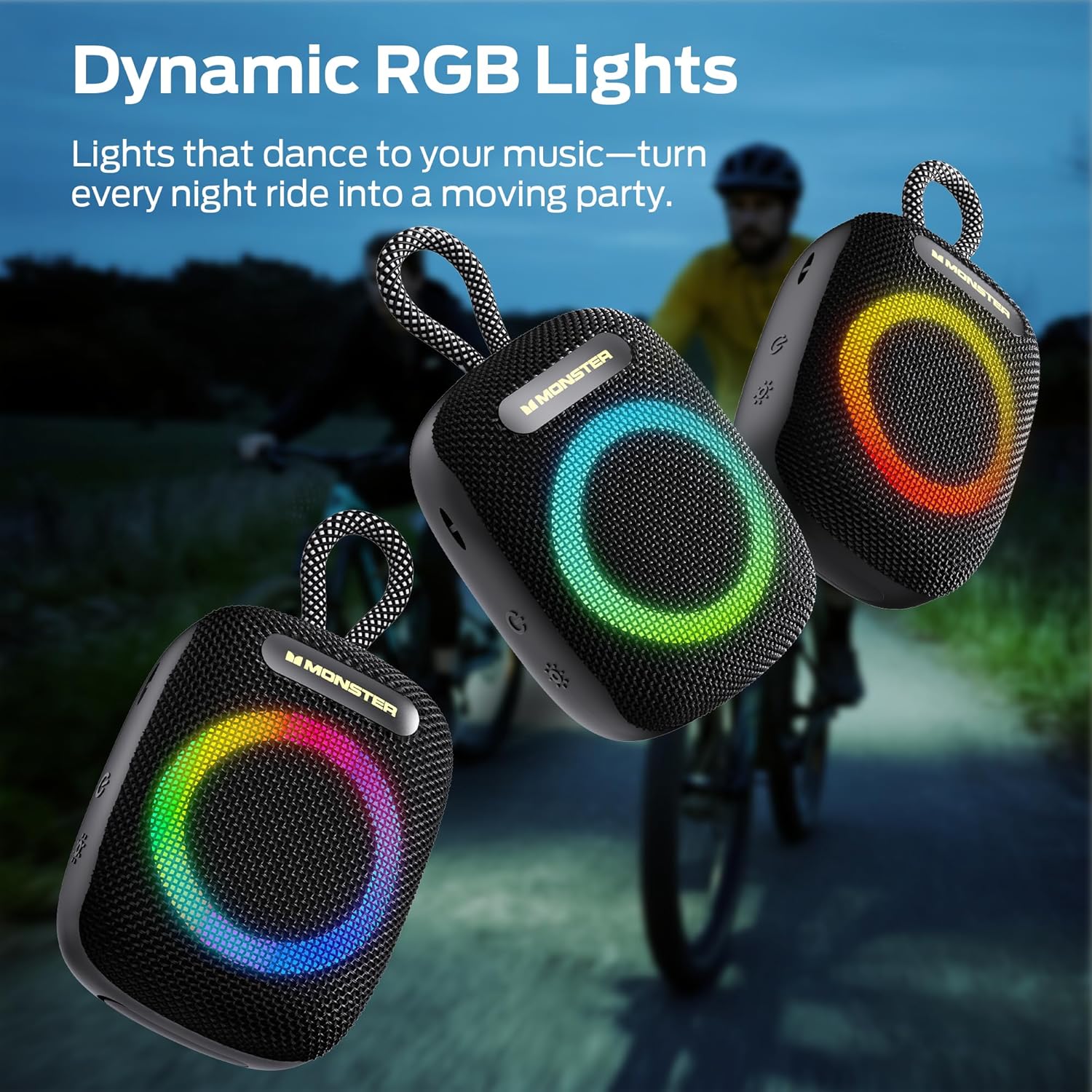
The speaker features multiple RGB light modes. Press the light mode switch button (💡) on the side to cycle through different lighting effects or to turn the lights off.
6. Hands-Free Calls
When connected to your phone via Bluetooth, the built-in microphone allows for hands-free calling. Press the Play/Pause button (▶) to answer or end a call. Press and hold to reject a call.
7. Micro SD Card Playback
Insert a Micro SD card (TF card) with your favorite music files into the Micro SD card input slot. The speaker will automatically switch to TF card playback mode. Use the playback controls to manage your music.
Maintenance
1. IPX7 Waterproof Rating

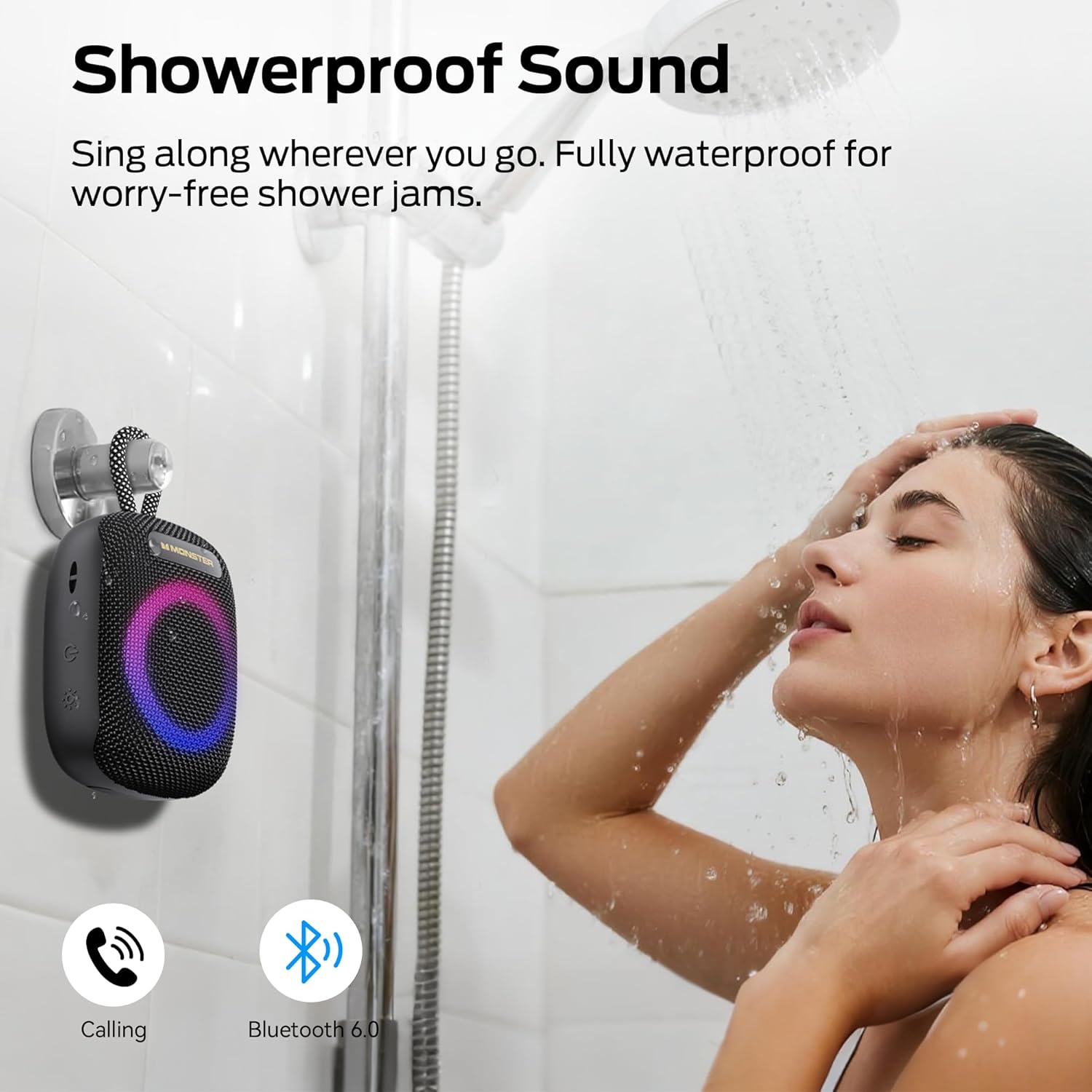
The Monster S300 speaker is IPX7 waterproof, meaning it can withstand immersion in water up to 1 meter for 30 minutes. This makes it suitable for use in the shower, by the pool, or during rainy outdoor activities. Ensure the charging port cover is securely closed before exposing the speaker to water.
2. Cleaning
To clean the speaker, wipe it with a soft, damp cloth. Do not use harsh chemicals or abrasive cleaners, as these may damage the surface or internal components.
3. Storage
Store the speaker in a cool, dry place away from direct sunlight and extreme temperatures. If storing for an extended period, charge the battery periodically to maintain its health.
Troubleshooting
- Speaker won't turn on: Ensure the battery is charged. Connect the charging cable and try again.
- Cannot pair via Bluetooth: Make sure the speaker is in pairing mode (flashing RGB lights) and not connected to another device. Disable and re-enable Bluetooth on your device.
- No sound: Check the volume levels on both the speaker and your connected device. Ensure the speaker is properly paired.
- Poor sound quality: Move the speaker closer to your Bluetooth device to reduce interference. Ensure the speaker is not obstructed.
- TWS pairing issues: Ensure both speakers are S300 models and are not connected to any other Bluetooth device before initiating TWS pairing.
Specifications
| Brand | Monster |
| Model Name | S39 |
| Connectivity Technology | Bluetooth 6.0 |
| Speaker Maximum Output Power | 16 Watts |
| Water Resistance Level | IPX7 Waterproof |
| Battery Life | Up to 10 hours (at 50% volume with lights off) |
| Battery Capacity | 3300mAh |
| Special Features | Built-in Microphone, Lightweight, Portable, RGB Lights, TWS Pairing |
| Product Dimensions | 8.4 x 3.7 x 3.6 inches |
| Item Weight | 14 ounces |
Warranty and Support
For warranty information and customer support, please refer to the official Monster website or contact their customer service department. Keep your purchase receipt for warranty claims.


