
YMOO Y7
YMOO Bluetooth 5.2 Hybrid Active Noise Cancelling Headphones (Model Y7) User Manual
Model: Y7 | Brand: YMOO
1. Introduction
The YMOO Bluetooth 5.2 Hybrid Active Noise Cancelling Headphones (Model Y7) are designed to deliver a high-quality audio experience with effective noise reduction. These over-ear headphones offer versatile connectivity options, including Bluetooth 5.2 for wireless freedom and a wired connection for uninterrupted listening. They are engineered for comfort during extended use, making them suitable for travel, office environments, and daily audio enjoyment.

This image displays the YMOO Y7 headphones from an angled perspective, highlighting their over-ear design and blue finish. The left earcup shows control buttons and ports.
2. Package Contents
Please verify that all items listed below are included in your package:
- YMOO Bluetooth 5.2 Hybrid Active Noise Cancelling Headphones (Model Y7)
- USB-C Charging Cable
- Type-C to 3.5mm Audio Cable
- Carrying Case
- 3.5mm Airplane Adapter
- User Manual (this document)
3. Product Overview
Familiarize yourself with the various components and controls of your YMOO Y7 headphones.

This diagram illustrates the location and function of buttons on the left earcup of the YMOO Y7 headphones, including Power/Pairing, Volume controls, ANC button, and the Type-C Charging Port.
3.1 Controls and Ports
- Power Button (On/OFF / Pairing): Press and hold to power on/off. Press and hold longer to enter Bluetooth pairing mode.
- Volume Up (+) / Next Track: Short press for volume up. Long press for next track.
- Volume Down (-) / Previous Track: Short press for volume down. Long press for previous track.
- ANC Button (Active Noise Cancellation): Press to toggle Active Noise Cancellation on or off.
- Type-C Charging Port: Connect the USB-C cable here for charging.
- 3.5mm Audio Jack: Connect the Type-C to 3.5mm audio cable for wired listening.
- Microphone: Integrated for hands-free calls.
4. Charging the Headphones
Before initial use, fully charge your headphones. Use the provided USB-C charging cable.
- Connect the USB-C end of the charging cable to the Type-C Charging Port on the headphones.
- Connect the USB-A end of the charging cable to a compatible USB power source (e.g., wall adapter, computer USB port).
- The LED indicator will show charging status (refer to LED indicator section for details, if available).
- Once fully charged, disconnect the charging cable.
Battery Life:
- Up to 75 hours of playtime with Active Noise Cancellation (ANC) off.
- Up to 40 hours of playtime with Active Noise Cancellation (ANC) on.
Fast Charging: A 10-minute charge can provide approximately 5 hours of playtime.

This image highlights the 75-hour playtime capability of the YMOO Y7 headphones, emphasizing their long-lasting battery for extended use.
5. Setup and Connectivity
5.1 Bluetooth Pairing (Wireless Mode)
To connect your YMOO Y7 headphones wirelessly via Bluetooth:
- Ensure the headphones are charged.
- Power on the headphones by pressing and holding the Power button until the LED indicator flashes (usually blue and red, indicating pairing mode).
- On your device (smartphone, tablet, laptop), enable Bluetooth and search for available devices.
- Select "YMOO Y7" (or similar name) from the list of found devices.
- Once connected, the LED indicator on the headphones will typically show a solid blue light or flash slowly.
5.2 Wired Connection
For a wired connection, use the provided Type-C to 3.5mm audio cable.
- Ensure the headphones have some charge, as wired mode still requires power for functionality.
- Connect the Type-C end of the audio cable to the Type-C Charging Port on the headphones.
- Connect the 3.5mm end of the audio cable to the audio output jack of your device.
- The headphones will automatically switch to wired mode.
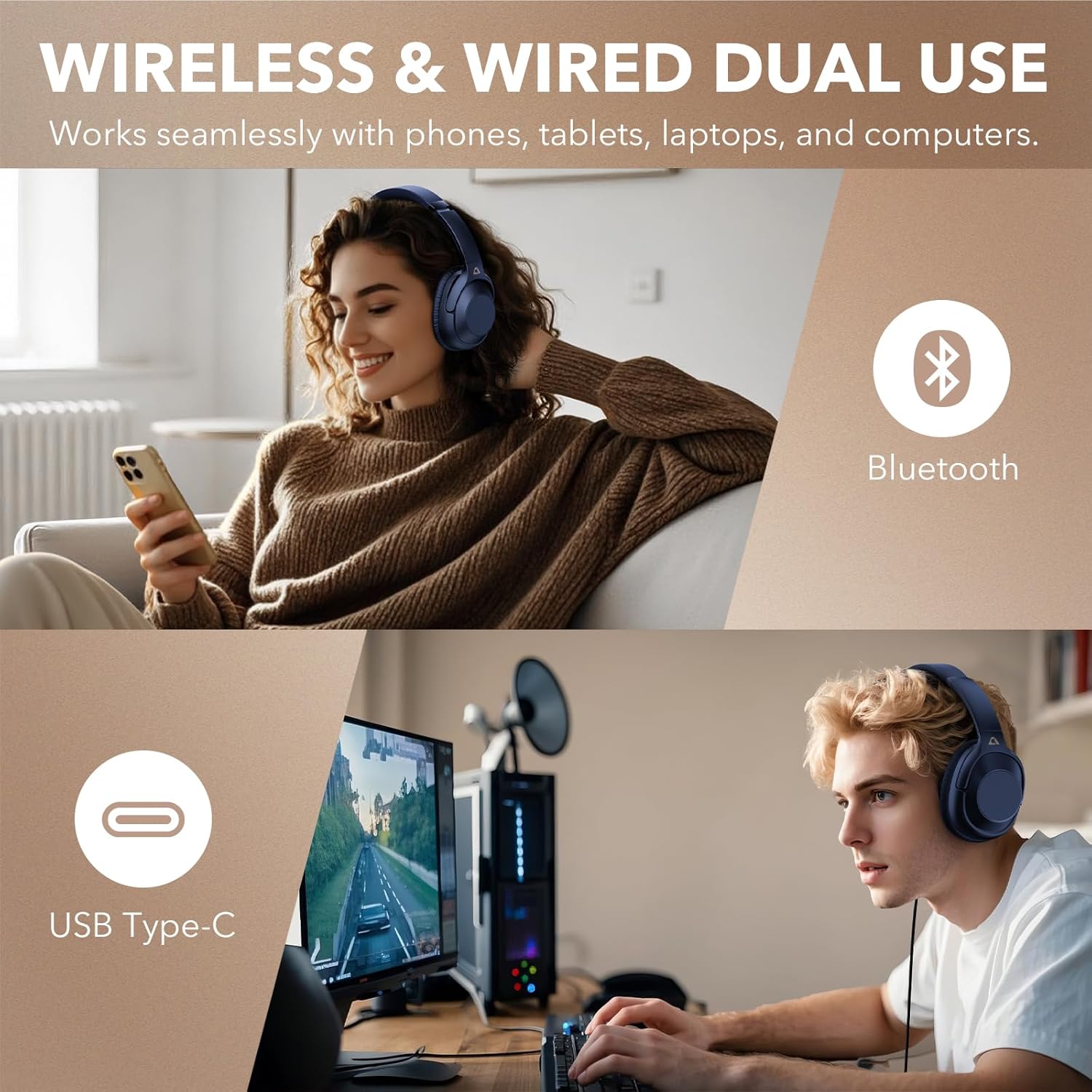
This image illustrates the flexibility of the YMOO Y7 headphones, showing a user enjoying wireless Bluetooth connectivity with a smartphone and another user connected via USB Type-C to a computer for wired audio.
6. Operating the Headphones
6.1 Basic Controls
- Play/Pause: Short press the Power button.
- Volume Up: Short press the "+" button.
- Volume Down: Short press the "-" button.
- Next Track: Long press the "+" button.
- Previous Track: Long press the "-" button.
- Answer/End Call: Short press the Power button.
- Reject Call: Long press the Power button.
- Activate Voice Assistant: Double-press the Power button (functionality may vary by device).
6.2 Active Noise Cancellation (ANC)
The YMOO Y7 headphones feature Hybrid Active Noise Cancellation to reduce ambient noise.
- Press the ANC button to activate Active Noise Cancellation. The ANC indicator light will illuminate.
- Press the ANC button again to deactivate Active Noise Cancellation. The ANC indicator light will turn off.
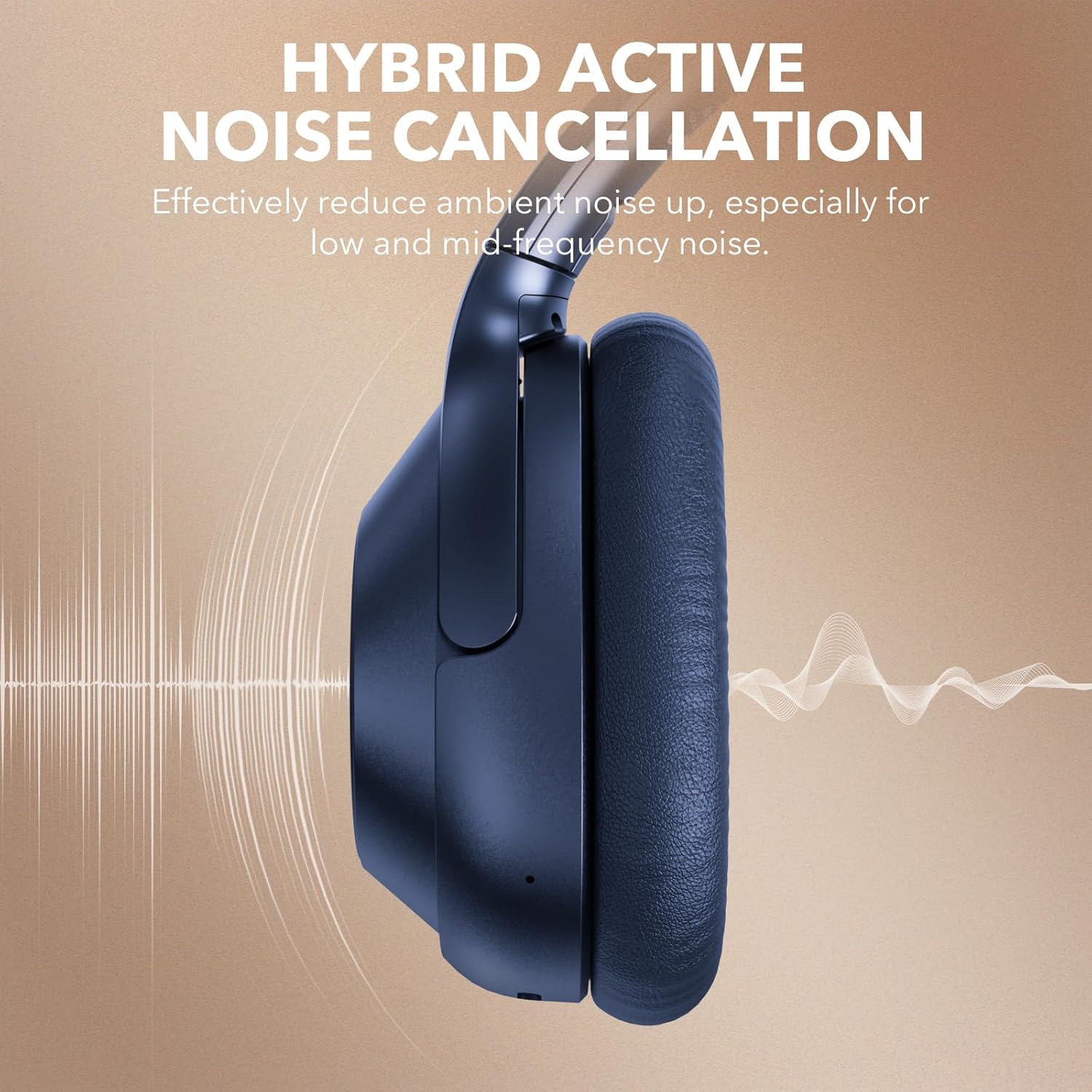
This image visually represents the Hybrid Active Noise Cancellation feature of the YMOO Y7 headphones, showing sound waves being reduced around the earcup.

A man is shown wearing the YMOO Y7 headphones while seated on an airplane, illustrating their comfortable design for travel.
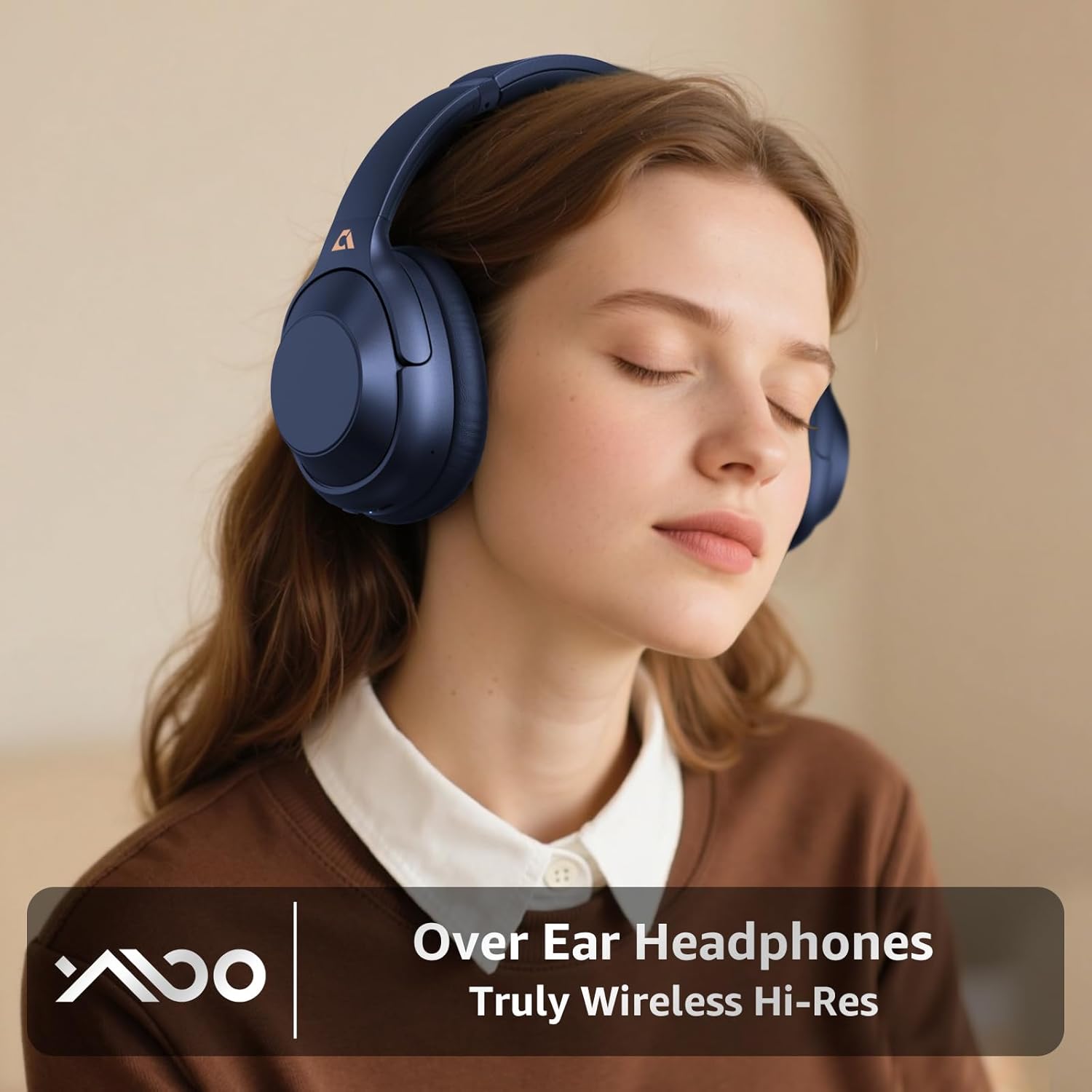
A woman is depicted wearing the YMOO Y7 over-ear headphones, emphasizing their design for an immersive audio experience.
7. Maintenance and Care
Proper care ensures the longevity and performance of your headphones.
- Cleaning: Use a soft, dry cloth to clean the earcups and headband. Do not use abrasive cleaners or solvents.
- Storage: When not in use, store the headphones in the provided carrying case to protect them from dust and damage.
- Temperature: Avoid exposing the headphones to extreme temperatures (hot or cold) or high humidity.
- Water Resistance: These headphones are not water-resistant. Avoid contact with liquids.

This image displays the YMOO Y7 headphones in a folded position, highlighting their portability. Insets show the ultra-soft ear pads and the adjustable headband mechanism, emphasizing comfort and adaptability.
8. Troubleshooting
If you encounter issues with your headphones, refer to the following common problems and solutions:
| Problem | Possible Solution |
|---|---|
| Headphones do not power on. | Ensure the headphones are fully charged. Connect to a power source using the USB-C cable. |
| Cannot pair via Bluetooth. |
|
| No sound in wireless mode. |
|
| Active Noise Cancellation (ANC) is not effective. |
|
| No sound in wired mode. |
|
9. Specifications
| Feature | Detail |
|---|---|
| Model Name | Y7 |
| Brand | YMOO |
| Noise Control | Hybrid Active Noise Cancellation |
| Connectivity Technology | Bluetooth 5.2, Wired (3.5mm) |
| Headphones Jack | 3.5 mm Jack (via Type-C to 3.5mm cable) |
| Earpiece Shape | Over Ear |
| Battery Life | Up to 75 Hours (ANC off), Up to 40 Hours (ANC on) |
| Audio Driver Type | Dynamic Driver |
| Impedance | 16 Ohms |
| Item Weight | 1.23 pounds (0.56 Kilograms) |
| Water Resistance Level | Not Water Resistant |
| Compatible Devices | Smartphones, Tablets, Laptops, Desktops |
10. Warranty and Support
YMOO products are designed and manufactured to the highest quality standards. For warranty information, technical support, or customer service inquiries, please refer to the contact information provided on the product packaging or the official YMOO website. Please retain your proof of purchase for warranty claims.
Related documentsY7


Ask a question about this manual
Ask about setup, troubleshooting, compatibility, parts, safety, or missing instructions. Manuals+ will review the question and use this page’s manual context to help answer it.