
Introduction
Thank you for choosing the Blackview AirBuds 7 Wireless Earbuds. This manual provides essential information for setting up, operating, and maintaining your earbuds. Please read it carefully before use to ensure optimal performance and longevity of your device.
Package Contents
Verify that all items listed below are included in your package:
- Blackview AirBuds 7 Earbuds (Left and Right)
- Charging Case
- USB Charging Cable
- User Manual
Video: Unboxing and overview of the Blackview AirBuds 7, showing the package contents including the earbuds, charging case, USB cable, and user manual.
Product Overview
The Blackview AirBuds 7 feature a compact design with a charging case that includes an LED display for battery status. The earbuds are designed for comfortable in-ear fit and deliver clear audio.
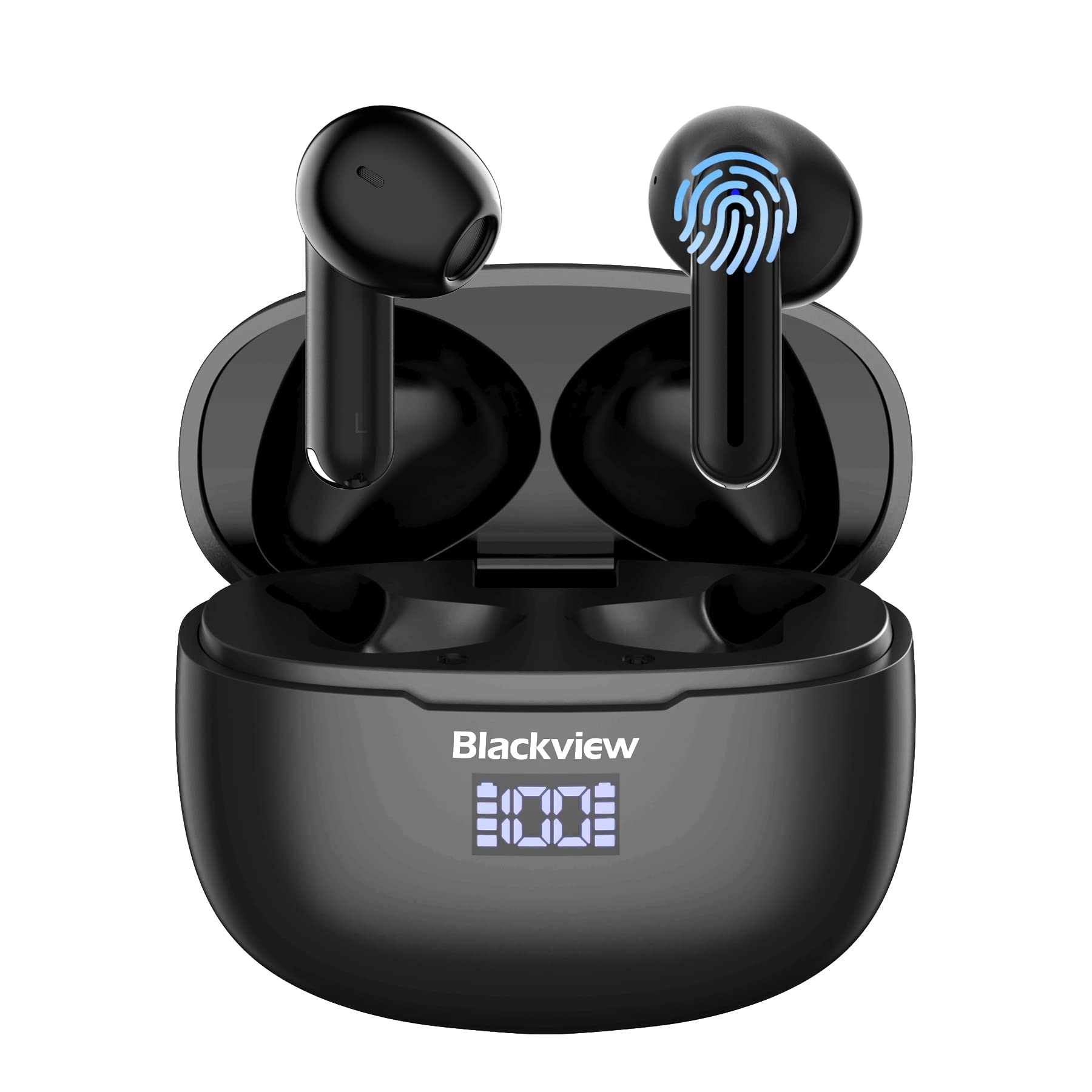
Image: Blackview AirBuds 7 wireless earbuds and their charging case, showcasing the digital power display.

Image: Close-up of the Blackview AirBuds 7 charging case, highlighting the digital LED power display for both the case and individual earbuds.
Setup and Pairing
Follow these steps to connect your AirBuds 7 to your device:
- Charge Earbuds: Ensure the earbuds and charging case are fully charged before first use.
- Activate Pairing Mode: Open the charging case and remove both earbuds. They will automatically enter pairing mode.
- Enable Bluetooth: On your smartphone or other Bluetooth-enabled device, go to the Bluetooth settings.
- Search and Connect: Search for available devices and select "AirBuds 7" from the list.
- Confirmation: Once connected, you will hear an audio prompt, and the earbuds will be ready for use.
After the initial pairing, the earbuds will automatically connect to your device when removed from the charging case, provided Bluetooth is enabled on your device.

Image: A smartphone displaying its Bluetooth settings, showing a successful connection to 'AirBuds 7', with the charging case and earbuds nearby.
Charging
The AirBuds 7 charging case features both USB-C and wireless charging capabilities. The LED display on the case indicates the battery level of both the case and the earbuds.
- Earbud Charging: Place the earbuds back into the charging case. They will automatically begin charging.
- Case Charging (USB-C): Connect the provided USB charging cable to the USB-C port on the charging case and to a power source.
- Case Charging (Wireless): Place the charging case on a compatible wireless charging pad.
A full charge for the earbuds provides up to 6 hours of music playback. The charging case provides an additional 4-5 charges, extending total playtime to approximately 30 hours. The charging time for the case is approximately 75 minutes.

Image: The Blackview AirBuds 7 charging case being charged wirelessly on a pad, also showing the option for USB-C cable charging.
Operating Instructions
Smart Touch Controls
The AirBuds 7 feature intuitive touch controls on each earbud. Refer to the diagram below for specific functions:

Image: A visual guide to the touch controls on the Blackview AirBuds 7, detailing actions for music playback, calls, and volume.
- Play/Pause: Double tap Left (L) or Right (R) earbud.
- Answer/Hang Up Call: Double tap Left (L) or Right (R) earbud.
- Previous Song: Triple tap Left (L) earbud.
- Next Song: Triple tap Right (R) earbud.
- Increase Volume: Single tap Right (R) earbud.
- Decrease Volume: Single tap Left (L) earbud.
Water Resistance (IPX7)
The Blackview AirBuds 7 are rated IPX7 waterproof, meaning they can withstand immersion in water up to 1 meter for 30 minutes. This protection makes them suitable for use during workouts or in light rain. However, the charging case is not waterproof. Avoid exposing the charging case to water.
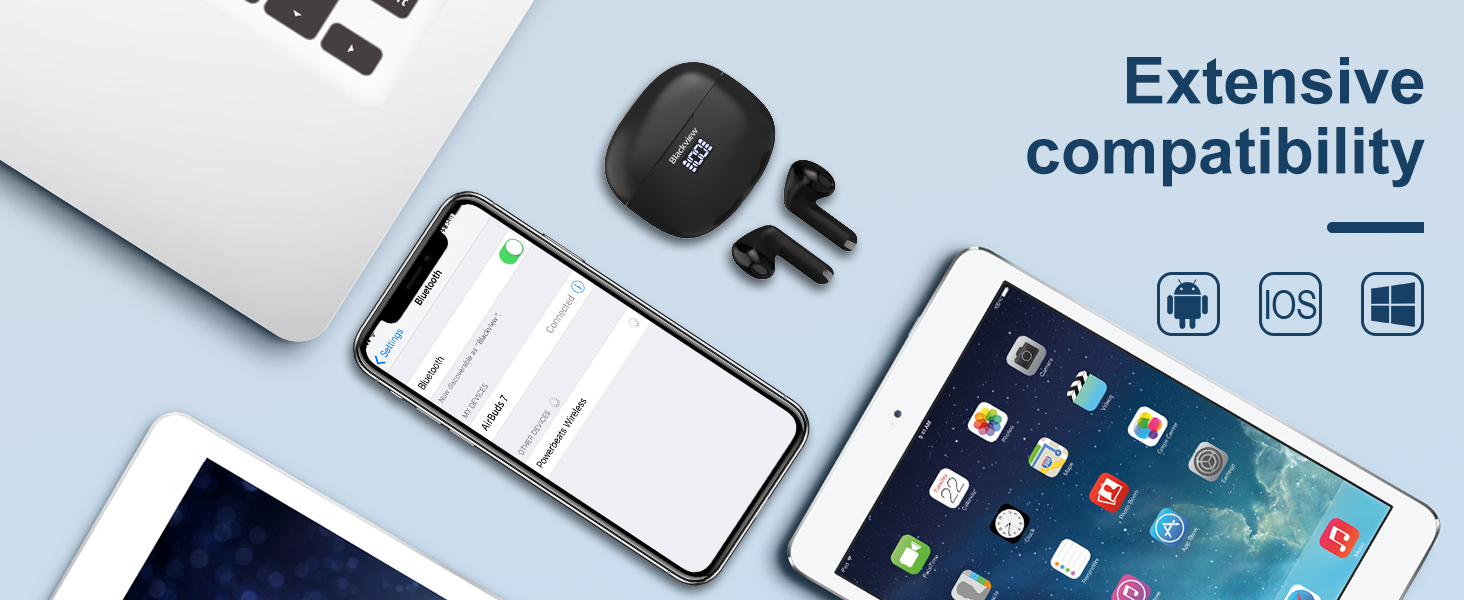
Image: A person being splashed with water, demonstrating the IPX7 waterproof capability of the AirBuds 7 earbuds, protecting them from sweat and raindrops.
Environmental Noise Cancellation (ENC)
The AirBuds 7 incorporate Dual-Mic Environmental Noise Cancellation (ENC) technology and a Dialogue Noise Cancellation (DNS) algorithm. This system automatically activates during calls to reduce background noise, ensuring clearer conversations even in noisy environments like public transport or busy streets.
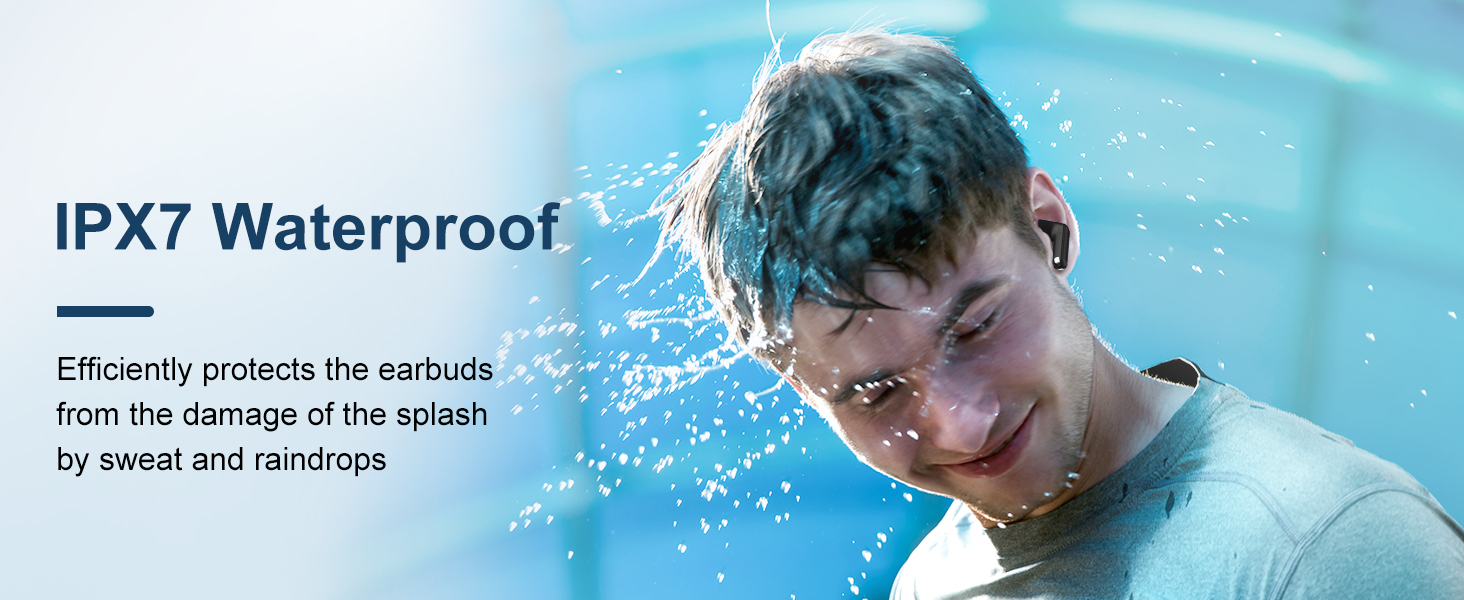
Image: A graph illustrating the effectiveness of environmental noise cancellation, showing how noise is suppressed while vocal clarity is maintained.
Maintenance
- Cleaning: Regularly clean the earbuds and charging case with a soft, dry, lint-free cloth. Do not use harsh chemicals or abrasive materials.
- Ear Tips: Ensure ear tips are clean and free of earwax buildup for optimal sound quality and hygiene.
- Storage: When not in use, store the earbuds in their charging case to protect them and keep them charged.
- Avoid Extreme Conditions: Do not expose the earbuds or case to extreme temperatures, humidity, or direct sunlight for extended periods.
Troubleshooting
| Problem | Solution |
|---|---|
| Earbuds not pairing | Ensure earbuds are charged. Turn off and on Bluetooth on your device. Forget "AirBuds 7" in Bluetooth settings and re-pair. |
| Only one earbud working | Place both earbuds back in the case, close it, then open and remove them again. Check battery levels for both earbuds. |
| Low volume or poor sound quality | Clean earbud tips and speaker mesh. Adjust volume on your device. Ensure earbuds are properly seated in your ears. |
| Charging case not charging | Check USB cable connection and power source. Ensure wireless charging pad is active and case is correctly placed. |
Specifications
| Feature | Detail |
|---|---|
| Model Name | Airbuds 7 |
| Brand | Blackview |
| Connectivity Technology | Wireless (Bluetooth 5.3) |
| Audio Driver Type | Dynamic Driver |
| Audio Driver Size | 13 Millimeters |
| Battery Life (Earbuds) | Up to 6 Hours |
| Total Playtime (with Case) | Up to 30 Hours |
| Charging Time (Case) | 75 minutes |
| Water Resistance Level | IPX7 (Earbuds only) |
| Noise Control | Adaptive Noise Cancellation (ENC) |
| Microphone | Included |
| Charging Interface | USB-C, Wireless Charging |
| Material | Plastic, Polyurethane (PU) |
| Item Weight | 5.3 ounces |
| UPC | 810175522289 |
Safety Information
- Do not disassemble or modify the earbuds or charging case.
- Keep out of reach of children and pets.
- Avoid listening at high volumes for extended periods to prevent hearing damage.
- Do not use the earbuds in situations where you need to hear your surroundings, such as driving or cycling.
- Dispose of the product responsibly according to local regulations.
Warranty and Support
Blackview products come with a standard manufacturer's warranty. For detailed warranty information, technical support, or service inquiries, please refer to the warranty card included in your package or visit the official Blackview website. Please retain your proof of purchase for warranty claims.
Official Blackview Website: www.blackview.hk