
1. Introduction and Overview
The EF ECOFLOW DELTA Pro 3 is a robust portable power station designed to provide reliable power for various applications, including home backup, camping, emergencies, RVs, and outdoor use. It features a 4096Wh LFP battery capacity, expandable up to 48kWh with additional batteries or smart generators. The unit supports 120V/240V voltage and offers a 4000W AC output, which can be boosted to 6000W with X-Boost technology, allowing it to power a wide range of essential appliances.
Key features include ultra-fast 10ms switch-over capability for uninterrupted power supply, X-Quiet technology for quiet operation (as low as 30 dB), and comprehensive control via the EcoFlow app. Its portable design with integrated handles and wheels ensures ease of transport and setup.

Image 1.1: The EF ECOFLOW DELTA Pro 3 Portable Power Station with an attached extra battery unit.
2. What's in the Box
Upon unboxing your EF ECOFLOW DELTA Pro 3, please verify that all the following items are included:
- EcoFlow DELTA Pro 3 Unit x1
- AC Charging Cable x1
- Grip Protector x2
- Product Document Bundle (User Manual, Warranty Card, etc.)
Video 2.1: An official EcoFlow video demonstrating the unboxing and quick onboarding process for the DELTA Pro 3, including its components.
3. Product Overview
The DELTA Pro 3 is designed with user convenience and versatility in mind. It features a clear display and multiple ports for various power needs.
Front Panel
The front panel provides essential information and common output ports:
- Display Screen: Shows battery level, input/output wattage, remaining runtime, and other operational statuses.
- USB-C Output Ports (100W): Two ports for fast charging compatible devices like laptops and smartphones.
- USB-A Fast Charge Output Ports: Two ports for quick charging of USB-A devices.
- 120V AC Outlets: Four standard AC outlets for powering household appliances.
- 240V AC Outlet: One high-power AC outlet for demanding appliances.
- 120V/240V 30A Outlet: One NEMA L14-30R outlet for RVs or heavy-duty equipment.

Image 3.1: The front panel of the DELTA Pro 3, highlighting its various output ports and digital display.
Rear Panel
The rear panel houses charging input ports and extra battery connections:
- AC Input Socket: For charging the unit directly from a wall outlet using the provided AC charging cable.
- High-PV Input Port: For connecting high-voltage solar panels (up to 150V).
- Low-PV / Car Input Port: For connecting low-voltage solar panels (up to 60V) or car cigarette lighter chargers.
- Extra Battery Ports: Two ports for connecting additional DELTA Pro 3 Extra Batteries to expand capacity.
- AC Power IN/OUT Port: A versatile port for connecting to the EcoFlow Smart Home Panel 2 or for EV charging.
Side Panels
The side panels offer additional connectivity and mobility features:
- 12V DC Output Ports: For powering 12V DC devices.
- Anderson Output: A high-current DC output port.
- Ethernet Port: For remote control and monitoring with compatible accessories.
- Wheels and Telescopic Handle: For easy portability of the unit.

Image 3.2: Side view of the DELTA Pro 3, showing its dimensions and integrated wheels for portability.
4. Setup
The DELTA Pro 3 is designed for easy, plug-and-play setup. No complex installation or maintenance is required.
Initial Setup
- Unpack the DELTA Pro 3 unit and all accessories.
- Place the unit on a flat, stable surface.
- Ensure all port covers are securely closed when not in use to protect against dust and moisture.

Image 4.1: Visual guide demonstrating the simple plug-and-play setup of the DELTA Pro 3.
Connecting Extra Batteries
To expand the capacity of your DELTA Pro 3, connect additional DELTA Pro 3 Extra Batteries to the dedicated ports on the rear panel. Ensure the main unit is powered off before connecting or disconnecting extra batteries. Stacking should be done against a wall for stability.
Video 4.2: Official EcoFlow video demonstrating the connection of extra batteries to the DELTA Pro 3.
5. Operating Instructions
The DELTA Pro 3 offers flexible charging and discharging options to suit your power needs.
Charging the DELTA Pro 3
The DELTA Pro 3 can be charged using multiple methods:
- AC Wall Outlet: Use the provided AC charging cable to plug the unit into a standard wall outlet. The unit can charge from 0% to 80% in just 50 minutes using X-Stream technology.
- Solar Panels: Connect compatible solar panels to the High-PV or Low-PV/Car input ports. The unit supports dual-PV fast charging up to 2600W.
- Gas Generator: Connect to a third-party gas generator or an EcoFlow Smart Generator 4000 (Dual Fuel) for industry-leading 3200W DC charging.
- EV Charging Piles: Utilize public EV charging piles for quick and efficient charging.
- Car Cigarette Lighter: Use your vehicle's built-in cigarette lighter port to charge on the go.
- EcoFlow Alternator Charger: Charge using a van's EcoFlow Alternator Charger.
- EcoFlow Smart Home Panel 2: Integrate with the Smart Home Panel 2 for automatic power management and charging up to 4kW.
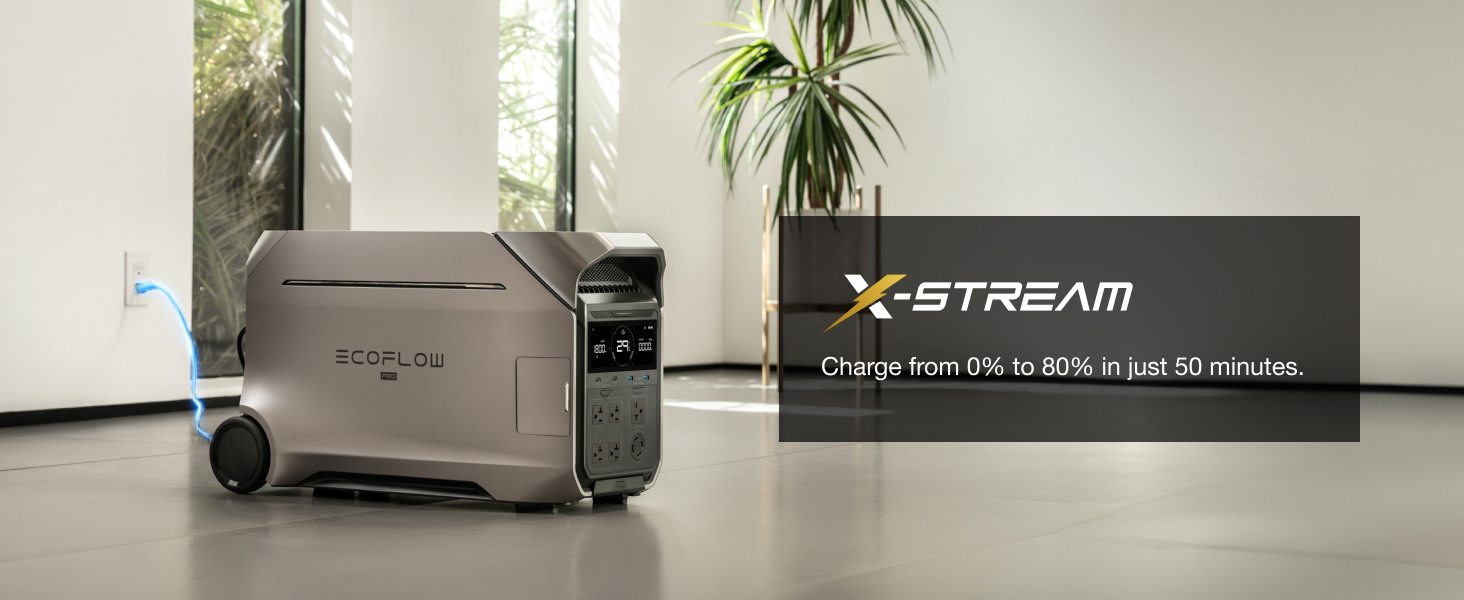
Image 5.1: The DELTA Pro 3 demonstrating X-Stream fast charging from an AC wall outlet.
Discharging (Powering Devices)
Connect your devices to the appropriate output ports on the DELTA Pro 3. The unit can power almost everything with its 4000W AC output (6000W with X-Boost).
- X-Boost Mode: Automatically enables when connected devices exceed the rated output, allowing the unit to power appliances up to 6000W.
- X-Quiet Technology: Operates at a low noise level (as low as 30 dB), ensuring a peaceful environment.
- Uninterrupted Power Supply (UPS): Provides instant backup power with a 10ms switch-over time, protecting sensitive electronics from power disruptions.
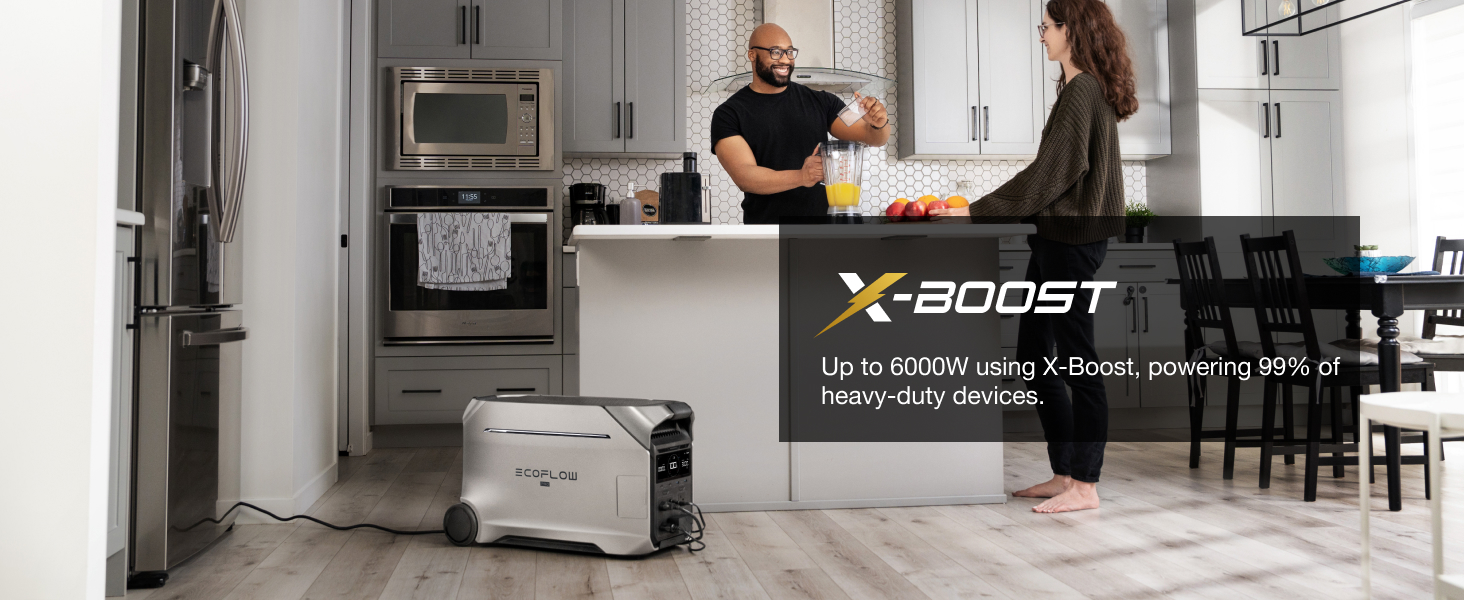
Image 5.2: The DELTA Pro 3 powering kitchen appliances using its X-Boost feature.
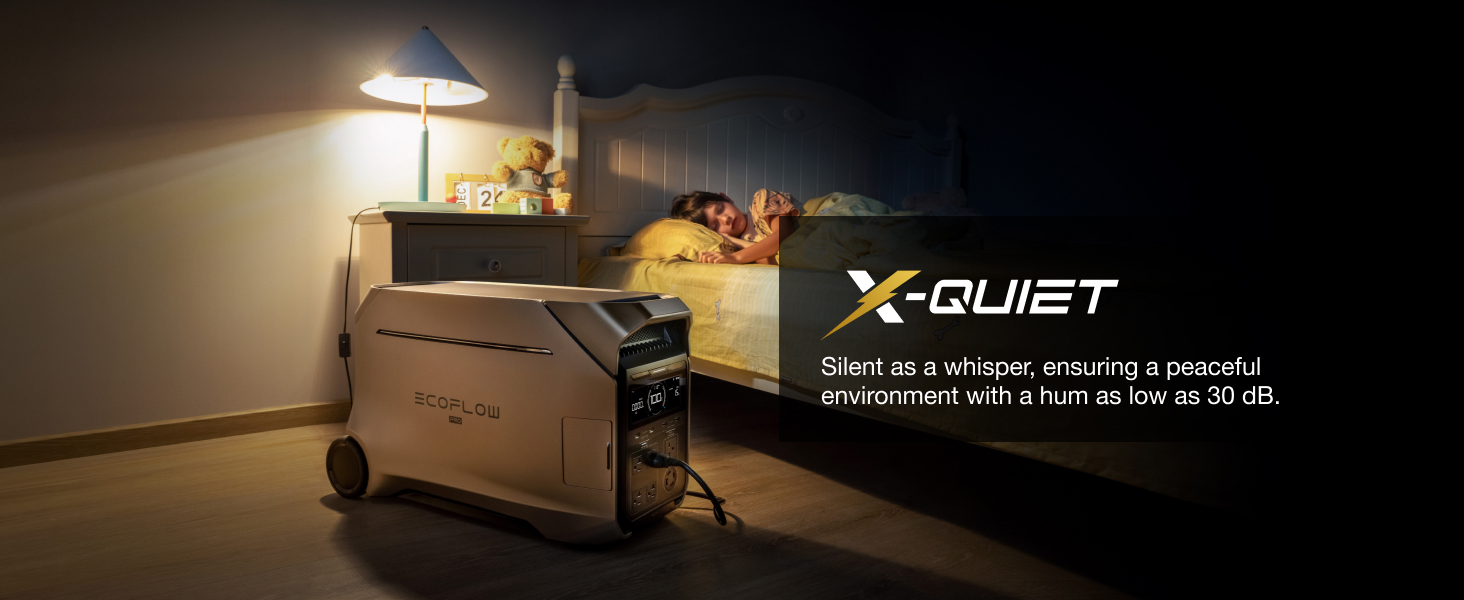
Image 5.3: The DELTA Pro 3 operating silently in a bedroom environment.
EcoFlow App Control
Download the EcoFlow app to monitor, control, and customize your DELTA Pro 3 remotely.
- Monitor: Get real-time energy insights on the go.
- Control: Manage your power even from afar.
- Customize: Enhance battery lifespan and safety settings.
- Update: Receive constant updates for an optimal user experience.
- Time of Use (TOU) Mode: Optimize energy usage by storing solar power during the day and low-cost grid energy at night, potentially saving over $1,800 a year.

Image 5.4: The EcoFlow app interface showing real-time monitoring and control features for the DELTA Pro 3.
6. Expandable Capacity
The DELTA Pro 3's 4096Wh LFP battery capacity is highly expandable. You can increase its storage up to 48kWh by connecting additional DELTA Pro 3 Extra Batteries or EcoFlow Smart Generators. This modular design allows you to tailor your power solution to your specific needs, from short-term backup to extended whole-home power for 2-4 days.

Image 6.1: Visual representation of the DELTA Pro 3's expandable capacity, ranging from 4kWh to 48kWh with additional units.
7. Maintenance
The EF ECOFLOW DELTA Pro 3 is built with automotive-grade LFP cells and IP65-rated CTC battery pack technology, designed to safeguard battery health and extend its lifespan. Regular maintenance is minimal, but it is recommended to:
- Keep the unit clean and free from dust and debris.
- Store in a cool, dry place away from direct sunlight and extreme temperatures.
- Charge the unit to 80% every 3-6 months if not in regular use to maintain battery health.
- Ensure proper ventilation during operation to prevent overheating.
8. Troubleshooting
If you encounter any issues with your DELTA Pro 3, please refer to the following general troubleshooting steps:
- Unit Not Powering On: Ensure the battery is charged. Press and hold the main power button for a few seconds.
- No Output from AC/DC Ports: Ensure the specific AC/DC output button is pressed to activate the ports. Check the display for any error messages.
- Slow Charging: Verify that the charging cable is securely connected. Check the EcoFlow app for charging speed settings (Fast/Adjust). Ensure solar panels are receiving adequate sunlight and are correctly connected.
- Overload Protection: If an overload occurs, the unit will automatically shut down. Disconnect some appliances and restart the unit. Utilize X-Boost mode for higher wattage appliances.
- App Connectivity Issues: Ensure Bluetooth or Wi-Fi is enabled on your device and the DELTA Pro 3. Restart the app and the unit if necessary.
For more detailed troubleshooting or persistent issues, please consult the full user manual included in your product document bundle or contact EF ECOFLOW customer support.
9. Specifications
| Specification | Value |
|---|---|
| Brand | EF ECOFLOW |
| Model Name | EFD521+EB (DELTA Pro 3 + Extra Battery) |
| Wattage (Battery Capacity) | 4096 Watt-hours (4kWh) |
| AC Output | 4000W (6000W with X-Boost) |
| Voltage | 120V / 240V (AC) |
| Item Weight | 188 Pounds |
| Item Dimensions (L x W x H) | 16.16"L x 13.43"W x 27.38"H |
| Fuel Type | Non-gasoline (Battery) |
| Power Source | Solar Powered, AC, DC, EV Charging |
| Total Power Outlets | 14 (various types) |
| Switch-over Time | 10 ms (UPS function) |
| Noise Level | As low as 30 dB |
10. Warranty and Support
The EF ECOFLOW DELTA Pro 3 comes with a 5-year manufacturer's warranty, ensuring peace of mind and reliable performance. For any issues, technical support, or warranty claims, please refer to the contact information provided in your product document bundle or visit the official EF ECOFLOW website.


