
1. Safety Information
Please read all safety warnings and instructions before using this product. Failure to follow the warnings and instructions may result in electric shock, fire, and/or serious injury.
- Do not use the air pump function continuously. If the tire battery compressor becomes very hot, allow it to cool down for several minutes before continuing to inflate the tire.
- Charge the jump starter fully upon first receiving it, even if it appears to have full power.
- It is recommended to jump start the car when the power is above 25%.
- Recharge the car jump pack every 2-3 months to activate the battery and prolong the portable emergency starter's lifespan.
- Ensure proper connection of jumper cables (red to positive, black to negative) to avoid sparks or damage.
- Keep out of reach of children.
- Do not immerse the device in water.
- Do not disassemble the device.
2. Package Contents
The ACEZUK M03 package includes the following items:
- 1 x ACEZUK Jump Starter with Air Compressor
- 1 x Smart Jumper Cables
- 1 x Air Pump Hose
- 4 x Gas Nozzles
- 1 x USB-C Charging Cable
- 1 x User Manual
- 1 x Portable EVA Carrying Case

3. Product Overview
Key Features:
- High Performance Jump Start: 8000A peak current, capable of starting 12V batteries (up to all gas/10.0L diesel engines) in seconds, even at extreme temperatures (-4°F to 140°F).
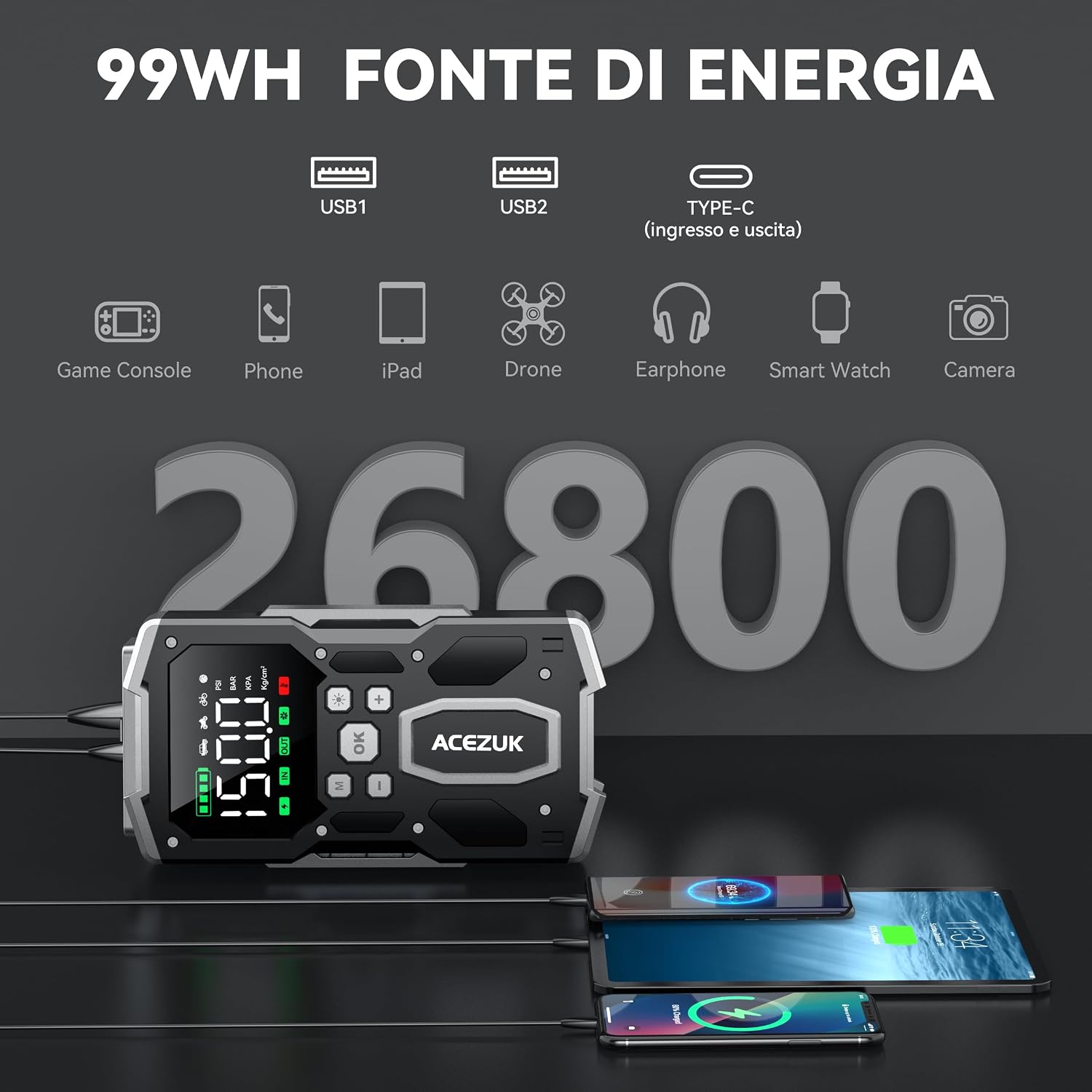
- Portable Car Power Supply: Integrated with 2 USB outputs and a Type-C input/output for charging mobile phones, tablets, and other devices.
- Advanced Safety Protections: Features 10 intelligent safety protections including anti-spark, overload, reverse charge, short circuit, overcurrent, and thermal protection.
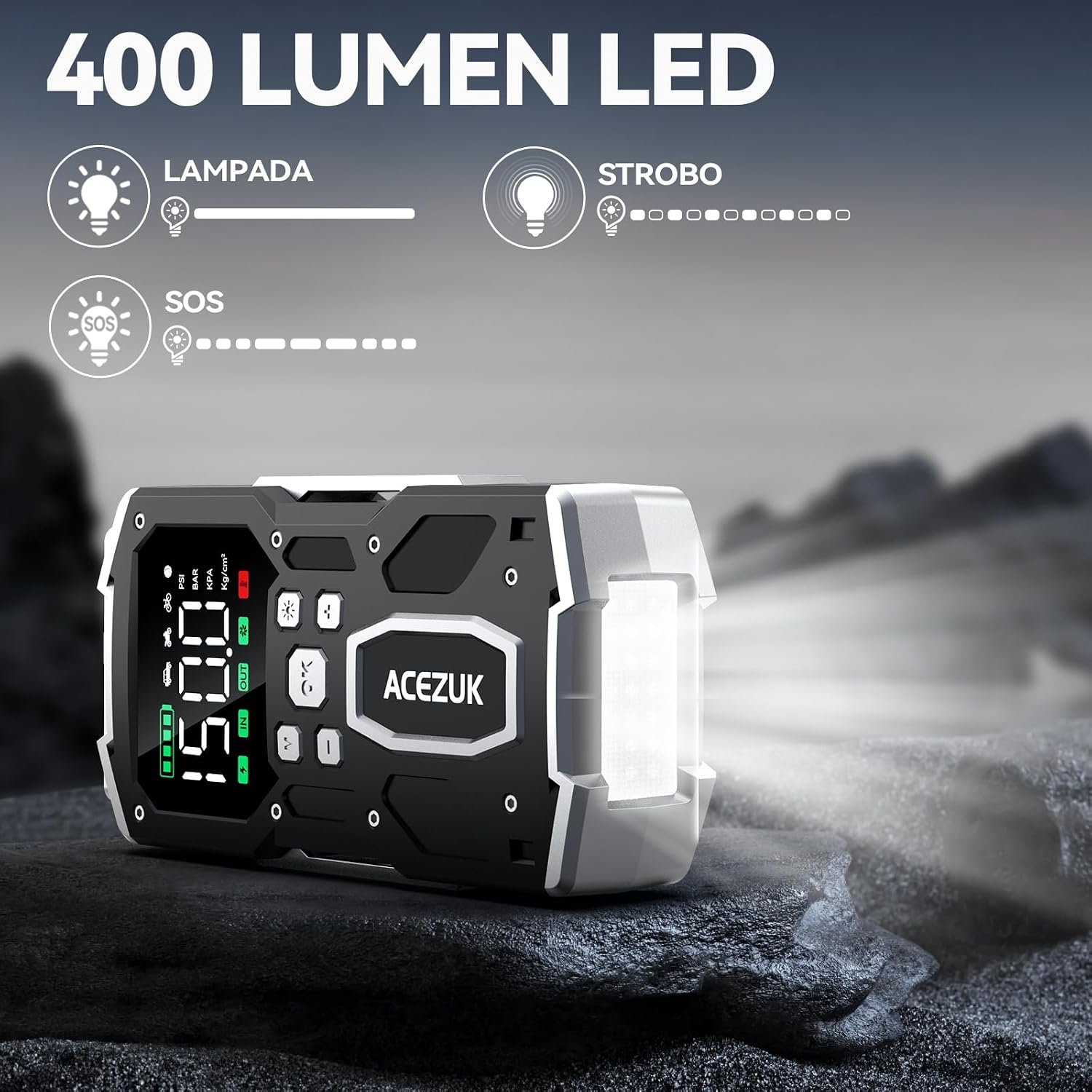
- Versatile Tool: High-lumen flashlight with light/strobe/SOS modes, suitable for outdoor activities and emergencies. Additional intimate light for illumination during use.
- Integrated Air Compressor: Powerful cordless air compressor with 4 preset modes, inflates car, motorcycle, bicycle tires, and balls up to 150 PSI (35 L/min airflow). Automatically stops when preset value is reached.
- 3.4-inch LCD Display: Large digital screen displays operating status, battery level, and potential errors in real-time.
Component Identification:

4. Setup and Charging
Initial Charging:
Before first use, fully charge the ACEZUK M03 unit using the provided USB-C charging cable and a 5V/2A (or higher) adapter. The LCD display will indicate the charging status.
Connecting the Jumper Cables:
The smart jumper cables connect to the dedicated EC5 port on the jump starter unit. Ensure a secure connection before attaching to the vehicle battery.
5. Operating Instructions
5.1. Jump Starting a Vehicle:
- Step 1: Insert the jumper cable into the jump starter.
- Step 2: Connect the clamps to the car battery. Attach the red clamp to the positive (+) terminal and the black clamp to the negative (-) terminal of the vehicle battery.
- Step 3: Start the engine. Turn on your car's ignition.
- Step 4: Remove the clamps immediately after the car starts.
Note: Remove the clamps immediately after starting the car.

Video: A demonstration titled "How to Start Your Car" showing the process of connecting the jump starter to a car battery and starting the vehicle. This video is provided by the seller "gerrit".
Video: A demonstration titled "How to Force Start the Car with YaberAuto AP03?" showing the process of using a jump starter to force start a vehicle. This video is provided by the seller "Jessibest".
5.2. Tire Inflation:
- Step 1: Assemble the flexible hose to the air pump port on the unit.
- Step 2: Connect the hose to the car tire valve.
- Step 3: Set the inflation mode and press the "+" or "-" button to adjust the inflation volume.
- Step 4: Press the power button to start inflating. The compressor will automatically stop when the preset pressure is reached.
Video: A demonstration titled "Car Battery Starter with Compressor" showing the tire inflation function of a similar device. This video is provided by the seller "CYBSHOP".
5.3. Power Bank Function:
Connect your mobile devices (phones, tablets, etc.) to the USB output ports (USB1, USB2) or the Type-C input/output port using their respective charging cables. The unit will provide power to charge your devices.

5.4. Flashlight Function:
The unit features a high-lumen LED flashlight with multiple modes:
- Light Mode: Provides continuous illumination.
- Strobe Mode: Flashes rapidly for signaling.
- SOS Mode: Emits the international SOS signal for emergencies.

6. Maintenance
- Keep the unit clean and dry.
- Store in a cool, dry place away from direct sunlight and high temperatures.
- Recharge the unit every 2-3 months to maintain battery health, even if not in use.
- Inspect jumper cables and air hose for any damage before each use.
7. Troubleshooting
| Problem | Possible Cause | Solution |
|---|---|---|
| Unit does not turn on | Low battery or unit is off. | Charge the unit fully. Press the power button to turn on. |
| Vehicle does not start | Incorrect cable connection, low unit battery, or vehicle battery is severely damaged. | Ensure correct cable connection (red to +, black to -). Charge the unit. If vehicle battery is severely damaged, professional assistance may be required. |
| Air compressor not inflating | Hose not securely connected, incorrect pressure setting, or unit battery is low. | Check hose connection. Verify pressure settings on the LCD. Charge the unit. |
| Unit gets hot during use | Continuous use of air pump. | Allow the unit to cool down for several minutes before continuing use. |
Video: A demonstration titled "How to use the OBD2 scanner?" showing how to connect and use an OBD2 scanner for vehicle diagnostics. This video is provided by the seller "gerrit".
Video: A demonstration titled "How to configure with OBD II" showing the steps to set up an OBD II device. This video is provided by the seller "alinstore".
8. Specifications
- Brand: ACEZUK
- Model: M03
- Peak Current: 8000 Ampere
- Vehicle Service Type: Automobile, Truck, Van
- Battery Cell Composition: Lithium Ion
- Item Weight: 1.77 Kilograms
- Air Compressor Pressure: 150 PSI
- Display: 3.4-inch LCD
- Light: 400 Lumen LED (Light/Strobe/SOS modes)
- USB Output: 5V/3.1A (USB1+USB2)
- Type-C Input/Output: 5V/3A
9. Warranty and Support
ACEZUK offers a 2-year FREE warranty, lifetime technical support, and 24/7 customer service for the M03 Jump Starter with Air Compressor.
For any inquiries or support, please contact ACEZUK customer service.


