Introduction
The Scosche FMT7-SP1 Tune-Tone FM Stereo Transmitter allows you to broadcast audio from your portable device, such as a smartphone, MP3 player, or iPod, to your car's FM radio. This device is ideal for vehicles without built-in Bluetooth or auxiliary input ports. It features 20 selectable transmitting frequencies to ensure clear audio reception.

Figure 1: Front view of the Scosche FMT7-SP1 FM Stereo Transmitter, showing the frequency display and control button.
Package Contents
- One Scosche FMT7-SP1 Tune-Tone FM Stereo Transmitter
- (Note: AAA batteries are not included and must be purchased separately)
Features
- Multiple Channel Options: Offers 20 distinct transmitting frequencies (88.1-90.9 MHz and 106.1-107.9 MHz) for optimal audio quality and signal selection.
- Low Profile AUX Cable: Features a slim 3.5mm AUX plug designed to fit into various devices, even with protective cases.
- On/Off Switch: Includes a dedicated power switch to conserve battery life when the device is not in use. The device also enters standby mode automatically.
- Universal Compatibility: Works with any audio device equipped with a standard 3.5mm AUX output, including smartphones, MP3 players, and iPods.
- Battery Powered: Operates on two AAA batteries (not included), providing approximately 15 hours of continuous use and up to 45 days in standby mode.
Setup Instructions
1. Install Batteries
- Locate the battery compartment on the back of the FMT7-SP1 transmitter.
- Open the battery compartment cover.
- Insert two (2) AAA batteries, ensuring correct polarity (+/-).
- Close the battery compartment cover securely.
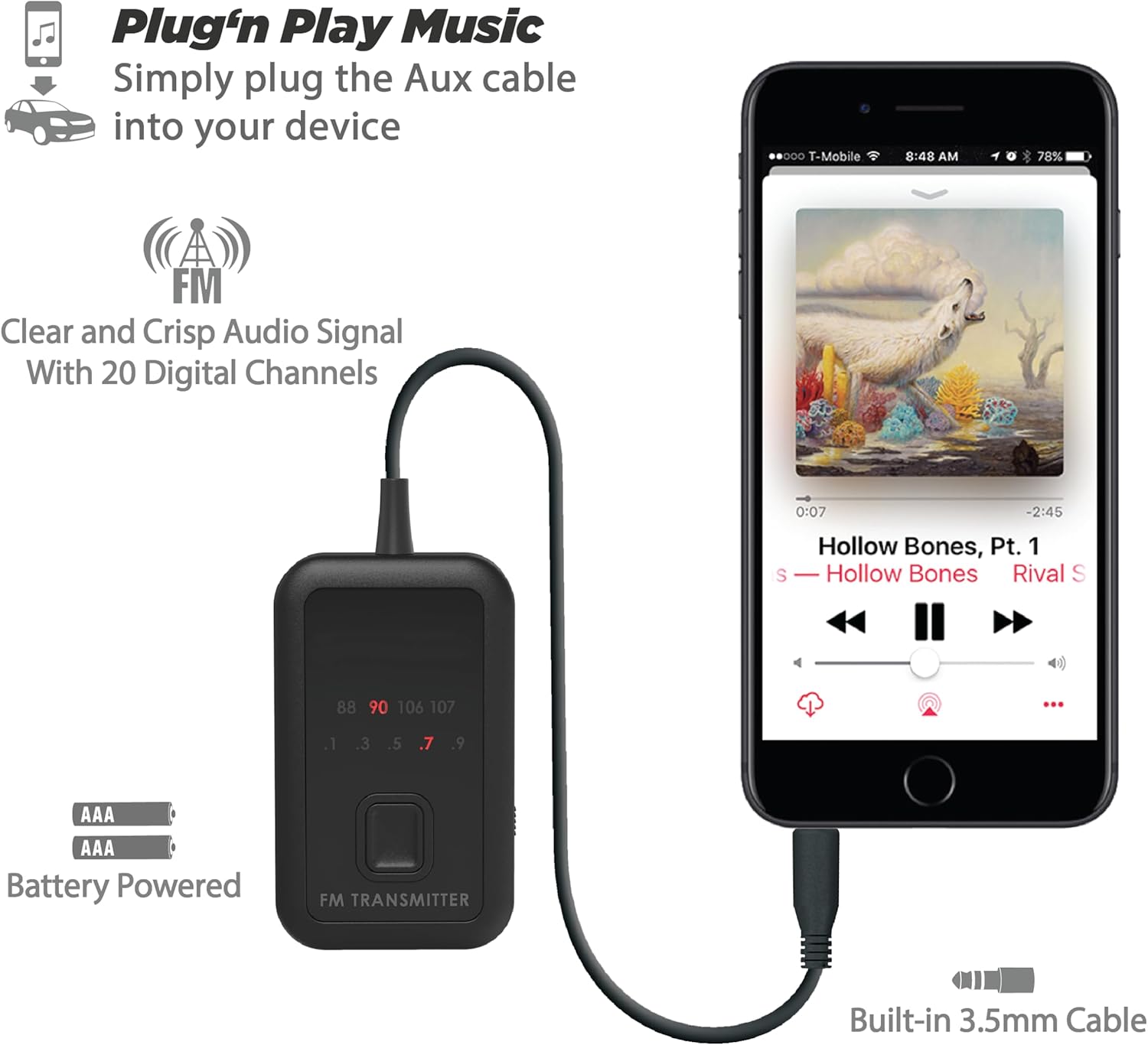
Figure 2: Rear view of the transmitter showing the battery compartment and the integrated 3.5mm AUX cable.
2. Power On the Transmitter
Locate the ON/OFF switch on the side of the transmitter. Slide the switch to the "ON" position.
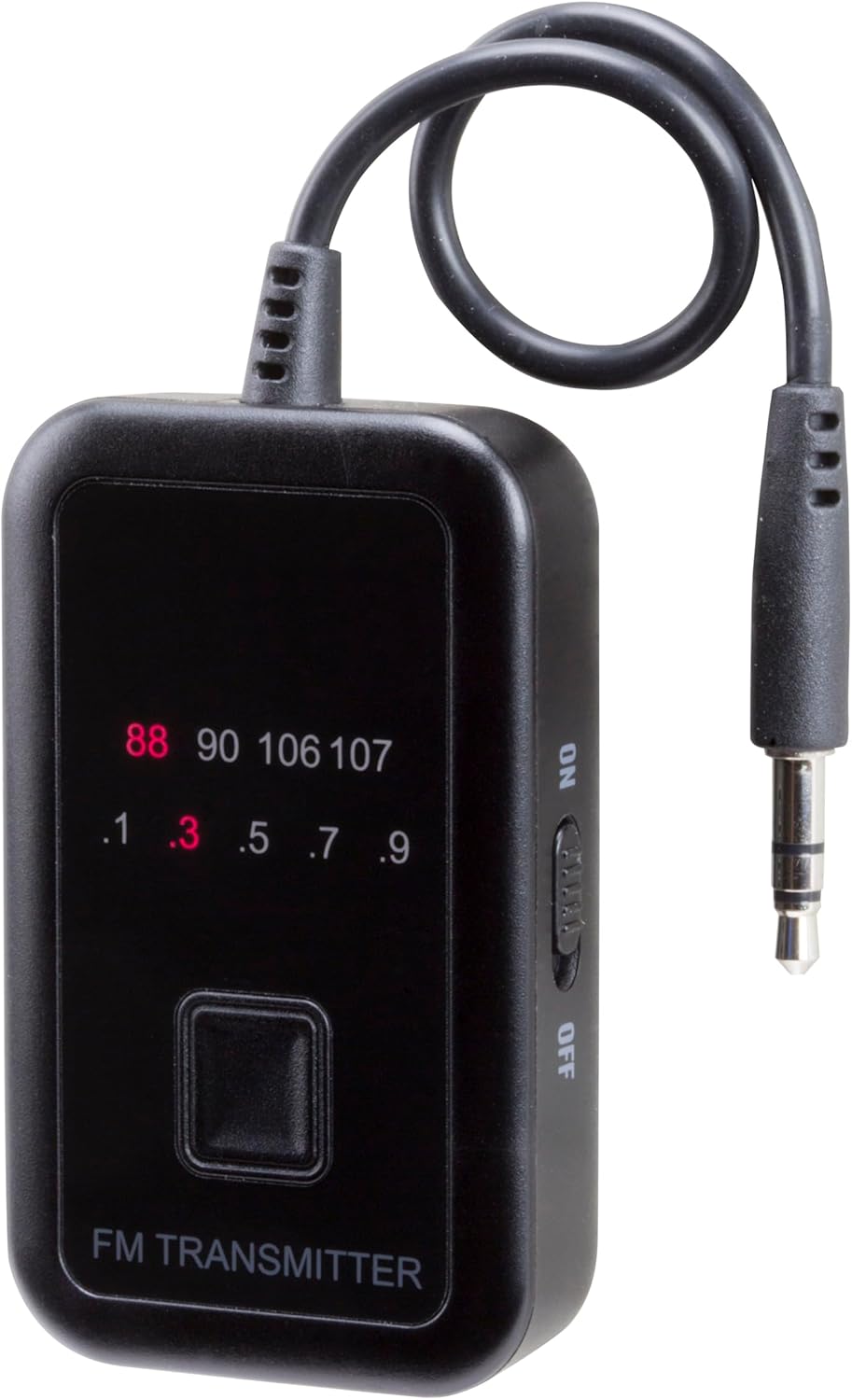
Figure 3: Side view of the transmitter highlighting the ON/OFF switch.
3. Connect to Audio Device
Plug the integrated 3.5mm AUX cable from the FMT7-SP1 into the headphone jack or AUX output of your smartphone, MP3 player, or other audio source.
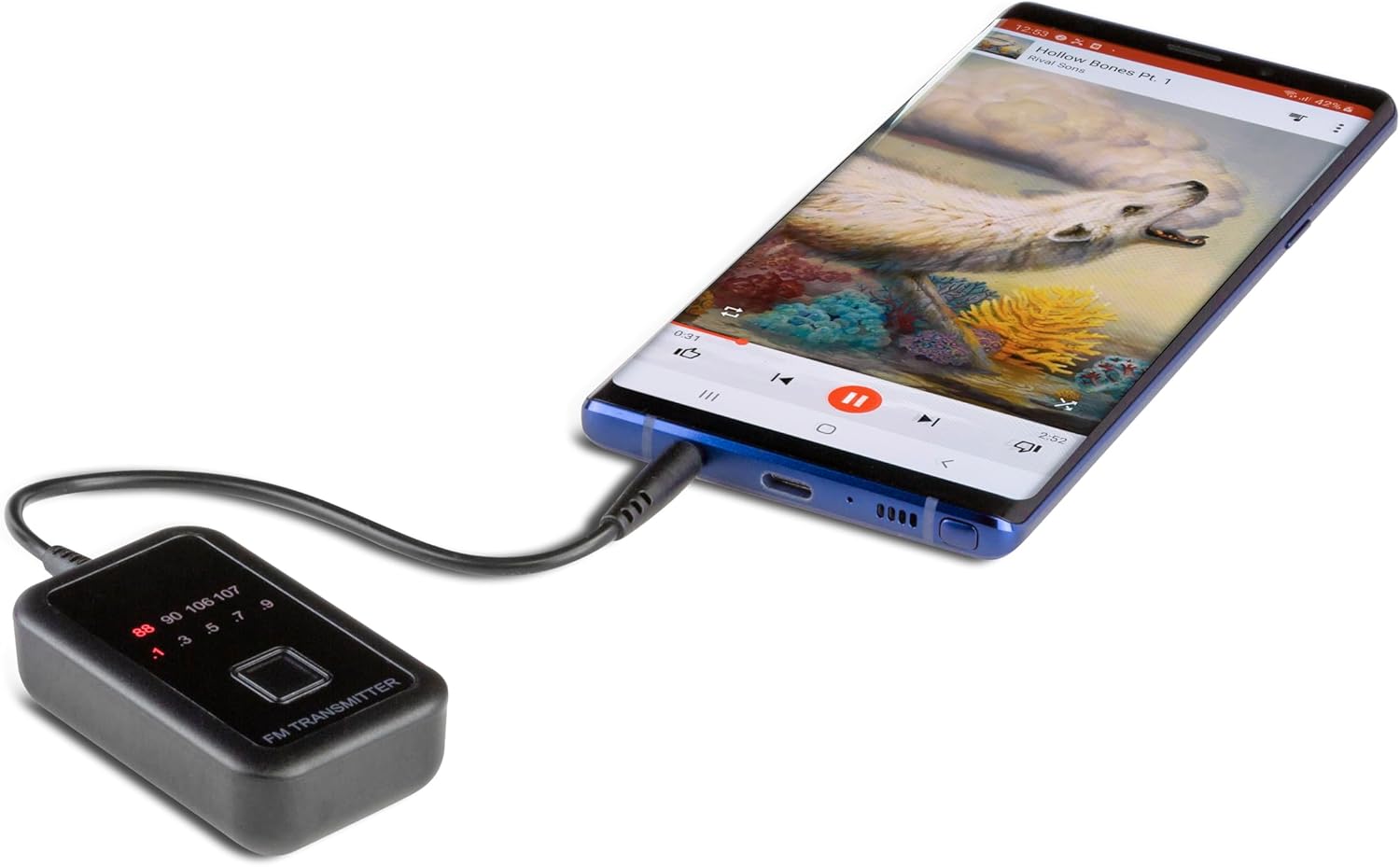
Figure 4: The transmitter connected to a smartphone via its 3.5mm AUX cable.
Operating Instructions
1. Select a Transmitting Frequency
- With the transmitter powered on, press the central button on the front of the FMT7-SP1 to cycle through the available FM frequencies.
- Observe the digital display to select a frequency that is clear and not currently in use by a local radio station. Frequencies range from 88.1 MHz to 90.9 MHz and 106.1 MHz to 107.9 MHz.
Figure 5: The transmitter's display indicating the selected FM frequency.
2. Tune Your Car Radio
Tune your car's FM radio to the exact frequency displayed on the FMT7-SP1 transmitter. Ensure your car radio is set to FM mode.
3. Play Audio
Start playing music or audio from your connected portable device. The audio will now be transmitted wirelessly to your car's FM radio.

Figure 6: The transmitter in use within a car, connected to a smartphone and broadcasting audio.
Maintenance
- Cleaning: Wipe the device with a soft, dry cloth. Avoid using harsh chemicals or abrasive cleaners.
- Battery Replacement: Replace AAA batteries when the display dims or audio quality degrades. Always use fresh batteries.
- Storage: When not in use for extended periods, remove the batteries to prevent leakage and store the device in a cool, dry place.
Troubleshooting
| Problem | Possible Cause | Solution |
|---|---|---|
| No sound or static |
|
|
| Poor audio quality / Distortion |
|
|
| Transmitter does not power on |
|
|
Specifications
- Model: FMT7-SP1
- Connectivity: 3.5mm AUX
- Power Source: 2 x AAA Batteries (not included)
- Continuous Run Time: Approximately 15 hours
- Standby Time: Up to 45 days
- Transmitting Frequencies: 20 channels (88.1-90.9 MHz, 106.1-107.9 MHz)
- Special Features: Low Latency
- Material: Plastic
- Item Weight: 2.08 ounces (approx. 59 grams)
- Dimensions: 6.73 x 2.72 x 1.61 inches (Package Dimensions)
Warranty and Support
For warranty information or technical support, please refer to the official Scosche website or contact Scosche customer service directly. Keep your purchase receipt for warranty claims.
Website: www.scosche.com


