
Introduction
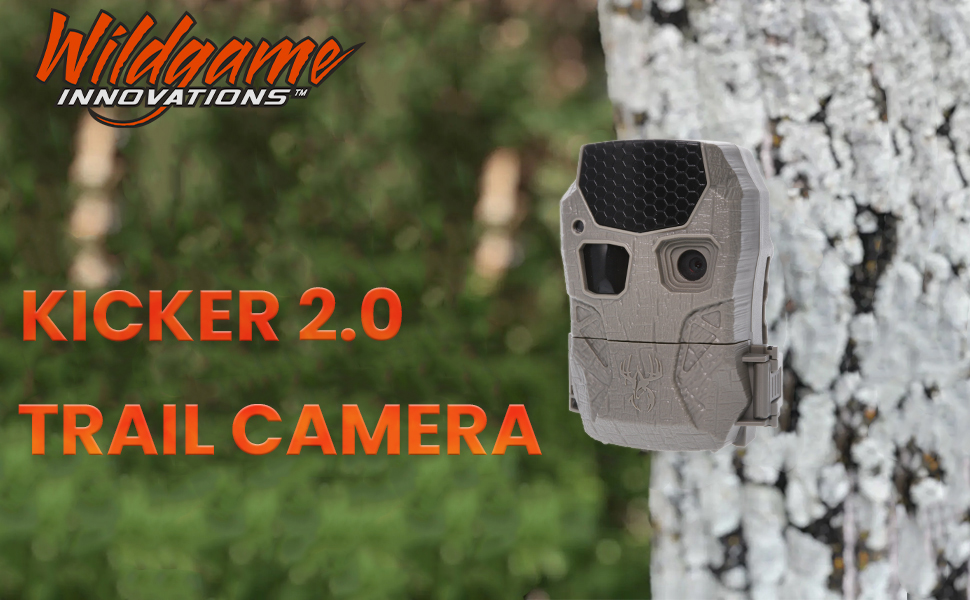
This manual provides instructions for the WILDGAME Innovations Kicker 2.0 Lightsout 18MP Trail Camera. It features 18-megapixel photo resolution and 720p HD video recording up to 15 seconds. The camera includes 36 invisible black LEDs for night illumination up to 60 ft. Images are captured in a 16:9 ratio. Setup is simplified with easy-to-select time, date, and moon phase stamp options. The camera operates on eight AA batteries (not included) and can be secured with an adjustable tree strap (included). A cable-lock ready latch is integrated for security (accessories sold separately). This model is designed for outdoor use in various environments.
What's in the Box
- KICKER 2.0 18MP TRAIL CAM LIGHTSOUT
- Adjustable Tree Strap with Alligator-Style Clips
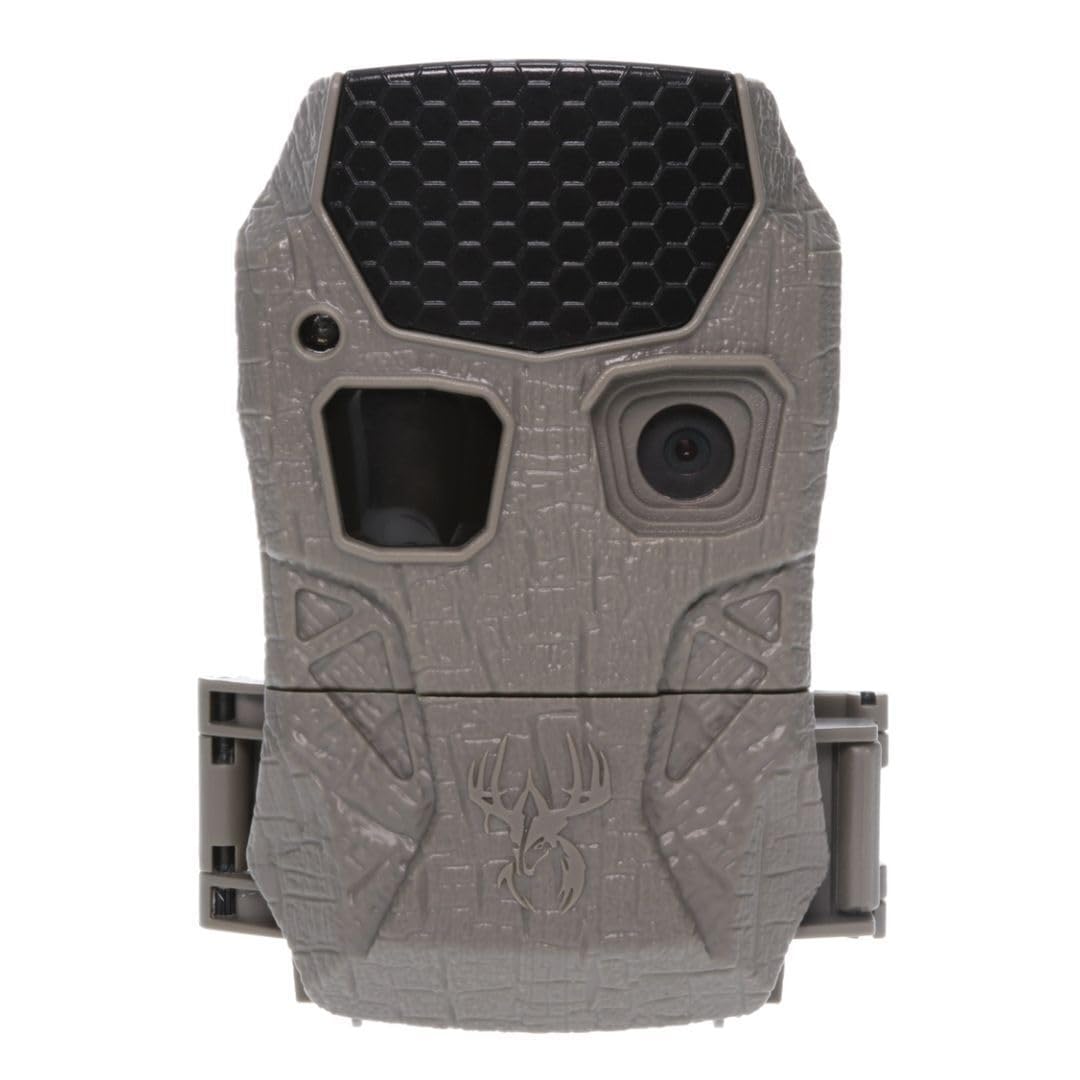
Product Features
- 18MP Photo Resolution: Captures crisp, high-quality still images.
- 720p HD Video: Records video clips up to 15 seconds long (without audio).
- Rapid Trigger Speed: Activates in under one second to capture fast-moving subjects.
- Lightsout Technology: Features 36 invisible black LEDs for discreet night illumination up to 60 ft.
- 16:9 Image Format: Optimized for viewing on computer or television screens.
- Data Stamps: Records time, date, and moon phase on images and videos.
- Power Source: Operates on eight AA batteries (not included).
- Mounting: Includes an adjustable tree strap with alligator-style clips for easy installation.
- Security: Cable-lock ready latch helps deter theft (security accessories not included).
Setup
1. Battery Installation
The Kicker 2.0 Lightsout Trail Camera requires eight AA batteries (not included). Open the camera's front panel to access the battery compartment. Insert the batteries according to the polarity indicators (+/-) inside the compartment. Ensure all batteries are correctly seated for proper operation.
2. SD Card Insertion
Locate the SD card slot inside the camera's housing. Insert a compatible SD card (not included) into the slot until it clicks into place. It is recommended to format the SD card before first use to ensure optimal performance.
3. Mounting the Camera
Use the included adjustable tree strap to secure the camera to a tree or pole. Thread the strap through the designated slots on the camera's back and tighten it securely. Ensure the camera is stable and pointed towards the desired monitoring area.

Operating Instructions
1. Power On/Off and Mode Selection
Once batteries and SD card are installed, use the internal switch to select the desired operating mode: OFF, Q1 (Photo Mode), Q2 (Photo Mode with different settings), Q3 (Video Mode), or Custom. The Custom mode allows for personalized settings.
2. Adjusting Settings
In Custom mode, use the MENU button and arrow keys to navigate through settings such as time, date, moon phase stamp, photo resolution, video length, and trigger delay. Press ENTER to confirm selections.
3. Remote Monitoring (if applicable)
For advanced remote monitoring and control, utilize the Stealth Cam Command app. This app allows for quick QR scan setup, remote programming, and detailed movement analytics including time, weather, and history tracking.
Maintenance
- Regularly check battery levels and replace them as needed to ensure continuous operation.
- Periodically clean the camera lens and sensors with a soft, dry cloth to maintain image clarity.
- Ensure the camera's housing is securely latched to protect against moisture and debris.
- Format the SD card regularly to prevent data corruption and free up storage space.
Troubleshooting
- Camera not powering on: Check battery installation and ensure batteries are fresh.
- No images/videos captured: Verify the SD card is inserted correctly and has sufficient space. Check motion sensor settings and range.
- Poor image quality: Clean the lens. Ensure the camera is not facing direct sunlight or strong light sources.
- Short battery life: Use high-quality alkaline batteries. Consider reducing the frequency of captures or video length.
Specifications
| Effective Still Resolution | 18 MP |
| Video Capture Resolution | 720p |
| Illumination Range | 60 ft (36 invisible black LEDs) |
| Trigger Speed | Under one second |
| Video Length | Up to 15 seconds (without audio) |
| Image Format | 16:9 ratio |
| Power Source | 8 AA batteries (not included) |
| Mounting Type | Pole Mount (adjustable tree strap included) |
| Water Resistance Level | Water Resistant (IP54) |
| Model Name | WGI-KICK2LO |

Safety Information
Proposition 65 Warning:
This product contains chemicals known to the State of California to cause cancer and birth defects or other reproductive harm.
Warranty and Support
For warranty information and customer support, please refer to the documentation included with your product or visit the official Wildgame Innovations website. Contact information for the manufacturer, GSM Outdoors, may also be available on their website.


