
Introduction
Thank you for choosing the INSMY Retro Bluetooth Speaker M10S. This manual provides essential information for setting up, operating, and maintaining your speaker to ensure optimal performance and longevity. Please read these instructions carefully before use.
What's in the Box
- INSMY Retro Bluetooth Speaker M10S
- USB Type-C Charging Cable
- AUX Cable
- User Manual
Product Features
The INSMY M10S speaker combines classic aesthetics with modern audio technology, offering a rich sound experience and versatile connectivity.
- Superior Sound with Powerful Bass: 20W output with two drivers and one passive radiator delivers impressive Hi-Fi stereo quality and deep bass.
- Extended Battery Life: Built-in 4400mAh rechargeable battery provides up to 24 hours of playtime at 50% volume.
- Classic Retro Design: Crafted with a bamboo face and Rewind Fabric, suitable for various home environments.
- True Wireless Stereo (TWS) Pairing: Connect two M10S speakers for a combined 40W Hi-Fi surround sound experience.
- Multiple Playback Modes: Supports Bluetooth 5.0, TF/SD card, and AUX cable input.
- Stable Bluetooth 5.0: Ensures faster and more stable signal transmission with a connection range of approximately 100ft.
- Built-in Microphone: Enables clear hands-free calling.
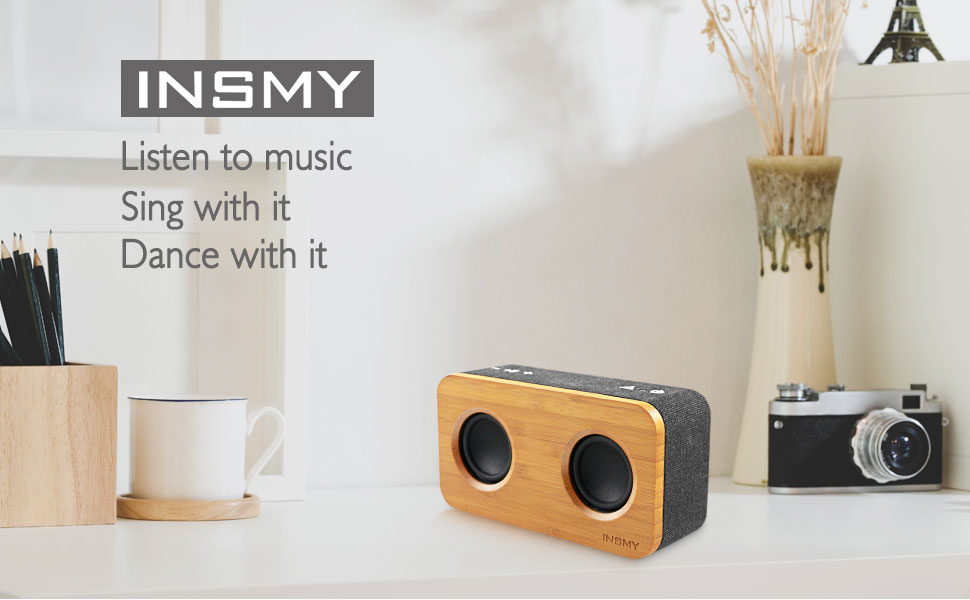
Figure 1: Internal components highlighting 20W stereo bass sound.
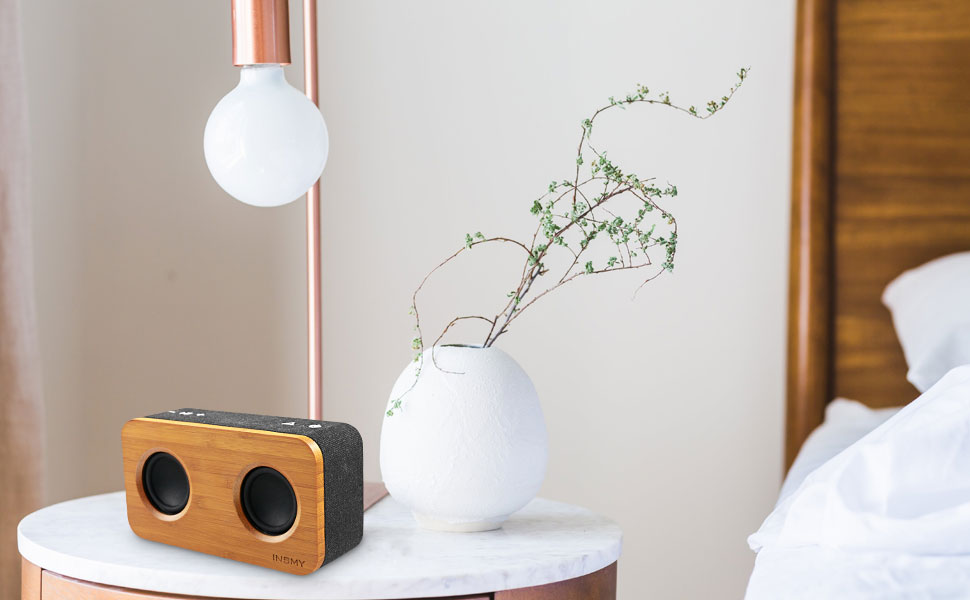
Figure 2: Connectivity options including Bluetooth 5.0, TF Card, and AUX.
Controls and Ports
The speaker features intuitive controls on the top panel and essential ports on the rear for various functionalities.
Top Panel Controls:
- Power Button: Press and hold to power on/off.
- Play/Pause Button: Press to play or pause music.
- Volume Up (+): Press to increase volume.
- Volume Down (-): Press to decrease volume.
- Mode Button (Triangle icon): Press to switch between Bluetooth, AUX, and TF Card modes.
Rear Panel Ports:
- TF Card Slot: Insert a TF/SD card for direct music playback.
- AUX Input: Connect external audio devices via the 3.5mm AUX cable.
- Reset Pinhole: Use a thin pin to reset the device if necessary.
- USB Type-C Charging Port: Connect the provided Type-C cable for charging.

Figure 3: Front view of the INSMY M10S speaker.
Setup
1. Charging the Speaker
- Connect the USB Type-C charging cable to the charging port on the rear of the speaker.
- Connect the other end of the cable to a USB power adapter (not included) or a computer's USB port.
- The LED indicator will show charging status. A full charge takes approximately 4 hours.

Figure 4: Speaker indicating long battery life after charging.
2. Power On/Off
- To power on, press and hold the Power button (⏻) for 2-3 seconds until you hear an audible prompt and the LED indicator lights up.
- To power off, press and hold the Power button (⏻) for 2-3 seconds until the LED indicator turns off.
3. Bluetooth Pairing
- Ensure the speaker is powered on and in Bluetooth mode (the LED indicator will blink blue). If not, press the Mode button (△) to switch to Bluetooth mode.
- On your mobile device, enable Bluetooth and search for available devices.
- Select "INSMY M10S" from the list of devices.
- Once paired, the LED indicator will turn solid blue, and you will hear a confirmation sound.
4. AUX Input
- Connect one end of the 3.5mm AUX cable to the AUX input port on the rear of the speaker.
- Connect the other end to the audio output jack of your external device.
- The speaker will automatically switch to AUX mode, or you can press the Mode button (△) to select AUX mode.
5. TF Card Playback
- Insert a TF/SD card (with pre-loaded music) into the TF card slot on the rear of the speaker.
- The speaker will automatically switch to TF Card mode and begin playing music, or you can press the Mode button (△) to select TF Card mode.
Operating Instructions
1. Playback Control
- Play/Pause: Press the Play/Pause button (⏸⏸) to toggle between playing and pausing audio.
- Next Track: Press and hold the Volume Up (+) button to skip to the next track.
- Previous Track: Press and hold the Volume Down (-) button to go to the previous track.
2. Volume Adjustment
- Increase Volume: Press the Volume Up (+) button.
- Decrease Volume: Press the Volume Down (-) button.
3. Hands-Free Calling
- When a call comes in while connected via Bluetooth, press the Play/Pause button (⏸⏸) to answer.
- Press the Play/Pause button (⏸⏸) again to end the call.
- Press and hold the Play/Pause button (⏸⏸) to reject an incoming call.
4. True Wireless Stereo (TWS) Pairing
To achieve a more immersive stereo sound, you can pair two INSMY M10S speakers together.
- Ensure both M10S speakers are powered on and in Bluetooth pairing mode (LED blinking blue).
- On one of the speakers (this will be your primary speaker), double-press the Mode button (△). The speakers will attempt to connect to each other.
- Once successfully paired, you will hear a confirmation sound, and the LED indicator on the primary speaker will blink blue, while the secondary speaker's LED will turn solid blue.
- Now, connect your mobile device to the primary speaker via Bluetooth as described in the "Bluetooth Pairing" section.

Figure 5: Two M10S speakers paired for True Wireless Stereo (TWS) sound.
Specifications
Detailed technical specifications for the INSMY M10S speaker.
| Feature | Specification |
|---|---|
| Brand | INSMY |
| Model Number | M10S |
| Speaker Maximum Output Power | 20 Watts |
| Connectivity Technology | Bluetooth 5.0, Auxiliary, TF Card |
| Audio Output Mode | Stereo |
| Speaker Type | Subwoofer |
| Additional Features | Built-in Microphone, Stereo Pairing (TWS), Big Bass, Hands-free calling |
| Maximum Range | 100 Feet (Bluetooth) |
| Control Method | Button |
| Battery Average Life | 24 Hours (at 50% volume) |
| Battery Charge Time | 4 Hours |
| Battery Capacity | 4400 Milliamp Hours |
| Item Dimensions (D x W x H) | 2.5"D x 6.7"W x 3.8"H |
| Item Weight | 11.2 ounces |

Figure 6: Dimensions of the INSMY M10S speaker.
Maintenance
To maintain the performance and appearance of your INSMY M10S speaker, follow these guidelines:
- Cleaning: Use a soft, dry cloth to wipe the speaker's surface. Avoid using abrasive cleaners, alcohol, or chemical solvents.
- Storage: Store the speaker in a cool, dry place away from direct sunlight and extreme temperatures.
- Water Resistance: The product is water-resistant, but not waterproof. Avoid submerging it in water or exposing it to heavy rain.
- Handling: Handle the speaker with care to prevent physical damage.
Troubleshooting
If you encounter issues with your speaker, refer to the following common problems and solutions:
- Speaker does not power on:
Ensure the battery is charged. Connect the speaker to a power source using the USB Type-C cable and try again. - Unable to pair via Bluetooth:
Make sure the speaker is in Bluetooth pairing mode (LED blinking blue). Ensure your device's Bluetooth is enabled and within 100ft of the speaker. Try forgetting the device on your phone and re-pairing. - No sound or low volume:
Check the volume levels on both the speaker and your connected device. Ensure the correct input mode (Bluetooth, AUX, TF Card) is selected. - Sound distortion:
Reduce the volume on both the speaker and your device. Ensure the audio source is of good quality. - TWS pairing fails:
Ensure both speakers are M10S models and are not connected to any other Bluetooth devices. Place them close to each other and try the TWS pairing steps again. - Speaker unresponsive:
Use a thin pin to press the Reset pinhole on the rear panel to restart the speaker.
Warranty and Support
The INSMY M10S speaker comes with a limited warranty. For detailed warranty information, product support, or service inquiries, please refer to the warranty card included in your package or visit the official INSMY website. Keep your purchase receipt as proof of purchase.


