
1. Introduction and Overview
The Soundcore Flare is a portable wireless speaker designed to deliver immersive audio with a unique ambient lighting experience. This manual provides essential information for setup, operation, maintenance, and troubleshooting to ensure optimal performance of your device.
Key Features:
- 360° Sound: Dual drivers and passive bass radiators provide all-around sound.
- BassUp Technology: Enhances bass frequencies for deeper beats.
- Beat-Driven Light Show: Customizable LED halo reacts to music.
- Wireless Stereo Pairing: Connect two Flare speakers for stereo sound or increased volume.
- IP67 Waterproof and Dustproof: Offers protection against water submersion and dust.
- 12-Hour Battery Life: Extended playback on a single charge.

Figure 1: Soundcore Flare Wireless Speaker.
2. Setup
2.1 Charging the Speaker
Before first use, fully charge the speaker. Connect the provided USB cable to the charging port on the speaker and a compatible USB power adapter (not included). The charging indicator light will show charging status. A full charge takes approximately 3 hours.
2.2 Powering On/Off
Press and hold the power button located on the top of the speaker for 2 seconds to power on or off. The LED light ring will illuminate upon power-on.
2.3 Bluetooth Pairing
- Power on the Soundcore Flare speaker. The Bluetooth indicator light will flash blue, indicating it is in pairing mode.
- On your mobile device, enable Bluetooth and search for available devices.
- Select "Soundcore Flare" from the list of devices. Once connected, the Bluetooth indicator will turn solid blue.
For optimal performance, ensure your device is within 49.2 feet (15 meters) of the speaker.
3. Operating Instructions
3.1 Audio Playback
- Volume Control: Use the '+' and '-' buttons on the speaker or your connected device to adjust volume.
- Play/Pause: Press the play/pause button to control music playback.
- Skip Tracks: Double-press the play/pause button for next track, triple-press for previous track.
3.2 360° Sound and BassUp Technology
The Soundcore Flare is engineered with dual drivers and passive bass radiators to deliver immersive 360° sound. Activate BassUp Technology by pressing the dedicated button on the speaker or through the Soundcore app for enhanced low-end frequencies.

Figure 2: 360° Sound distribution.
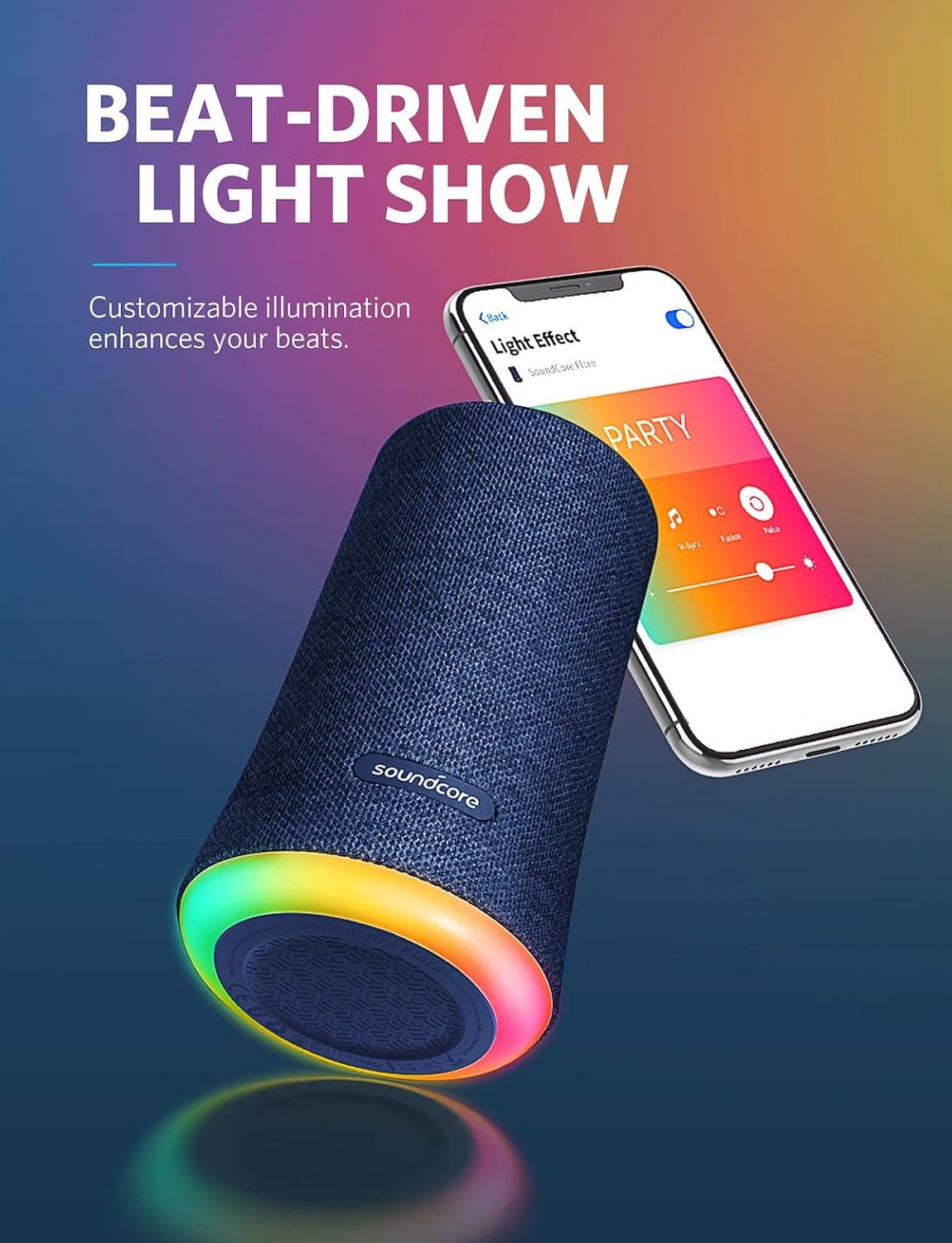
Figure 3: BassUp Technology in action.
3.3 Ambient LED Light Show
The speaker features a customizable LED light ring that phases, pulses, and shines with the rhythm of your music. You can select from multiple themes and illumination patterns using the Soundcore app.

Figure 4: Beat-Driven Light Show customization via app.
3.4 Wireless Stereo Pairing
To connect two Soundcore Flare speakers for a stereo experience or to double the volume:
- Ensure both Soundcore Flare speakers are powered on and not connected to any other Bluetooth device.
- On one speaker (this will be the primary speaker), press and hold the Bluetooth button for 2 seconds until the light flashes blue.
- On the second speaker, press the Bluetooth button once. It will automatically search for and connect to the primary speaker.
- Once connected, both speakers will play audio in sync. For optimal performance, position speakers within 16 ft (5 m) of each other indoors, or 48 ft (15 m) in open spaces.

Figure 5: Wireless Stereo Pairing.
3.5 Soundcore App
Download the Soundcore app from your device's app store for full customization of sound profiles and light modes. The app allows for fine-tuning of audio settings and personalized light effects.
4. Maintenance
4.1 Cleaning
Wipe the speaker with a soft, damp cloth. Do not use abrasive cleaners or solvents. Ensure the charging port cover is securely closed before cleaning or exposing to water.
4.2 Waterproofing (IP67 Rating)
The Soundcore Flare is IP67 rated, meaning it is protected against dust ingress and can withstand immersion in water up to 1 meter for 30 minutes. Always ensure the charging port cover is firmly sealed when near water or in dusty environments to maintain its waterproof integrity.

Figure 6: IP67 Waterproof protection.
4.3 Battery Care
To prolong battery life, avoid fully discharging the speaker frequently. Charge the speaker regularly, even if not in use, to maintain battery health. Store in a cool, dry place when not in use for extended periods.
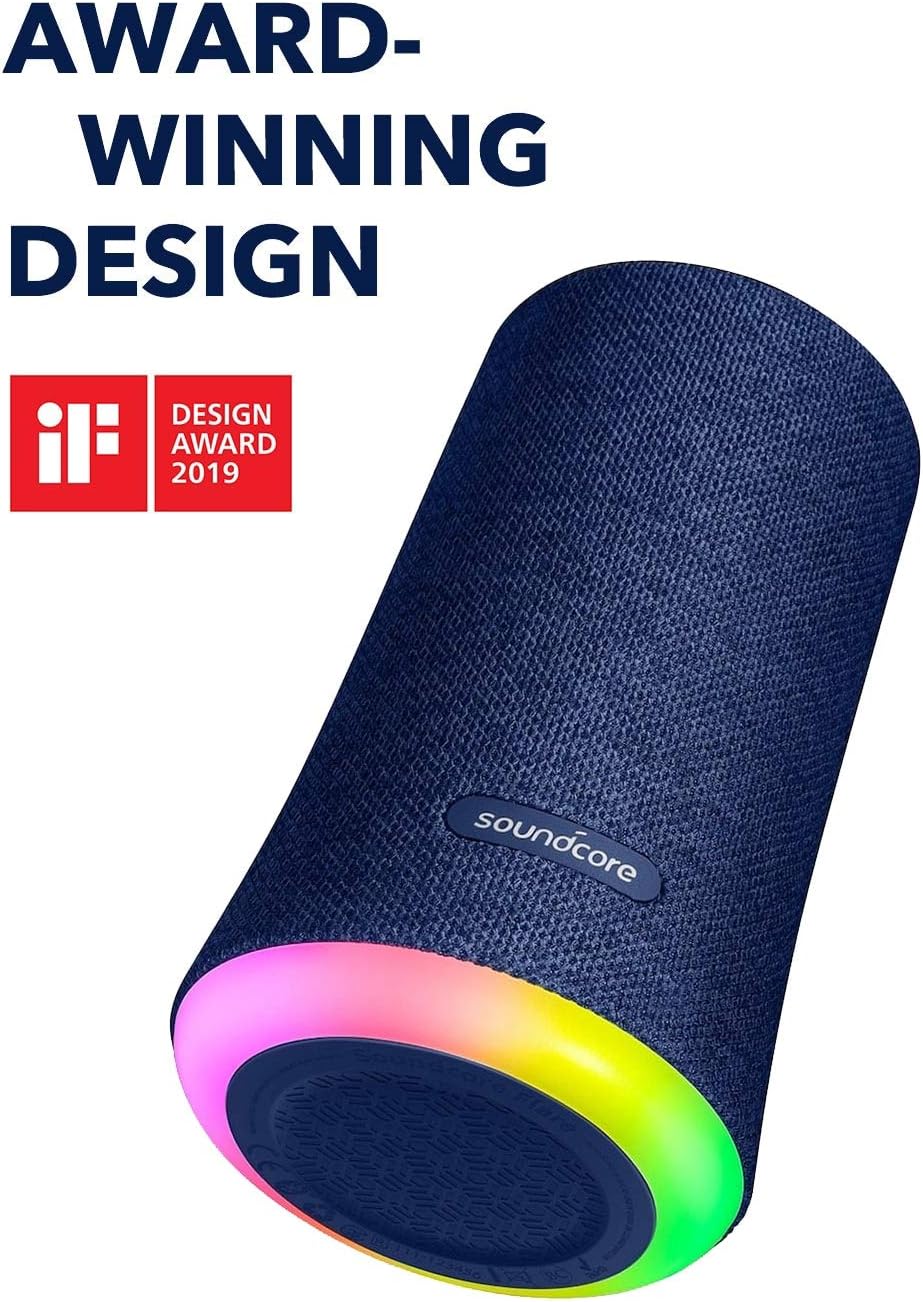
Figure 7: 12-Hour Playtime.
5. Troubleshooting
- Speaker will not power on: Ensure the battery is charged. Connect to a power source and try again.
- Cannot pair with Bluetooth device: Make sure the speaker is in pairing mode (flashing blue light). Turn off Bluetooth on other devices that may be connected to the speaker. Try restarting both the speaker and your device.
- No sound: Check the volume levels on both the speaker and your connected device. Ensure the speaker is successfully paired.
- Poor sound quality: Move the speaker closer to your Bluetooth device. Ensure there are no obstructions between the speaker and the device.
- Lights not working as expected: Use the Soundcore app to customize or reset light modes.
- Wireless Stereo Pairing issues: Ensure both speakers are Soundcore Flare models and are not connected to any other Bluetooth devices before initiating pairing.
6. Specifications
| Feature | Specification |
|---|---|
| Model Name | A3161 |
| Speaker Type | Wireless |
| Connectivity Technology | Bluetooth |
| Bluetooth Range | 49.2 Feet (15 Meters) |
| Water Resistance Level | IP67 (Waterproof) |
| Power Source | Battery Powered |
| Battery Life | 12 Hours (approx.) |
| Charging Time | 3 Hours |
| Speaker Maximum Output Power | 20 Watts |
| Audio Output Mode | Stereo |
| Item Weight | 1.58 pounds (0.72 Kilograms) |
| Product Dimensions | 89 x 89 x 151 inches (Note: This dimension seems incorrect, typically in mm or cm for small electronics) |
| Included Components | Portable speaker |
7. Warranty and Support
The Soundcore Flare Wireless Speaker comes with a Limited Warranty. For detailed warranty information, product registration, and technical support, please visit the official Soundcore website or contact Soundcore customer service.


