
1. Important Safety Information
Please read this manual carefully before using the Klarstein Bornholm 2000W Electric Convector Heater. Keep these instructions for future reference. Failure to follow these safety guidelines may result in electric shock, fire, or injury.
- Overheat Protection: The heater is equipped with an automatic overheat protection system. If the unit overheats, it will automatically shut off. Unplug the heater and allow it to cool down before restarting. Ensure proper ventilation and do not cover the heater.
- Water Resistance (IP24): This heater has an IP24 rating, making it suitable for use in damp rooms like bathrooms, provided it is installed according to local electrical regulations and is not directly exposed to water spray. Do not immerse the unit in water.
- Child Safety Lock: The control panel features a child safety lock to prevent accidental changes to settings.
- Placement: Do not place the heater directly below a power outlet. Maintain a safe distance from flammable materials, furniture, and curtains.
- Power Supply: Ensure the power supply voltage matches the rating on the heater's label. Do not use extension cords unless absolutely necessary and ensure they are rated for the heater's power consumption.
- Maintenance: Always unplug the heater before cleaning or performing any maintenance.
2. Product Overview
The Klarstein Bornholm 2000W Electric Convector Heater is designed to provide efficient and comfortable heating for your home. It features a sleek design and user-friendly controls.
Key Features:
- Power Output: 2000W for effective heating of rooms up to 40 m².
- Heating Element: X-shape heating element for rapid and uniform heat distribution.
- Thermostat: Adjustable thermostat to maintain desired room temperature.
- Timer Function: Programmable timer for automatic shut-off.
- Control: Intuitive touch control panel and remote control for convenient operation.
- Versatile Placement: Can be used freestanding with included wheels or wall-mounted with the provided kit.
- Safety: Overheat protection and child safety lock.
- Design: Elegant glass panel with minimalist display.
Components:
- Convector Heater Unit
- Remote Control
- Wall Mounting Kit
- Floor Wheels (for freestanding use)
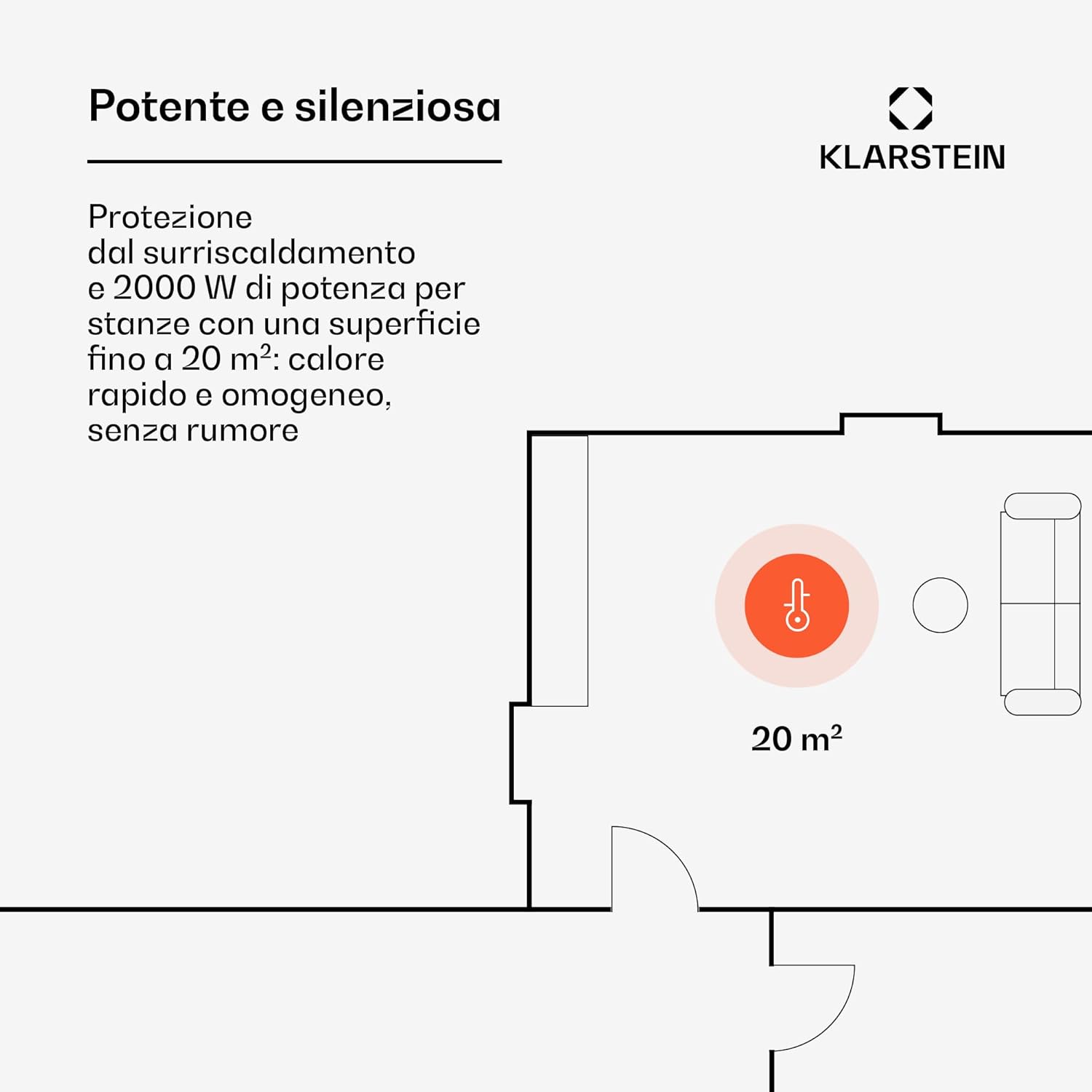
Figure 2.1: Front view of the Klarstein Bornholm 2000W Electric Convector Heater.

Figure 2.2: Detailed view of the touch control panel on the heater.

Figure 2.3: The heater shown with its accompanying remote control.
3. Setup and Installation
The Klarstein Bornholm heater offers flexible installation options: freestanding or wall-mounted.
3.1 Freestanding Installation:
- Carefully unpack the heater and all components.
- Attach the provided floor wheels to the base of the heater using the screws. Ensure they are securely fastened.
- Place the heater on a flat, stable surface, ensuring adequate clearance from walls and other objects (minimum 1 meter from flammable materials).
3.2 Wall-Mounted Installation:
- Select a suitable wall location, away from water sources and flammable materials. Ensure the wall can support the heater's weight.
- Using the provided wall mounting kit, mark the drilling points on the wall according to the template or instructions.
- Drill the holes and insert wall plugs.
- Secure the mounting brackets to the wall.
- Carefully hang the heater onto the wall brackets, ensuring it is level and securely attached.

Figure 3.1: The heater can be used freestanding with wheels or mounted on a wall.

Figure 3.2: Dimensions of the heater for proper placement and installation.

Figure 3.3: The heater is suitable for various rooms, including bathrooms due to its IP24 rating.
4. Operating Instructions
The Klarstein Bornholm heater can be operated via its touch control panel or the included remote control.
4.1 Power On/Off:
Plug the heater into a suitable power outlet. Press the power button on the control panel or remote control to turn the unit on or off.
4.2 Setting the Temperature:
Use the '+' and '-' buttons on the control panel or remote to adjust the desired room temperature. The display will show the set temperature. The heater will automatically cycle on and off to maintain this temperature.
4.3 Power Modes (1000W/2000W):
Some models may offer different power settings (e.g., 1000W or 2000W) to optimize energy consumption based on heating needs. Refer to the display or specific button on the remote for mode selection.
4.4 Timer Function:
Activate the timer function to set a specific duration after which the heater will automatically turn off. Consult the manual's detailed section for programming the timer, which may include daily or weekly cycles.
4.5 Child Safety Lock:
To activate or deactivate the child safety lock, press and hold the designated button on the control panel or remote control for a few seconds. This will prevent unauthorized changes to the settings.
5. Maintenance
Regular maintenance ensures the longevity and efficient operation of your heater.
- Cleaning: Always unplug the heater and allow it to cool completely before cleaning. Wipe the exterior surfaces with a soft, damp cloth. Do not use abrasive cleaners, solvents, or harsh chemicals.
- Storage: If storing the heater for an extended period, ensure it is clean and dry. Store it in a cool, dry place, preferably in its original packaging.
- Inspection: Periodically check the power cord and plug for any signs of damage. If damage is found, do not use the heater and contact customer support.
6. Troubleshooting
If you encounter issues with your heater, refer to the following common problems and solutions:
| Problem | Possible Cause | Solution |
|---|---|---|
| Heater does not turn on. | No power supply; Power button not pressed; Overheat protection activated. | Check power plug and outlet; Press power button; Unplug, let cool, then restart. |
| Heater is on but not heating. | Thermostat set too low; Room temperature already reached; Power mode set to low. | Increase thermostat setting; Wait for room temperature to drop; Select higher power mode (2000W). |
| Heater turns off unexpectedly. | Overheat protection activated; Timer function active. | Unplug, let cool, ensure ventilation; Check timer settings. |
| Display not working or showing error. | Temporary electrical glitch; Internal fault. | Unplug for 5 minutes, then plug back in; If problem persists, contact support. |
If the problem persists after attempting these solutions, please contact Klarstein customer support.
7. Specifications
Detailed technical specifications for the Klarstein Bornholm 2000W Electric Convector Heater:
| Specification | Detail |
|---|---|
| Product Dimensions | 22 x 83.2 x 40 cm |
| Weight | 8 kg |
| Specific Uses | Convector Heater |
| Form Factor | Tower (Freestanding/Wall-mounted) |
| Number of Pieces | 1 |
| Batteries Required | No (for main unit, remote may require batteries) |
| Included Components | 1 x Heater, 1 x Remote Control, 1 x Wall Mounting Material, Floor Wheels |
| ASIN | B01N5XKIMX |
| Manufacturer Reference | ACO7-Bornholm-B_HHZ1 |
| Brand | KLARSTEIN |
| Special Feature | Easy to use |
| Color | Black |
| Indoor/Outdoor Use | Indoor |
8. Advantages of a Convector Heater
Convector heaters, like the Klarstein Bornholm, offer several benefits compared to other heating types:

Figure 8.1: Comparison of heating types, highlighting the benefits of convector heaters such as air heating, silent operation, rapid heating, and suitability for allergy sufferers.
- Air Heating: Efficiently heats the air in the room, providing uniform warmth.
- Silent Operation: Operates quietly without disruptive fan noise.
- Rapid Heating: Quickly brings the room to the desired temperature.
- Simple Installation: Easy to set up as freestanding or wall-mounted.
- Comfortable Heat: Provides a comfortable warmth that does not dry out the air.
- Suitable for Allergy Sufferers: Does not circulate dust as much as fan heaters.
9. Warranty and Support
For warranty information, technical support, or service inquiries, please contact Klarstein customer service. Refer to your purchase documentation for specific warranty terms and contact details.
You can also visit the official Klarstein website for additional resources and support information.