
Introduction
Thank you for choosing the TAGRY H08 Hybrid Active Noise Cancelling Bluetooth Headphones. This manual provides essential information for setting up, operating, and maintaining your headphones to ensure optimal performance and longevity. Please read this manual thoroughly before use.
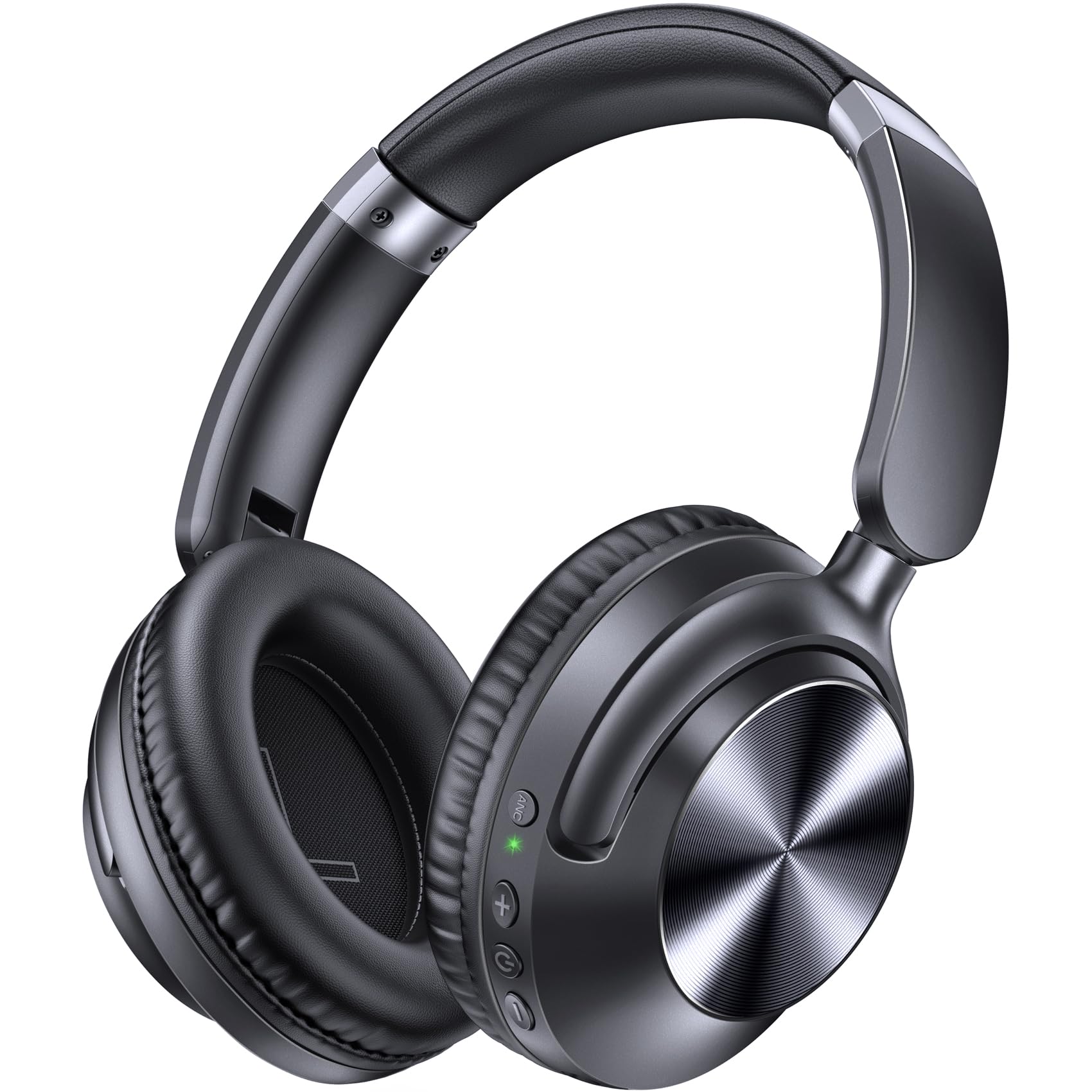
Image: The TAGRY H08 Hybrid Active Noise Cancelling Bluetooth Headphones, showcasing their sleek black design.
What's in the Box
Ensure all items are present upon unboxing:
- TAGRY H08 Headphones
- User Manual
- Audio Cable (3.5mm)
- Travel Pouch
- Type C Charging Cable
Setup
1. Charging the Headphones
Before first use, fully charge your headphones. The fast charging technology allows for 10 hours of music playback with just a 5-minute charge. A full charge provides up to 100 hours of playtime.
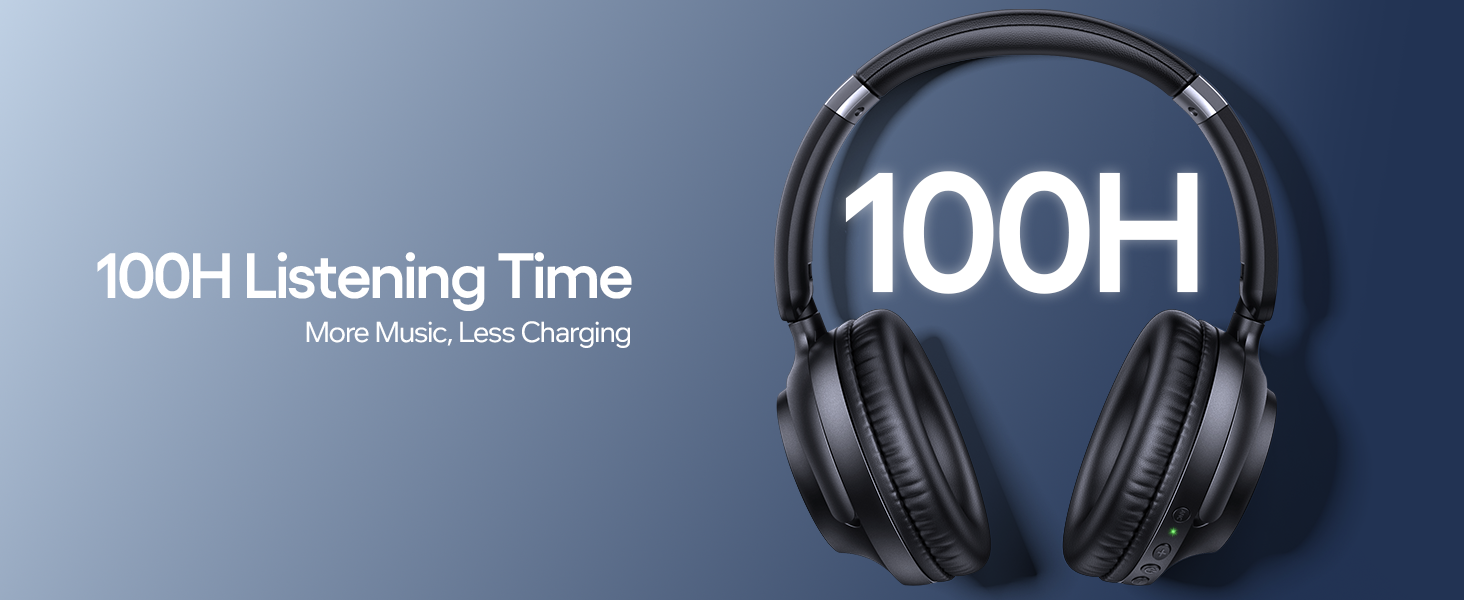
Image: The TAGRY H08 headphones connected to a charging cable, illustrating the charging process.
2. Powering On and Bluetooth Pairing
- Press and hold the power button for 2 seconds to turn on the headphones. The indicator light will flash, indicating pairing mode.
- On your device (smartphone, tablet, PC), enable Bluetooth and search for available devices.
- Select "H08" from the list of devices. Once connected, the indicator light will turn solid blue.

Image: A visual guide demonstrating how to power on the headphones and connect them via Bluetooth to a mobile device.
Operating Instructions
1. Button Controls
The headphones feature intuitive button controls for various functions:
- Power Button: Press and hold for 2 seconds to power on/off. Short press to play/pause music or answer/end calls. Double press to reject calls.
- Volume Up (+): Short press to increase volume. Long press for next track.
- Volume Down (-): Short press to decrease volume. Long press for previous track.
- ANC Button: Press to toggle Active Noise Cancellation on/off.

Image: A detailed diagram showing the location and function of each button on the TAGRY H08 headphones.
2. Active Noise Cancellation (ANC)
The advanced ANC technology reduces up to 95% of ambient noise, providing a more immersive listening experience. Press the ANC button to activate or deactivate this feature.
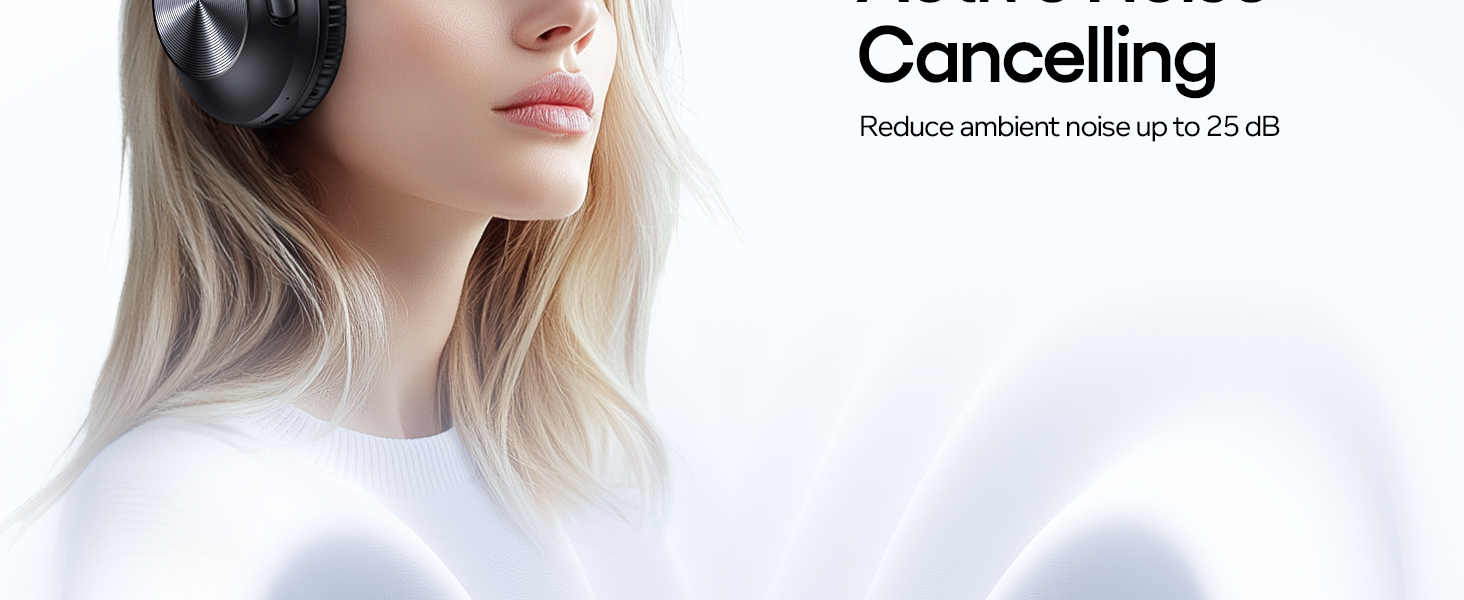
Image: The TAGRY H08 headphones with a visual representation of active noise cancellation, showing sound waves being blocked.
3. Wired Connection (3.5mm AUX)
For situations where wireless connectivity is not preferred or available, use the included 3.5mm audio cable to connect your headphones to compatible devices. This allows for continued audio playback even if the battery is depleted.
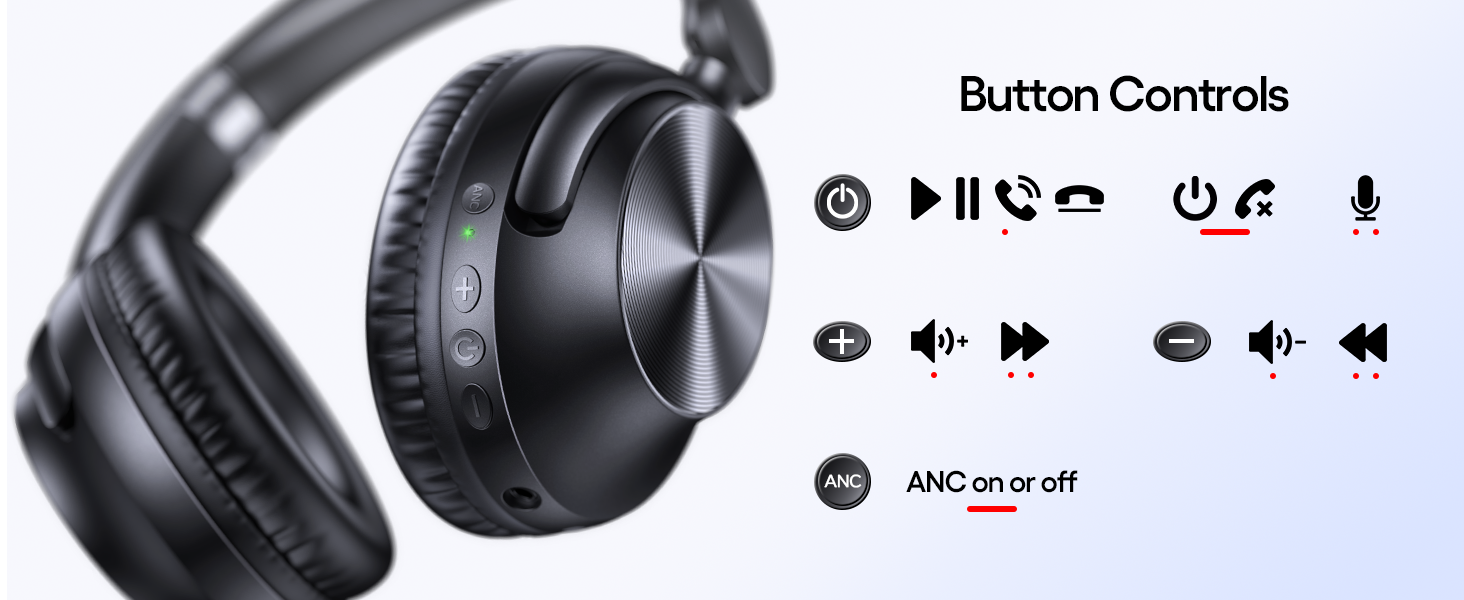
Image: The TAGRY H08 headphones connected via a 3.5mm audio cable, demonstrating wired connectivity.
4. Call Functions
The built-in microphone allows for clear hands-free calls. Use the power button to manage calls:
- Short press: Answer/End call
- Double press: Reject call
Maintenance
1. Cleaning
Wipe the headphones with a soft, dry cloth. Do not use abrasive cleaners or solvents. Avoid getting moisture into any openings.
2. Storage
When not in use, store the headphones in the provided travel pouch to protect them from dust and scratches. The foldable design makes them compact for storage and travel.
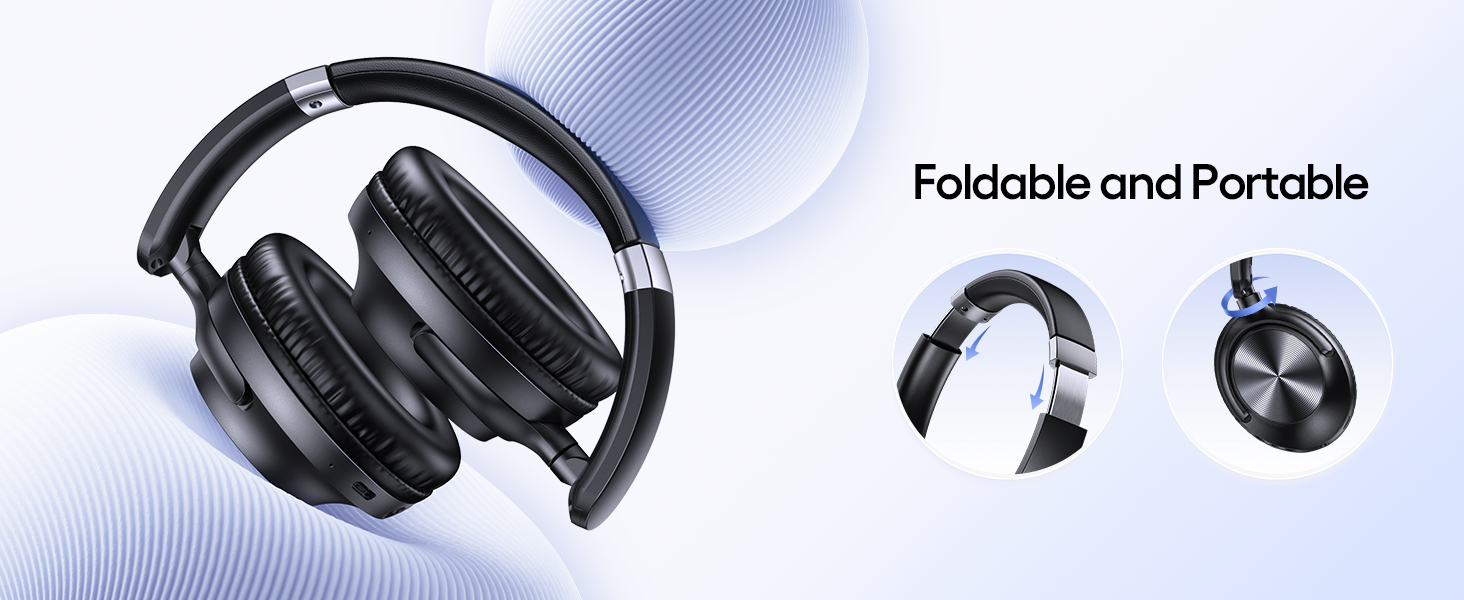
Image: The TAGRY H08 headphones in their folded, portable configuration, highlighting their compact design.
Troubleshooting
1. Cannot Connect/Pair
- Ensure the headphones are charged and powered on.
- Make sure Bluetooth is enabled on your device and it is within range (typically 10 meters/33 feet).
- If connection fails, press and hold the "V+" and "V-" keys simultaneously for 5 seconds to reset the headphones. Then attempt pairing again.
- Forget the device from your phone's Bluetooth settings and try pairing again.
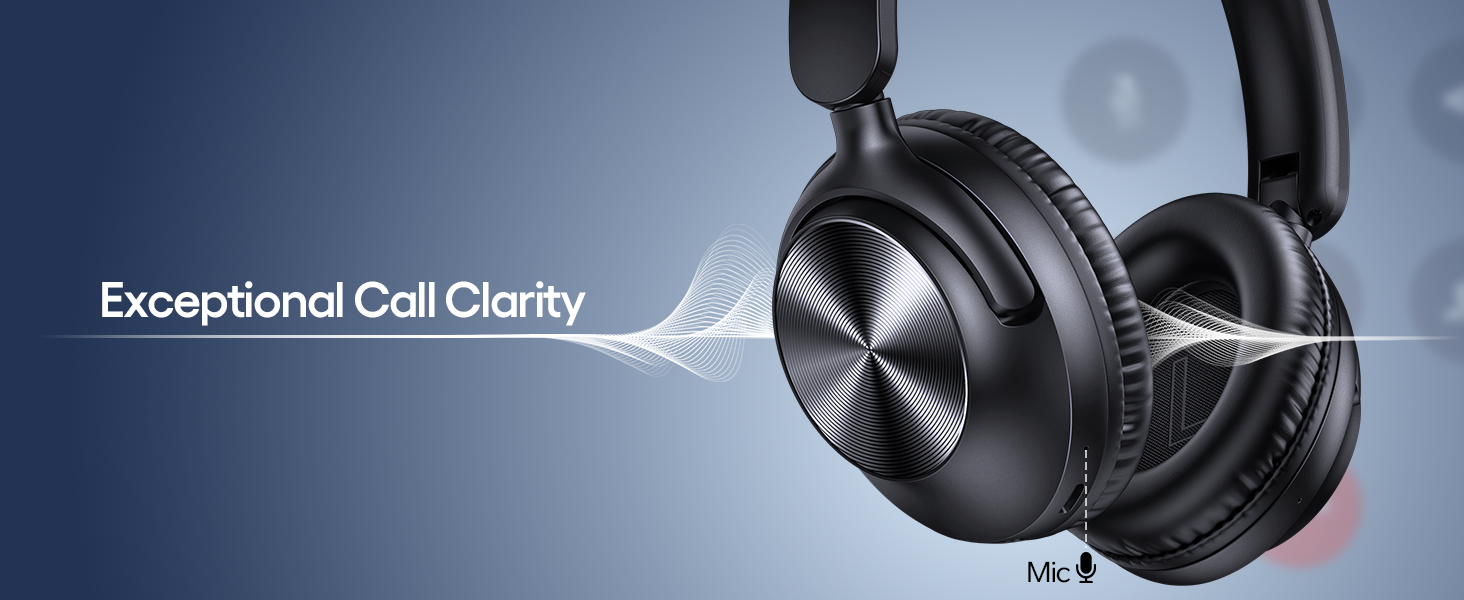
Image: A visual troubleshooting guide showing steps to reset and re-pair the headphones if connection issues occur.
2. No Sound
- Check the volume level on both the headphones and your connected device.
- Ensure the headphones are properly paired via Bluetooth or the 3.5mm audio cable is securely connected.
- If using a wired connection, ensure the cable is not damaged.
3. ANC Not Working Effectively
- Ensure the ANC feature is turned on using the dedicated ANC button.
- Active Noise Cancellation is most effective against low-frequency, constant noise. It may not completely eliminate all sounds, especially sudden or high-frequency noises.
Specifications
| Feature | Detail |
|---|---|
| Brand | TAGRY |
| Model Number | H08-0615 |
| Color | Black |
| Ear Placement | Over Ear |
| Form Factor | Over Ear |
| Impedance | 32 ohm |
| Connectivity Technology | Wireless (Bluetooth), Wired (3.5mm Jack) |
| Bluetooth Version | 5 |
| Noise Control | Active Noise Cancellation |
| Battery Average Life | 100 hours |
| Battery Charge Time | 5 minutes (for 10 hours playtime) |
| Frequency Response | 20-20000 Hz |
| Control Type | Button Control |
| Water Resistance Level | Waterproof (IPX7 mentioned in features, but generally for splashes, not submersion) |
| Additional Features | Adjustable and Foldable, One Step Pairing, Clear Audio with Deep Bass, Lightweight and comfortable |
Warranty & Support
Warranty Information
The TAGRY H08 headphones come with a 5-Year Warranty. Please retain your proof of purchase for warranty claims. For detailed terms and conditions, refer to the warranty card included in your packaging or contact customer support.
Customer Support
If you encounter any issues or have questions not covered in this manual, please contact TAGRY customer support. Contact information can typically be found on the product packaging, the official TAGRY website, or through your retailer.


