
1. Introduction
The Apple iPhone 17e is a powerful smartphone featuring a 15.40 cm (6.1″) Super Retina XDR display, powered by the advanced A19 chip for fast and fluid performance. It offers all-day battery life and comes with 512GB of storage. Key features include a durable Ceramic Shield 2 front, a versatile 48MP Fusion camera, and convenient USB-C and MagSafe charging capabilities. The device runs on iOS 26, incorporating Apple Intelligence for enhanced user experience and includes vital safety features like Crash Detection.
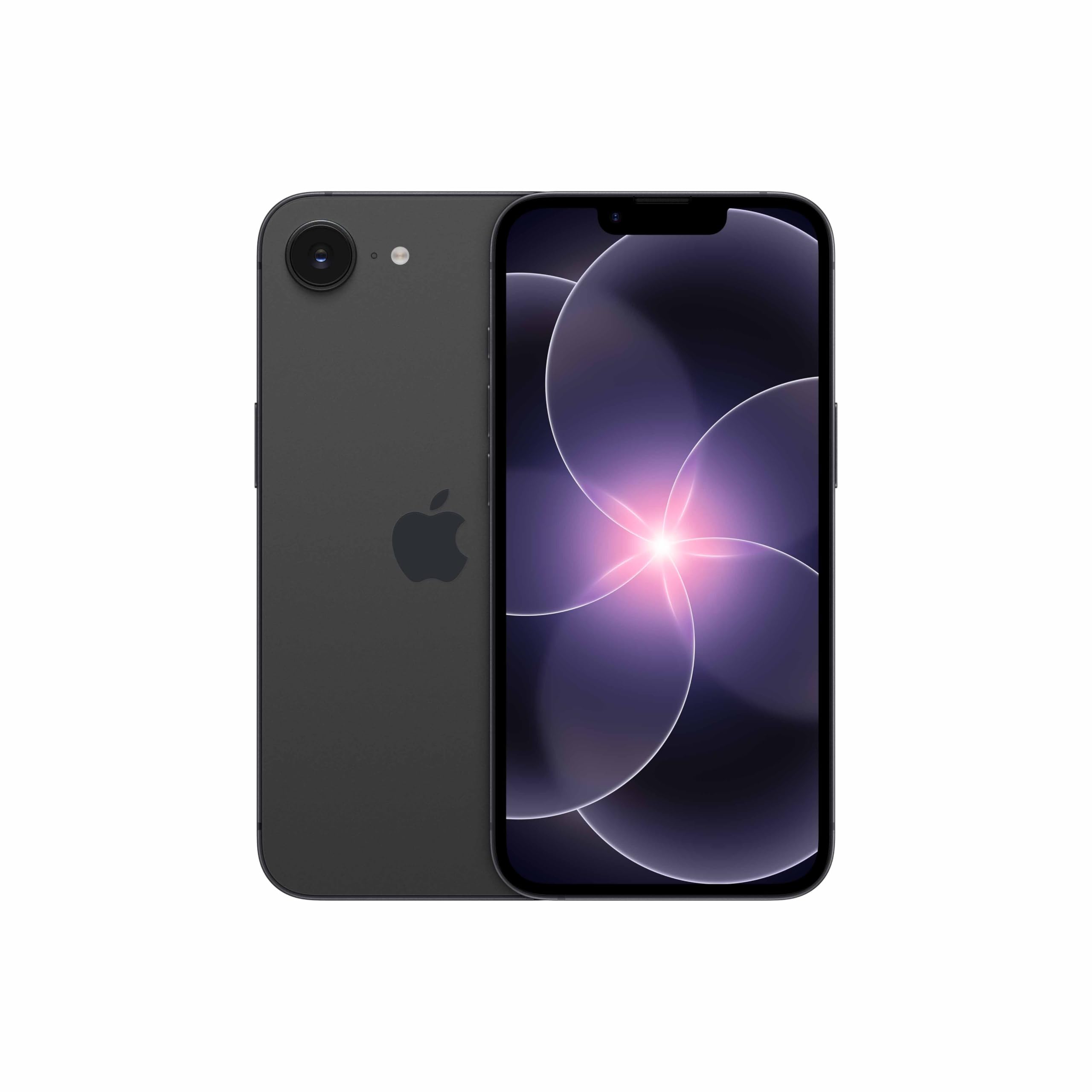
Image 1.1: The Apple iPhone 17e in Black, showcasing its sleek design.
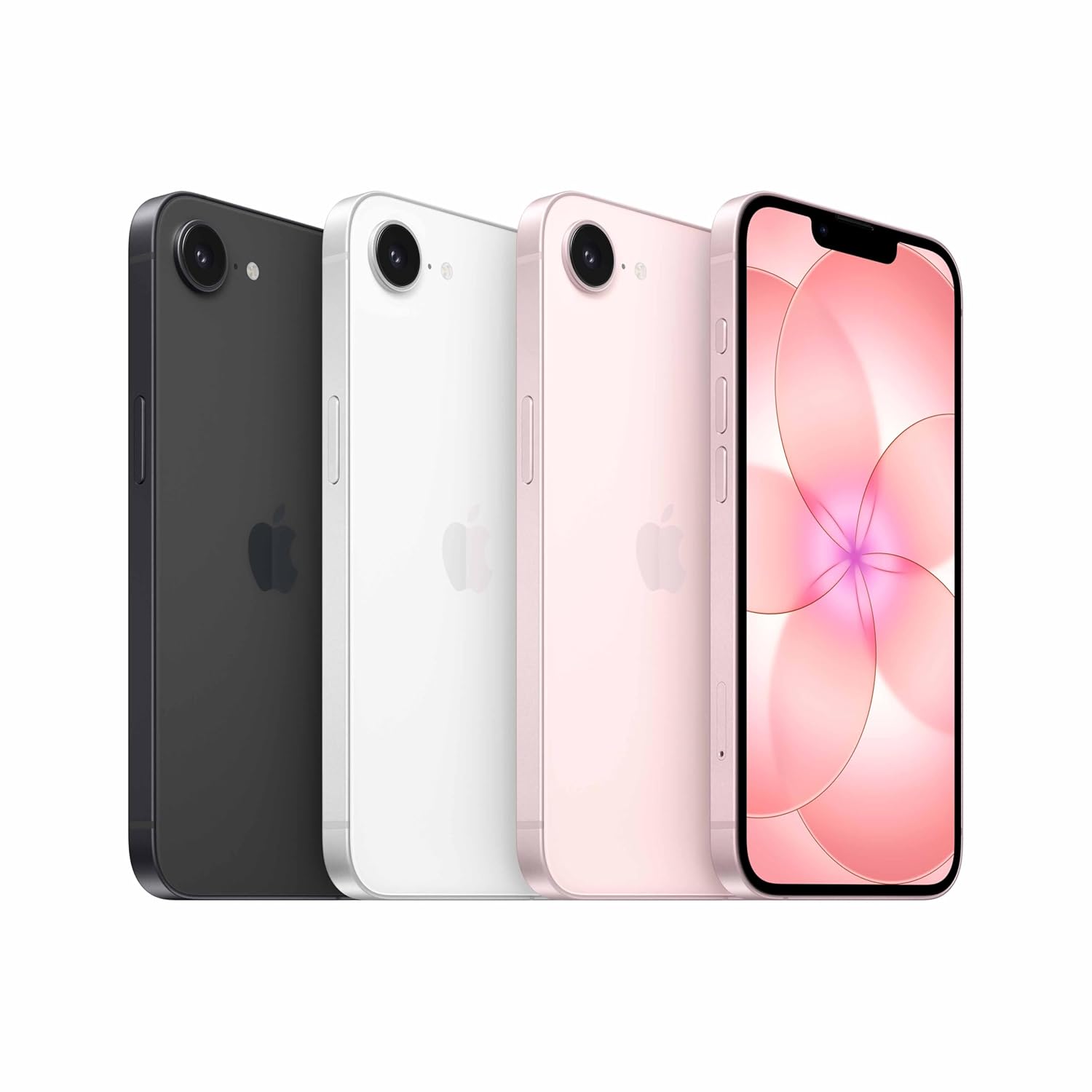
Image 1.2: The iPhone 17e is available in various colors, including Black, White, and Soft Pink.
2. What's in the Box
Upon opening your iPhone 17e package, verify that all standard components are present:
- iPhone 17e device
- USB-C Charge Cable
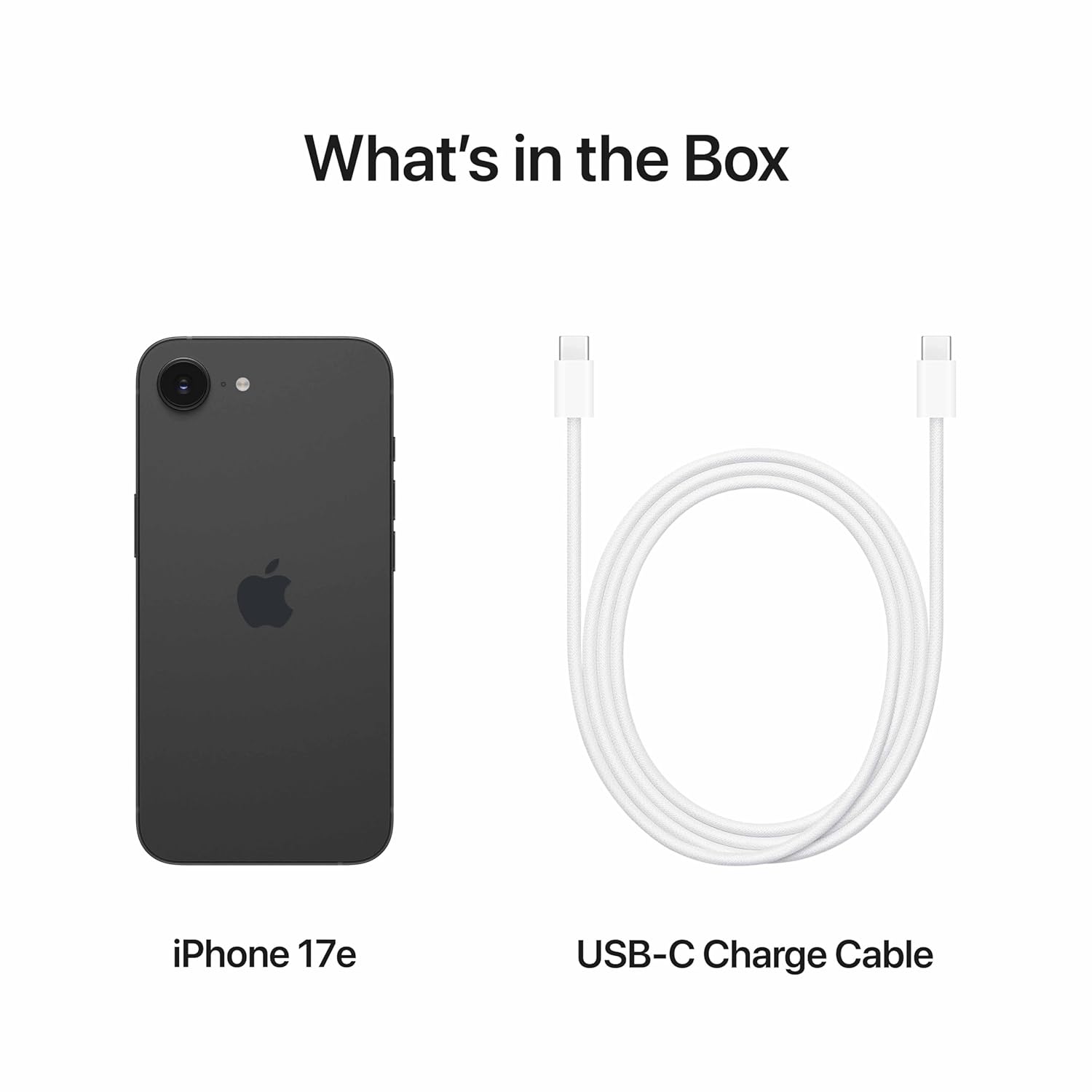
Image 2.1: The iPhone 17e and its included USB-C charge cable.
3. Setup
3.1 Initial Power On
- Press and hold the Side button until the Apple logo appears.
- Follow the on-screen instructions to select your language and region.
3.2 SIM Card Installation
Locate the SIM tray on the side of your iPhone. Use the SIM eject tool (not included, typically found with your carrier's SIM card) to open the tray. Insert your nano-SIM card with the gold contacts facing down, then close the tray securely.
3.3 Data Transfer (Optional)
If you are migrating from an Android device, use Apple's 'Move to iOS' app during the initial setup process to transfer your data, including contacts, message history, camera photos and videos, web bookmarks, mail accounts, and calendars. It is crucial to use this tool at the beginning of the setup to ensure a smooth transfer of WhatsApp backups and other data.
3.4 Apple ID Setup
Sign in with your existing Apple ID or create a new one. Your Apple ID is essential for accessing services like the App Store, iCloud, iMessage, and FaceTime.

Image 3.1: The iPhone 17e display during initial setup.
4. Operating Your iPhone 17e
4.1 Display and Interaction
The iPhone 17e features a 15.40 cm (6.1″) Super Retina XDR display, offering vibrant colors and deep blacks. Navigate the interface using touch gestures: tap to select, swipe to scroll, pinch to zoom.
4.2 Performance
Equipped with the A19 chip, the iPhone 17e delivers fast and fluid performance for all tasks, from everyday browsing to demanding applications and 4K streaming. This chip ensures a responsive user experience for years to come.
4.3 Camera Features
The 48MP Fusion camera system provides exceptional photo and video quality. It includes optical-quality 2x Telephoto capabilities and next-generation portrait features, allowing you to add background blur to photos even after they've been taken.

Image 4.1: The 48MP Fusion camera on the iPhone 17e.
4.4 Charging
Your iPhone 17e supports charging via the included USB-C cable. It also features MagSafe for convenient and fast wireless charging up to 15W. Simply align a MagSafe charger to the back of your iPhone for a secure connection.
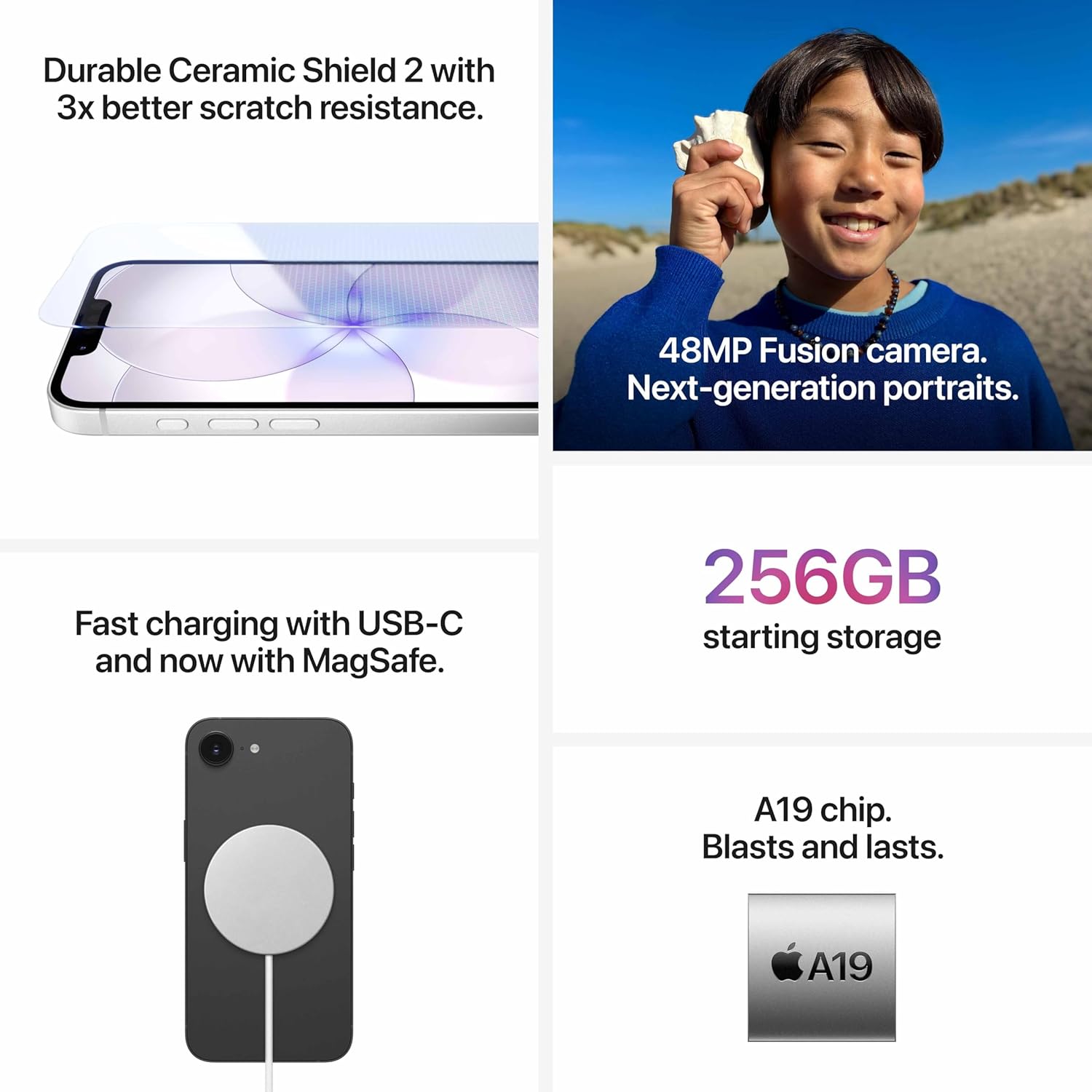
Image 4.2: MagSafe wireless charging in action on the iPhone 17e.
4.5 iOS and Apple Intelligence
The iPhone 17e runs on iOS 26, offering a personal, private, and powerful operating system. Utilize Apple Intelligence features such as Call Screening, Clean Up, Live Translation, and visual intelligence to enhance your daily tasks and communication.
4.6 Safety Features
The device includes Crash Detection, an important safety feature that can detect a severe car crash and automatically call for help if you are unable to.
5. Maintenance
5.1 Cleaning Your iPhone
To clean your iPhone, use a soft, lint-free cloth. Avoid abrasive materials, aerosols, solvents, or ammonia-based cleaners. For the screen, a slightly damp cloth is suitable. Do not submerge your iPhone in cleaning agents.
5.2 Software Updates
Regularly check for and install iOS updates to ensure your device has the latest features, security enhancements, and performance improvements. Go to Settings > General > Software Update.
5.3 Battery Care
To maximize battery lifespan, avoid extreme temperatures. If storing your iPhone for an extended period, charge it to about 50% and power it off. For optimal daily use, enable Optimized Battery Charging in Settings > Battery > Battery Health & Charging.
5.4 Durability
The iPhone 17e features a Ceramic Shield 2 front, offering enhanced scratch resistance. While durable, it is not indestructible. Consider using a screen protector and case for additional protection.
6. Troubleshooting
6.1 Device Not Responding
If your iPhone is unresponsive, perform a force restart:
- Press and quickly release the Volume Up button.
- Press and quickly release the Volume Down button.
- Press and hold the Side button until the Apple logo appears.
6.2 Network Connection Issues
If you experience poor network connectivity or bandwidth, try the following:
- Toggle Airplane Mode on and off (Settings > Airplane Mode).
- Restart your iPhone.
- Check for carrier settings updates (Settings > General > About).
- Reset Network Settings (Settings > General > Transfer or Reset iPhone > Reset > Reset Network Settings).
6.3 App Performance Issues
If apps are running slowly or crashing:
- Close and reopen the app.
- Ensure the app is updated to its latest version from the App Store.
- Free up storage space if your device is nearly full (Settings > General > iPhone Storage).
- Restart your iPhone.
6.4 Factory Reset (Last Resort)
If other troubleshooting steps fail, you may consider a factory reset. Warning: This will erase all data on your iPhone. Ensure you have a backup before proceeding. Go to Settings > General > Transfer or Reset iPhone > Erase All Content and Settings.
7. Specifications
| Feature | Specification |
|---|---|
| Brand | Apple |
| Model Name | iPhone 17e |
| Operating System | iOS 26 |
| Memory Storage Capacity | 512 GB |
| Screen Size | 6.1 Inches (15.40 cm) |
| Display Type | Super Retina XDR display |
| Display Pixel Density | 460 Pixels Per Inch (PPI) |
| Colour | Black |
| Processor | A19 Chip |
| Cellular Technology | 5G |
| Wireless Provider | Unlocked for All Carriers |
| Connector Type | USB Type C |
| Battery Power | 15.56 Watt Hours |
| Item Weight | 0.17 Kilograms |
| Item Dimensions (LxWxH) | 147 x 71 x 8 Millimeters |
| Model Year | 2026 |
| Country of Origin | India |
| UPC | 195951031033 |
| GTIN | 195951031033 |
8. Warranty Information
The Apple iPhone 17e comes with an Apple One (1) Year Limited Warranty. This warranty covers manufacturing defects and issues under normal use. For detailed terms and conditions, please refer to the official Apple warranty documentation or visit the Apple support website.
9. Support
For further assistance, technical support, or service inquiries, please contact Apple Support. You can find more information and contact details through the official Apple website or by reaching out to the manufacturer directly:
Manufacturer Contact Information:Apple Inc, One Apple Park Way, Cupertino, CA 95014, USA.
or
Apple India Private Limited, 13th Floor, Prestige Minsk Square, Municipal No. 6, Cubbon Road, Bengaluru, Karnataka - 560001, India.
Visit the official Apple Support website for comprehensive guides, FAQs, and contact options: support.apple.com


