
Introduction
The Monster S180 Bluetooth Speaker is designed to deliver high-quality audio with portability and durability. This manual provides detailed instructions for setting up, operating, and maintaining your speaker to ensure optimal performance.
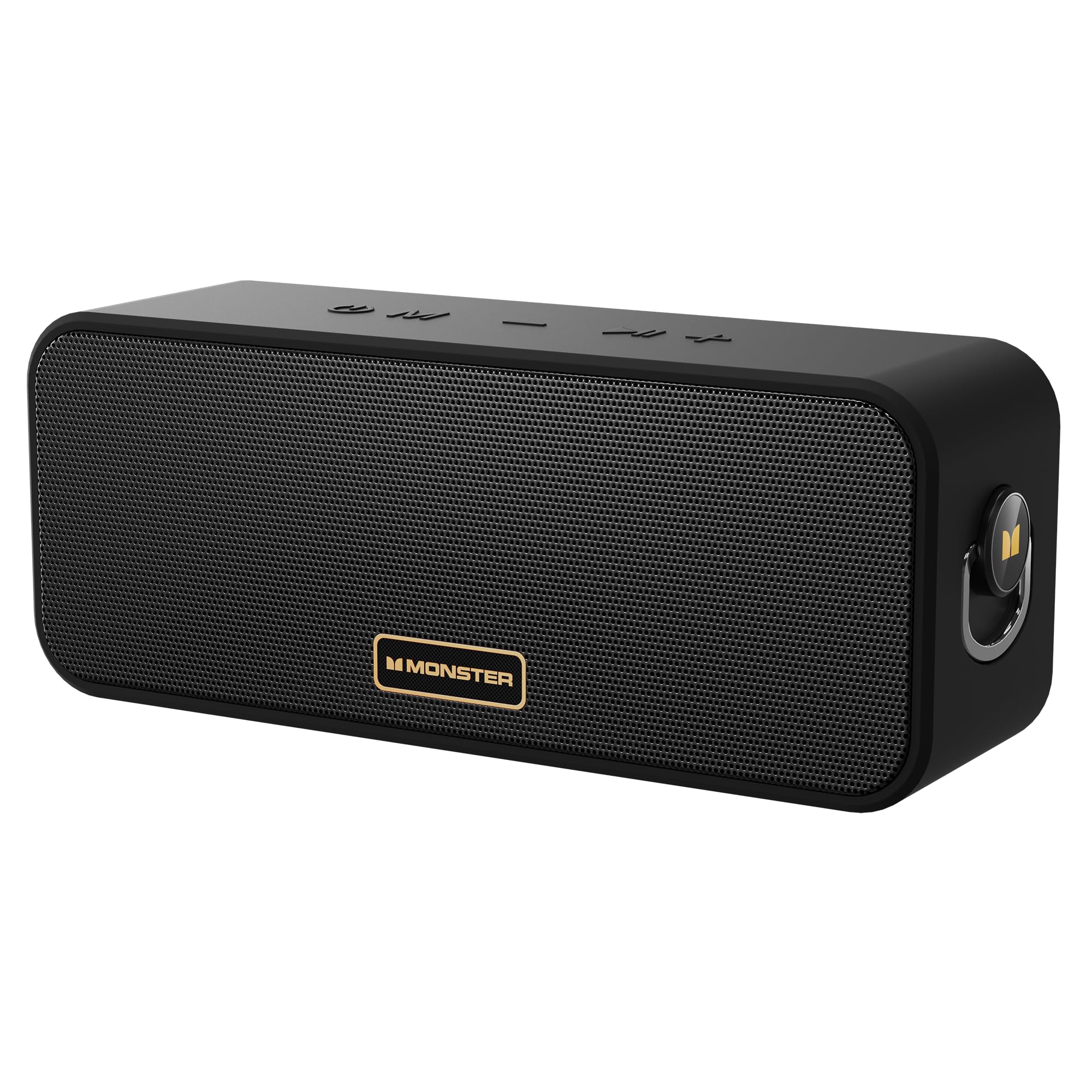
Image: The Monster S180 Bluetooth Speaker, showcasing its key features: 40W output, 28-hour playtime, and IPX6 waterproof rating.
What's in the Box
Please check the package contents upon unboxing:
- Monster S180 Bluetooth Speaker ×1
- Charging Cable ×1
- Quick Start Guide ×1
Product Overview
Controls

Image: Top view of the Monster S180 speaker, indicating the function of each button: Power On/Off, Mode Switch, Previous Song/Volume Down, Play/Pause, Next Song/Volume Up.
- Power Button (⏻): Press and hold to power on/off.
- Mode Button (M): Press to switch between Bluetooth, AUX, and TF card modes.
- Volume Down / Previous Song (−): Short press for volume down; long press for previous song.
- Play/Pause / TWS (⏸): Short press to play/pause; double click to enter/exit True Wireless Stereo (TWS) mode.
- Volume Up / Next Song (+): Short press for volume up; long press for next song.
Ports

Image: Side view of the Monster S180 speaker, showing the USB-C charging port, AUX input, and TF card slot.
- USB-C Charging Port: For charging the speaker.
- AUX Input: For connecting external audio devices via a 3.5mm audio cable.
- TF Card Slot: For playing music directly from a TF (MicroSD) card.
Setup
Initial Charging
Before first use, fully charge the speaker using the provided USB-C cable and a compatible power adapter (not included). The charging indicator light will show charging status.
Bluetooth Pairing
- Power on the speaker by pressing and holding the Power button. The Bluetooth indicator will flash, indicating it is in pairing mode.
- On your device (smartphone, tablet, etc.), enable Bluetooth and search for available devices.
- Select "Monster S180" from the list.
- Once connected, the Bluetooth indicator will remain solid, and you will hear a confirmation tone.

Image: The Monster S180 speaker highlighting its advanced Bluetooth 6.0 connectivity, offering lower latency, lower power consumption, more stable connection, and longer transmission range.
Operating Instructions
Power On/Off
Press and hold the Power button for approximately 2-3 seconds to turn the speaker on or off.
Volume and Track Control
- Volume Up: Short press the "+" button.
- Volume Down: Short press the "-" button.
- Next Track: Long press the "+" button.
- Previous Track: Long press the "-" button.
Mode Switching
Press the "M" (Mode) button to cycle through available input modes: Bluetooth, AUX, and TF Card.
True Wireless Stereo (TWS) Pairing
To pair two Monster S180 speakers for a stereo sound experience:
- Ensure both speakers are powered on and not connected to any Bluetooth device.
- On one speaker, double-click the Play/Pause button. It will enter TWS pairing mode.
- The speakers will automatically connect to each other. Once connected, one speaker will act as the left channel and the other as the right channel.
- Connect your device to the primary speaker via Bluetooth as described in the Bluetooth Pairing section.

Image: Two Monster S180 speakers wirelessly connected, demonstrating the True Wireless Stereo (TWS) pairing feature for synchronized stereo music playback.
AUX Input
Connect an external audio device to the speaker's AUX port using a 3.5mm audio cable. The speaker will automatically switch to AUX mode or can be manually selected using the Mode button.
TF Card Playback
Insert a TF (MicroSD) card with music files into the TF card slot. The speaker will automatically switch to TF card mode and begin playback, or you can select it using the Mode button.
Maintenance
To ensure the longevity and performance of your Monster S180 speaker:
- Cleaning: Use a soft, dry cloth to clean the speaker. Do not use abrasive cleaners or solvents.
- Water Resistance: The speaker has an IPX6 waterproof rating, meaning it is protected against powerful water jets. It can withstand splashes and rain but should not be fully submerged in water for extended periods. Ensure the port cover is securely closed to maintain water resistance.
- Storage: Store the speaker in a cool, dry place away from extreme temperatures and direct sunlight.
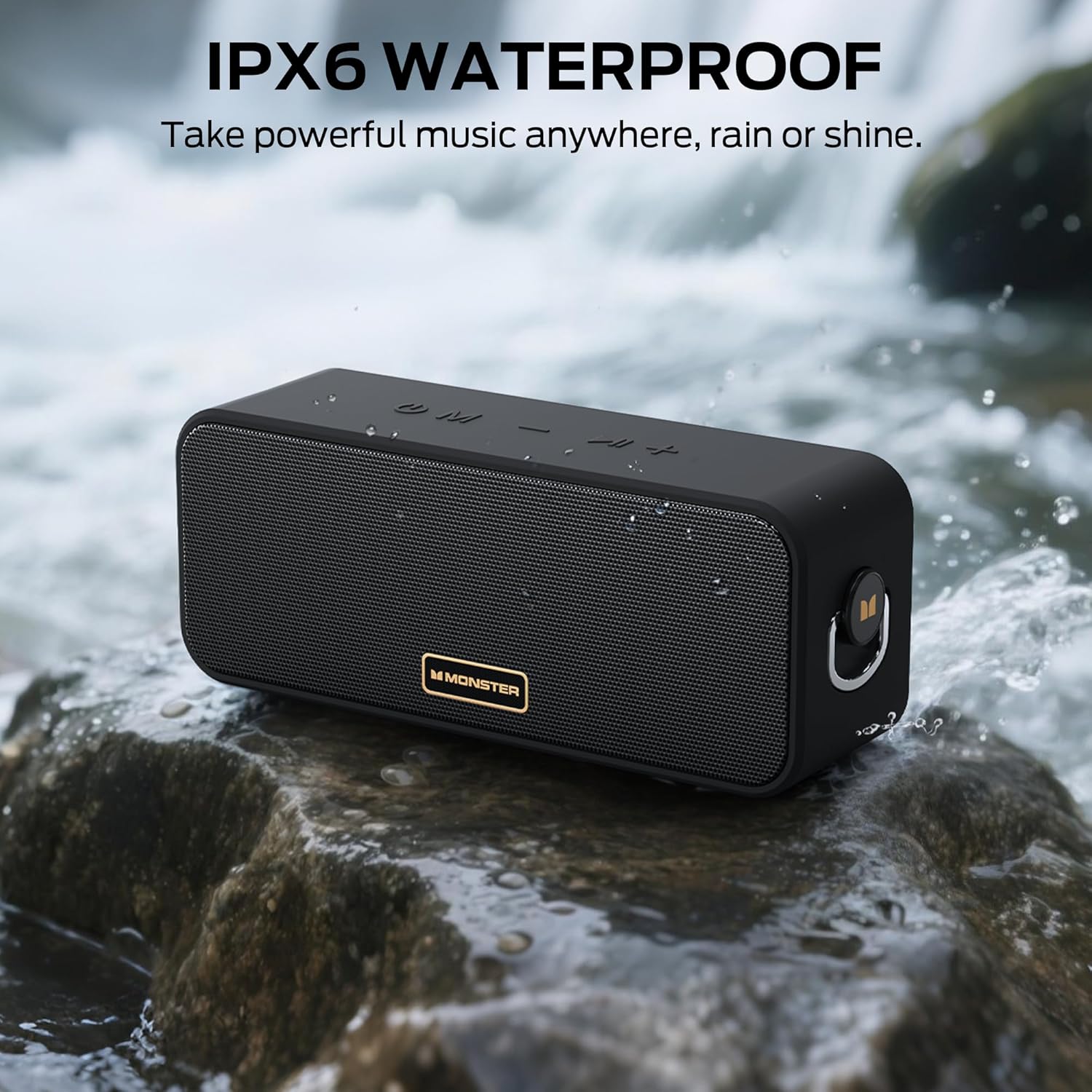
Image: The Monster S180 speaker positioned near a flowing stream, illustrating its IPX6 waterproof capability, suitable for outdoor use in various weather conditions.
Troubleshooting
| Problem | Possible Cause | Solution |
|---|---|---|
| Speaker does not power on | Low battery; Power button not pressed long enough | Charge the speaker; Press and hold the Power button for 2-3 seconds. |
| Cannot pair via Bluetooth | Speaker not in pairing mode; Device Bluetooth off; Too far from device | Ensure speaker is flashing its Bluetooth indicator; Enable Bluetooth on your device; Move speaker closer to device (within 20 meters). |
| No sound | Volume too low; Incorrect input mode; Device not playing audio | Increase speaker and device volume; Press 'M' button to select correct mode; Ensure audio is playing on your connected device. |
| TWS pairing fails | Speakers already connected to other devices; Not in TWS pairing mode | Disconnect speakers from any Bluetooth devices; Double-click Play/Pause button on one speaker to initiate TWS pairing. |
Specifications
| Feature | Detail |
|---|---|
| Brand | Monster |
| Model Number | MS62117 |
| Speaker Maximum Output Power | 40 Watts |
| Connectivity Technology | Bluetooth 6.0 |
| Audio Output Mode | Stereo |
| Battery Average Life | 28 Hours |
| Water Resistance Level | IPX6 (Water Resistant) |
| Maximum Bluetooth Range | 20 Meters |
| Control Method | Push Button |
| Compatible Devices | Desktop, Smartphone, Television, iPhone |
| Power Source | Battery Powered |
| Item Dimensions (D x W x H) | 3"D x 8"W x 4"H |
| Enclosure Material | Metal, Plastic |
| Additional Features | Portable, Stereo Pairing, Waterproof |
Warranty and Support
The Monster S180 Bluetooth Speaker comes with a 1-Year Limited Warranty from the manufacturer, Monster.
For technical support, warranty claims, or further assistance, please refer to the contact information provided in the Quick Start Guide included with your product or visit the official Monster website.


