
Introduction
The Middle Rabbit Rampage 2 gaming earbuds are designed to provide a versatile audio experience for gaming and daily use. Featuring dual connectivity via a 2.4 GHz USB-C dongle and Bluetooth, these neckband earbuds offer ultra-low latency for gaming and seamless switching between devices. This manual provides detailed instructions for setup, operation, and maintenance.
What's in the Box
- Middle Rabbit Rampage 2 Gaming Earbuds
- 2.4 GHz USB-C Dongle
- USB-A Adapter (for dongle)
- Charging Cable
- Multiple Sizes of Eartips
- User Manual
Product Overview
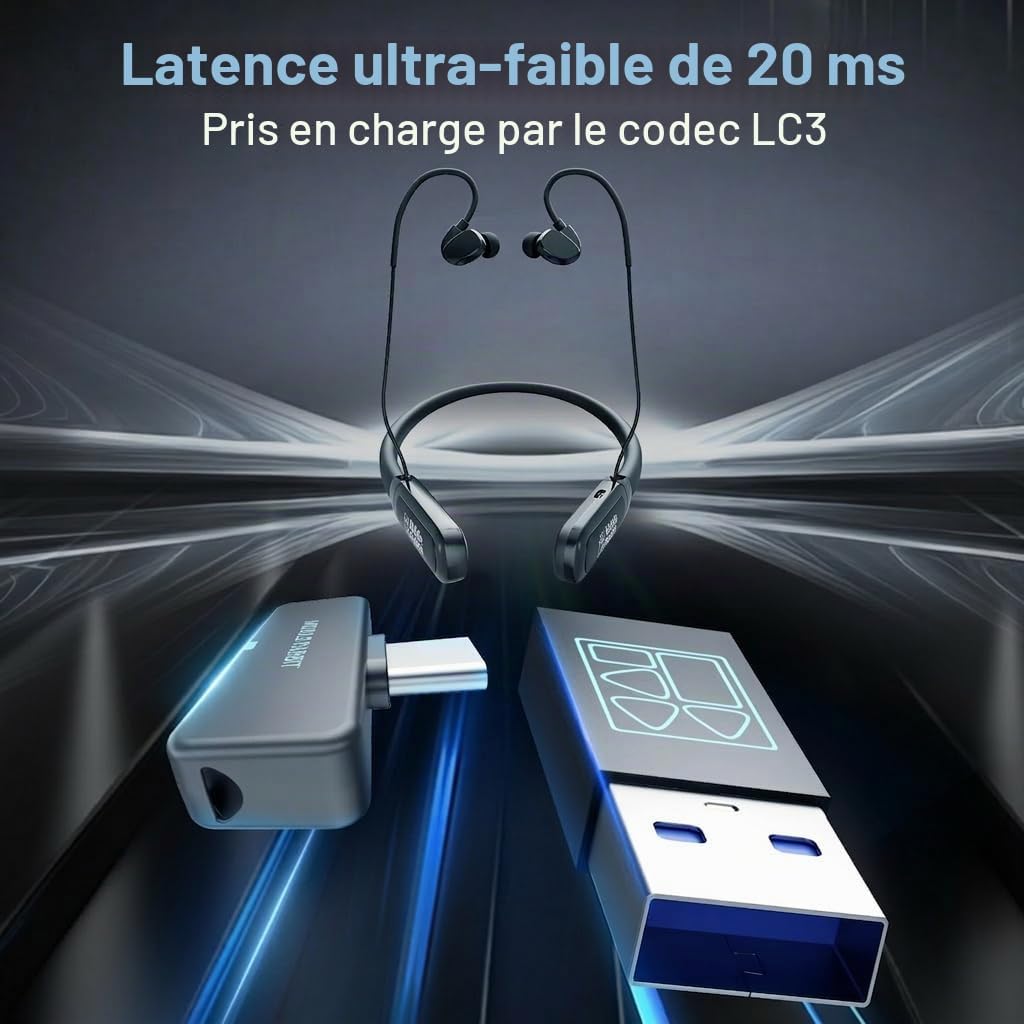
Image: Middle Rabbit Rampage 2 earbuds with the 2.4GHz USB-C dongle and a USB-A adapter, illustrating the ultra-low latency connection.
Key Features
- Dual Connectivity: Connect via 2.4 GHz USB-C dongle for ultra-low latency gaming or Bluetooth for mobile devices.
- Ultra-Low Latency: Approximately 20 ms latency via 2.4 GHz dongle, ideal for competitive gaming.
- Long Battery Life: Up to 32+ hours of total listening time on a single charge.
- Optimized Sound Modes: Three EQ modes including two gaming modes (positional audio, footsteps) and one music mode (richer vocals, fuller bass).
- Clear Voice Microphone: Integrated microphone designed for clear communication during team chat, calls, and online meetings.
- Comfortable Neckband Design: Lightweight and ergonomic neckband for secure fit and extended wear.

Image: A visual representation of '32H' indicating the 32-hour battery life, with the earbuds positioned in the foreground.
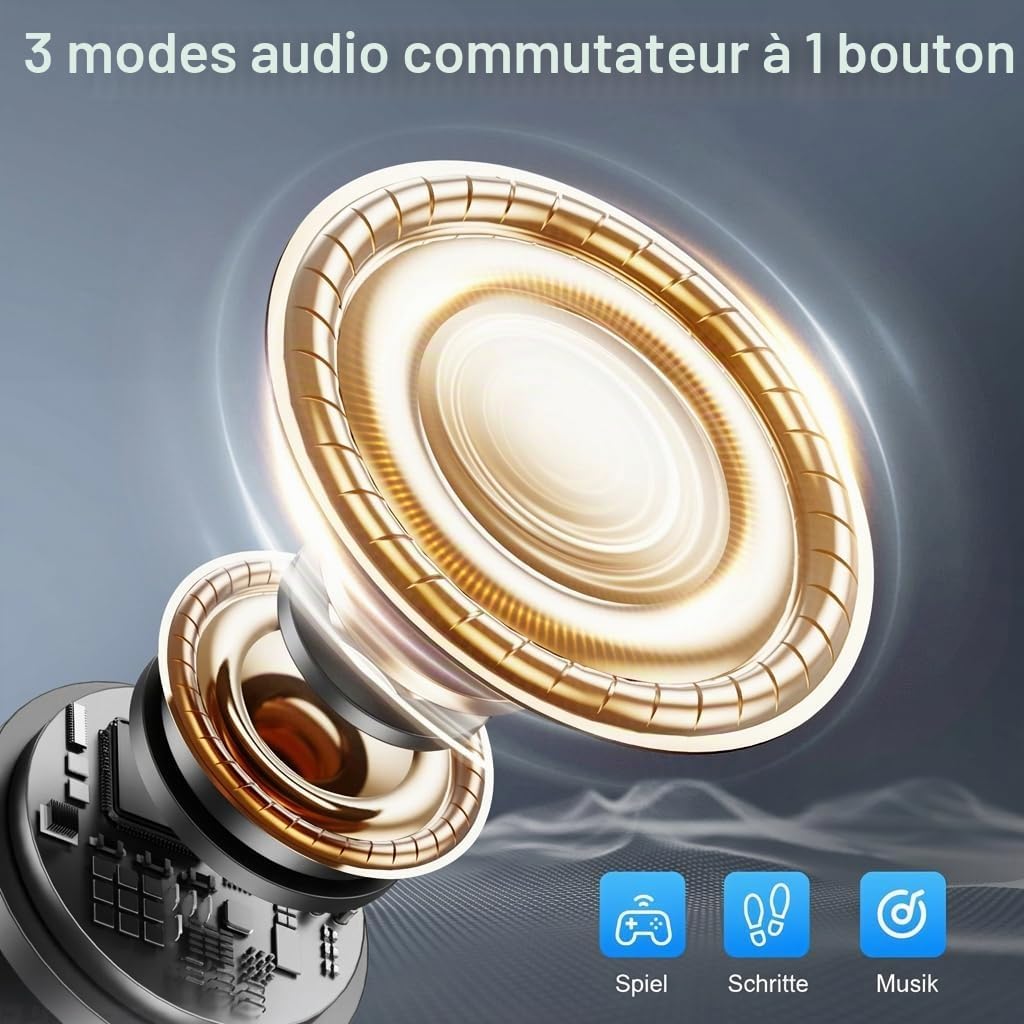
Image: A detailed diagram of an earbud driver, accompanied by icons representing three distinct audio modes: game, footsteps, and music.
Setup
1. Charging the Earbuds
Before first use, fully charge the earbuds using the provided charging cable. Connect the cable to the earbuds' charging port and a USB power source. The indicator light will show charging status.
2. Connecting via 2.4 GHz Dongle (for PC, PS5, PS4, Laptop, Steam Deck, Switch)
- Insert the 2.4 GHz USB-C dongle directly into a compatible USB-C port on your device. If your device only has USB-A ports, use the included USB-A adapter.
- Power on the earbuds. They will automatically attempt to connect to the dongle.
- Once connected, the indicator light on the earbuds will confirm the connection. Your device should recognize the earbuds as an audio output/input device.

Image: Visual guide demonstrating the three connection options: direct USB-C dongle, USB-C dongle with USB-A adapter, and Bluetooth pairing with a smartphone.
3. Connecting via Bluetooth (for Smartphones, Tablets, etc.)
- Ensure the earbuds are powered on.
- Activate Bluetooth on your mobile device.
- On your device, search for available Bluetooth devices and select "Middle Rabbit Rampage 2" to pair.
- The earbuds' indicator light will confirm successful pairing.

Image: The Middle Rabbit Rampage 2 earbuds are shown connected simultaneously to a laptop via the 2.4GHz dongle and to a smartphone via Bluetooth, illustrating dual device connectivity.
Operating Instructions
Controls
The earbuds feature intuitive button controls located on the neckband.

Image: A close-up diagram illustrating the control buttons on the neckband: Volume -, Volume +, and the Power button, along with their respective functions for single press, double press, and long press.
| Button | Action | Function |
|---|---|---|
| Power Button | Long Press | Power On/Off |
| Single Press | Play/Pause | |
| Double Press | Switch between 2.4G and Bluetooth connection | |
| Volume + Button | Single Press | Increase Volume |
| Double Press | Next Track | |
| Long Press | Activate/Deactivate Microphone | |
| Volume - Button | Single Press | Decrease Volume |
| Double Press | Previous Track | |
| Long Press | Change EQ Mode |
EQ Modes
The Rampage 2 offers three distinct audio equalization (EQ) modes:
- Game Mode 1: Optimized for immersive gaming with a spacious soundstage.
- Game Mode 2 (Footsteps): Enhances positional cues and footsteps without distorting ambient sound, crucial for competitive play.
- Music Mode: Provides richer vocals and fuller bass for an enhanced music listening experience.

Image: A graphic illustrating the two dedicated game audio modes: a general Game Mode for immersive sound and a Footsteps Mode designed to enhance crucial in-game audio cues.
Compatibility
The Middle Rabbit Rampage 2 earbuds offer broad compatibility:
- 2.4 GHz Dongle: Compatible with PC, Laptops, PS5, PS4, Tablets, Steam Deck, Nintendo Switch, and other devices with a USB-C or USB-A port (using adapter).
- Bluetooth: Compatible with smartphones, tablets, and other Bluetooth-enabled audio devices.
Maintenance
- Cleaning: Regularly wipe the earbuds and neckband with a soft, dry cloth. For eartips, remove them and clean with mild soap and water, then dry thoroughly before reattaching.
- Storage: Store the earbuds in a cool, dry place away from direct sunlight and extreme temperatures.
- Charging: Use only the provided charging cable or a certified equivalent. Avoid overcharging.
- Water Resistance: The earbuds feature IPX4 water resistance, making them resistant to sweat and light splashes. Do not submerge them in water.
Troubleshooting
No Sound / Disconnection
- Ensure the earbuds are powered on and charged.
- Check that the 2.4 GHz dongle is securely inserted into the device's USB port.
- For Bluetooth, ensure the earbuds are paired and selected as the audio output on your device.
- Try restarting both the earbuds and the connected device.
- If using the dongle, ensure your device's audio settings are configured to output sound through the dongle.
Microphone Not Working
- Ensure the microphone is not muted (Long press Volume + button to toggle).
- Check your device's audio input settings to ensure the earbuds' microphone is selected.
- Test the microphone with another application or device.
No Audio Confirmation for Power Off
- While the earbuds may not provide an audio cue for power off, observe the indicator lights to confirm the device has shut down.
Specifications
| Feature | Specification |
|---|---|
| Brand | Middle Rabbit |
| Model Name | Rampage 2 |
| Color | Grey |
| Form Factor | Neckband, In-ear |
| Connectivity Technology | Wireless (2.4 GHz, Bluetooth) |
| Wireless Technology | Bluetooth 5.4 |
| Bluetooth Range | 10 Meters |
| Audio Latency | 20 Milliseconds (via 2.4 GHz dongle) |
| Audio Driver Size | 9.2 Millimeters |
| Impedance | 16 Ohms |
| Audio Driver Type | Dynamic |
| Average Battery Life | 32 Hours |
| Control Type | Button Control |
| Product Features | Low Latency, Integrated Microphone, EQ Modes |
| Compatible Devices | Computer, Laptop, PS4, PS5, Mobile Phone, Cell Phones, Tablets, Steam Deck, Nintendo Switch |
| Recommended Uses | Video Gaming |
| Internal Material | Plastic |
| Headphone Jack | No Jack |
Warranty and Support
The Middle Rabbit Rampage 2 Gaming Earbuds come with a 1-year warranty from the date of purchase. This warranty covers manufacturing defects and ensures peace of mind for both work and gaming use. For support or warranty claims, please contact Middle Rabbit customer service through their official website or the retailer where the product was purchased.


