
1. Introduction
This manual provides essential information for the safe and efficient operation of your TCL 32S5K Series 32-inch Full HD Smart QLED Google TV. Please read this manual thoroughly before using the television and retain it for future reference.
1.1 Safety Information
- Do not block ventilation openings. Ensure adequate space around the TV for proper airflow.
- Do not expose the TV to rain or moisture to prevent fire or electric shock.
- Avoid placing the TV in direct sunlight or near heat sources.
- Use only attachments/accessories specified by the manufacturer.
- Disconnect the power cord during lightning storms or when unused for long periods.
2. Package Contents
Verify that all components are present in the packaging:
- 1N LED TV
- 1N Audio Cable
- 1N Stand
- 1N Power cord
- 1N Remote Control
- 2N AAA Batteries (for remote control)
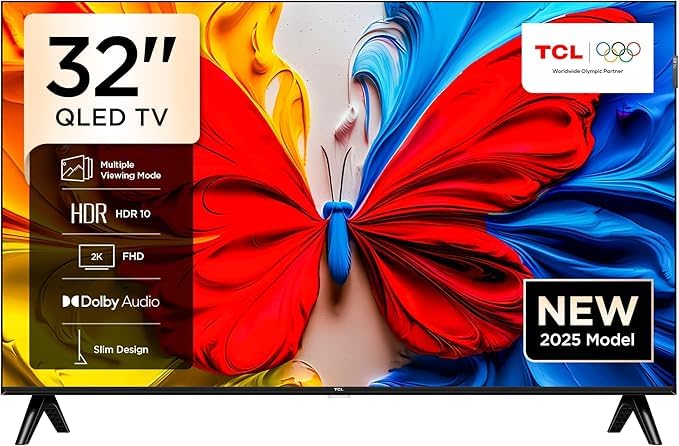
Image: Front view of the TCL 32S5K Series TV, illustrating the overall design and screen.
3. Setup
3.1 Attaching the Stand
- Carefully place the TV screen-down on a soft, flat surface to prevent damage.
- Align the stand bases with the corresponding slots on the bottom of the TV.
- Secure the stands using the provided screws. Ensure they are firmly attached.
3.2 Wall Mounting (Optional)
If you choose to wall mount your TV, consult a professional for installation to ensure safety and proper mounting. Refer to the wall mount kit instructions for specific details. The TV supports VESA standard mounting.
3.3 Connecting External Devices
Your TCL 32S5K TV offers various connectivity options:
- HDMI Ports (2): Connect Blu-ray players, gaming consoles, or set-top boxes.
- USB Port (1): For connecting USB storage devices to play media.
- LAN Port: For a wired internet connection.
- Antenna Input: For connecting a terrestrial antenna.
- Satellite Input: For connecting a satellite dish.
- Digital Audio Out: For connecting to external audio systems.
- AV IN Adapter: For connecting older devices with composite video/audio outputs.
- Headphone Jack: For private listening.
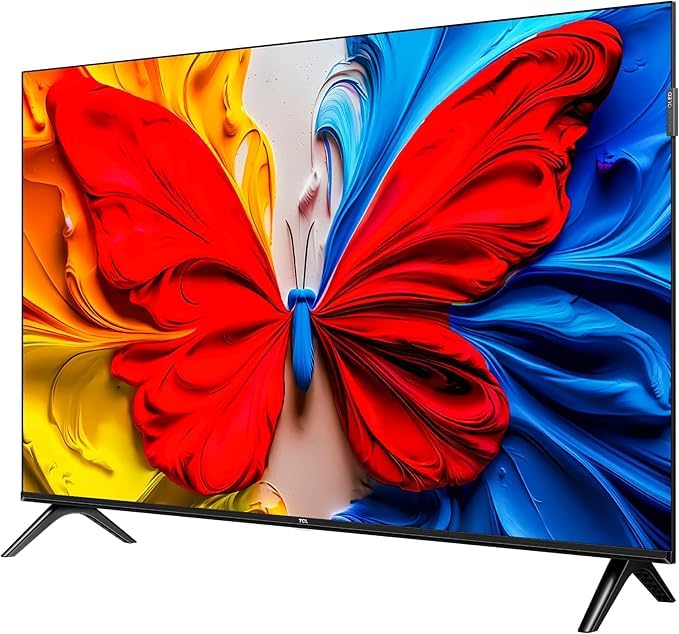
Image: Side view of the TCL 32S5K TV, highlighting the various input and output ports for external device connections.

Image: Rear view of the TCL 32S5K TV, showing the mounting points and general back panel layout.
3.4 Initial Power-On and Google TV Setup
- Connect the power cord to the TV and then to a power outlet.
- Press the power button on the remote control or the TV.
- Follow the on-screen instructions to complete the initial setup, including language selection, network connection (Wi-Fi or Ethernet), and Google account sign-in for Google TV features.
4. Operating Your TV
4.1 Remote Control
The provided remote control uses both IR and Bluetooth technology. Ensure the AAA batteries are correctly inserted. Point the remote towards the TV for IR functions, or pair it via Bluetooth for enhanced features like voice control.
4.2 Google TV Interface
Your TV runs on Google TV, providing a personalized experience with content recommendations, access to streaming apps (Prime Video, Netflix, Hotstar, Zee5, etc.), and Google Assistant integration.
- Navigation: Use the directional pad and OK button on the remote to navigate menus.
- Google Assistant: Press the Google Assistant button on your remote to use voice commands for searching content, controlling smart home devices, and more.
- Screen Mirroring: Use the built-in Chromecast (Google Cast) feature to cast content from compatible smartphones or tablets to your TV.
5. Display and Audio Features
5.1 Display Technology
The TCL 32S5K features a Full HD (1920 x 1080) QLED Panel with HDR 10 support, offering vibrant colors and improved contrast. The 100% Color Volume Plus ensures accurate color reproduction. A 178-degree wide viewing angle allows for clear viewing from various positions, complemented by Micro Dimming technology for enhanced picture quality.

Image: The TCL 32S5K TV showcasing its slim design and metallic bezel-less display, contributing to an immersive viewing experience.
5.2 Audio System
Experience clear and immersive sound with 24 Watts output and Dolby Audio technology. This enhances the audio quality for movies, music, and games.
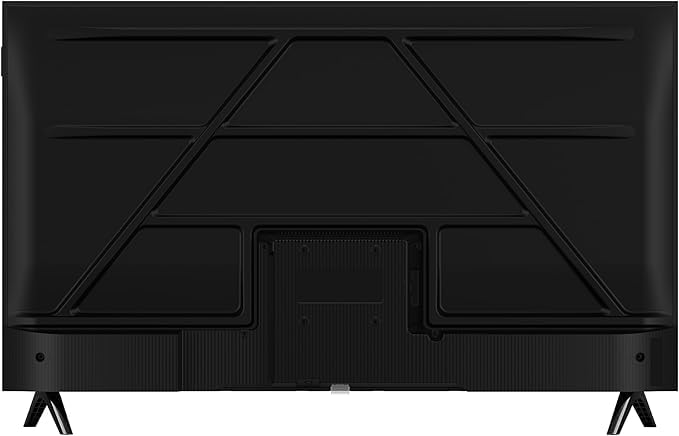
Image: The TCL 32S5K TV with a visual representation of its Dolby Audio capabilities, suggesting rich sound quality.
6. Maintenance
6.1 Cleaning the Screen
- Turn off the TV and unplug the power cord.
- Gently wipe the screen with a soft, lint-free cloth. For stubborn marks, slightly dampen the cloth with water or a specialized screen cleaner (do not spray directly onto the screen).
- Avoid using harsh chemicals or abrasive materials.
6.2 Cleaning the TV Body
Wipe the TV frame and back panel with a soft, dry cloth. If necessary, use a slightly damp cloth, then dry thoroughly.
7. Troubleshooting
If you encounter issues with your TV, refer to the following common solutions:
- No Power: Ensure the power cord is securely connected and the power outlet is functioning. Try a different outlet.
- No Picture/Sound: Check all cable connections (HDMI, AV). Ensure the correct input source is selected. For no sound, check volume levels and external audio system connections.
- Remote Control Not Working: Replace the batteries. Ensure there are no obstructions between the remote and the TV. Re-pair the Bluetooth remote if necessary.
- Network Connection Issues: Restart your router and modem. Check Wi-Fi password. If using Ethernet, ensure the cable is connected properly.
- Picture Quality Issues: Adjust picture settings (brightness, contrast, color). Ensure the input source is providing a high-quality signal.
For persistent issues, contact TCL customer support.
8. Specifications
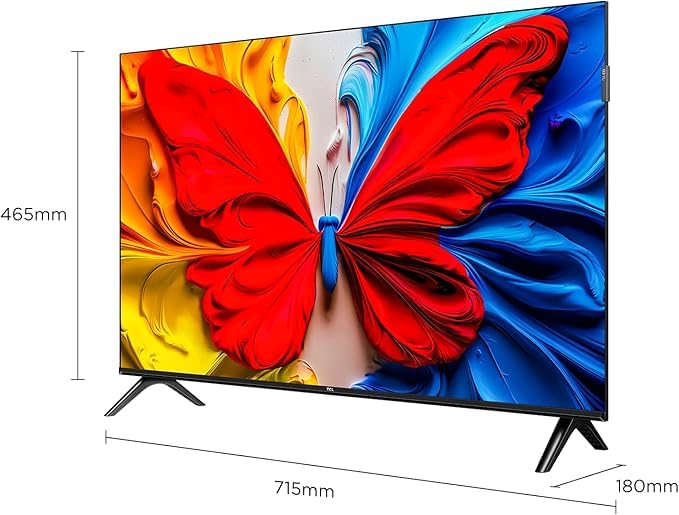
Image: Diagram illustrating the physical dimensions of the TCL 32S5K TV (715mm width, 465mm height, 180mm depth with stand).
| Feature | Specification |
|---|---|
| Brand | TCL |
| Model | 32S5K |
| Screen Size | 32 Inches (80 cms) |
| Display Technology | QLED |
| Resolution | Full HD (1920 x 1080p) |
| Refresh Rate | 60 Hz |
| Operating System | Google TV |
| RAM | 1 GB |
| ROM | 8 GB |
| Processor | 64-bit Quad Core |
| Connectivity | Wi-Fi 4, Ethernet, 2 HDMI, 1 USB |
| Audio Output | 24 Watts, Dolby Audio |
| Viewing Angle | 178 Degrees |
| Product Dimensions (with stand) | 18D x 71.5W x 46.5H Centimeters |
| Item Weight | 3.19 kg |
| Model Year | 2025 |
9. Warranty and Support
9.1 Warranty Information
Your TCL 32S5K Series TV comes with a 2-year warranty provided by the manufacturer from the date of purchase. The remote control has a separate 6-month warranty. Warranty claims can be processed using your purchase invoice.
9.2 Customer Support
For further assistance, technical support, or warranty claims, please refer to the official TCL website or contact their customer service. Additional user manual content and product details may also be available on the brand's website.


