
Introduction
This manual provides detailed instructions for the safe and efficient operation of your Monster S180 Portable Bluetooth Speaker. Please read this manual thoroughly before use and retain it for future reference.

A black rectangular portable Bluetooth speaker with a metal grille and control buttons on top. The Monster logo is visible on the front grille.
What's in the Box
- Monster S180 Bluetooth Speaker ×1
- Charging Cable ×1
- Quick Start Guide ×1

An image showing the Monster S180 speaker, a USB-C charging cable, and the quick start guide laid out next to the product packaging.
Key Features
40W Stereo Sound
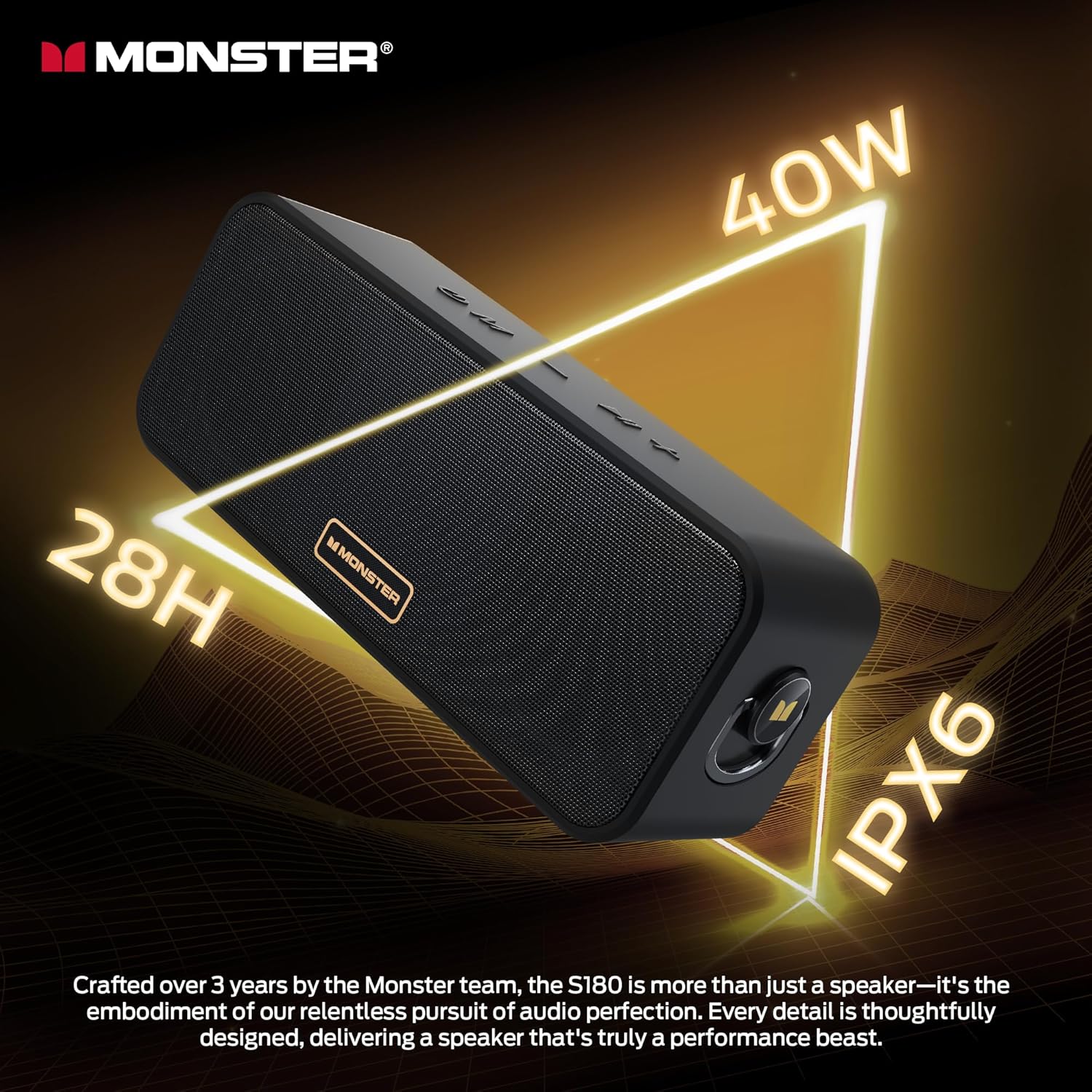
The Monster S180 delivers 40W of dynamic stereo sound, engineered for clear highs, balanced mids, and deep bass. Two speakers can be paired for an enhanced stereo experience.

An illustrative image highlighting the internal speaker drivers and subwoofers, emphasizing the 40W sound output and bass technology.
IPX6 Waterproof Protection
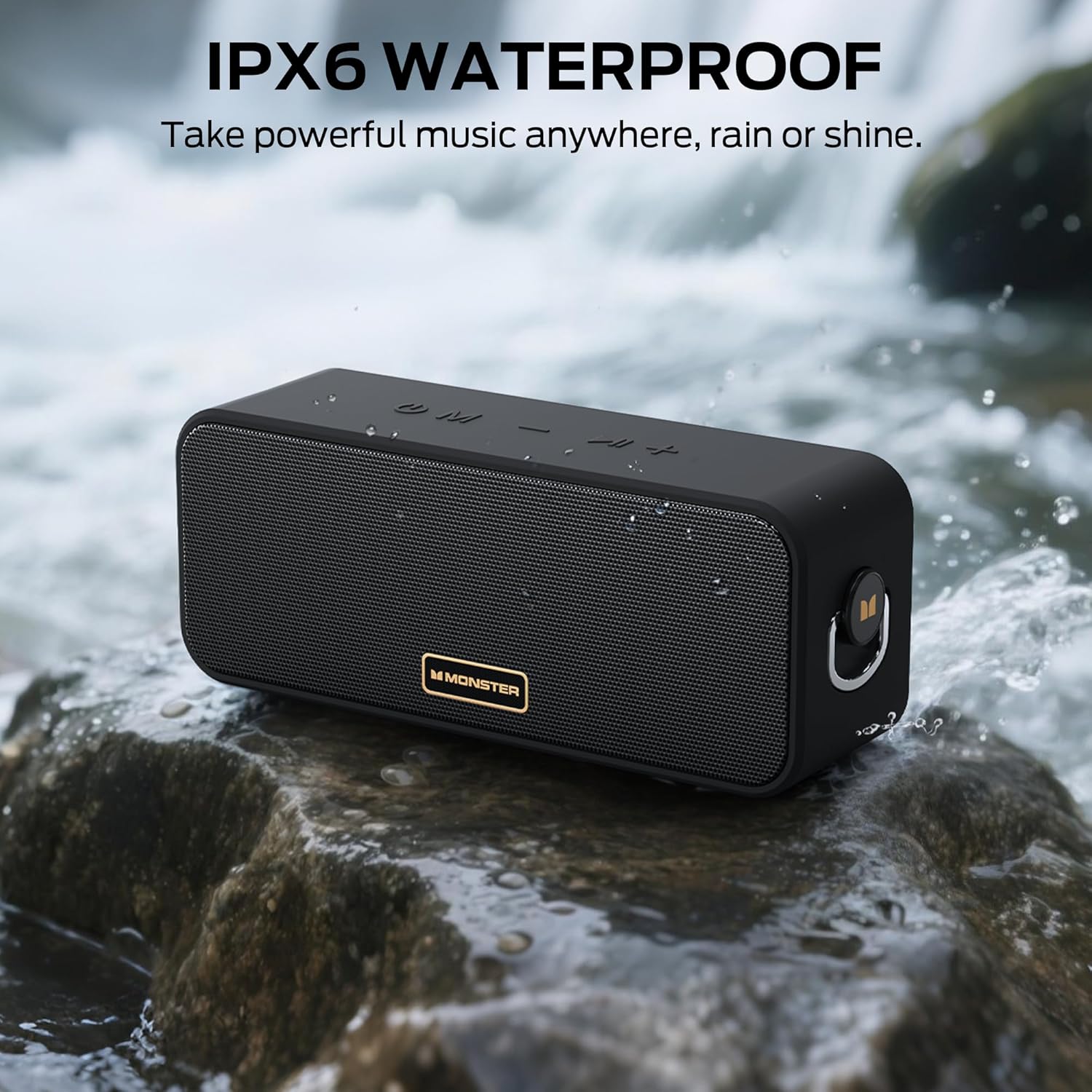
Designed with IPX6 waterproof technology, the S180 speaker is resistant to splashes and rain, making it suitable for outdoor use near water.
The Monster S180 speaker positioned on a rock with water droplets, demonstrating its IPX6 waterproof capability.
28-Hour Playtime
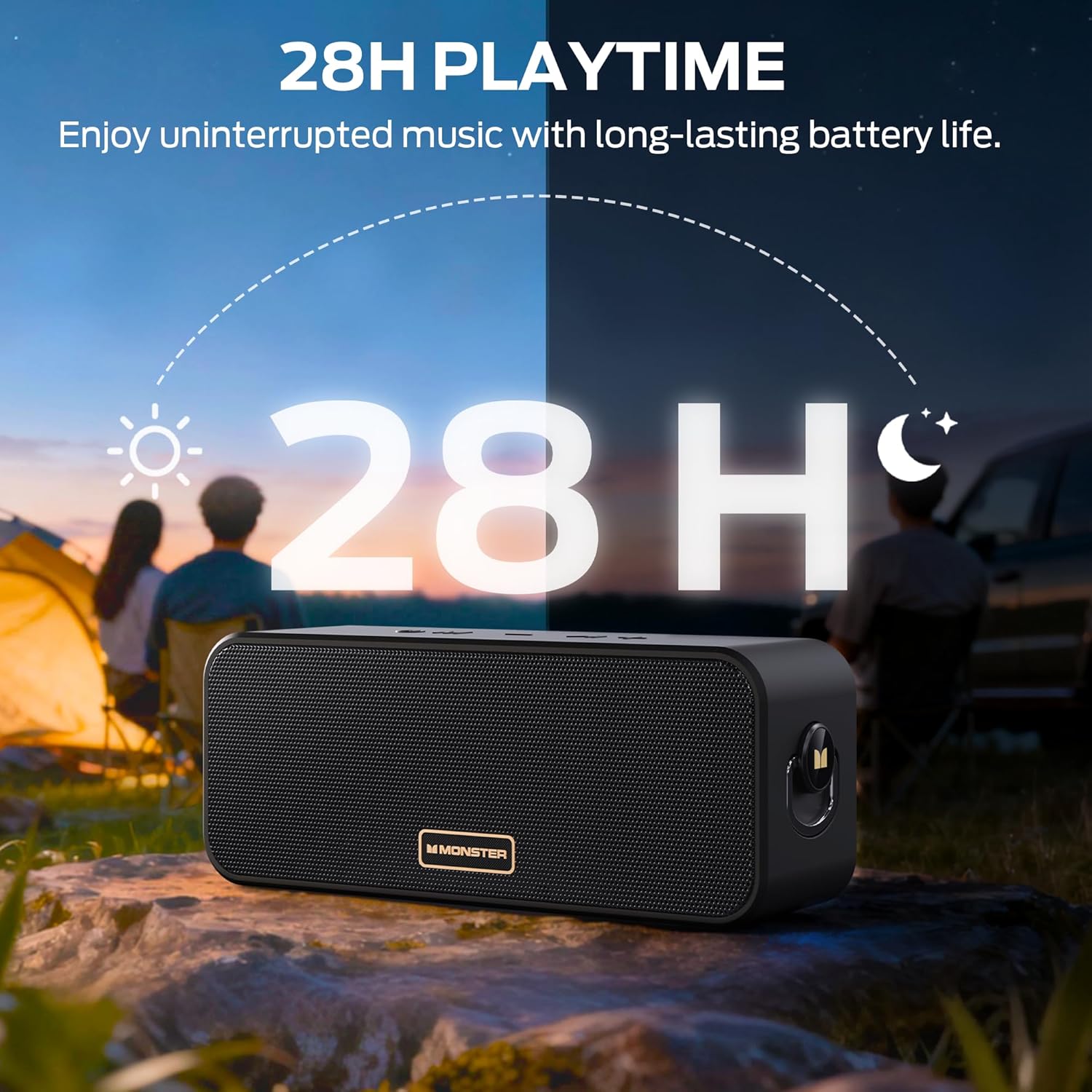
Equipped with a high-capacity battery, the speaker provides up to 28 hours of continuous audio playback on a single charge.
The Monster S180 speaker shown in an outdoor setting with a graphic overlay of a clock face, illustrating its 28-hour battery life.
Portable Design
The S180 features a compact and rugged design, including a metal buckle for easy attachment to bags or backpacks, enhancing portability.

The Monster S180 speaker attached to a backpack with its metal buckle, highlighting its portable design for travel and outdoor activities.
Bluetooth 6.0 Connectivity
Utilizes Bluetooth 6.0 for stable, fast wireless connections with a range of up to 20 meters, supporting seamless audio streaming and hands-free calls.

The Monster S180 speaker next to a smartphone displaying a Bluetooth connection interface, indicating Bluetooth 6.0 technology.
True Wireless Stereo (TWS)
Pair two S180 speakers wirelessly to create a true stereo sound system, delivering a combined output of up to 80W for an immersive audio experience.
Two Monster S180 speakers placed on a table, illustrating the True Wireless Stereo (TWS) pairing feature for enhanced sound.
Setup
Charging the Speaker
Connect the included USB-C charging cable to the speaker's USB-C port and a compatible USB power adapter (not included). The charging indicator will illuminate.
Power On/Off
Press and hold the Power button (U) for 2 seconds to turn the speaker on or off.
Bluetooth Pairing
- Ensure the speaker is powered on and in Bluetooth pairing mode (blue indicator light flashes).
- On your device (smartphone, tablet), enable Bluetooth and search for 'Monster S180'.
- Select 'Monster S180' to connect. A confirmation tone will sound, and the indicator light will turn solid blue.
True Wireless Stereo (TWS) Pairing
- Ensure both S180 speakers are powered on and not connected to any other Bluetooth device.
- On one speaker, double-click the Play/Pause button (II) to enter TWS pairing mode. It will search for the second speaker.
- Once connected, both speakers will emit a confirmation tone, and their indicator lights will synchronize.
- Connect your device to one of the paired 'Monster S180' speakers via Bluetooth. Both speakers will now play audio in stereo.
AUX/TF Card Connection
For AUX input, connect a 3.5mm audio cable from your device to the speaker's AUX port.
For TF card playback, insert a TF (microSD) card with audio files into the TF card slot. The speaker will automatically switch to TF card mode.

A close-up view of the Monster S180 speaker's side panel, revealing the SD card slot, USB-C charging port, and AUX input port.
Operating Instructions
Button Functions
- Power Button (U): Press and hold for 2 seconds to power on/off.
- Mode Button (M): Short press to switch between Bluetooth, AUX, and TF card modes.
- Volume Down / Previous Track (-): Short press for volume down. Long press for previous track.
- Play/Pause Button (II): Short press to play/pause audio. Double-click to enter/exit TWS pairing mode.
- Volume Up / Next Track (+): Short press for volume up. Long press for next track.

An overhead view of the Monster S180 speaker's top panel, clearly labeling each control button and its primary functions.
Maintenance
Cleaning
Wipe the speaker with a soft, damp cloth. Do not use abrasive cleaners or solvents.
Waterproof Care
Ensure the rubber flap covering the ports is securely closed before exposing the speaker to water. Do not submerge the speaker for extended periods.
Battery Care
To prolong battery life, fully charge the speaker before first use and at least once every three months if not used regularly.
Troubleshooting
| Problem | Solution |
|---|---|
| Speaker does not power on | Ensure the battery is charged. Connect the charging cable and try again. |
| No sound | Check volume levels on both the speaker and your connected device. Ensure the correct input mode (Bluetooth, AUX, TF) is selected. |
| Bluetooth pairing fails | Ensure the speaker is in pairing mode and within range. Disconnect from other devices and try pairing again. Restart both the speaker and your device. |
| TWS pairing fails | Ensure both speakers are not connected to any other Bluetooth device before initiating TWS pairing. Follow TWS pairing steps carefully. |
Specifications
| Feature | Detail |
|---|---|
| Brand | Monster |
| Model Name | MS62117 |
| Speaker Type | Portable Speaker |
| Connectivity Technology | Bluetooth 6.0, AUX, TF Card |
| Speaker Maximum Output Power | 40 Watts |
| Audio Output Mode | Stereo |
| Waterproof Rating | IPX6 |
| Playtime | Up to 28 Hours |
| Product Dimensions | 3"D x 8"W x 4"H |
| Item Weight | 1.5 pounds |
| Material | Metal, Plastic |
| Batteries | 1 AAAA batteries required. (included) |
Video Demonstration
A short video demonstrating the key features and functions of the Monster S180 Bluetooth Speaker, including sound quality, waterproofing, connectivity, and portability.
Warranty and Support
This Monster S180 speaker comes with a Limited Warranty. For detailed warranty information and support, please refer to the included Quick Start Guide or visit the official Monster website.
For further assistance, please contact Monster customer support through their official channels.


