
Rossetta BL-3D02
Rossetta BL-3D02 3D Galaxy Projector User Manual
Model: BL-3D02 | Brand: Rossetta
Important Safety Information
- Read all instructions before use.
- Keep the device away from water and moisture.
- Do not attempt to disassemble or repair the device yourself. Contact qualified service personnel.
- Use only the provided power adapter.
- Avoid direct eye exposure to the projection lens.
- Ensure proper ventilation to prevent overheating.
- Keep out of reach of small children.
Package Contents
Verify that all items are present in the package:
- Rossetta 3D Projector (Model: BL-3D02)
- Remote Control
- Power Adapter
- User Manual (This document)
Product Overview
The Rossetta BL-3D02 is a versatile 3D galaxy projector featuring a built-in Bluetooth speaker, timer functions, and adjustable projection capabilities. It is designed to create immersive visual and auditory experiences.
Main Unit and Components

Image: The Rossetta 3D Projector, its remote control, and a smartphone displaying music playback, illustrating the device's features.
- Projection Lens: Emits the 3D visual effects.
- Focus Wheel: Located around the lens, used to adjust image clarity.
- Control Buttons: On the device for basic functions (power, mode, volume).
- Bluetooth Speaker: Integrated for audio playback.
- Power Port: For connecting the power adapter.
Remote Control
The included remote control provides convenient access to all projector functions, including power, theme selection, brightness, volume, and timer settings.
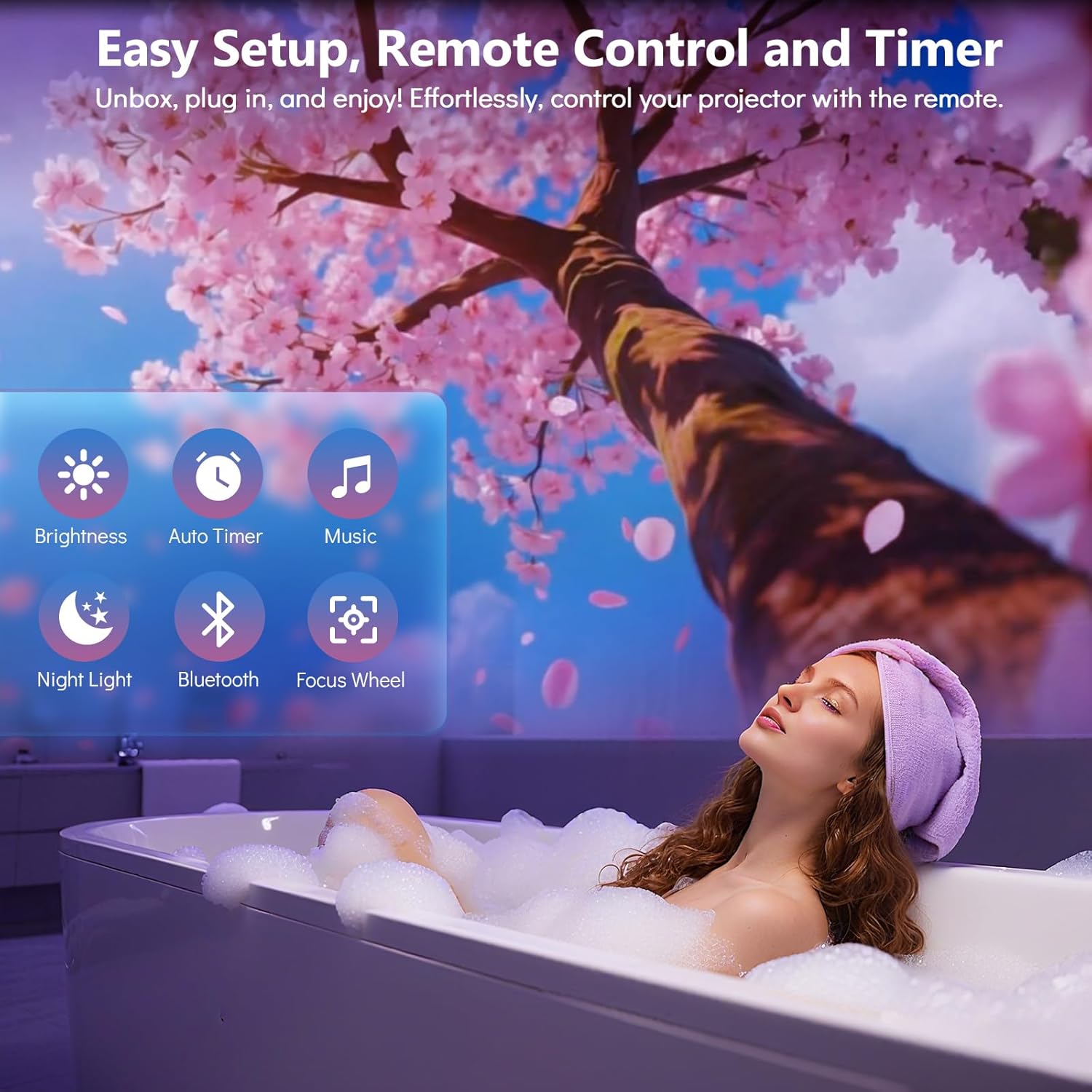
Image: A woman relaxing in a bath with a cherry blossom projection on the wall, highlighting the remote control's ease of use for various functions like brightness, timer, music, night light, Bluetooth, and focus wheel.
Setup Guide
- Placement: Position the projector on a stable, flat surface. For optimal projection, place the device 10 to 20 feet away from the desired projection surface (wall or ceiling). This distance covers an area of approximately 130-385 sq. ft.
- Power Connection: Connect the provided power adapter to the projector's power port and then plug it into a standard electrical outlet.
- Initial Power On: Press the power button on the projector or the remote control to turn on the device.
- Adjust Projection Angle: The projector features a 220-degree adjustable angle. Tilt the projector to direct the projection onto your desired surface.
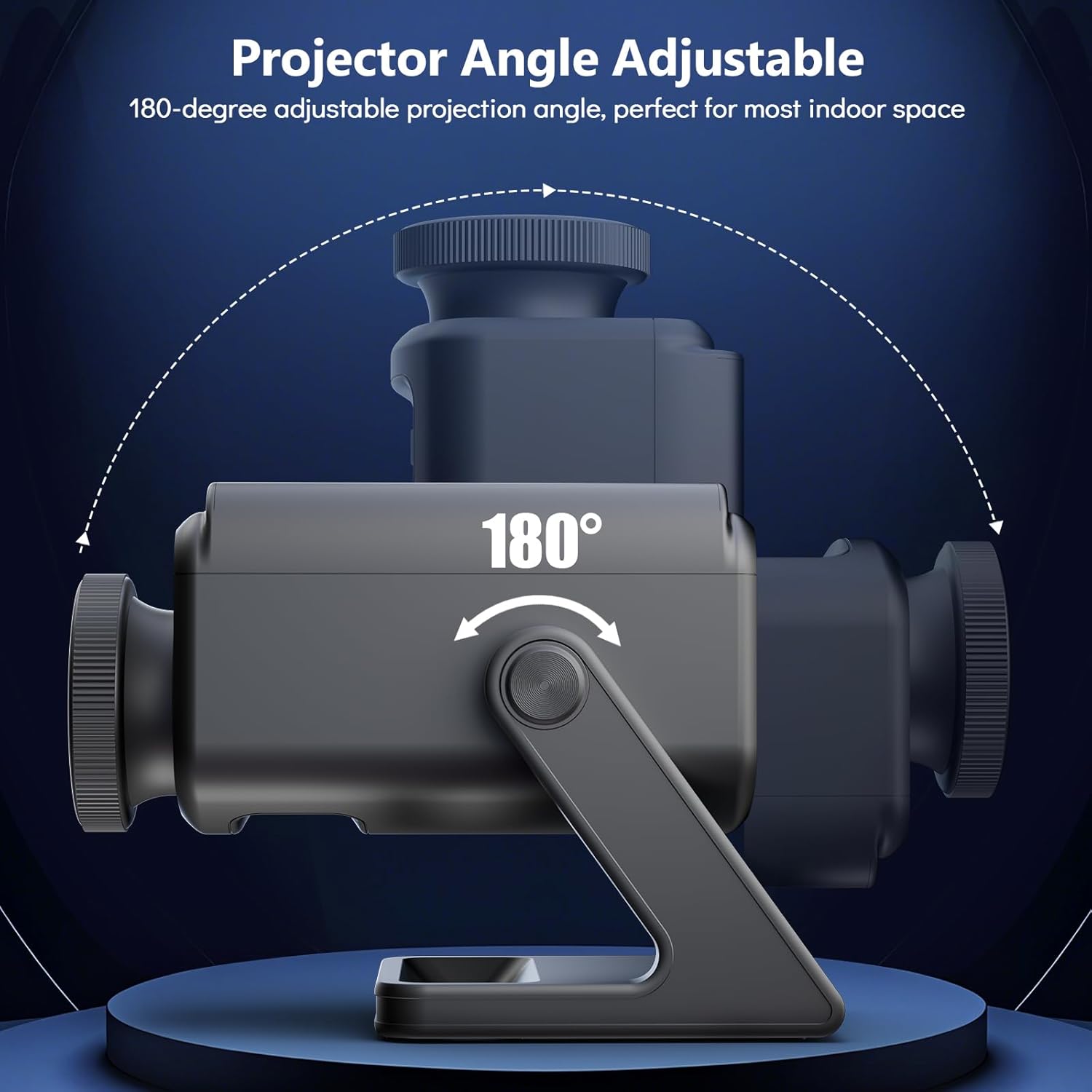
Image: A diagram showing the Rossetta 3D Projector's base and main body, with arrows indicating a 220-degree range of motion for adjusting the projection angle.
- Adjust Focus: Rotate the focus wheel around the projection lens until the image appears clear and sharp on the surface.

Image: A detailed view of the projector's HD lens assembly, with an inset showing the focus wheel and its adjustment directions for clarity.
Operating Instructions
Power On/Off
Press the Power button on the remote control or the device to turn the projector on or off.
Selecting Projection Themes
The projector comes with 60 dynamic 3D projections across 12 captivating themes. Use the Theme Selection buttons on the remote to cycle through the available themes. Themes include oceans, wildlife, cosmic wonders, and festive scenes.

Image: A man and a child observing a projected galaxy scene on a ceiling, surrounded by thumbnails of various available themes such as planets, astronauts, jellyfish, and seasonal scenes.
Bluetooth Speaker Functionality
- Activate Bluetooth: Press the Bluetooth button on the remote or device. The projector will enter pairing mode.
- Pair Device: On your smartphone or other Bluetooth-enabled device, search for "Rossetta Projector" (or similar name) in the Bluetooth settings and select it to pair.
- Play Audio: Once paired, you can stream music or other audio through the projector's built-in speaker.
- Built-in Sounds: The projector also features theme-matched background tracks that sync with the projections. You can switch between Bluetooth audio and built-in sounds using the remote.
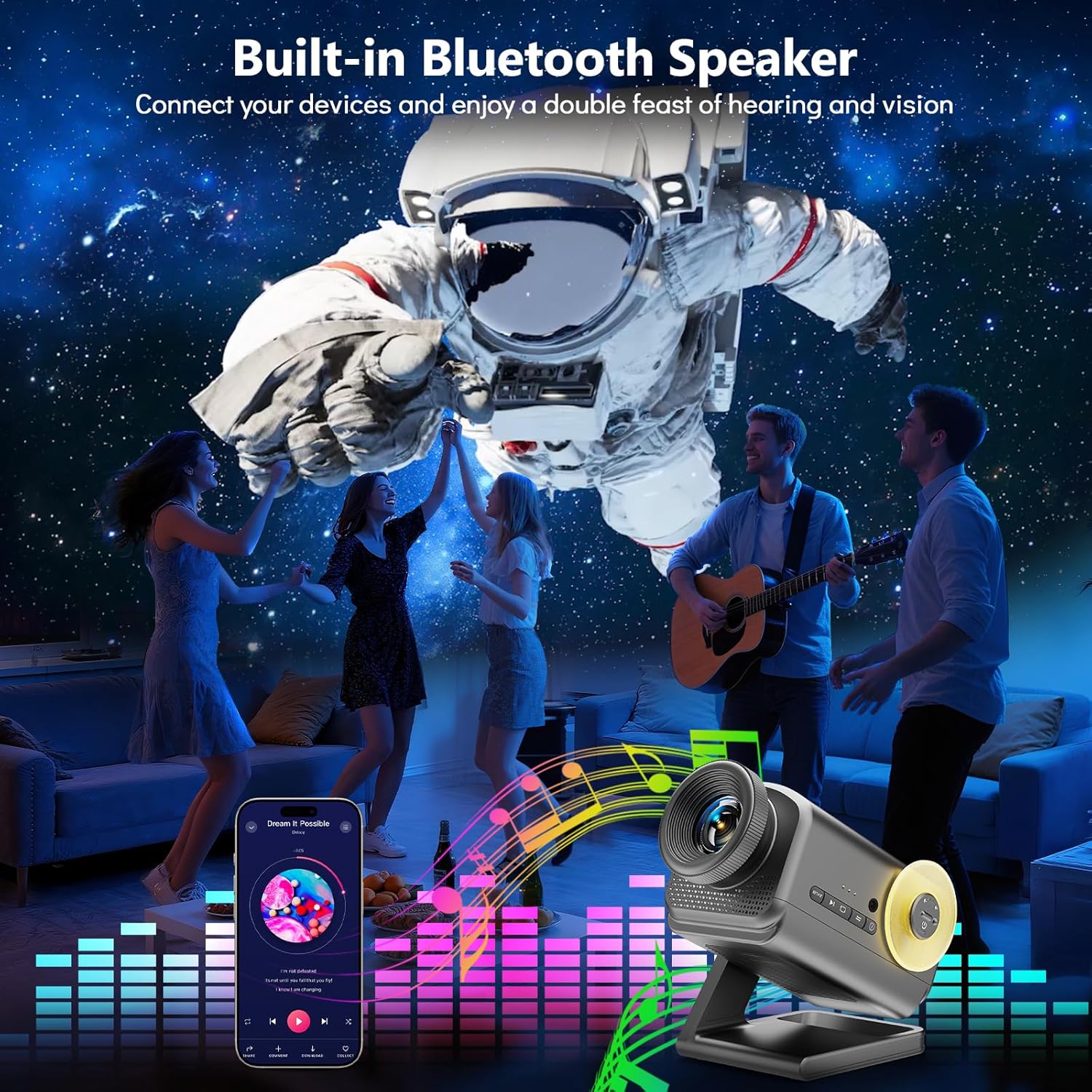
Image: A group of people dancing in a room with an astronaut projection on the wall, accompanied by a graphic equalizer, demonstrating the projector's Bluetooth speaker capability.
Timer Function
The projector includes a 1-hour (1H) and 2-hour (2H) timer function. Press the corresponding timer button on the remote control to set the projector to automatically turn off after the selected duration.
Brightness Adjustment
Adjust the projection brightness using the Brightness buttons on the remote control to suit your environment and preference.
Creating Ambiance
The Rossetta 3D Projector can create various atmospheres for relaxation, sleep, or themed parties. Experiment with different themes and audio settings to find your preferred ambiance.

Image: A woman in a yoga pose in a dimly lit room, with a serene, glowing tree-like projection on the wall, illustrating the projector's ability to create a tranquil atmosphere.

Image: A family (father, mother, and child) sitting on the floor opening gifts, with a festive Christmas-themed projection on the wall, demonstrating its use for holiday decor.
Maintenance
- Cleaning the Lens: Use a soft, dry, lint-free cloth to gently wipe the projection lens. Do not use liquid cleaners or abrasive materials.
- Cleaning the Device: Wipe the exterior of the projector with a soft, slightly damp cloth. Ensure the device is unplugged before cleaning.
- Storage: When not in use for extended periods, store the projector in a cool, dry place, away from direct sunlight and extreme temperatures.
Troubleshooting
| Problem | Possible Cause | Solution |
|---|---|---|
| Projector does not power on. | No power supply; loose connection. | Ensure the power adapter is securely connected to both the projector and the power outlet. Verify the outlet is functional. |
| Image is blurry. | Focus not adjusted; projector too far/close. | Rotate the focus wheel on the lens until the image is clear. Adjust the distance of the projector from the projection surface. |
| No sound from Bluetooth speaker. | Bluetooth not paired; volume too low; incorrect audio source. | Ensure your device is correctly paired with the projector. Increase volume on both the projector and your device. Check if the projector is set to Bluetooth audio mode. |
| Remote control not working. | Batteries depleted; obstruction; out of range. | Replace remote control batteries. Ensure there are no obstructions between the remote and the projector. Operate within effective range. |
Specifications
| Feature | Detail |
|---|---|
| Model Number | BL-3D02 |
| Brand | Rossetta |
| Color | Dark Grey |
| Material | Plastic |
| Light Source Type | Light Emitting Diode (LED) |
| Power Source | Corded Electric |
| Voltage | 19 Volts (DC) |
| Brightness | 160 Lumen |
| Light Source Wattage | 28 Watts |
| Wattage (Total) | 38 Watts |
| Product Dimensions | 7.76"L x 5"W x 5.59"H |
| Item Weight | 3.08 pounds |
| Average Life | 20000 Hours |
| Special Features | 3D Projection Effects, Bluetooth Speaker, HD Projection Lens, Adjustable Focus, Adjustable Projection Angle (220°), Remote Control, Auto Timer (1H/2H), Night Light Mode |
| Certifications | CE, FCC, RoHS |
Official Product Video
Video: An official product video from Rossetta demonstrating the 3D Projector Planetarium Projector in action, showcasing various projection effects and features.
Warranty and Support
For warranty information and technical support, please refer to the contact details provided on the product packaging or visit the official Rossetta website.
Keep your purchase receipt for warranty claims.
Related documentsBL-3D02


Ask a question about this manual
Ask about setup, troubleshooting, compatibility, parts, safety, or missing instructions. Manuals+ will review the question and use this page’s manual context to help answer it.