1. Introduction
Thank you for choosing the ZEALOT ZE01 Portable Bluetooth Speaker. This manual provides essential information for setting up, operating, and maintaining your speaker to ensure optimal performance and longevity. Please read this manual thoroughly before use and retain it for future reference.
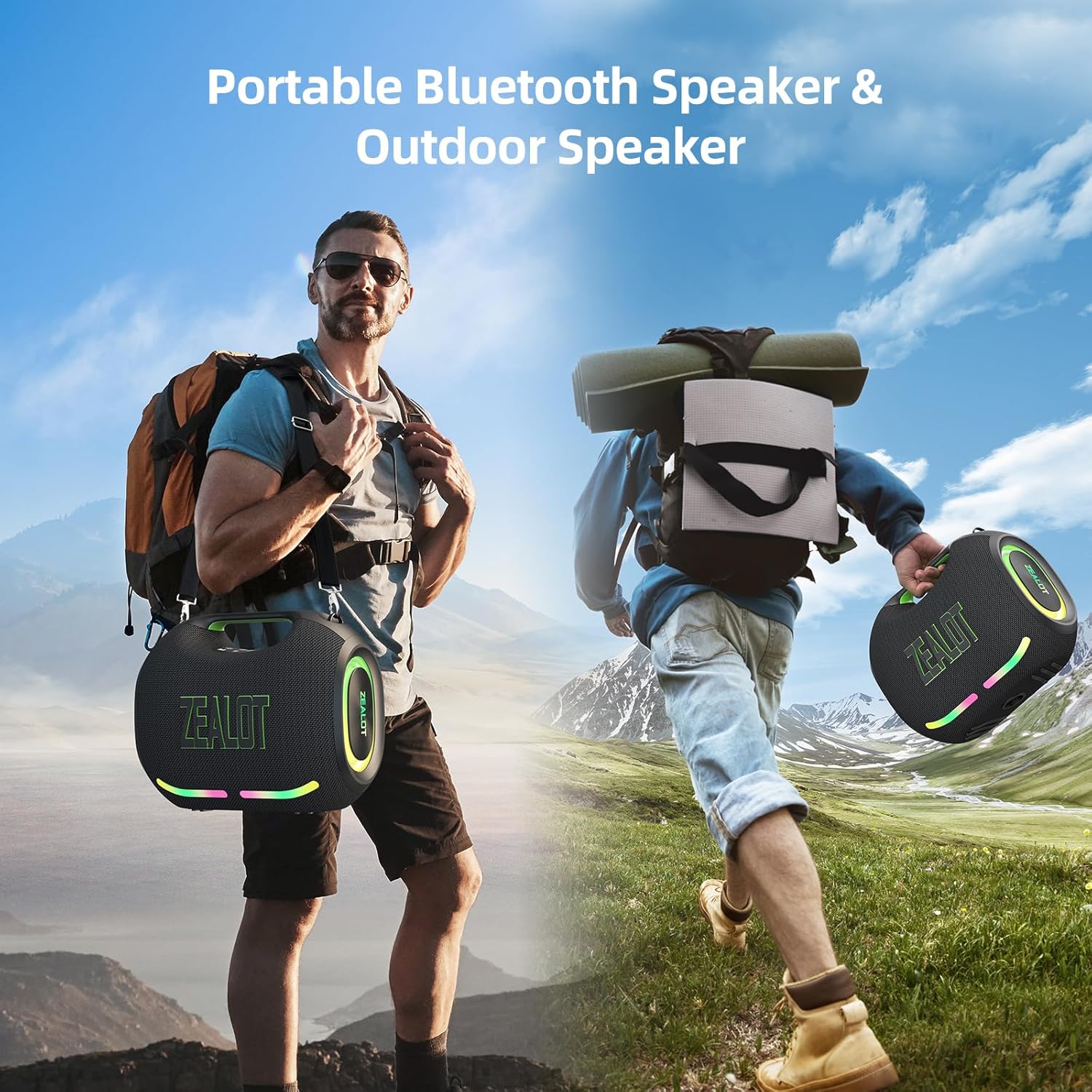
Figure 1: The ZEALOT ZE01 speaker is designed for portability, featuring a convenient shoulder strap for easy transport during outdoor activities.
2. Safety Information
- Do not expose the speaker to extreme temperatures or direct sunlight for extended periods.
- Avoid dropping or subjecting the speaker to strong impacts.
- Keep the speaker away from water and liquids, despite its IPX6 rating, to prevent damage to internal components.
- Do not attempt to disassemble, repair, or modify the speaker yourself. Contact qualified service personnel for assistance.
- Use only the provided charging cable and a compatible power adapter (PD2.0 45W adapter recommended for optimal charging) to prevent damage.
- Keep out of reach of children.
3. Package Contents
Verify that all items are present in the package:
- 1x ZE01 Bluetooth Speaker
- 1x AUX Cable
- 1x Power Cable (Type-C)
- 1x Quick Start Guide
- 1x Removable Shoulder Strap
- 1x Warranty Card

Figure 2: Included accessories with the ZEALOT ZE01 Portable Bluetooth Speaker.
4. Product Overview
4.1 Controls

Figure 3: Top panel controls for the ZEALOT ZE01 speaker.
- Power Button (On/Off): Press and hold for 3 seconds to power on/off.
- Play/Pause Button: Press once to play or pause audio.
- Volume Up (+): Press once to increase volume. Press and hold for 2 seconds for next track.
- Volume Down (-): Press once to decrease volume. Press and hold for 2 seconds for previous track.
- Mode (M) Button: Press to switch between Wireless (Bluetooth), TF Card, AUX, and USB modes.
- EQ Button: Press to cycle through EQ modes (Bass, Vocal, Normal).
- Light Button: Press to turn LED lights on/off or change light modes.
- Pairing Button: Press to initiate Bluetooth pairing or TWS pairing.
4.2 Ports

Figure 4: Input and output ports on the ZEALOT ZE01 speaker.
- TYPE-C CHARGE IN: For charging the speaker.
- AUX IN: For connecting external audio devices via a 3.5mm audio cable.
- USB DRIVE: For playing music directly from a USB flash drive.
- TF CARD: For playing music directly from a TF (MicroSD) card.
- OUT-5V (USB): Functions as a power bank to charge other devices.
5. Setup
5.1 Charging the Speaker
- Connect the provided Type-C power cable to the 'TYPE-C CHARGE IN' port on the speaker.
- Connect the other end of the cable to a compatible USB power adapter (not included). A PD2.0 45W adapter is recommended for optimal charging speed.
- The battery indicator lights on the control panel will show charging status:
- Red light flashes: Charging
- Red light on: Battery below 30%
- Yellow light on: Battery 40%-70%
- Green light on: Battery 80%-100%
- A full charge typically takes 3-4 hours. The speaker offers up to 40 hours of playtime at 30% volume in standard EQ mode.

Figure 5: Battery status indicators and charging port.
5.2 Bluetooth Pairing
- Power on the speaker by pressing and holding the Power button for 3 seconds. The speaker will enter Bluetooth pairing mode automatically, indicated by a flashing blue light.
- On your device (smartphone, tablet, etc.), enable Bluetooth and search for available devices.
- Select "ZEALOT-ZE01" from the list of devices.
- Once connected, the blue light will stop flashing, and you will hear an audible confirmation.
5.3 True Wireless Stereo (TWS) Pairing
To achieve a 240W Max ultra stereo sound experience, you can pair two ZEALOT ZE01 speakers:
- Ensure both ZEALOT ZE01 speakers are powered on and in Bluetooth pairing mode (not connected to any device).
- On one of the speakers, press the 'Pairing' button (often indicated by a chain link icon). This speaker will become the primary unit.
- The two speakers will automatically connect to each other. Once connected, the primary speaker's Bluetooth indicator will flash, and the secondary speaker's indicator will be solid.
- Now, connect your device to the primary speaker via Bluetooth as described in Section 5.2.

Figure 6: TWS pairing allows for a wider stereo soundstage.
5.4 Other Connection Methods
The ZEALOT ZE01 supports multiple playback modes:
- AUX Input: Connect an external audio device using a 3.5mm AUX cable to the 'AUX IN' port. Press the 'M' button to switch to AUX mode.
- USB Drive: Insert a USB flash drive into the 'USB DRIVE' port. Press the 'M' button to switch to USB mode.
- TF Card: Insert a TF (MicroSD) card into the 'TF CARD' slot. Press the 'M' button to switch to TF Card mode.
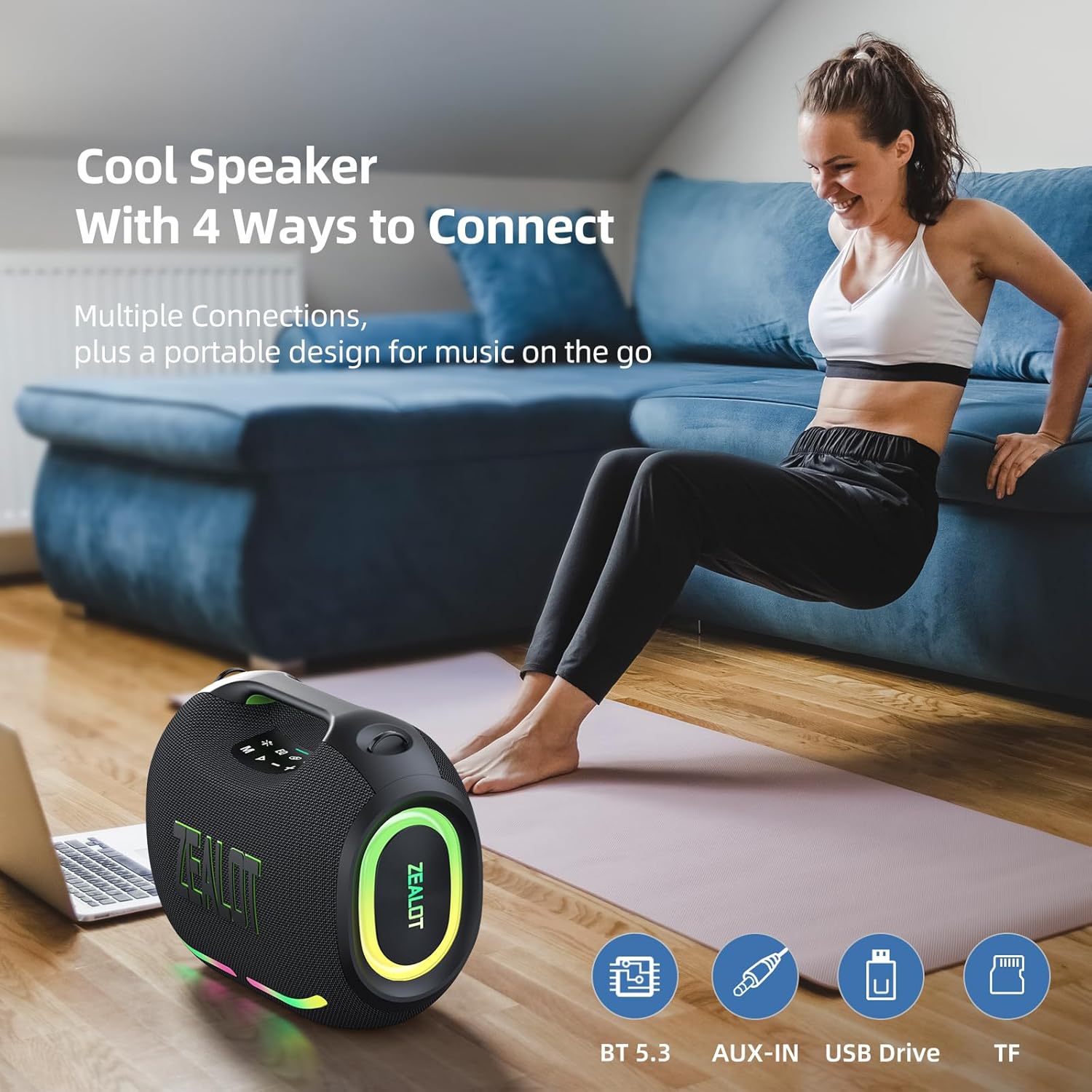
Figure 7: The speaker offers various connectivity options for versatile audio playback.
6. Operating Instructions
6.1 Basic Audio Playback
- Play/Pause: Press the Play/Pause button.
- Volume Adjustment: Press '+' to increase volume, '-' to decrease volume.
- Next/Previous Track: Press and hold '+' for the next track, press and hold '-' for the previous track.
6.2 EQ Modes
The ZEALOT ZE01 features three Equalizer (EQ) modes to customize your audio experience:
- Press the 'EQ' button to cycle through the modes.
- Bass Mode: Green light on. Enhances low frequencies for a deeper bass sound.
- Vocal Mode: Orange light on. Optimizes mid-range frequencies for clearer vocals.
- Normal Mode: White light on. Provides a balanced audio profile.

Figure 8: EQ mode indicators.
6.3 LED Light Control
The speaker is equipped with dynamic colorful LED lights that can be controlled:
- Press the 'Light' button (indicated by a sun/star icon) to turn the lights on/off or cycle through different light modes (e.g., Ritmo, Breathing, Rainbow).

Figure 9: Dynamic LED lights enhance the listening experience.
6.4 Power Bank Function
The ZEALOT ZE01 can also serve as a portable power bank:
- Connect your external device (e.g., smartphone) to the 'OUT-5V' USB port on the speaker using a compatible charging cable.
- The speaker will begin charging your device.
7. Maintenance
- Cleaning: Use a soft, dry cloth to clean the speaker's exterior. Do not use abrasive cleaners or solvents.
- Storage: Store the speaker in a cool, dry place away from direct sunlight and extreme temperatures when not in use for extended periods.
- Water Resistance: The speaker has an IPX6 water resistance rating, meaning it can withstand powerful water jets. However, it is not designed for submersion. Ensure all port covers are securely closed before exposure to water.

Figure 10: The IPX6 rating provides protection against water splashes and dust.
8. Troubleshooting
| Problem | Possible Cause | Solution |
|---|---|---|
| Speaker does not power on. | Low battery. | Charge the speaker for at least 30 minutes. |
| Cannot pair via Bluetooth. | Speaker is not in pairing mode or already connected to another device. | Ensure the speaker is in pairing mode (flashing blue light). Disconnect from other devices if necessary. Restart both speaker and device. |
| No sound. | Volume too low; incorrect input mode; device not playing. | Increase speaker and device volume. Press 'M' to select correct input mode. Ensure audio is playing on your connected device. |
| TWS pairing fails. | Speakers are too far apart or already connected to other devices. | Ensure both speakers are within close proximity and not connected to any other Bluetooth devices. Repeat TWS pairing steps. |
9. Specifications
| Feature | Detail |
|---|---|
| Model Name | ZEALOT ZE01 Bluetooth Speaker |
| Speaker Type | Portable Speaker |
| Audio Output Mode | Stereo |
| Speaker Maximum Output Power | 150 Watts (Peak) |
| Subwoofer Diameter | 120 Millimeters (2x 50W) |
| Tweeter Diameter | 42 Millimeters (2x 10W) |
| Frequency Response | 20 KHz |
| Signal-to-Noise Ratio | 90 dB |
| Impedance | 4 Ohms |
| Connectivity Technology | Bluetooth |
| Bluetooth Version | 5.3 |
| Bluetooth Range | 10 Meters (33 Feet) |
| Battery Capacity | 24000 Milliamp Hours |
| Playtime | Up to 40 hours (at 30% volume, EQ-standard) |
| Charging Time | 3-4 hours (with PD2.0 45W adapter) |
| Water Resistance Level | IPX6 (Water Resistant) |
| Product Dimensions | 8.15"D x 13.07"W x 11.18"H |
| Item Weight | 13.22 pounds |
| Material | Metal, Plastic |
| Special Features | Bass Boost, Built-In Powerbank, LED Light, Portable, Stereo Pairing |

Figure 11: The internal speaker configuration for powerful audio.
10. Official Product Video
Video 1: An official product video showcasing the ZEALOT ZE01 120W Party Speaker's features and capabilities, including its sound quality and LED lights.
11. Warranty and Support
The ZEALOT ZE01 Portable Bluetooth Speaker comes with a limited warranty. Please refer to the included Warranty Card for detailed terms and conditions. For technical support, troubleshooting assistance, or warranty claims, please contact ZEALOT customer service through the official channels provided on the warranty card or the ZEALOT website.


