
Introduction
Thank you for choosing the boAt Rockerz Prime 255Z Bluetooth Neckband Earphones. This manual provides essential information for setting up, operating, and maintaining your device to ensure optimal performance and longevity. Please read these instructions carefully before use.
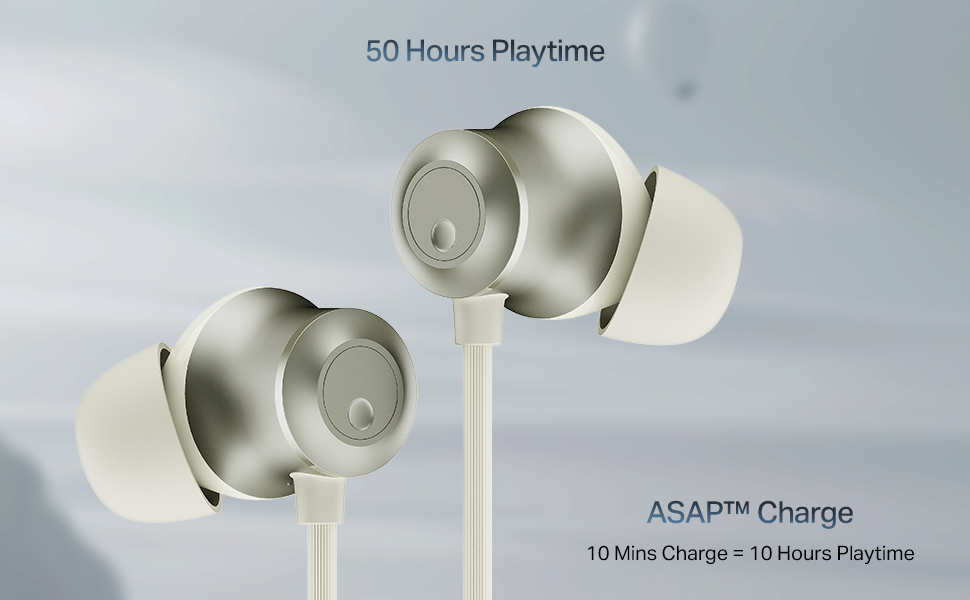
Image: The boAt Rockerz Prime 255Z neckband earphones, showcasing their sleek design.
What's in the Box
Verify that all the following items are included in your package:
- boAt Rockerz Prime 255Z Bluetooth Neckband
- Additional Earbuds (various sizes)
- Charging Cable
- User Manual
Setup
1. Charging the Earphones
Before first use, fully charge your Rockerz Prime 255Z. Connect the provided charging cable to the charging port on the neckband and a compatible USB power source. The LED indicator will show charging status.
ASAP Charge: A quick 10-minute charge provides approximately 10 hours of playtime. A full charge offers up to 50 hours of playback.
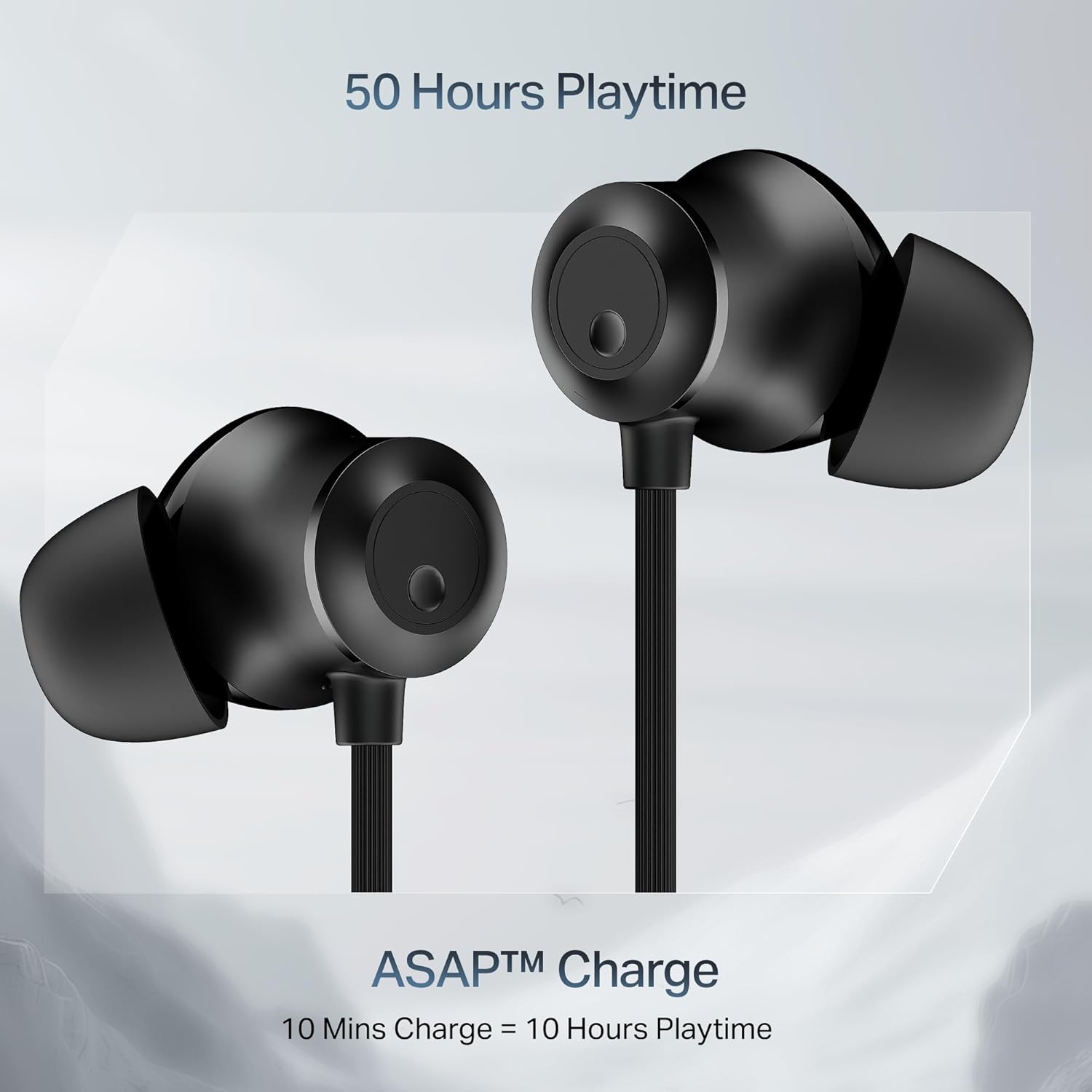
Image: Close-up of the earbuds with text highlighting '50 Hours Playtime' and 'ASAP Charge: 10 Mins Charge = 10 Hours Playtime'.
2. Power On/Off
- Power On: Separate the magnetic earbuds to automatically power on the device.
- Power Off: Attach the magnetic earbuds together to automatically power off the device. Alternatively, press and hold the multi-function button for a few seconds.
3. Bluetooth Pairing
Initial Pairing:
- Ensure the neckband is charged and powered on (separate magnetic earbuds).
- The LED indicator will flash blue and red, indicating it is in pairing mode.
- On your device (smartphone, tablet, laptop), enable Bluetooth and search for available devices.
- Select "boAt Rockerz Prime 255Z" from the list.
- Once connected, the LED indicator will flash blue periodically.
Dual Pairing (Connect 2 Devices at once):
The Rockerz Prime 255Z supports dual pairing, allowing connection to two devices simultaneously.
- Pair the neckband with the first device as described above.
- Disable Bluetooth on the first device. The neckband will re-enter pairing mode.
- Pair the neckband with the second device.
- Enable Bluetooth on the first device. The neckband will automatically connect to both devices.
You can now switch between audio sources on the two connected devices.

Image: The boAt Rockerz Prime 255Z neckband connected to both a smartphone and a tablet, illustrating the dual pairing feature.
4. Google Fast Pair
For Android devices, Google Fast Pair enables quick and seamless connection. Simply power on your Rockerz Prime 255Z near your Android device, and a pop-up notification will appear for instant pairing.
Operating the Earphones
Controls
The neckband features integrated controls for easy management of music and calls.
- Play/Pause: Single press the multi-function button.
- Volume Up: Short press the '+' button.
- Volume Down: Short press the '-' button.
- Next Track: Long press the '+' button.
- Previous Track: Long press the '-' button.
- Answer/End Call: Single press the multi-function button.
- Reject Call: Long press the multi-function button.
- Activate Voice Assistant: Double press the multi-function button.
boAt Spatial Audio
Experience immersive surround sound with boAt Spatial Audio. This feature enhances the audio experience, making sound feel like it's coming from all directions, providing a more engaging listening experience.

Image: The boAt Rockerz Prime 255Z earbuds with a visual representation of immersive sound waves, labeled 'boAt Spatial Audio'.
AI-ENx Technology
The AI-ENx Technology provides enhanced voice clarity during calls by effectively canceling out background noise. This ensures your voice is heard clearly, even in noisy environments.

Image: A close-up of an earbud with a visual representation of sound waves, indicating 'AI-ENx Technology for Enhanced Voice Clarity on Calls'.
BEAST Mode
Activate BEAST Mode for a low-latency gaming experience. With latency as low as 65ms, this mode minimizes audio lag, providing a more synchronized and realistic gaming session.
boAt Hearables App Compatibility
Enhance your audio experience by connecting your Rockerz Prime 255Z to the boAt Hearables App. The app allows you to monitor battery levels, check Bluetooth connectivity, change EQ modes, and troubleshoot with Smart Diagnostics mode.

Image: A smartphone screen showing the boAt Hearables App with a QR code to scan and explore. Click the image to download the app.
Maintenance
IPX4 Splash Resistance
The Rockerz Prime 255Z features an IPX4 rating, making it resistant to sweat and light splashes of water. This protection allows for use during workouts or in light rain. However, it is not designed for submersion in water.
General Care
- Clean the earbuds and neckband regularly with a soft, dry cloth.
- Avoid exposing the device to extreme temperatures, direct sunlight, or corrosive liquids.
- Store the earphones in a cool, dry place when not in use.
- Do not attempt to disassemble or modify the device, as this will void the warranty.
Troubleshooting
If you encounter issues with your Rockerz Prime 255Z, refer to the following common solutions:
- No Power: Ensure the device is fully charged. Connect to a power source and check the charging indicator.
- Cannot Pair: Ensure Bluetooth is enabled on your device and the neckband is in pairing mode (LED flashing blue and red). Move the neckband closer to your device.
- No Sound: Check the volume levels on both the neckband and your connected device. Ensure the neckband is correctly paired and selected as the audio output.
- Poor Call Quality: Ensure the microphone is not obstructed. If using AI-ENx, ensure it is active. Try moving to a quieter environment.
- Intermittent Connection: Ensure there are no obstructions between the neckband and your device. Avoid strong electromagnetic interference.
For further assistance, refer to the boAt Hearables App's Smart Diagnostics mode or contact customer support.
Specifications
| Brand | boAt |
| Model Name | Rockerz Prime 255Z |
| Model Number | PP0023 |
| Ear Placement | In Ear |
| Form Factor | In Ear |
| Connectivity Technology | Bluetooth |
| Battery Average Life | 50 Hours |
| Battery Charge Time | 10 Minutes (for 10 hours playtime) |
| Water Resistance Level | IPX4 (Sweat and Splash Resistant) |
| Special Features | boAt Spatial Audio, AI-ENx Noise Cancellation, ASAP Charge, BEAST Mode, Google Fast Pair |
| Control Method | App, Buttons |
| Item Weight | 50 Grams |
Warranty and Support
Your boAt Rockerz Prime 255Z comes with a 1-year warranty from the date of purchase. This warranty covers manufacturing defects.
For warranty claims, technical support, or any other inquiries, please contact boAt customer service:
- Manufacturer: Imagine Marketing Ltd
- Email: info@imaginemarketingindia.com
- Please visit the official boAt website for the most up-to-date support information and contact details.


