
PSIER EP20
PSIER Open Ear Earbuds User Manual
Model: EP20 | Brand: PSIER
Introduction
Thank you for choosing PSIER Open Ear Earbuds. These earbuds are designed to provide a comfortable and immersive audio experience while keeping you aware of your surroundings. Featuring Bluetooth 5.4 for stable connectivity, a digital display for battery status, and IPX5 waterproofing, they are ideal for various activities including workouts, sports, and daily use. This manual will guide you through the setup, operation, and maintenance of your new earbuds.

Image: PSIER Open Ear Earbuds and their charging case, showcasing the sleek black design and the digital battery display on the case.
What's in the Box?
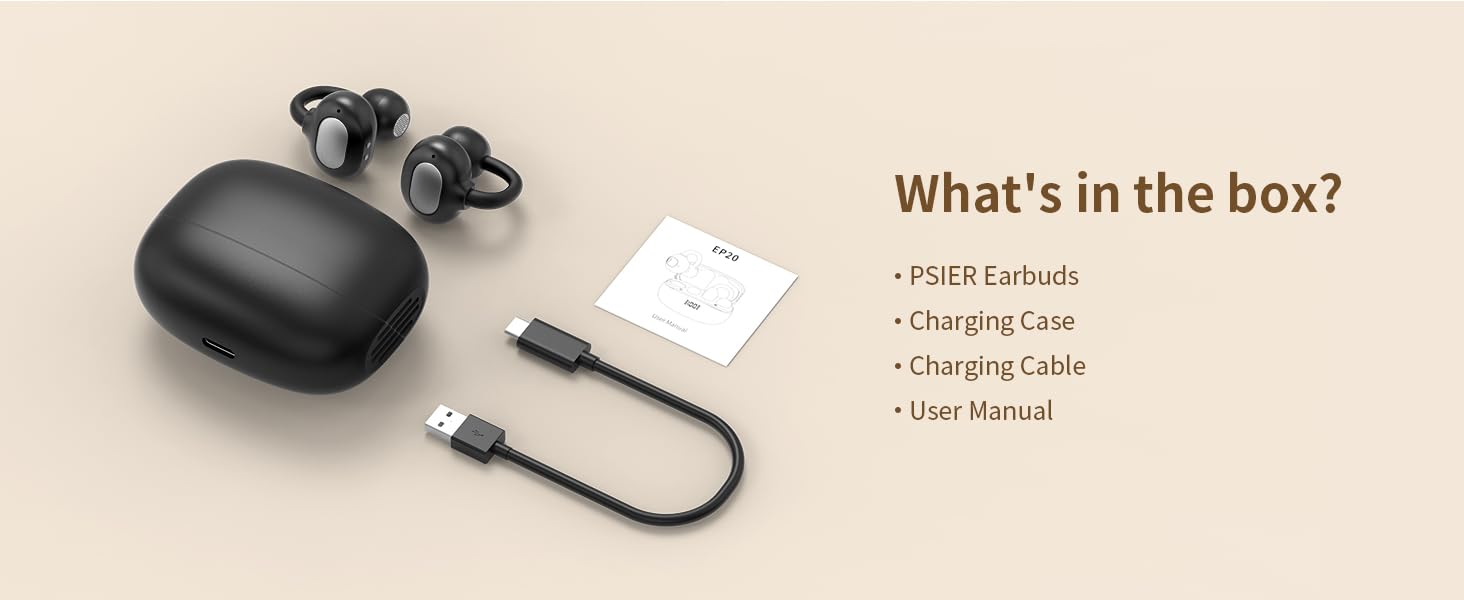
Image: A visual representation of the box contents, including the earbuds, charging case, charging cable, and user manual.
- PSIER Earbuds (Left and Right)
- Charging Case
- USB-C Charging Cable
- User Manual
Product Overview
The PSIER EP20 earbuds feature an open-ear clip design for comfort and situational awareness. Each earbud is lightweight and ergonomically shaped to fit securely without entering the ear canal. The charging case includes a digital display to show the battery percentage.
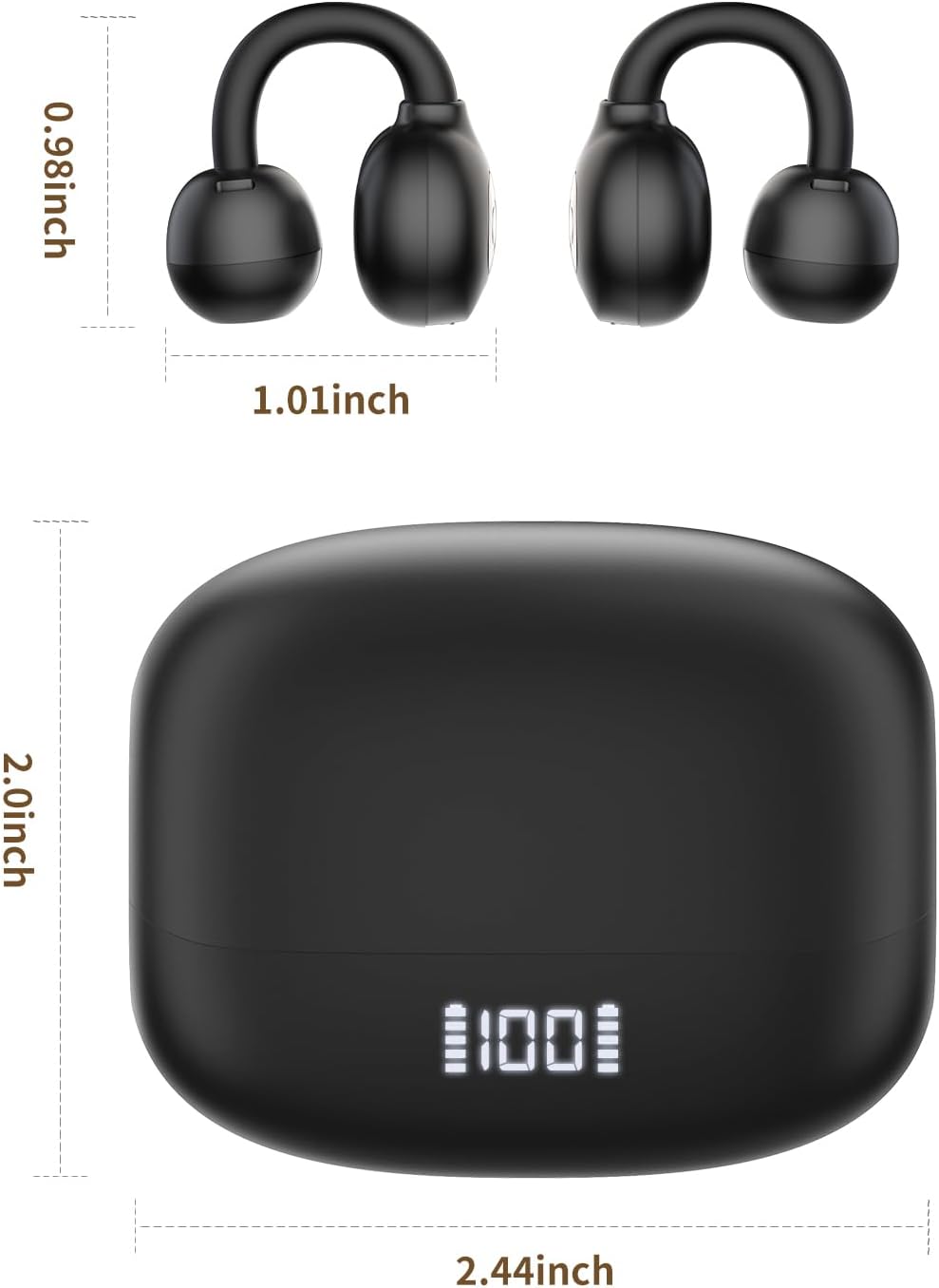
Image: Diagram showing the dimensions of the earbuds and the charging case, indicating their compact size.

Image: Infographic highlighting key features such as skin-friendly silicone, five-point support design, and ergonomic design for enhanced comfort.
Setup
1. Charging the Earbuds and Case
Before first use, fully charge the earbuds and the charging case.
- Place the earbuds into the charging case. Ensure they are correctly seated.
- Connect the USB-C charging cable to the charging port on the case and plug the other end into a USB power source (e.g., wall adapter, computer USB port).
- The digital display on the charging case will show the current battery level. A full charge provides up to 30 hours of total playtime with the case, and 8 hours on a single earbud charge.
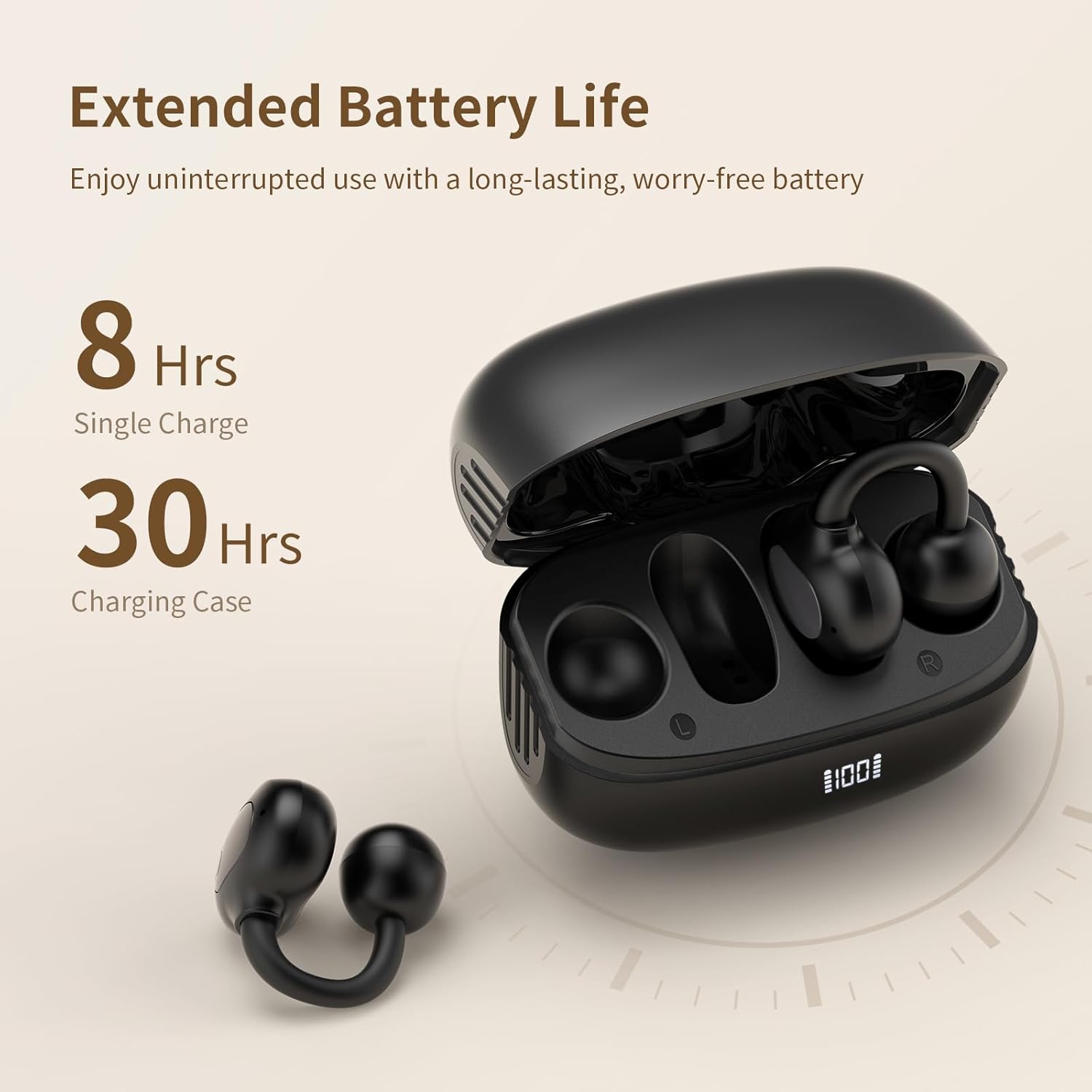
Image: The earbuds are shown inside their charging case, with text indicating 8 hours of playtime on a single charge and 30 hours total with the charging case.
2. Bluetooth Pairing
The earbuds use Bluetooth 5.4 for fast and stable connections.
- Open the charging case. The earbuds will automatically enter pairing mode, indicated by a flashing light (if applicable, not specified in data, so general phrasing).
- On your device (smartphone, tablet, computer), go to Bluetooth settings.
- Search for "PSIER EP20" in the list of available devices and select it to connect.
- Once connected, you will hear a confirmation sound, and the indicator light on the earbuds will turn off or show a steady light.
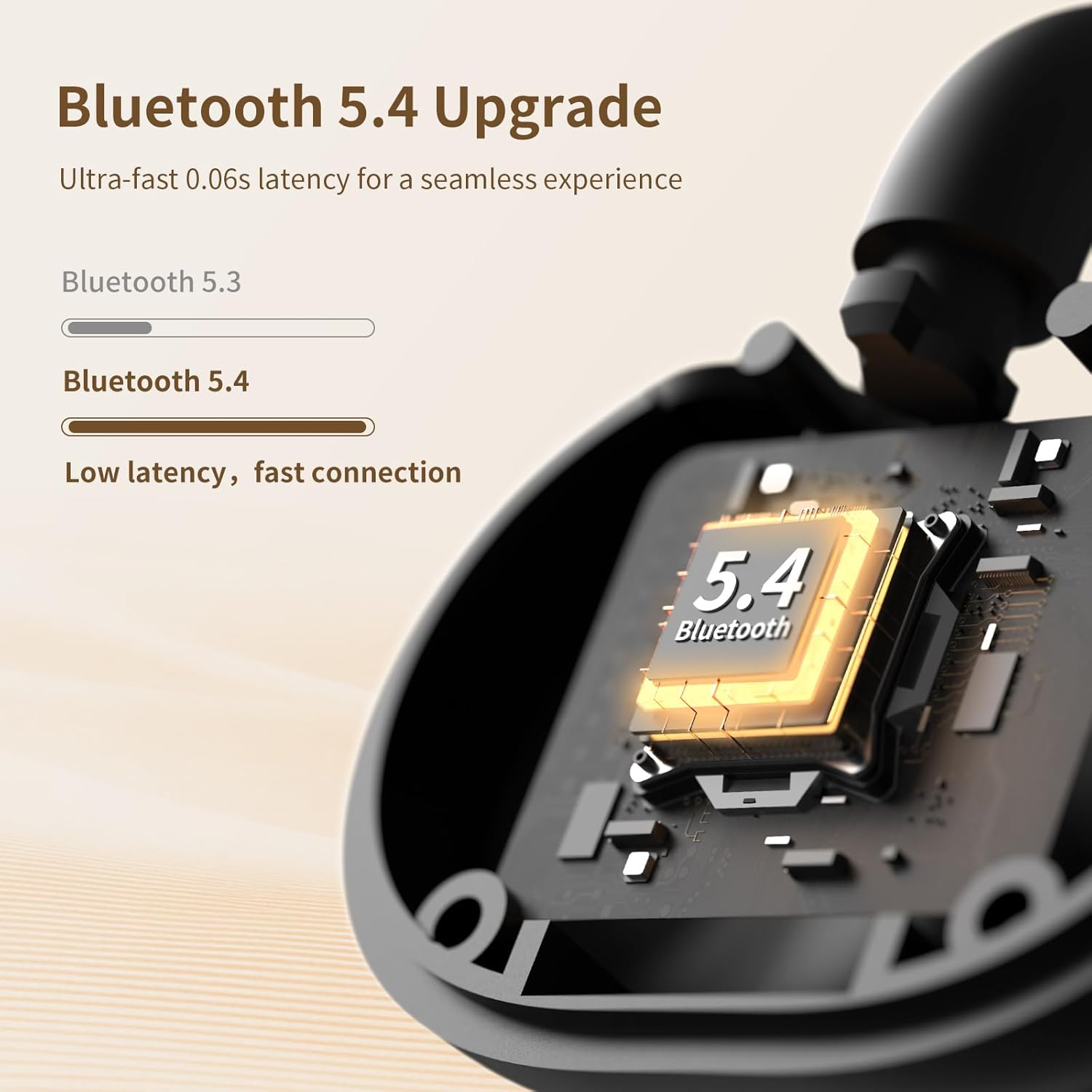
Image: A close-up of the earbud's internal components, highlighting the Bluetooth 5.4 chip and emphasizing low latency and fast connection.
3. How to Wear
The open-ear clip design ensures a comfortable and secure fit.
- Identify the front and back parts of the earbud. The larger, rounded part is the back.
- Position the front part on your ear, and the larger back part behind your earlobe.
- Gently adjust the earbud downward until it sits comfortably and snugly on your ear.

Image: A step-by-step diagram illustrating the correct way to position and adjust the open-ear earbuds for a secure and comfortable fit.

Image: A man wearing the PSIER Open Ear Earbuds, demonstrating the discreet and comfortable fit of the clip design.
Operating Instructions
The PSIER EP20 earbuds feature intuitive touch controls.

Image: A visual guide detailing the touch control functions for the earbuds, showing where to tap or press on the earbud surface.
| Function | Action |
|---|---|
| Power Off | Press L or R for 5 seconds, or put earbuds back into the charging box. |
| Power On | Press and hold L or R for 3 seconds in shutdown state. |
| Play/Pause | Double click L/R earbud. |
| Volume +/- | Press L/R for 0.5 seconds. |
| Next Song | Triple click R earbud. |
| Answer/Hang up a call | Double click L/R earbud. |
| Reject call | Press L/R for 2 seconds. |
| Voice Assistant | Triple click L earbud. |
Key Features
Open-Ear Design for Situational Awareness
The open-ear design allows you to enjoy your audio while remaining fully aware of your surroundings. This is ideal for outdoor activities, commuting, or working in shared spaces where hearing ambient sounds is important for safety and interaction.

Image: A man running outdoors, demonstrating how the open-ear design allows him to listen to music while staying aware of his environment.

Image: Two scenarios showing the benefit of open-ear design: a man running safely outdoors and two people chatting while wearing earbuds, indicating they can hear their tunes and converse normally.
Precise Directional Audio & Sound Leakage Prevention
The earbuds utilize advanced directional sound transmission to deliver audio directly to your ears, minimizing sound leakage. This ensures a private listening experience without disturbing others nearby, even with the open-ear design. Dual Reverse Sound Wave Cancellation technology further enhances sound leakage prevention by up to 98%.

Image: An illustration demonstrating the directional sound transmission technology, showing sound waves directed into the ear and a claim of 98% sound leakage prevention.

Image: An infographic explaining Dual Reverse Sound Wave Cancellation, showing how it reduces sound leakage for a private listening experience.
Extended Battery Life
Enjoy up to 8 hours of continuous listening on a single charge. The portable charging case extends the total playtime to an impressive 30 hours, ensuring your music and calls last throughout your day. The digital display on the case provides real-time battery status.

Image: A graphic illustrating the battery life: 8 hours from a single charge and 30 hours total with the charging case, emphasizing long-lasting power.
IPX5 Waterproof Rating
The earbuds are rated IPX5 waterproof, meaning they are designed to withstand sweat, rain, and splashes. This makes them suitable for various active lifestyles, including workouts, commuting, and use in unexpected weather conditions.

Image: A man running, with text explaining that the IPX5 rating means the earbuds can withstand sweat, rain, and splashes, making them suitable for active use.
Maintenance
To ensure the longevity and optimal performance of your PSIER Open Ear Earbuds, follow these maintenance guidelines:
- Cleaning: Gently wipe the earbuds and charging case with a soft, dry, lint-free cloth. Do not use abrasive cleaners, alcohol, or chemical sprays.
- Storage: When not in use, store the earbuds in their charging case to protect them from dust and damage. Store in a cool, dry place away from extreme temperatures.
- Charging: Use the provided USB-C cable for charging. Avoid using damaged cables or chargers.
- Water Exposure: While IPX5 rated for splashes and sweat, avoid submerging the earbuds in water. Dry them thoroughly if they get wet before placing them back in the charging case.
Troubleshooting
If you encounter any issues with your earbuds, please refer to the following common solutions:
| Problem | Possible Solution |
|---|---|
| Earbuds not pairing |
|
| No sound from one earbud |
|
| Low volume or poor sound quality |
|
| Charging case not charging |
|
| Touch controls unresponsive |
|
Specifications
| Feature | Detail |
|---|---|
| Model Name | EP20 |
| Brand | PSIER |
| Connectivity Technology | Wireless (Bluetooth) |
| Bluetooth Version | 5.4 |
| Ear Placement | Open Ear |
| Form Factor | Open Ear |
| Control Method | Touch |
| Battery Life (Single Charge) | 8 Hours |
| Battery Life (with Charging Case) | 30 Hours |
| Waterproof Rating | IPX5 |
| Frequency Range | 20Hz - 20,000Hz |
| Item Weight | 3.2 ounces |
| Compatible Devices | Cellphones |
Warranty and Support
PSIER products come with a standard manufacturer's warranty. For specific warranty details, please refer to the warranty card included in your product packaging or visit the official PSIER website.
For technical support, troubleshooting assistance, or any inquiries regarding your PSIER Open Ear Earbuds, please contact PSIER Customer Service through their official channels.
Online Support: Visit the PSIER official website for FAQs and support resources.
Email Support: Refer to your product packaging or the official website for customer service email addresses.
Related documentsEP20


Ask a question about this manual
Ask about setup, troubleshooting, compatibility, parts, safety, or missing instructions. Manuals+ will review the question and use this page’s manual context to help answer it.