
1. Introduction
Thank you for choosing the boAt Rockerz 412 Wireless Over-Ear Headphones. This manual provides essential information for setting up, operating, and maintaining your headphones to ensure optimal performance and longevity. Please read these instructions carefully before using the product.
2. What's in the Box
Upon unboxing your boAt Rockerz 412 headphones, please verify that all the following items are included:
- boAt Rockerz 412 Headphones
- Charging Cable
3. Product Overview and Features
The boAt Rockerz 412 headphones are designed for an immersive audio experience with advanced features.
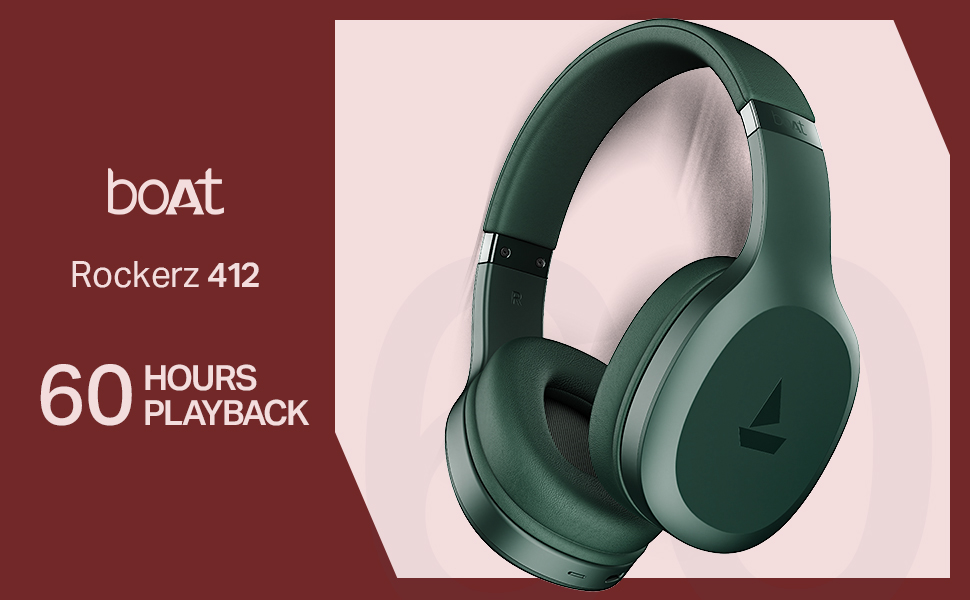
- 60 Hours of Playback: Enjoy extended listening sessions with up to 60 hours of battery life on a single charge.
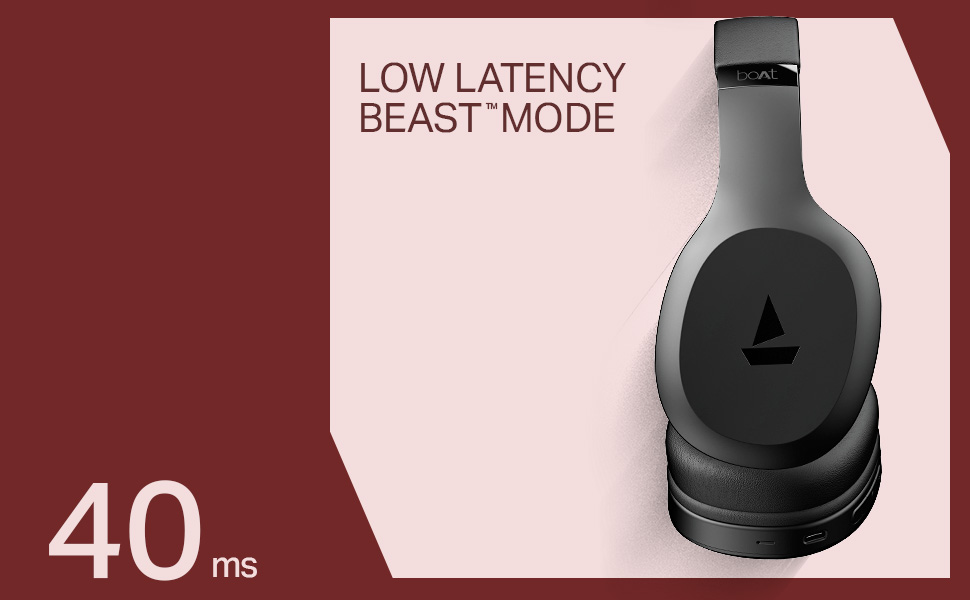
- 40ms Low Latency (BEAST Mode): Experience minimal audio lag, ideal for gaming and video streaming, providing a high degree of realism.
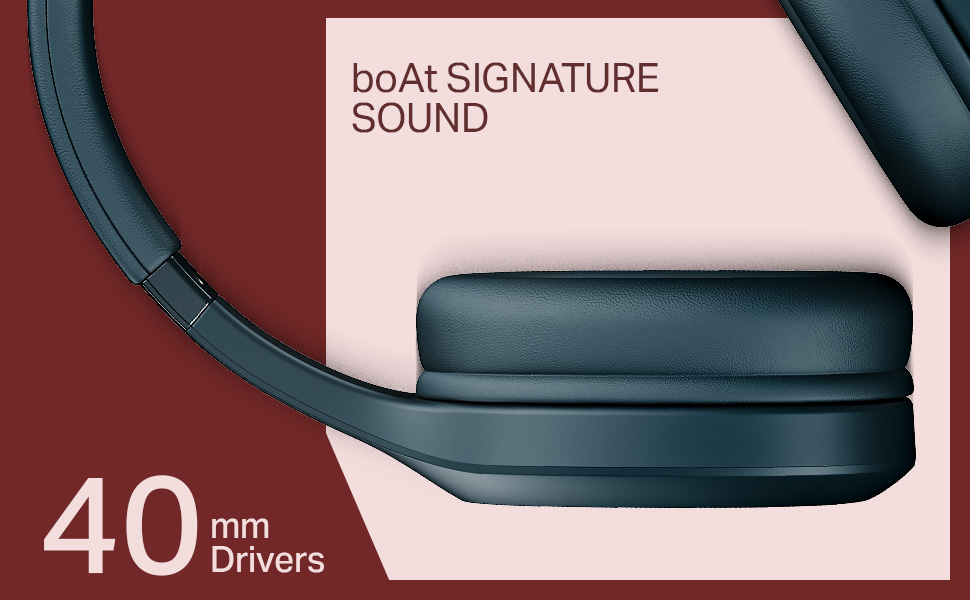
- 40mm Dynamic Drivers: Delivers the signature boAt sound with powerful bass and clear audio.
- ENx Technology: Enhances call clarity by removing background noise, ensuring seamless conversations.
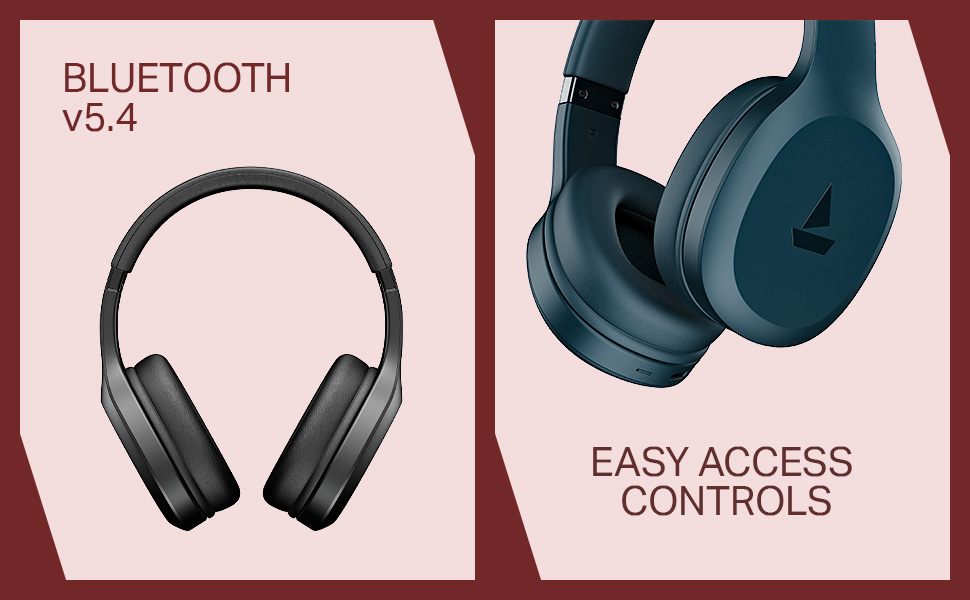
- Bluetooth v5.4 Compatibility: Provides stable and efficient wireless connectivity with compatible devices.
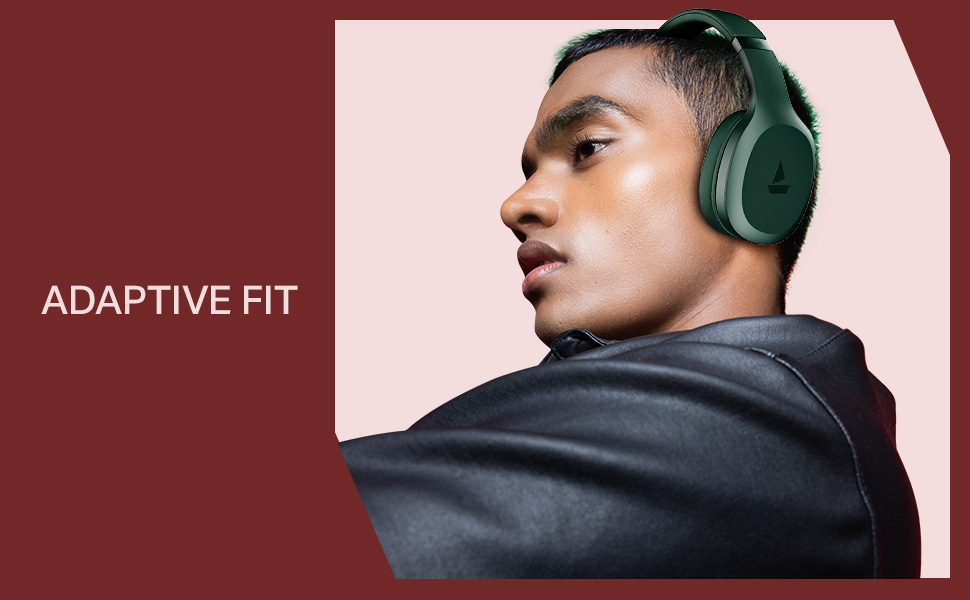
- Adaptive Fit: Designed for comfortable wear during prolonged use.
- Easy Access Controls: Intuitive buttons for managing music, calls, and voice assistant.

4. Setup
4.1 Charging the Headphones
Before initial use, fully charge your boAt Rockerz 412 headphones. A full charge takes approximately 2 hours.
- Connect the provided charging cable to the charging port on the headphones.
- Connect the other end of the cable to a USB power adapter (not included) or a computer's USB port.
- The LED indicator will show charging status (e.g., red for charging, blue/off for fully charged).
4.2 Bluetooth Pairing
To connect your headphones to a device:
- Ensure the headphones are fully charged and powered off.
- Press and hold the multi-function button until the LED indicator flashes blue and red alternately, indicating pairing mode.
- On your device (smartphone, tablet, laptop), enable Bluetooth and search for available devices.
- Select "boAt Rockerz 412" from the list of devices.
- Once connected, the LED indicator will flash blue periodically.
5. Operating Instructions
5.1 Power On/Off
- Power On: Press and hold the multi-function button for 3 seconds.
- Power Off: Press and hold the multi-function button for 5 seconds.
5.2 Music Playback Controls
- Play/Pause: Single press the multi-function button.
- Next Track: Long press the 'Volume Up' button.
- Previous Track: Long press the 'Volume Down' button.
- Volume Up: Short press the 'Volume Up' button.
- Volume Down: Short press the 'Volume Down' button.
5.3 Call Management
- Answer/End Call: Single press the multi-function button.
- Reject Call: Long press the multi-function button.
- Redial Last Number: Double press the multi-function button.
5.4 Voice Assistant
Activate your device's voice assistant (e.g., Google Assistant, Siri) by triple-pressing the multi-function button.
5.5 BEAST Mode (Low Latency)
Engage BEAST Mode for a low-latency audio experience, particularly beneficial for gaming. Refer to your device's settings or the boAt Hearables App for specific activation instructions if available.
5.6 boAt Hearables App Support
Enhance your experience by downloading the boAt Hearables App. The app may offer additional features, settings, and user guides.
6. Maintenance
To ensure the longevity and performance of your headphones:
- Keep the headphones dry. Avoid exposure to water or excessive moisture. While rated as 'Water Resistant', it is not waterproof.
- Clean the earcups and headband with a soft, dry cloth.
- Store the headphones in a cool, dry place when not in use.
- Avoid extreme temperatures.
- Do not attempt to disassemble or modify the headphones. This will void the warranty.
7. Troubleshooting
If you encounter issues with your boAt Rockerz 412 headphones, refer to the following common solutions:
- Headphones not turning on: Ensure the headphones are fully charged.
- Cannot pair with device: Make sure Bluetooth is enabled on your device and the headphones are in pairing mode (LED flashing blue and red). Try forgetting the device on your phone and re-pairing.
- No sound: Check the volume levels on both the headphones and your connected device. Ensure the headphones are properly paired.
- Poor call quality: Ensure the microphone is not obstructed. ENx Technology helps reduce background noise, but ensure you are in a reasonably quiet environment for best results.
- Intermittent connection: Ensure your device is within the Bluetooth range (typically 10 meters) and there are no significant obstructions.
8. Specifications
| Feature | Detail |
|---|---|
| Model Name | Rockerz |
| Model Number | PB0009 |
| Connectivity Technology | Bluetooth v5.4 |
| Audio Driver Type | Dynamic Driver |
| Driver Size | 40 mm |
| Battery Life | Up to 60 Hours |
| Charging Time | 2 Hours |
| Item Weight | 300 Grams |
| Product Dimensions | 20 x 9 x 17 cm |
| Water Resistance Level | Water Resistant |
| Special Features | Noise Cancellation (Passive), Voice Assistant Support, Low Latency (BEAST Mode) |
| Control Method | App, Push Button |
| Earpiece Shape | Oval |
| Material | Rubber |
| Batteries | 1 Lithium Ion battery (included) |
9. Product Video Overview
Watch this brief video for a visual overview of the boAt Rockerz 412 headphones and their key features.
Video: A short product overview of the boAt Rockerz 412 headphones, showcasing its design and features like 60 hours playback, 40mm drivers, 40ms low latency, and ENx Tech. This is a preview video.
10. Warranty and Support
The boAt Rockerz 412 headphones come with a standard brand warranty. For further information regarding warranty claims, technical support, or additional product details, please visit the official boAt website or refer to the product detail page on Amazon.in.
For customer service inquiries, you may contact Imagine Marketing Ltd, the manufacturer, at info@imaginemarketingindia.com.


