
Introduction
Thank you for choosing the boAt Rockerz 412 Wireless Over-Ear Headphones. This manual provides essential information for the proper setup, operation, and maintenance of your device. Please read it carefully to ensure optimal performance and longevity of your headphones.

Image: boAt Rockerz 412 Wireless Over-Ear Headphones in Bold Blue color.
What's in the Box
Upon unboxing, please verify that all the following items are included:
- boAt Rockerz 412 Headphones
- Charging Cable
Product Overview and Features
The boAt Rockerz 412 headphones are designed for an immersive audio experience with several key features:
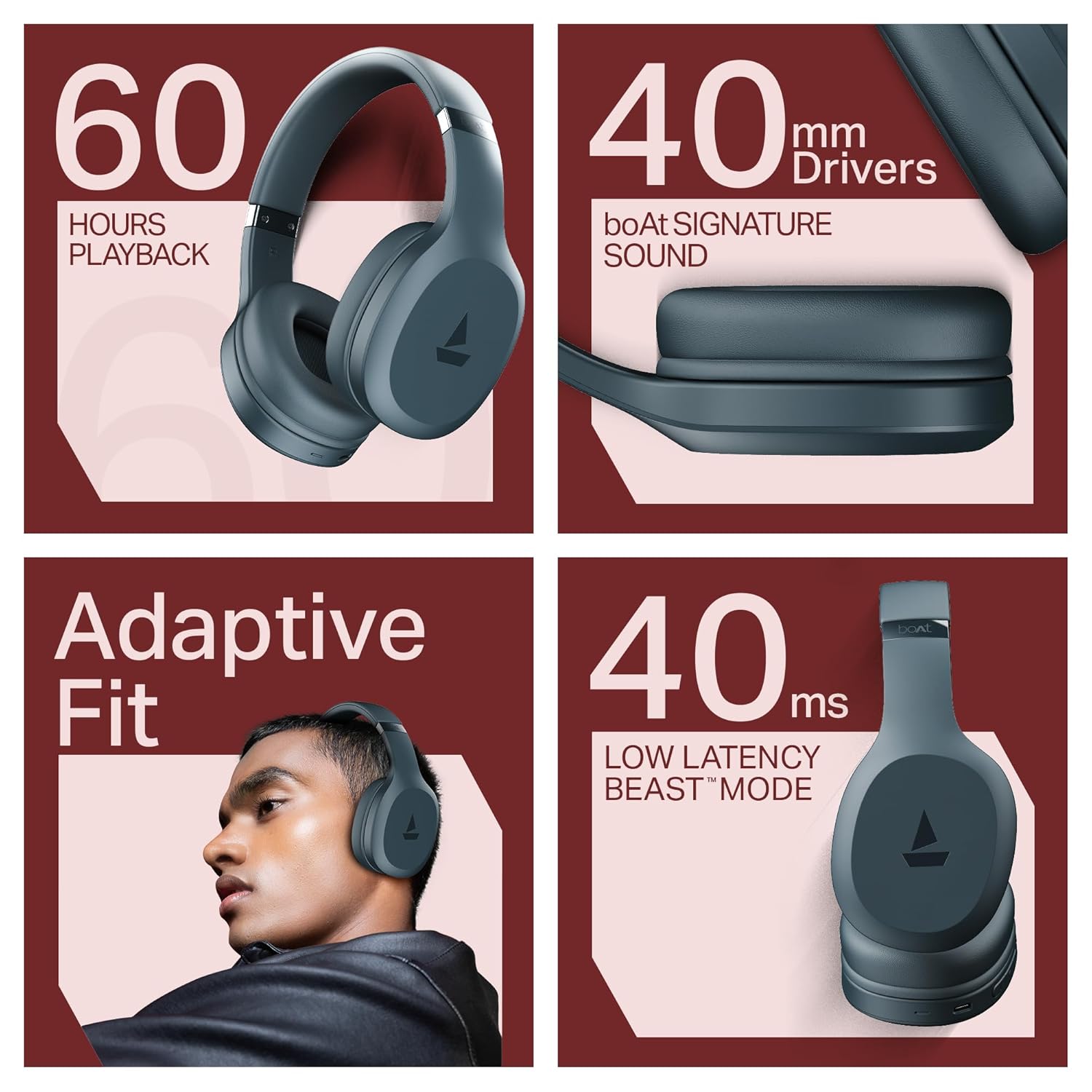
- 60 Hours of Playback: Enjoy extended listening sessions without frequent recharging.
- 40ms Low Latency (BEAST Mode): Experience minimal audio delay, ideal for gaming and video streaming.
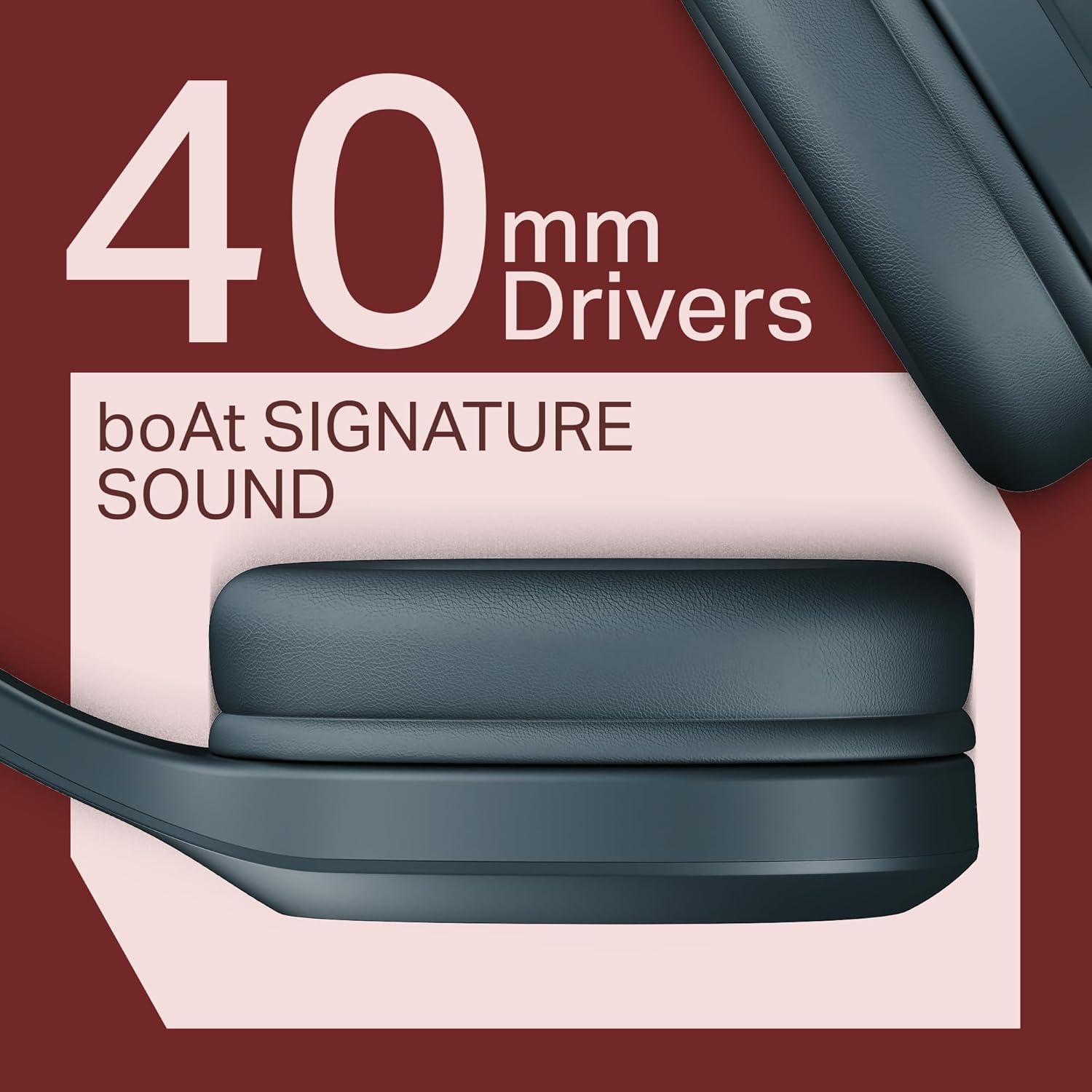
- 40mm Drivers with boAt Signature Sound: Delivers powerful and clear audio.
- ENx Technology: Enhances call clarity by reducing background noise.
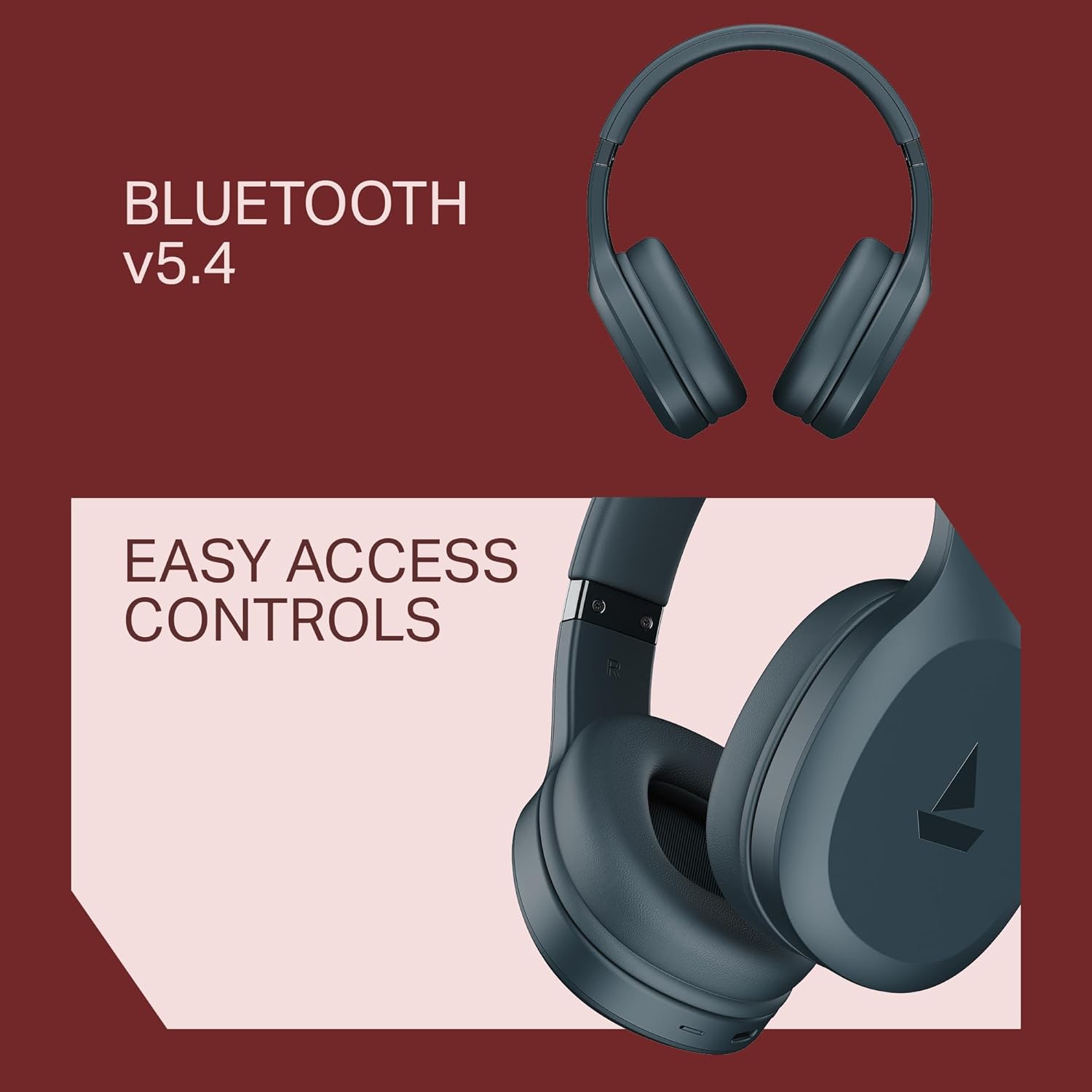
- Bluetooth v5.4 Compatibility: Ensures stable and efficient wireless connection.
- Adaptive Fit: Designed for comfortable wear during prolonged use.
Visual Features


Setup and Pairing
Initial Pairing
- Ensure the headphones are fully charged before first use.
- Power on the headphones by pressing and holding the power button until the LED indicator flashes.
- The headphones will automatically enter pairing mode, indicated by a flashing blue and red LED.
- On your device (smartphone, tablet, laptop), navigate to the Bluetooth settings.
- Search for available devices and select "boAt Rockerz 412" from the list.
- Once connected, the LED indicator will show a steady blue light, and you will hear an audio confirmation.
Reconnecting
The headphones will automatically attempt to reconnect to the last paired device when powered on. If reconnection fails, manually select "boAt Rockerz 412" from your device's Bluetooth settings.
Operating Instructions
Basic Controls
- Power On/Off: Press and hold the Power button.
- Play/Pause: Press the Multi-function button once.
- Volume Up/Down: Press the Volume + / Volume - buttons.
- Next Track: Press and hold Volume + button.
- Previous Track: Press and hold Volume - button.
- Answer/End Call: Press the Multi-function button once.
- Reject Call: Press and hold the Multi-function button.
- Activate Voice Assistant: Triple press the Multi-function button.
Special Modes
- BEAST Mode (Low Latency): Activate for reduced audio delay during gaming or video playback. Refer to the product's specific button combination for activation (usually a dedicated button or a long press of a specific control).
- ENx Technology: This feature is automatically active during calls to enhance voice clarity by suppressing environmental noise.
Charging
The boAt Rockerz 412 headphones offer up to 60 hours of playback on a single charge. To charge your headphones:
- Connect the provided charging cable to the charging port on the headphones.
- Connect the other end of the cable to a USB power source (e.g., wall adapter, computer USB port).
- The LED indicator will show a red light during charging and turn off or change color when fully charged.
Note: Use a compatible charger to avoid damage to the device. Fast charging is supported.
Maintenance
To ensure the longevity and optimal performance of your headphones, follow these maintenance guidelines:
- Keep the headphones dry. Avoid exposure to water or excessive moisture. While water-resistant, they are not waterproof.
- Clean the earcups and headband with a soft, dry cloth. Do not use abrasive cleaners or solvents.
- Store the headphones in a cool, dry place when not in use.
- Avoid extreme temperatures.
- Do not attempt to disassemble or repair the headphones yourself. This will void the warranty.
Troubleshooting
| Problem | Possible Solution |
|---|---|
| Headphones do not power on. | Ensure the headphones are charged. Connect to a power source and try again. |
| Cannot pair with device. |
|
| No sound or low volume. |
|
| Call quality is poor. |
|
| Audio lag during gaming/video. | Activate BEAST Mode (Low Latency) if not already enabled. Ensure your device supports low latency Bluetooth profiles. |
Specifications
| Feature | Detail |
|---|---|
| Model Name | Rockerz 412 |
| Item Model Number | PB0009 |
| Connectivity Technology | Bluetooth v5.4 |
| Earpiece Shape | Over-Ear |
| Audio Driver Type | Dynamic Driver |
| Driver Size | 40 mm |
| Battery Life | Up to 60 Hours |
| Low Latency | 40ms (BEAST Mode) |
| Noise Control Features | ENx Technology (for calls), Active Noise Cancellation |
| Control Method | Push Button |
| Water Resistance Level | Water Resistant (Sweatproof) |
| Compatible Devices | Cellphones, Tablets, Laptops, Desktops, Smart Speakers, Gaming Consoles, Car Audio Systems, Televisions |
| Item Weight | 300 Grams |
| Product Dimensions | 20 x 9 x 17 cm |
| Battery Cell Composition | Lithium Ion |
| Manufacturer | Imagine Marketing Ltd |
| Country of Origin | China |
boAt Hearables App Support
Enhance your experience with the boAt Hearables App. Scan the QR code below to download and explore additional features, stream music, listen to audiobooks, and access user help guides.
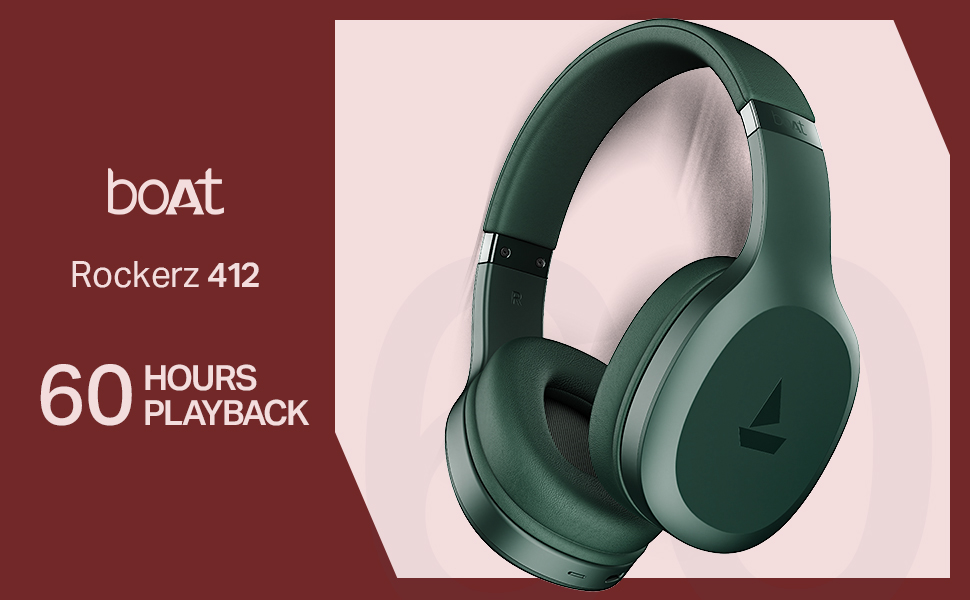
Image: QR code to download the boAt Hearables App. Click the image to visit the app download page.
Product Overview Video
Watch this short video for a quick overview of the boAt Rockerz 412 headphones and their key features.
Video: A brief product overview of the boAt Rockerz 412 headphones, showcasing design and main functionalities.
Warranty and Support
The boAt Rockerz 412 headphones come with a standard brand warranty. For warranty claims, technical support, or further assistance, please contact boAt customer service or visit their official website.
Manufacturer: Imagine Marketing Ltd, info@imaginemarketingindia.com
For more information, you can also visit the boAt Store on Amazon.in.


