
UPERFECT 15.6
UPERFECT 15.6" FHD Portable Monitor User Manual
Model: 15.6
1. Product Overview
The UPERFECT 15.6" FHD Portable Monitor is a versatile and ultra-slim display designed to expand your visual workspace and enhance your entertainment experience on the go. Featuring a Full HD 1920x1080 resolution, 125% sRGB color gamut, and a 180° adjustable kickstand, this monitor offers vibrant visuals and flexible viewing options for laptops, phones, PCs, and game consoles.

2. Setup and Connectivity
2.1 Package Contents
Please verify that all items are present in the package:
- 15.6" 1080P Monitor
- Mini HDMI to HDMI Cable
- Type-C to Type-C Cable
- USB to Type-C Cable
- PD30W Power Adapter
- User Manual
- 15.6" Monitor Case

2.2 Connecting Your Monitor (Plug & Play)
The UPERFECT portable monitor supports plug-and-play functionality, requiring no driver installation for most devices. Simply connect the monitor to your device using the appropriate cable.
USB-C Connection (Full-featured USB-C Port)
For devices with a full-featured USB-C port (supporting DisplayPort Alt Mode and power delivery), a single USB-C to USB-C cable can provide both video signal and power to the monitor. This is ideal for laptops, smartphones, and tablets.

Mini-HDMI Connection
For devices with an HDMI output (e.g., game consoles, PCs, older laptops), use the provided Mini-HDMI to HDMI cable for video signal. You will also need to connect the monitor to a power source using the USB-C to USB-A cable and the PD30W power adapter.

3. Key Features and Operation
3.1 Display Quality
Experience stunning visuals with the monitor's advanced display features:
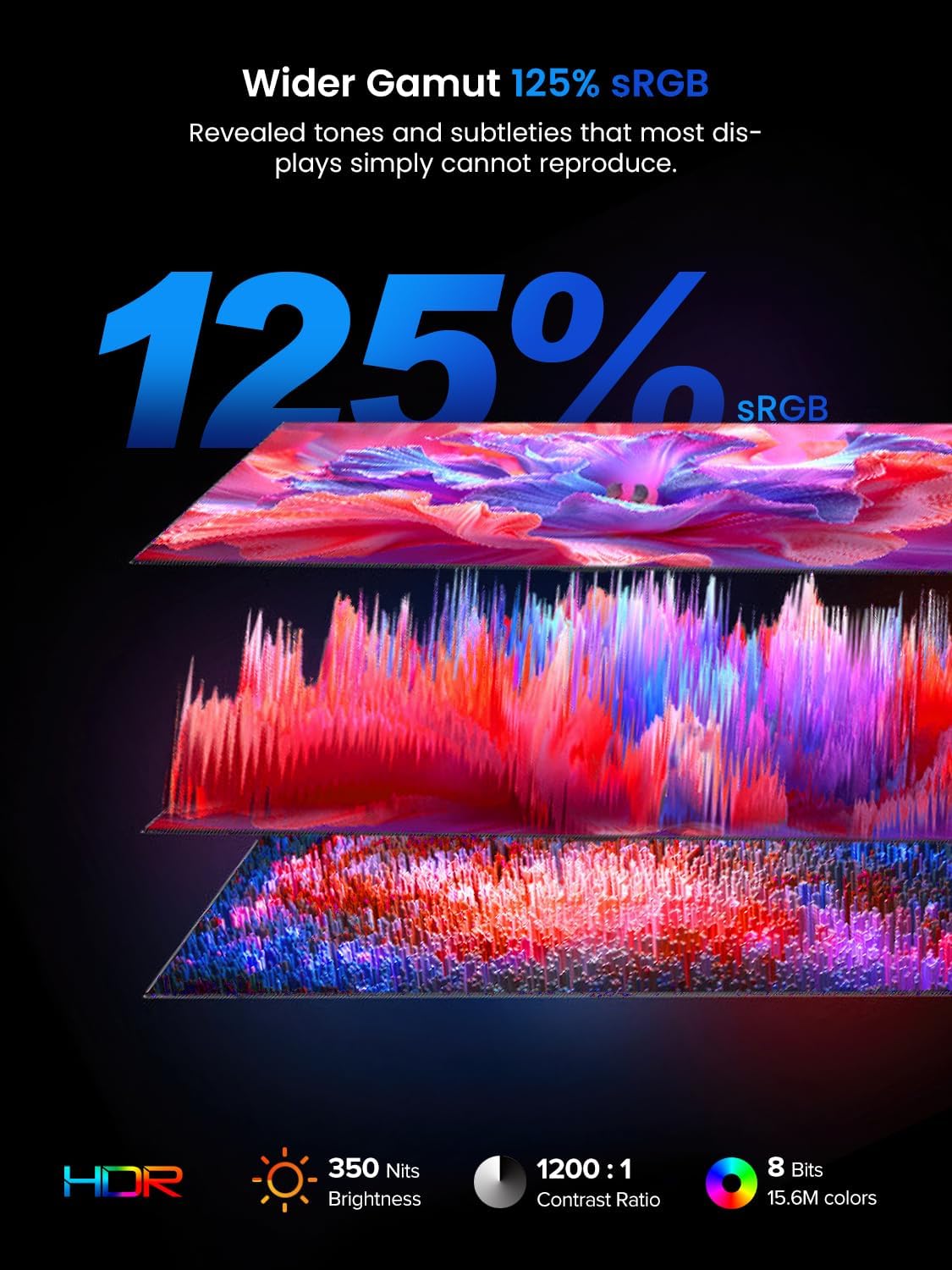
- Full HD 1080P Resolution: Enjoy crisp and clear images with 1920x1080 resolution, 350 nits brightness, and a 1200:1 contrast ratio.
- 125% sRGB Precise Color Display: With a wide color gamut covering 16.7 million rich colors, the IPS matte screen delivers accurate and vivid colors, reducing reflection and eye strain.
- 178° Wide Viewing Angle: Ensures consistent image quality from various perspectives.

3.2 Design and Ergonomics
The monitor is designed for maximum comfort and portability:
- 180° Adjustable Kickstand: Built-in stand allows for horizontal and vertical placement, providing customizable viewing angles.
- VESA Compatibility: 75mm VESA (M4×4mm screws) allows for easy mounting to monitor arms or walls, optimizing desktop space.
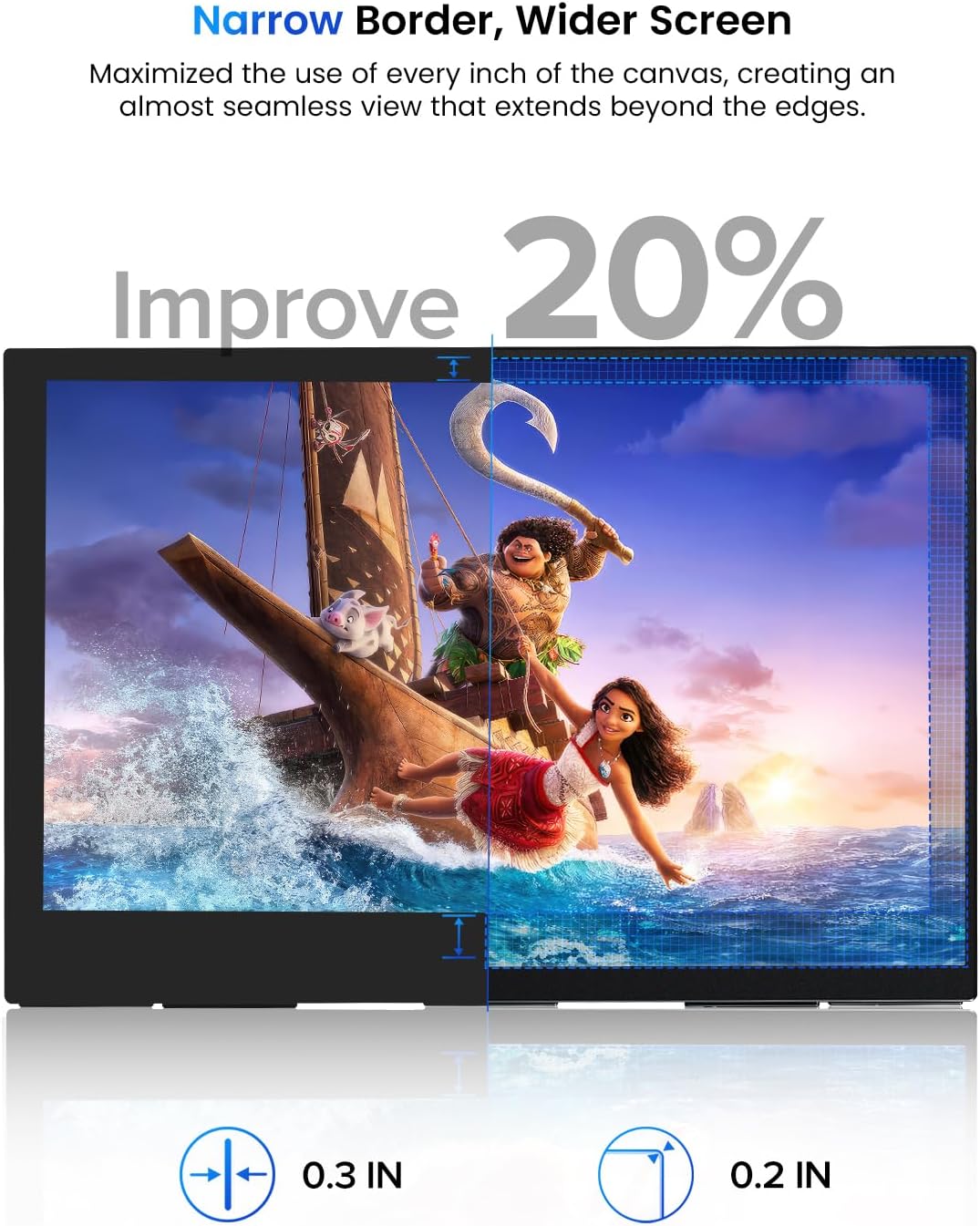
- Ultra-thin and Lightweight: With a form factor of 0.3 inches and weighing 1.7 pounds, it's highly portable and comes with a storage bag for easy transport.
- 4-Sided Narrow Border Design: Maximizes screen real estate and reduces visual fatigue, enhancing productivity and immersion.


3.3 Audio Features
The monitor is equipped with 2 x 3.5mm audio input and two built-in stereo speakers, enhancing your audio experience for movies, games, and presentations.
4. Maintenance
Proper care and maintenance will ensure the longevity and optimal performance of your UPERFECT portable monitor.
- Cleaning the Screen: Use a soft, lint-free cloth slightly dampened with water or a non-abrasive screen cleaner. Avoid using alcohol, ammonia, or abrasive cleaners.
- Cleaning the Casing: Wipe the monitor's casing with a soft, dry cloth.
- Storage: When not in use, store the monitor in its provided protective case to prevent scratches and impacts. Keep it in a cool, dry place away from direct sunlight and extreme temperatures.
- Handling: Always handle the monitor by its edges. Avoid applying pressure directly to the screen.

5. Troubleshooting
If you encounter any issues with your monitor, please refer to the following common troubleshooting steps:
| Problem | Possible Cause | Solution |
|---|---|---|
| No Signal / Black Screen | Incorrect cable connection, insufficient power, incorrect input source selected. | Ensure cables are securely connected. If using HDMI, ensure power is supplied via USB-C. Check your device's display settings to extend or duplicate the display. Press the monitor's menu button to select the correct input source. |
| Flickering Screen | Cable issue, power instability, refresh rate mismatch. | Try a different cable. Ensure stable power supply. Adjust the refresh rate in your device's display settings to match the monitor's capabilities. |
| No Sound | Volume too low, incorrect audio output selected on device, faulty cable. | Increase monitor volume using the OSD menu. Check your device's audio output settings to ensure the monitor is selected. Try a different cable. |
| Image is too Dark/Bright | Brightness/Contrast settings. | Adjust brightness and contrast settings via the monitor's On-Screen Display (OSD) menu. |
If the issue persists after trying these steps, please contact UPERFECT customer support for further assistance.
6. Technical Specifications
Detailed specifications for your UPERFECT 15.6" FHD Portable Monitor:
| Feature | Specification |
|---|---|
| Screen Size | 15.6 inches |
| Resolution | 1920 x 1080 Pixels (FHD 1080p) |
| Aspect Ratio | 16:9 |
| Image Brightness | 350 Candela (nits) |
| Contrast Ratio | 1200:1 |
| Color Gamut | 125% sRGB |
| Screen Surface | Matte |
| Viewing Angle | 178° |
| Connectivity | 2 x USB-C (Full-featured), 1 x Mini-HDMI |
| Audio | 2 x 3.5mm audio input, Built-in Stereo Speakers |
| Product Dimensions | 14 x 8 x 0.2 inches |
| Item Weight | 0.634 ounces (1.7 pounds) |
| Manufacturer | UPERFECT |
| Model Number | 15.6 |
7. Warranty and Support
UPERFECT products are designed for reliability and performance. For specific warranty details, please refer to the warranty card included in your product packaging or visit the official UPERFECT website. If you require technical support or have any questions, please contact UPERFECT customer service through the contact information provided in your user manual or on the official website.
Related documents15.6


Ask a question about this manual
Ask about setup, troubleshooting, compatibility, parts, safety, or missing instructions. Manuals+ will review the question and use this page’s manual context to help answer it.