
1. Introduction
The MOMAX 1-Sense Active Smart Ring is a wearable device designed to monitor various health and fitness metrics. It provides 24/7 tracking of sleep stages, heart rate, stress levels, activity, and skin temperature. The ring features touch control for smart functions and is 5ATM waterproof, making it suitable for various activities. Data is analyzed and presented through a dedicated mobile application.
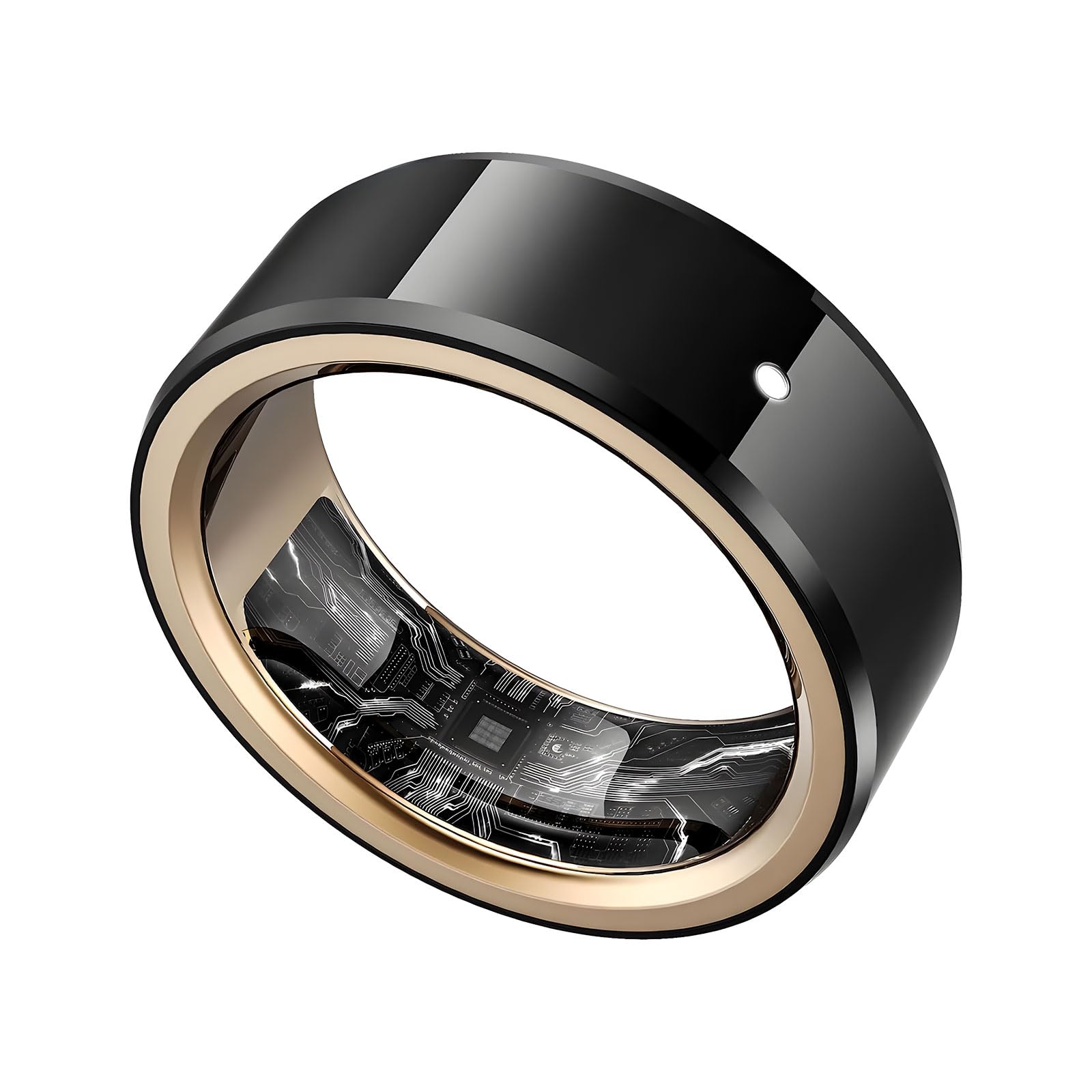
Figure 1: MOMAX 1-Sense Active Smart Ring
2. What's in the Box
Upon unboxing your MOMAX 1-Sense Active Smart Ring, you should find the following items:
- MOMAX 1-Sense Active Smart Ring
- Charging Case
- 1m/3.3ft USB-C to USB-C cable
- User Manual (this document)
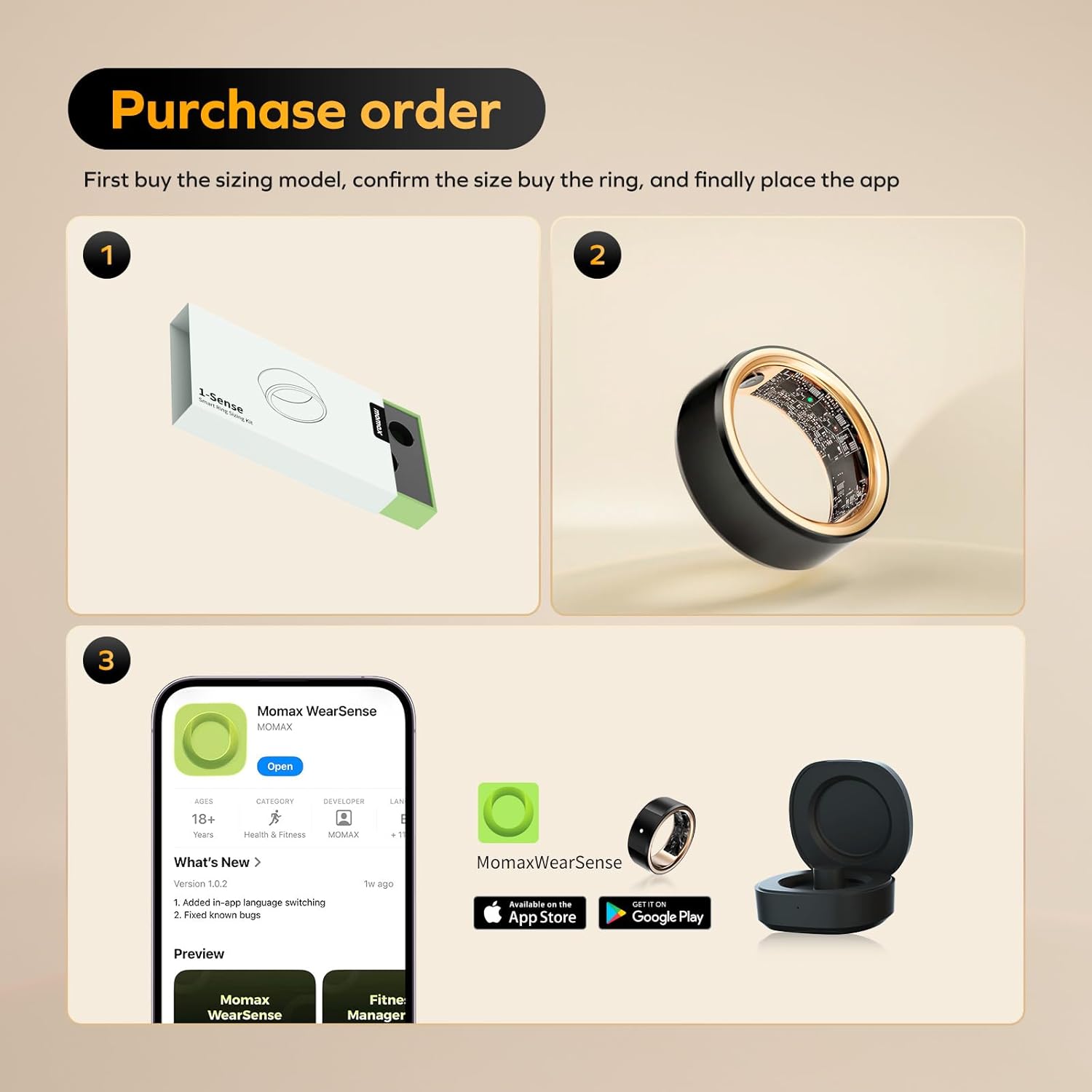
Figure 2: Smart Ring, Charging Case, and USB-C Cable
3. Sizing Guide
Accurate ring sizing is crucial for comfort and data accuracy. MOMAX Smart Ring sizes may differ from standard ring sizes. It is highly recommended to use the MOMAX Sizing Kit to determine your most comfortable and suitable size.

Figure 3: MOMAX Sizing Kit for accurate fit
How to Measure Your Ring Size (if Sizing Kit is unavailable):
- Wrap & Mark: Wrap a string snugly around the base of your finger. Mark where the ends meet.
- Measure & Compare: Lay the string flat and measure the length between marks. Compare this measurement to the provided size chart.
For best results, use the MOMAX Sizing Kit. All sizes indicate inner circumference.
4. Setup
4.1. Charging the Ring
Before initial use, fully charge your MOMAX 1-Sense Active Smart Ring. Place the ring into its charging case. Connect the USB-C cable to the charging case and a power source. The ring will indicate charging status via an LED light.

Figure 4: Smart Ring charging in its portable case
Video 1: Overview of MOMAX 1-Sense Active Smart Ring features, including charging and app integration.
4.2. App Installation
Download and install the 'Momax Sense' application from your device's app store (Android or iOS). This app is essential for viewing your health data and configuring ring settings.

Figure 5: Momax Sense App download options
4.3. Pairing the Ring
- Ensure Bluetooth is enabled on your smartphone.
- Open the 'Momax Sense' app and follow the on-screen instructions to create an account or log in.
- Place the charged ring in its charging case with the lid open to initiate pairing mode.
- The app will detect the ring. Select your MOMAX 1-Sense Active Smart Ring from the list of available devices to complete the pairing process.
5. Operating Instructions
5.1. Health and Fitness Tracking
The MOMAX 1-Sense Active Smart Ring continuously monitors various health and fitness metrics. All data is synchronized with the 'Momax Sense' app for detailed analysis and insights.
- Sleep Monitoring: Tracks sleep stages (Deep, Light, REM, Awake), sleep duration, and breathing quality.
- Heart Rate Tracking: Provides 24/7 heart rate data, including average, maximum, and minimum rates.
- Activity Tracking: Records steps, distance, calories burned, and offers fitness assessments.
- Stress & Skin Temperature: Monitors stress levels and skin temperature changes.
- Women's Health: Dedicated features for tracking menstrual cycles.

Figure 6: App interface showing heart rate, blood oxygen, and body temperature

Figure 7: Activity tracking with the Smart Ring

Figure 8: Smart Ring worn during sleep for monitoring
Video 2: Demonstration of the Momax Smart Ring's features and app integration.
5.2. Intelligent Touch Control
The ring features a touch-sensitive area for smart gesture control. This allows for hands-free operation of various functions on your connected device:
- Navigate presentations (PPTs)
- Manage media playback (play/pause, skip tracks)
- Remotely take photos

Figure 9: Intelligent Touch Control area on the Smart Ring
5.3. SOS Emergency Call
The MOMAX 1-Sense Active Smart Ring includes an SOS emergency call function. In an emergency, repeatedly tap the ring to silently call a pre-set emergency contact on your phone. Ensure this feature is configured within the 'Momax Sense' app.

Figure 10: SOS Emergency Call feature activation
5.4. Water Resistance
The ring is 5ATM waterproof, allowing it to be worn during swimming and showering without concern. It is resistant up to 50 meters depth.

Figure 11: Smart Ring demonstrating 5ATM water resistance
5.5. Battery Life
The MOMAX 1-Sense Active Smart Ring offers extended battery life, lasting up to 6 days on a single charge. The portable charging case provides additional charges, extending usage up to 72 days.
6. Maintenance
To ensure the longevity and optimal performance of your MOMAX 1-Sense Active Smart Ring, follow these maintenance guidelines:
- Cleaning: Regularly wipe the ring with a soft, damp cloth to remove dirt and oils. Avoid harsh chemicals or abrasive materials.
- Storage: When not in use, store the ring in its charging case in a cool, dry place.
- Avoid Impact: While durable, avoid dropping the ring or subjecting it to strong impacts to prevent damage to the ceramic material and internal components.
- Charging: Use only the provided charging cable and case. Ensure the charging contacts on the ring and case are clean and dry before charging.
7. Troubleshooting
If you encounter issues with your MOMAX 1-Sense Active Smart Ring, refer to the following common solutions:
| Problem | Possible Cause | Solution |
|---|---|---|
| Ring not pairing with app | Bluetooth off, incorrect app, low battery, ring not in pairing mode | Ensure Bluetooth is on. Download 'Momax Sense' app. Charge ring fully. Place ring in open charging case for pairing. |
| Inaccurate health data | Improper fit, dirty sensors, ring not worn consistently | Ensure ring fits snugly. Clean inner sensors. Wear ring continuously for reliable data. |
| Ring not charging | Loose connection, dirty contacts, faulty cable/case | Check cable connection. Clean charging contacts. Try a different USB-C port or power adapter. |
| Touch control unresponsive | Incorrect finger placement, app settings, low battery | Ensure finger is on the designated touch area. Check app settings for touch control activation. Charge the ring. |
If the issue persists, please contact MOMAX customer support.
8. Specifications
| Feature | Detail |
|---|---|
| Brand | MOMAX |
| Model Number | SG1SD |
| Operating System | Momax Rings App |
| Memory Storage Capacity | 4 MB |
| Special Features | Activity Tracker, Cycle Tracking, Daily Workout Memory, Multisport Tracker, Sleep Tracking |
| Battery Capacity | 16 Milliamp Hours |
| Connectivity Technology | Wireless (Radio Frequency) |
| Battery Cell Composition | Lithium Ion |
| GPS | No GPS |
| Shape | Round |
| Band Material Type | Metal (Ceramic) |
| Water Resistance Level | Waterproof (50 Meters) |
| Closure Type | Slide |
| Human Interface Input | Gesture |
| Supported Application | Fitness Tracker, Heart Rate Monitor, Sleep Monitor |
| Waterproof Rating | IPX7 |
| Target Audience | Unisex Adults |
| Compatible Devices | Smartphone (iOS and Android compatible) |
9. Warranty & Support
9.1. Warranty Information
The MOMAX 1-Sense Active Smart Ring comes with a limited warranty. Please refer to the warranty description for details:
- Warranty Type: Limited
- Warranty Description: 365 DAYS
Please retain your proof of purchase for warranty claims.
9.2. Customer Support
For further assistance, technical support, or warranty inquiries, please contact MOMAX customer service. Refer to the contact information provided in your product packaging or visit the official MOMAX website.
You can also visit the MOMAX Store on Amazon for additional resources and product information.


