
Homedics SCL-B125-SV3R
HoMedics Essential Digital Bathroom Scale
Model: SCL-B125-SV3R | Brand: Homedics
Introduction
The HoMedics Essential Digital Bathroom Scale is designed for simple and accurate daily weight monitoring. It features a modern design with a tempered glass platform and an easy-to-read LED display. This manual provides instructions for setup, operation, maintenance, and troubleshooting to ensure optimal performance and longevity of your scale.
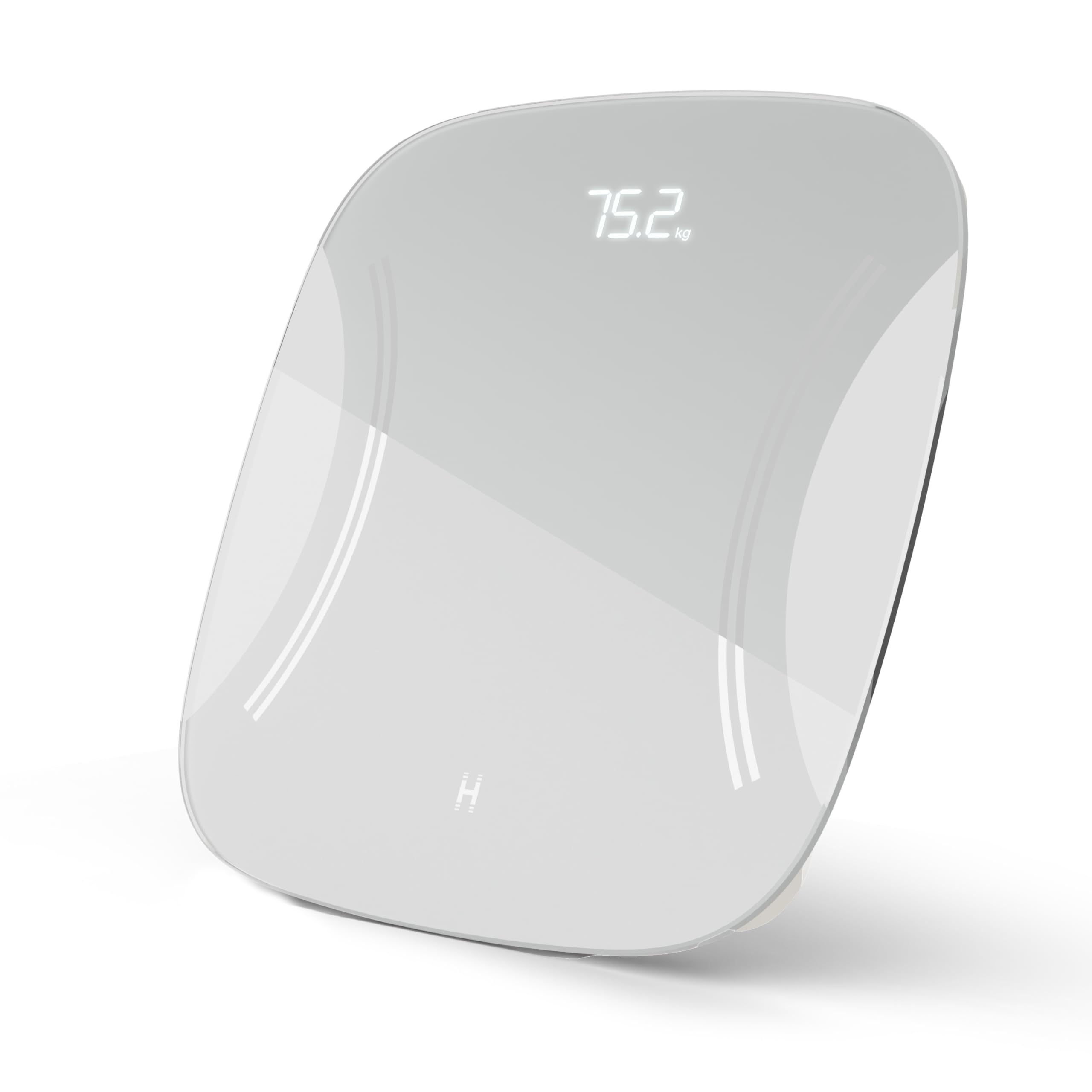
Image: HoMedics Essential Digital Bathroom Scale, showcasing its sleek design and clear digital display.
Safety Information
- Always place the scale on a hard, flat surface. Avoid carpets or uneven flooring, as this can affect accuracy.
- The scale's glass platform can be slippery when wet. Ensure the surface is dry before stepping on.
- Do not jump on the scale or use it for purposes other than weighing.
- Keep the scale away from extreme temperatures and direct sunlight.
- This scale is designed for personal use only and is not intended for commercial or medical purposes.
- Maximum weight capacity is 180 kg (396 lbs / 28 st 4 lbs). Do not exceed this limit.
Package Contents
- HoMedics Essential Digital Bathroom Scale (Model SCL-B125-SV3R)
- 2 x AAA Batteries
- User Manual
Setup
1. Battery Installation
- Locate the battery compartment on the underside of the scale.
- Open the battery compartment cover.
- Insert the 2 AAA batteries, ensuring correct polarity (+ and -).
- Close the battery compartment cover securely.

Image: Exploded view of the scale, illustrating the location of the battery compartment and internal sensors.
2. Placement
Place the scale on a hard, flat, and stable surface. Avoid placing it on carpets, rugs, or uneven floors, as this can lead to inaccurate readings.
3. Select Measurement Units
On the underside of the scale, locate the unit conversion button (usually marked 'UNIT' or with a symbol). Press this button to cycle through the available measurement units: kilograms (kg), pounds (lb), and stone:pounds (st:lb). Select your preferred unit before use.
Operating Instructions
Taking a Measurement
- Ensure the scale is on a hard, flat surface and the desired unit of measurement is selected.
- Gently step onto the center of the scale's glass platform with bare feet. The scale will automatically turn on.
- Stand still and distribute your weight evenly. The display will show your weight.
- The reading will flash a few times and then stabilize. This is your final weight measurement.
- Step off the scale. The scale will automatically turn off after a few seconds to conserve battery life.

Image: Demonstrating the 'step-on' technology for instant weight results.

Image: The easy-to-read digital display showing a weight measurement in kilograms.
Maintenance and Care
- Cleaning: Wipe the scale's surface with a soft, damp cloth. Do not use abrasive cleaners or immerse the scale in water.
- Storage: Store the scale in a cool, dry place. Avoid storing it vertically or with heavy objects on top.
- Battery Replacement: If the display shows 'Lo' or becomes dim, replace both AAA batteries with new ones.
- Calibration: If the scale has been moved or stored vertically, it may require re-calibration. To re-calibrate, step on the scale briefly to turn it on, then step off and wait for it to turn off. Then, step on again for an accurate reading.
Troubleshooting
| Problem | Solution |
|---|---|
| 'Lo' displayed | Batteries are low. Replace with new AAA batteries. |
| 'Err' displayed | Weight exceeds maximum capacity (180 kg / 396 lbs). Or, an error occurred during measurement. Step off, wait for it to turn off, then try again. |
| Inaccurate readings |
|
| Scale does not turn on | Check battery installation and ensure batteries are not depleted. Replace if necessary. |
Specifications
| Brand | Homedics |
| Model | SCL-B125-SV3R |
| Display Type | LED |
| Maximum Weight Capacity | 180 kg (396 lbs / 28 st 4 lbs) |
| Display Accuracy | 0.1 kg / 0.2 lb |
| Measurement Units | kg, lb, st:lb |
| Platform Material | Tempered Safety Glass (5mm) |
| Platform Dimensions | 290 x 290 mm |
| Power Source | 2 x AAA Batteries (included) |
| Features | Automatic On/Off, Anti-slip feet |
| Country of Origin | China |

Image: Dimensions of the ultra-slim scale design.
Warranty and Support
For warranty information and customer support, please refer to the official HoMedics website or contact your local retailer. You can also download the full user manual in PDF format for detailed information.
Download User Manual (PDF): Click Here
Related documentsSCL-B125-SV3R


Ask a question about this manual
Ask about setup, troubleshooting, compatibility, parts, safety, or missing instructions. Manuals+ will review the question and use this page’s manual context to help answer it.