1. Product Overview
The Hiseeu WTS804 is a state-of-the-art wireless solar outdoor security camera designed for comprehensive home surveillance. Featuring a unique dual-lens system, it provides both a fixed wide-angle view and a pan-tilt-zoom (PTZ) lens for dynamic tracking. Powered by a solar panel and rechargeable battery, it offers 100% wire-free operation and supports both 2.4GHz and 5G WiFi for seamless connectivity. Advanced features include AI human recognition, motion detection, color night vision, two-way audio, and compatibility with Alexa.
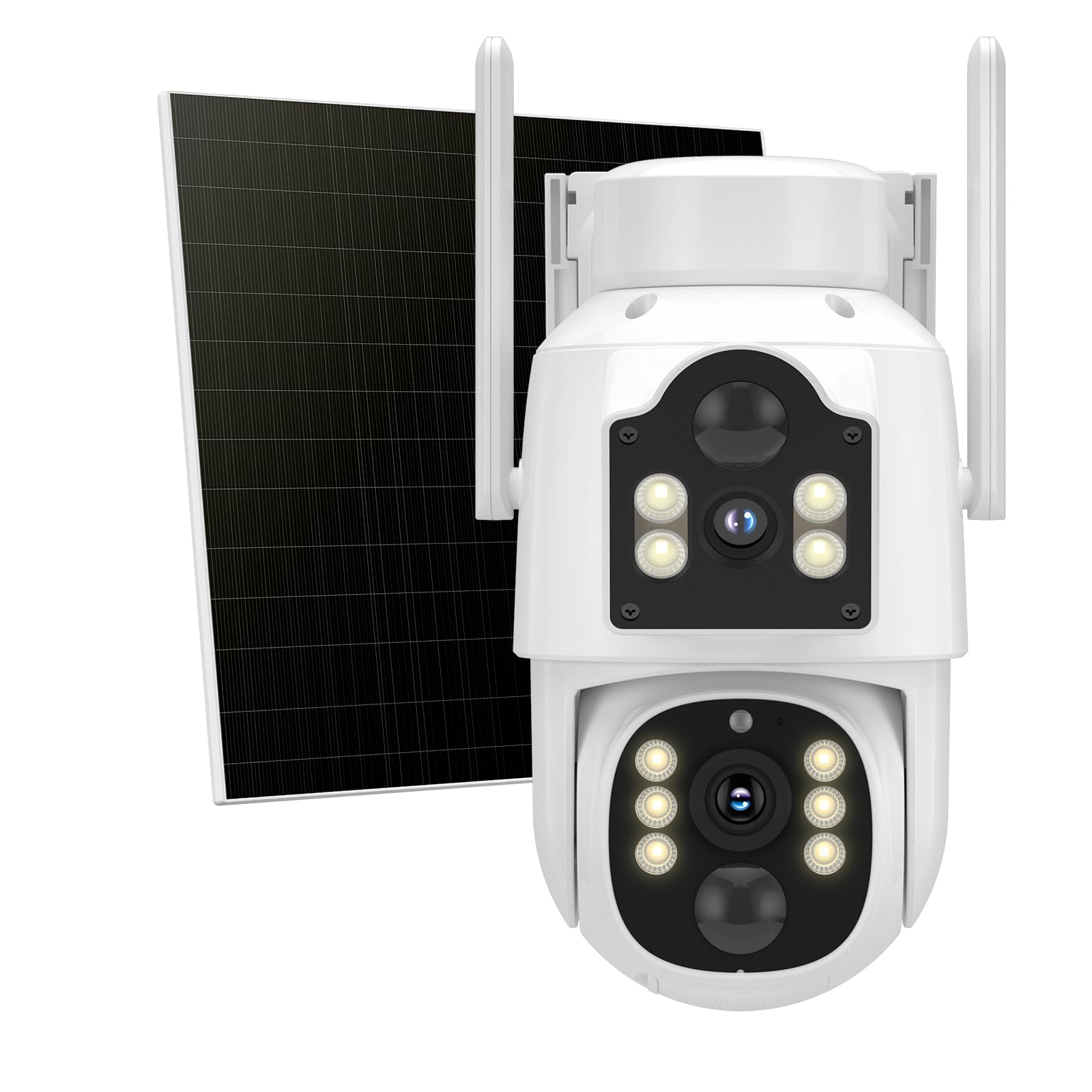
Figure 1: Hiseeu WTS804 Wireless Solar Outdoor Security Camera.
2. Package Contents
Ensure all items are present in your package:
- Dual-lens security camera (x1)
- 5W solar panel (x1)
- Type-C data cable (1 meter) (x1)
- Camera mount, solar panel mount, screw pack
- User manual (x1)
Video 1: Unboxing the Hiseeu WTS804 camera and its components. This video demonstrates the contents of the package, including the dual-lens camera, solar panel, cables, and mounting hardware.
3. Setup and Installation
The Hiseeu WTS804 camera is designed for easy, 100% wire-free installation. It is powered by a rechargeable battery and a solar panel, ensuring continuous operation.
3.1 Mounting the Camera and Solar Panel
- Choose an outdoor location for the camera that provides the desired surveillance coverage.
- Mount the camera using the provided camera mount and screws. The mount allows for easy attachment and detachment.
- Select a location for the solar panel that receives maximum direct sunlight throughout the day. The long cable allows for flexible placement away from the camera.
- Attach the solar panel to its mount and secure it with screws. Adjust the panel's angle to optimize sun exposure.
- Connect the Type-C data cable from the solar panel to the camera's charging port.

Figure 2: The Hiseeu WTS804 camera and solar panel mounted for wire-free operation. The solar panel charges the camera's internal battery, providing continuous power.
3.2 App Connection and Initial Configuration
Download the EseeCloud app on your smartphone. Follow the in-app instructions to register an account, add your camera, and connect it to your 2.4GHz or 5G WiFi network. The app will guide you through the process of naming your device and setting initial preferences.
Video 2: A detailed unboxing and overview of the Hiseeu Dual Lens Solar Camera, including initial setup steps and app configuration.
4. Operating Instructions
4.1 Dual Lens Functionality
The camera features two lenses: a fixed wide-angle lens for continuous monitoring of a specific area and a pan-tilt lens that can rotate 350° horizontally and 90° vertically. This dual setup eliminates blind spots and provides comprehensive coverage.

Figure 3: Illustration of the Hiseeu WTS804's dual-lens system, showing the fixed wide-angle lens and the rotating pan-tilt lens.
4.2 Motion Detection and Auto-Tracking
Utilize the AI human recognition to filter out false alerts. When human motion is detected, the pan-tilt lens will automatically track the moving person. You can also customize detection zones within the app.

Figure 4: The camera's auto-tracking feature in action, following a person across the lawn.
4.3 Night Vision and Active Alarm
The camera supports full-color night vision, providing clear images even in low light. Intelligent LED fill lights can be set to activate upon movement, remain on, or stay off. In case of a triggered event, the camera can activate a loud siren and flashing white lights to deter intruders.

Figure 5: The camera's night vision capabilities, showing a spotlight illuminating an area to deter potential intruders.
4.4 Two-Way Audio and Alexa Compatibility
Engage in real-time conversations with visitors or deter unwanted guests using the built-in two-way audio feature. The camera is also compatible with Alexa, allowing for hands-free live video viewing through voice commands.
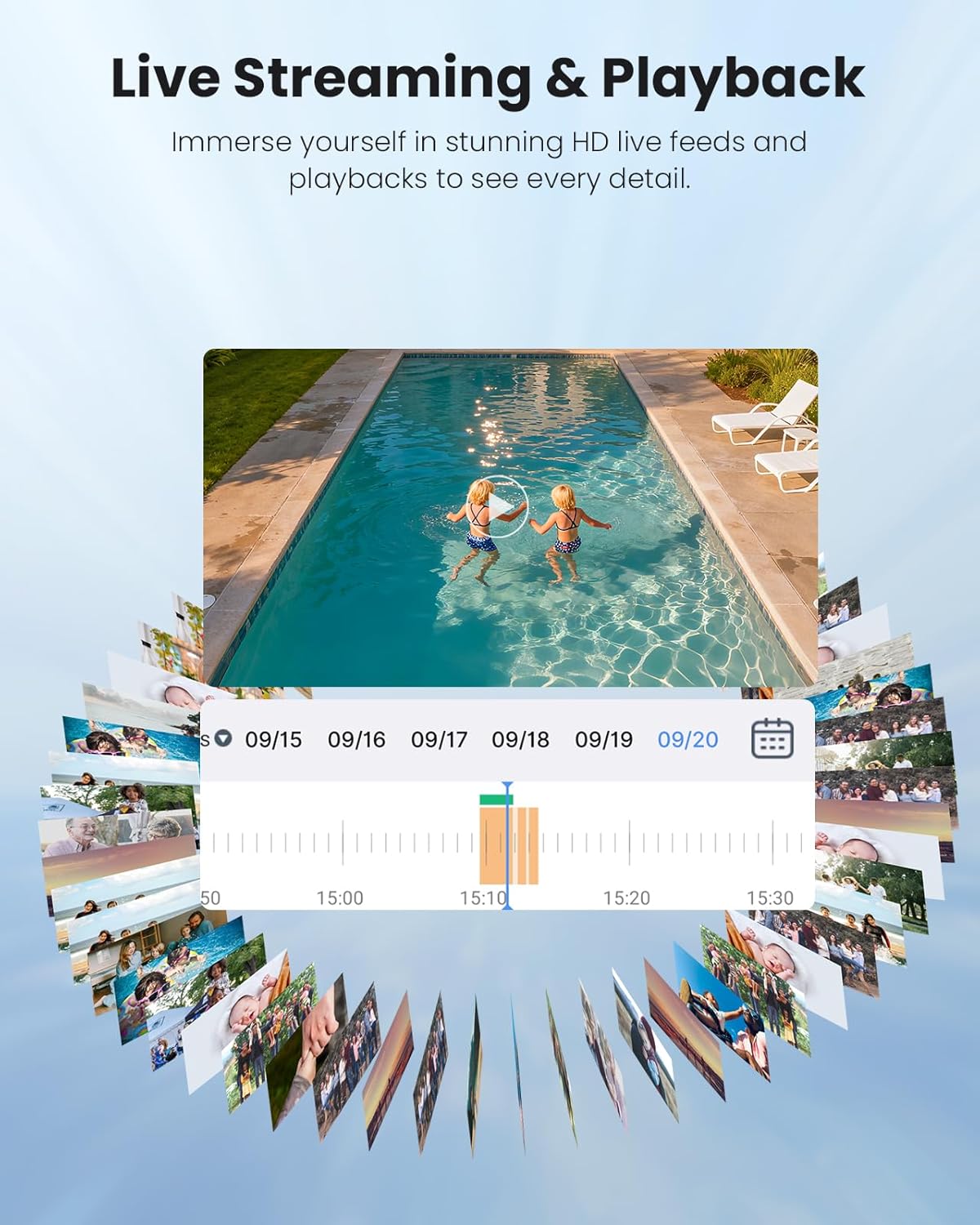
Figure 6: A demonstration of the two-way audio feature, enabling communication through the camera.
4.5 Storage Options
Recordings can be saved to a microSD card (up to 256GB, not included) for local storage or to secure cloud storage with free basic features. Review events by date and download with one tap via the app.
Video 3: This video highlights the great quality and extensive coverage of the Hiseeu wireless solar camera, demonstrating its operational features.
5. Maintenance
The Hiseeu WTS804 camera is built with an IP66 weatherproof rating, making it dustproof and waterproof. It is designed to operate normally in extreme weather conditions ranging from -10°C to 50°C, ensuring reliable performance year-round without fear of torrential rain or snow. Regularly check the solar panel for any debris that might obstruct sunlight to ensure optimal charging efficiency.

Figure 7: The camera demonstrating its IP66 weatherproof capabilities, suitable for various outdoor conditions.
6. Troubleshooting
For common issues, please refer to the troubleshooting section within the EseeCloud app or consult the detailed user manual provided in the package. Ensure your camera has a stable WiFi connection and the solar panel is receiving adequate sunlight for continuous power.
7. Specifications
| Feature | Detail |
|---|---|
| Indoor/Outdoor Usage | Outdoor |
| Compatible Devices | Smartphone, Television |
| Power Source | Solar Powered |
| Connectivity Protocol | Wi-Fi (2.4GHz/5G) |
| Controller Type | EseeCloud App |
| Mounting Type | Wall Mount |
| Video Capture Resolution | 4MP (2560x1440) |
| Color | White |
| Wireless Communication Technology | Wi-Fi |
| Night Vision Range | 65 Feet |
| Item dimensions L x W x H | 8.07 x 6.89 x 5.94 inches |
| Water Resistance Level | Waterproof (IP66) |
| Video encoding | H.265 |
| Low light technology | Night Color |
| Video Capture Format | MPEG-4 |
| Specific Uses For Product | Surveillance |
| Effective Still Resolution | 4 MP |
| Control Method | App |
| Item Weight | 2.42 pounds |
| Manufacturer | Hiseeu |
| Recommended Uses For Product | Outdoor Security |
| Special Feature | 2-Way Audio, Motion Sensor, Night Vision, PTZ Technology, Weather Proof |
8. Warranty
Specific warranty details for the Hiseeu WTS804 Wireless Solar Outdoor Security Camera are not provided in this manual. Please refer to the product packaging or contact Hiseeu customer support for warranty information.
9. Support
For technical assistance or customer service, please use the following contact information:
- Amazon Email (US & CA): johnny@hiseeu.com
- Hotline (US): 917-338-1084 or 855-660-0999
- Wechat/WhatsApp: +86 15361562950
- AliExpress Email: support@hiseeu.com
- WhatsApp number: +8618126465980
- APP 24/7 Online Support: Available through the EseeCloud application.


