
Introduction
Thank you for choosing the boAt Rockerz 202 Wireless Neckband Earphones. This manual will guide you through the setup, operation, and maintenance of your device, ensuring you get the best audio experience. Please read these instructions carefully before using the product.
What's in the Box
- boAt Rockerz 202 Wireless Neckband
- Additional Earbuds (S, M, L sizes)
- USB Charging Cable
- User Manual
Setup
1. Initial Charge
Before first use, fully charge your Rockerz 202. Connect the USB charging cable to the charging port on the neckband and to a power source. The LED indicator will show charging status.
2. Powering On and Pairing
- Press and hold the Multi-function Button (MFB) on the neckband until the LED indicator flashes blue and red alternately, indicating pairing mode.
- On your smartphone or other Bluetooth device, enable Bluetooth and search for available devices.
- Select "boAt Rockerz 202" from the list of devices.
- Once connected, the LED indicator will flash blue periodically, and you will hear an audio prompt.
3. Dual Device Pairing
The Rockerz 202 supports dual device connectivity, allowing you to connect to two devices simultaneously and switch between them with ease.
- Pair the neckband with the first device as described above.
- Disable Bluetooth on the first device. The neckband will re-enter pairing mode.
- Pair the neckband with the second device.
- Enable Bluetooth on the first device. The neckband will automatically connect to both devices.

Image: The boAt Rockerz 202 neckband earphones connected to both a tablet and a smartphone, illustrating the dual pairing feature. This allows seamless switching between two connected devices.
Operating Instructions
Power On/Off
- Power On: Press and hold the MFB for 3 seconds.
- Power Off: Press and hold the MFB for 5 seconds.
Music Controls
- Play/Pause: Single press the MFB.
- Next Track: Long press the Volume Up (+) button.
- Previous Track: Long press the Volume Down (-) button.
- Volume Up: Short press the Volume Up (+) button.
- Volume Down: Short press the Volume Down (-) button.
Call Controls
- Answer/End Call: Single press the MFB.
- Reject Call: Long press the MFB.
- Redial: Double press the MFB.
Voice Assistant
- Activate Voice Assistant: Triple press the MFB.
Charging and Battery Life
The Rockerz 202 offers up to 20 hours of playback on a full charge. It also features ASAP Charge technology for quick power-ups.
- ASAP Charge: A 10-minute charge provides up to 10 hours of additional playback.
- Full Charge Time: Approximately 1 hour for a full charge.
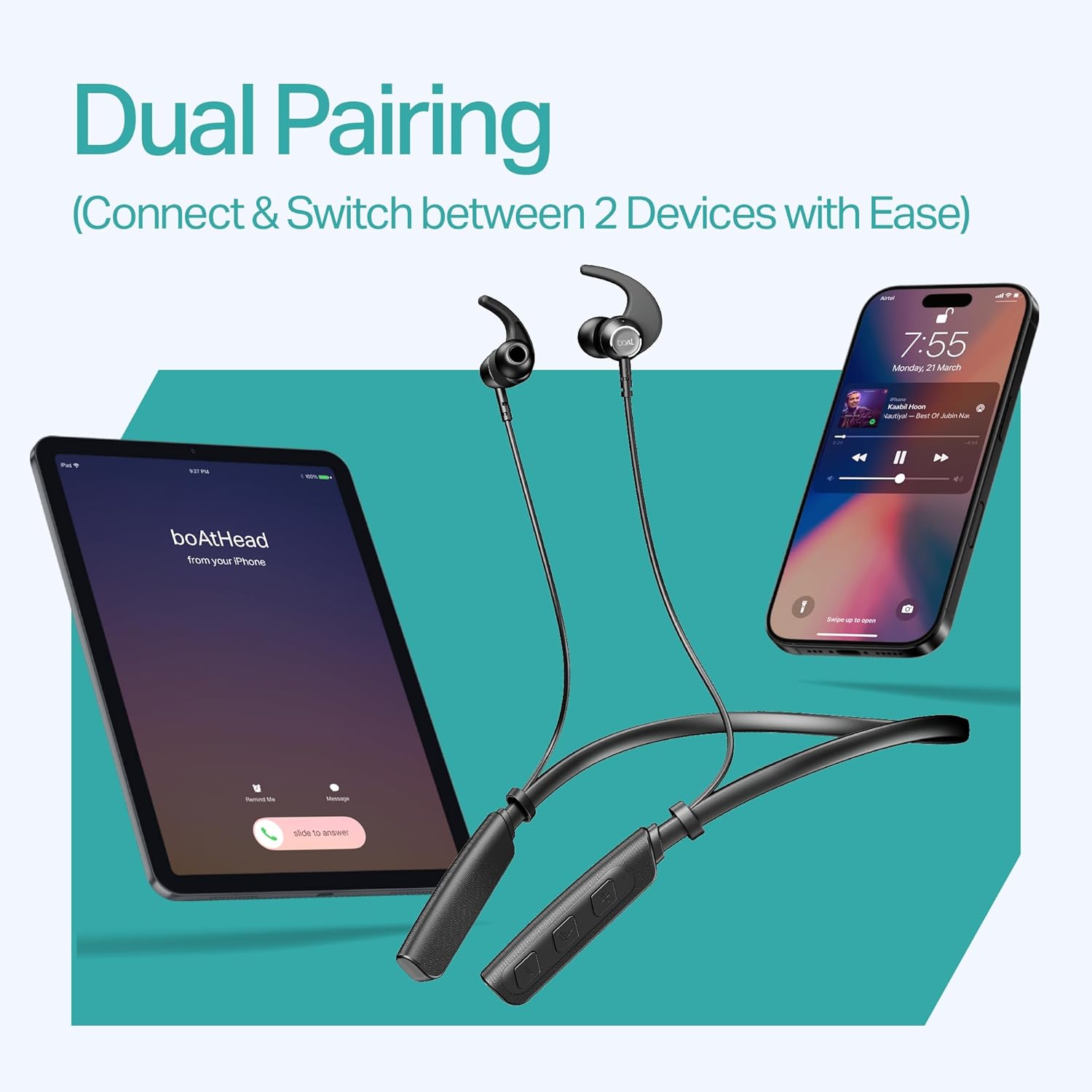
Image: The boAt Rockerz 202 earphones highlighting the 20 hours of playback time.

Image: The boAt Rockerz 202 earphones illustrating the ASAP Charge feature, providing 10 hours of playtime from a 10-minute charge.
ENx™ Technology (Clear Voice Calls)
The integrated microphones with ENx™ Technology cancel out background sounds, ensuring crystal clear audio during calls and virtual meetings.

Image: A close-up view of the boAt Rockerz 202 earbud, emphasizing the ENx Technology for clear calling.
BEAST™ Mode (Low Latency)
Activate BEAST Mode for a low latency experience (60ms), ideal for gaming. This mode ensures visuals and audio are perfectly synchronized, enhancing your gaming sessions.

Image: The boAt Rockerz 202 earbuds highlighting the 60ms low latency BEAST Mode for gaming.
Magnetic Buds
The earbuds feature magnetic tips that keep them together when not in use, preventing tangles and ensuring secure storage around your neck.
IPX5 Splash & Sweat Resistance
The Rockerz 202 are designed with IPX5 water resistance, making them suitable for workouts and outdoor activities as they can withstand splashes and sweat.

Image: The boAt Rockerz 202 earbuds with water droplets, demonstrating their IPX5 splash and sweat resistance, along with their magnetic design.
boAt Hearables App
Enhance your experience by downloading the boAt Hearables App. The app provides additional features and access to a user help guide.
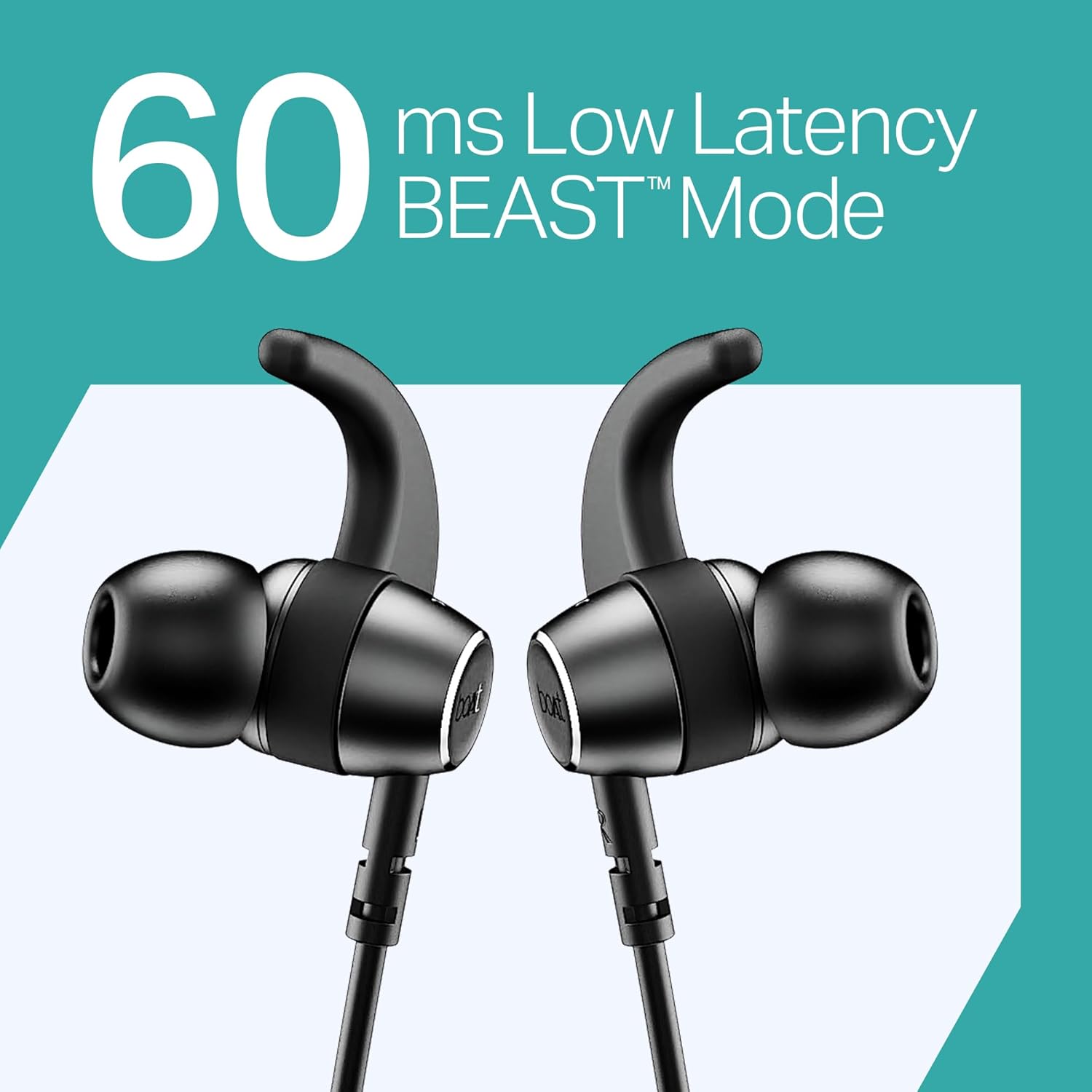
Image: A smartphone displaying the boAt Hearables App interface, including a QR code for download and features like streaming music, audiobooks, and a user help guide. Scan the QR code or visit https://l.ead.me/bdAX6k to download the app.
Maintenance
- Clean the earbuds and neckband regularly with a soft, dry cloth.
- Avoid exposing the device to extreme temperatures, humidity, or corrosive substances.
- Do not use abrasive cleaners or sharp objects to clean the device.
- Store the earphones in a cool, dry place when not in use.
- Ensure the charging port is free from dust and debris before charging.
Troubleshooting
| Problem | Solution |
|---|---|
| Cannot Power On | Ensure the device is fully charged. Connect to a power source and try again. |
| Cannot Pair with Device |
|
| No Sound |
|
| Poor Call Quality |
|
| ASAP Charge Not Working | Ensure you are using a compatible charging cable and power adapter. Check for debris in the charging port. |
Specifications
| Brand | boAt |
| Model Name | Rockerz 202 |
| Colour | Active Black |
| Ear Placement | In Ear |
| Form Factor | In Ear |
| Connectivity Technology | Bluetooth |
| Battery Life | Up to 20 Hours |
| ASAP Charge | 10 Mins Charge = 10 Hours Playtime |
| Special Features | ENx Tech Noise Cancellation, BEAST Mode Low Latency (60ms), Dual Device Pairing, Magnetic Buds, IPX5 Water Resistance |
| Control Method | Push Button |
| Compatible Devices | Cellphones, Laptops, Tablets |
| Weight | 45 Grams |
| Manufacturer | Imagine Marketing Ltd |
| Country of Origin | India |
Warranty and Support
The boAt Rockerz 202 comes with a 1-year warranty from the date of purchase. For warranty claims or technical support, please contact Imagine Marketing Ltd at info@imaginemarketingindia.com.
You can also visit the official boAt website or the boAt Hearables App for further assistance and FAQs.


