1. Introduction
This manual provides essential information for the safe and efficient use of your Ledvion LED String Light, model LVO10096-dim. Please read these instructions carefully before installation and operation, and retain them for future reference. This LED string light is designed to create an ambient atmosphere for both indoor and outdoor environments, featuring IP44 water and dust resistance and remote-controlled dimmable functionality.
2. What's in the Box
Verify that all components are present and in good condition upon unpacking.

Image: Contents of the Ledvion LED String Light package. Includes the LED string light, remote control, adapter, two spare bulbs, and the instruction manual.
- 1x LED String Light (5.5m, 10x E12 LED bulbs)
- 1x Remote Control
- 1x Adapter
- 2x Spare E12 LED Bulbs
- 1x Instruction Manual
3. Specifications
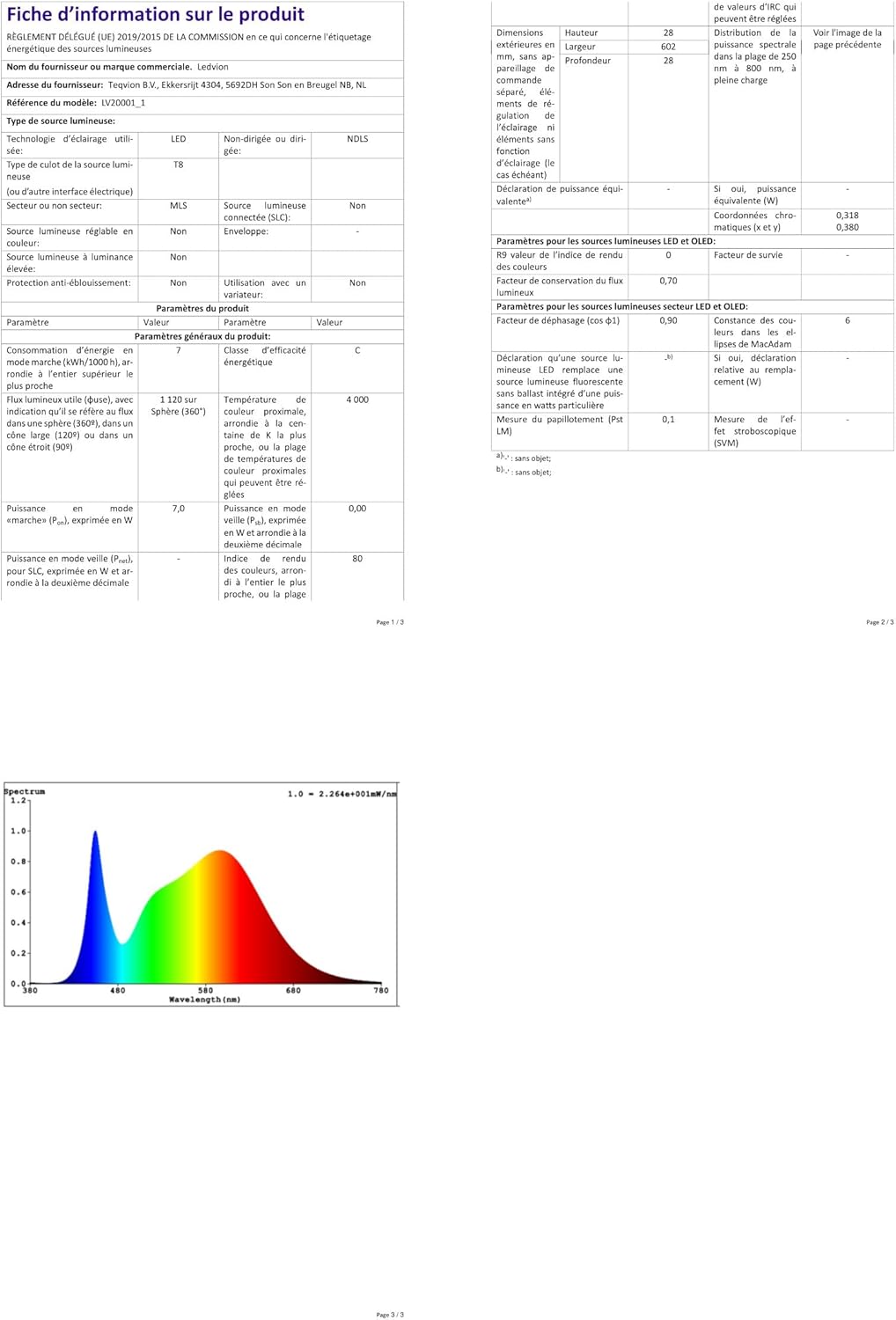
Image: Detailed technical drawing illustrating the dimensions of the string light components, including cable length, bulb spacing, and bulb size.
| Feature | Detail |
|---|---|
| Brand | Ledvion |
| Model Number | LVO10096-dim |
| Product Dimensions (L x W x H) | 26 x 17 x 12 cm (packaged); 5.5m (string length) |
| Item Weight | 610 g |
| Material | Rubber, Polyvinyl Chloride |
| Number of Bulbs | 10 (plus 2 spare) |
| Bulb Type | E12 LED |
| Wattage per Bulb | 0.3 Watts |
| Total Wattage | 3 Watts |
| Voltage | 230 Volts |
| Luminous Flux | 300 Lumens |
| Color Temperature | 2700 Kelvin (Warm White) |
| Special Features | Dimmable (via remote), Waterproof (IP44), Professional, Connectable, Original Design |
| Power Source | Electric (Plug-in) |
| Usage | Indoor/Outdoor |
| Connectable | Up to 1000W total (approx. 50 bulbs with this model's wattage) |
4. Safety Instructions
- Read all instructions before use.
- Ensure the power supply voltage matches the product's requirements (230V).
- Do not connect the string light to the power supply while it is in the packaging.
- Always unplug the string light from the power outlet before installing, removing, or replacing bulbs, or performing any maintenance.
- Do not operate the string light with damaged cords, plugs, or loose bulb sockets.
- Keep children and pets away from the string light during operation.
- Do not immerse the string light or adapter in water. The IP44 rating protects against splashing water and dust, but not submersion.
- Use only the provided adapter and bulbs, or compatible replacements specified by Ledvion.
- Ensure all connections are secure and sealed, especially for outdoor use, to maintain IP44 rating.
- Do not modify the product in any way. Unauthorized modifications may void the warranty and pose safety risks.
- Avoid hanging the string light in areas where it could be a tripping hazard or easily damaged.

Image: The string light is shown in a rainy environment, emphasizing its IP44 water and dust resistant design for both indoor and outdoor applications.
5. Setup and Installation
- Unpack Components: Carefully remove all items from the packaging.
- Inspect: Check the string light, adapter, remote control, and bulbs for any signs of damage. Do not use if damaged.
- Bulb Installation:
- Ensure the string light is unplugged.
- Gently screw each E12 LED bulb into its respective socket on the string. Do not overtighten.
- The string light comes with 10 bulbs pre-installed and 2 spare bulbs.
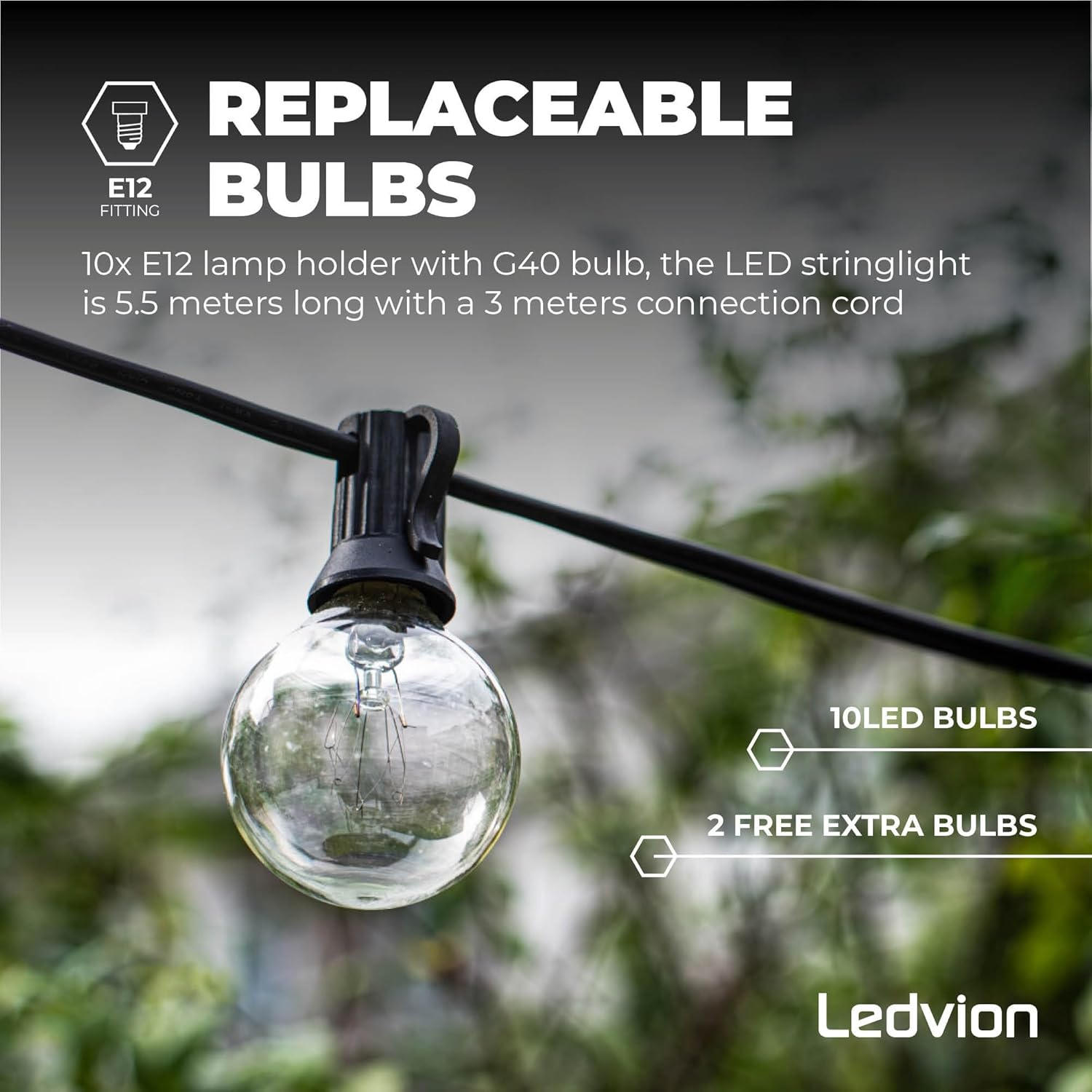
Image: A close-up view of an E12 bulb in its socket, illustrating the replaceable bulb feature and confirming the inclusion of spare bulbs.
- Connect Adapter: Connect the string light's power cable to the provided adapter. Ensure a secure connection.
- Mounting:
- Hang the string light in your desired location. Use appropriate hooks, clips, or ties to secure the cable.
- Ensure the string is not under excessive tension.
- The 3-meter connection cable provides flexibility for reaching a power outlet.
- Extension (Optional):
- This string light is connectable, allowing you to extend its length.
- Locate the male and female connectors at the ends of the string light.
- Connect additional compatible Ledvion string lights by aligning and securely twisting the connectors.
- Do not exceed a total connected wattage of 1000W for the entire setup. This adapter supports up to approximately 50 bulbs of this model.
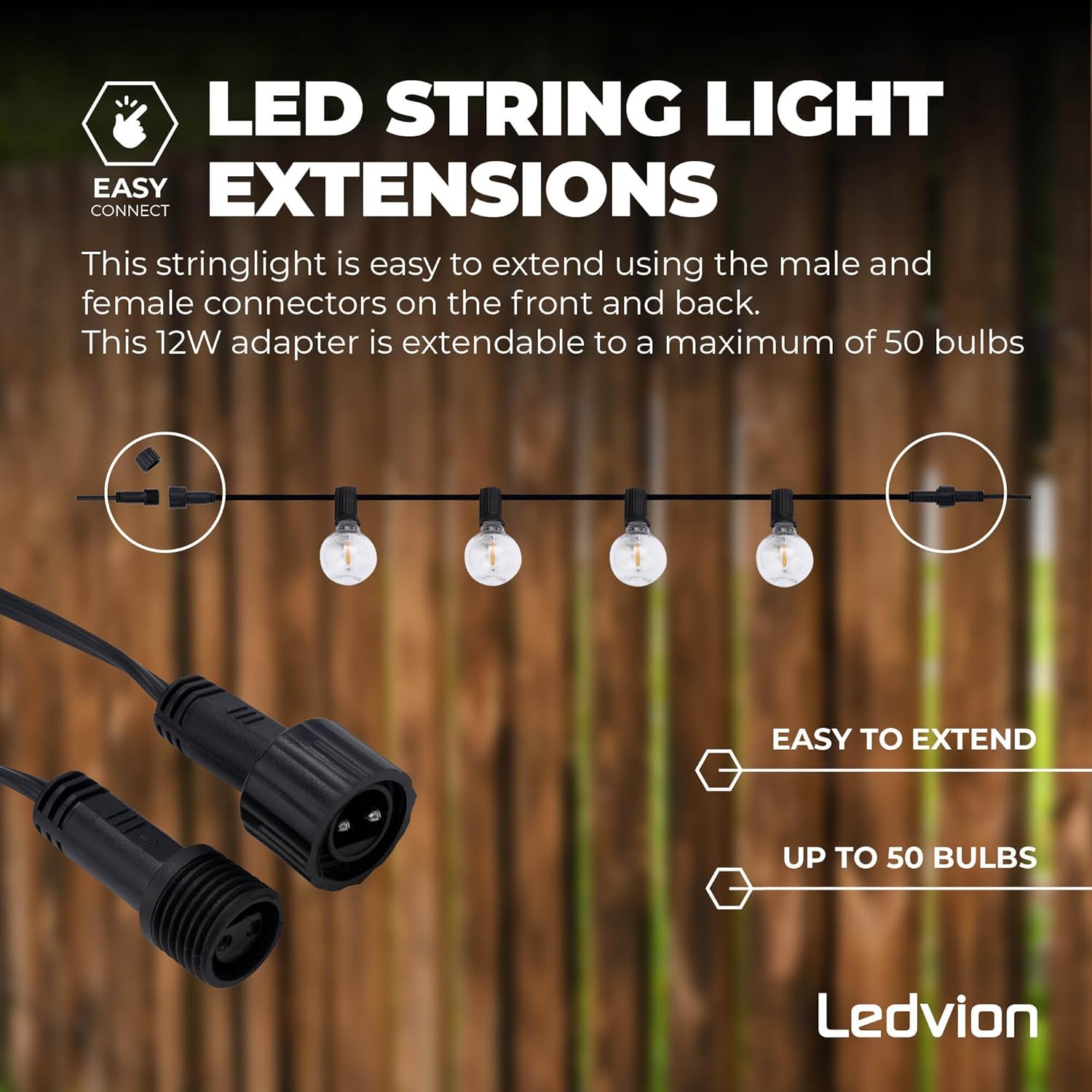
Image: A visual guide demonstrating the easy-connect feature for extending the string light, showing male and female connectors and the capacity to link up to 50 bulbs.
- Power Connection: Once installed and all bulbs are secure, plug the adapter into a suitable 230V power outlet.
6. Operation
This Ledvion LED String Light model (LVO10096-dim) is dimmable and controlled via the included remote control. Ensure the remote has working batteries (typically 2x AAA, not always included).
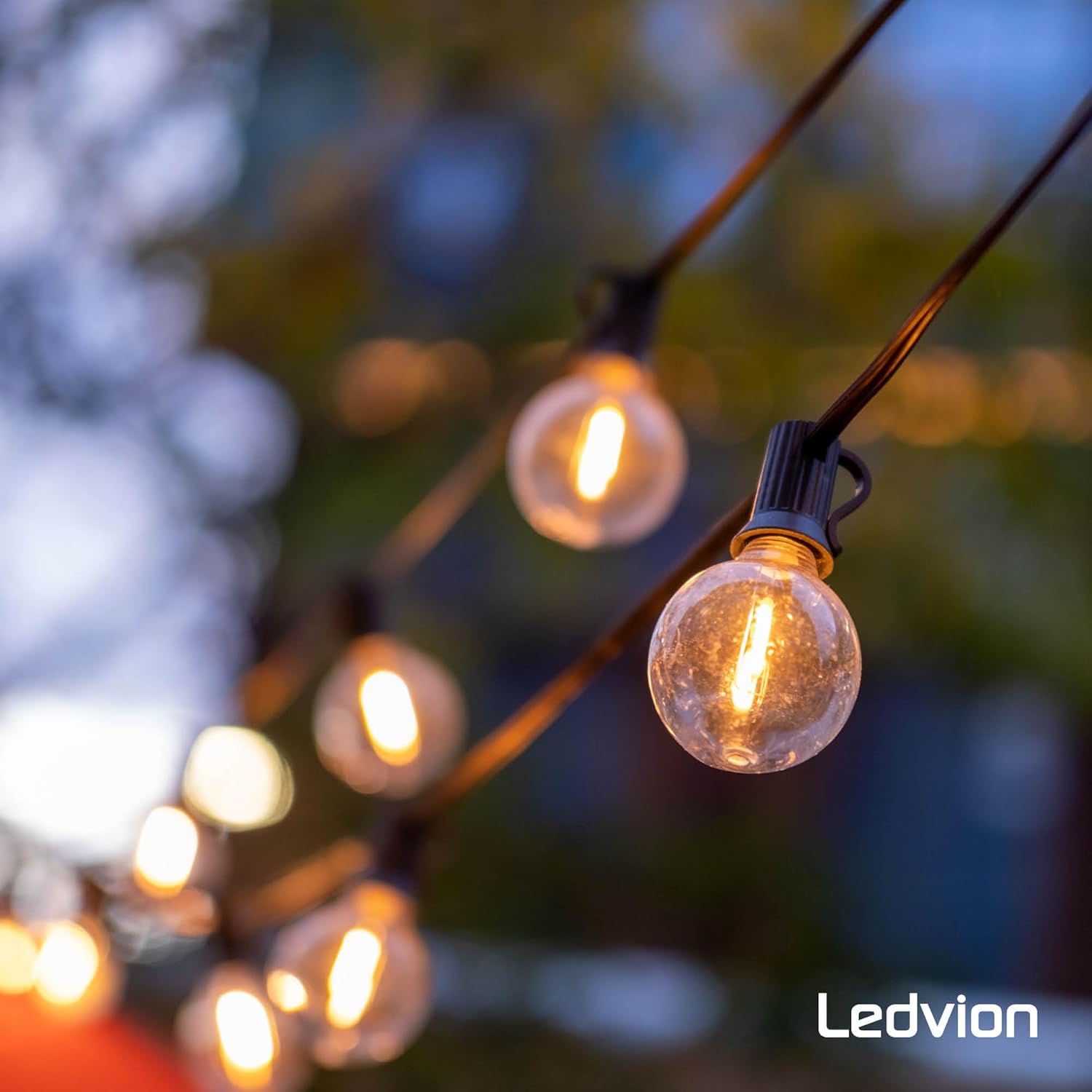
Image: The Ledvion LED string lights are shown illuminated in an outdoor setting, demonstrating their ambient lighting effect.
Remote Control Functions:

Image: A remote control for Ledvion string lights, detailing buttons for timer settings, brightness levels, and various lighting effects.
- ON/OFF: Press to turn the string lights on or off.
- Brightness Adjustment (+/-): Use the '+' and '-' buttons to increase or decrease the brightness level.
- Preset Brightness (100%, 50%): Quickly set the brightness to full or half intensity.
- Timer Modes (3H, 5H): Press to activate a timer for 3 or 5 hours. The lights will automatically turn off after the set duration.
- Lighting Modes (Steady, Breath, Flash): Select different dynamic lighting effects:
- Steady: Lights remain constantly on.
- Breath: Lights slowly fade in and out.
- Flash: Lights flash on and off.
7. Maintenance
- Cleaning: Disconnect from power. Wipe the string and bulbs with a soft, dry, or slightly damp cloth. Do not use abrasive cleaners or solvents.
- Bulb Replacement:
- Always ensure the string light is unplugged before replacing any bulb.
- Carefully unscrew the old bulb from its socket.
- Screw in a new E12 LED bulb (0.3W, 2700K) into the socket. Ensure it is snug but do not overtighten.
- Use only compatible replacement bulbs to maintain product performance and safety.
- Storage: When not in use for extended periods, unplug the string light, clean it, and store it in a cool, dry place away from direct sunlight and moisture.
8. Troubleshooting
| Problem | Possible Cause | Solution |
|---|---|---|
| Lights do not turn on. |
|
|
| Some bulbs are not lighting up. |
|
|
| Lights flicker or behave erratically. |
|
|
9. Warranty and Support
Ledvion products are manufactured to high-quality standards. For warranty information, technical support, or if you encounter any issues not covered in this manual, please contact your retailer or Ledvion customer service directly. Please have your model number (LVO10096-dim) and purchase information ready when contacting support.
10. Regulatory Compliance
This product complies with relevant European Union directives and regulations. For detailed product information and energy efficiency data, please refer to the EPREL database:
EPREL Product Information Sheet

Image: EU Energy Label for the Ledvion LED String Light, indicating its energy efficiency class and consumption.


