
SANSUI W59
SANSUI W59 Wireless Bluetooth Earbuds User Manual
Model: W59
Introduction
Thank you for choosing SANSUI W59 Wireless Bluetooth Earbuds. This manual provides essential information for the proper setup, operation, and maintenance of your new earbuds. Please read it thoroughly before use to ensure optimal performance and longevity of the product.
What's in the Box
The SANSUI W59 package includes the following items:
- W59 Active Noise Reduction Wireless Headset
- Type-C Charging Cable
- Instruction Manual
- Multiple sizes of ear tips

Product Overview
The SANSUI W59 earbuds are designed for comfort and high-quality audio. Each earbud features a touch control area and an indicator light. The charging case protects the earbuds and provides additional battery life.

Setup
1. Charging the Earbuds and Case
Before first use, fully charge the earbuds and charging case. Connect the provided Type-C charging cable to the charging port on the case and a power source. The indicator light on the case will show charging status.
- Charging Time: Approximately 1.5 hours for a full charge.
- Battery Life: Up to 5 hours of playback on a single charge (ANC off). The charging case provides an additional 15 hours, totaling up to 20 hours of battery life.

2. Bluetooth Pairing
The SANSUI W59 earbuds utilize Bluetooth 6.0 for a stable and fast connection. Follow these steps to pair them with your device:
- Ensure the earbuds are charged.
- Open the charging case. The earbuds will automatically enter pairing mode.
- On your device (smartphone, tablet, etc.), enable Bluetooth.
- Search for available Bluetooth devices and select "SANSUI W59" from the list.
- Once connected, you will hear a confirmation tone, and the earbuds will be ready for use.
The earbuds will automatically connect to the last paired device when taken out of the case.


Video 1: An overview of the SANSUI W59 Earbuds, demonstrating unboxing and initial setup steps. This video is provided by Sansui Audio.
Operating Your Earbuds
Touch Controls
The SANSUI W59 earbuds feature intuitive touch controls for managing music, calls, and modes. The touch-sensitive area is located on the stem of each earbud.
- Music Playback:
- Single tap: Play/Pause
- Double tap left earbud: Previous track
- Double tap right earbud: Next track
- Long press left earbud: Volume down
- Long press right earbud: Volume up - Call Management:
- Single tap: Answer/End call
- Long press: Reject call - Voice Assistant:
- Triple tap: Activate voice assistant (Siri, Google Assistant, etc.) - ANC/Transparency Mode:
- Tap and hold for 2 seconds: Toggle between Active Noise Cancellation (ANC), Transparency Mode, and Normal Mode.
Active Noise Cancellation (ANC) & Transparency Mode
The W59 earbuds offer advanced noise control features:
- Active Noise Cancellation (ANC): Reduces external noise by up to -35dB, providing a quiet listening experience in noisy environments.
- Transparency Mode: Allows you to hear your surroundings without removing the earbuds, enhancing awareness for safety or conversation.


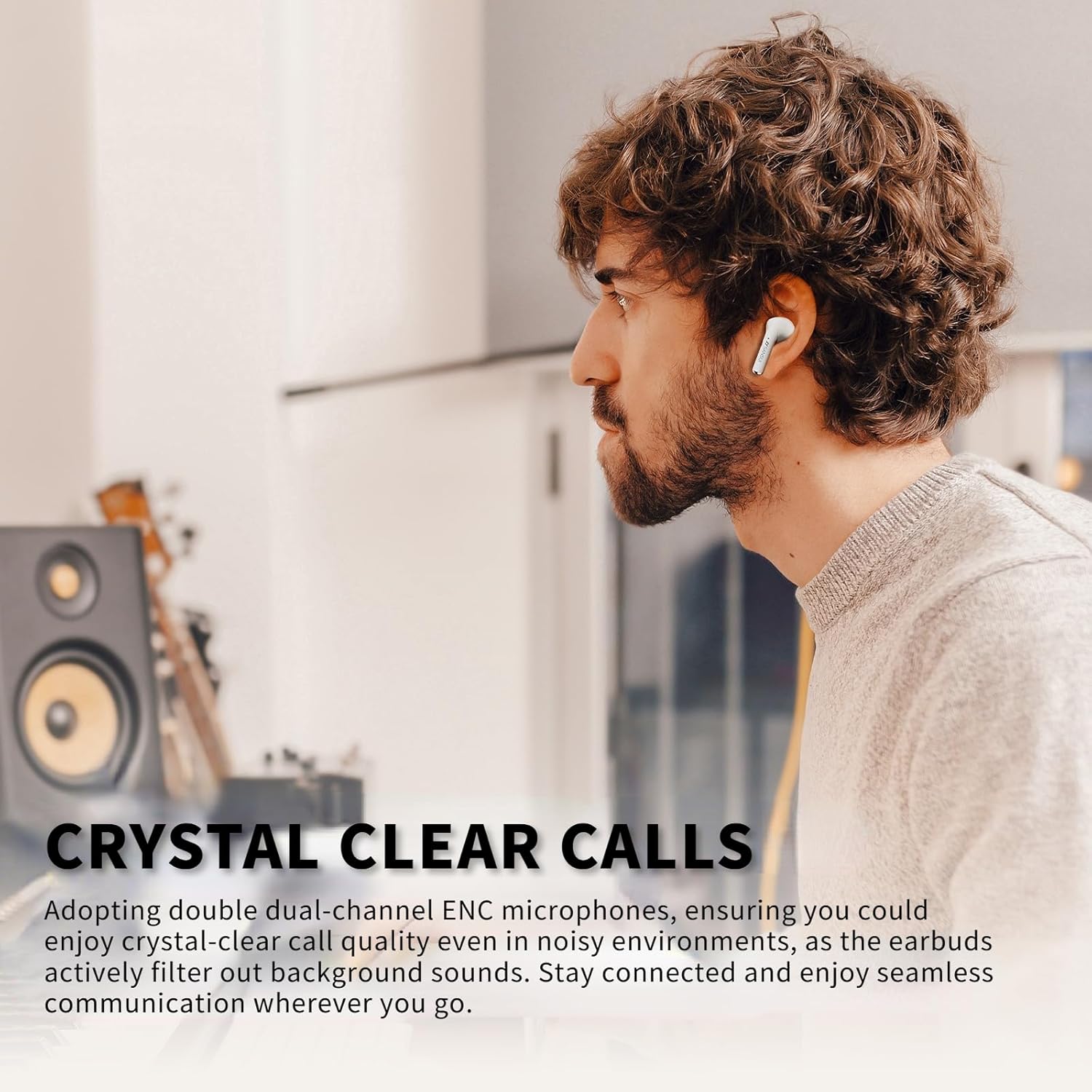
Crystal Clear Calls
Equipped with dual-channel ENC (Environmental Noise Cancellation) microphones, the W59 earbuds effectively filter out background noise, ensuring clear voice transmission during calls, even in loud environments.
Powerful HiFi Stereo Sound
The W59 earbuds feature a 13mm composite film dynamic coil speaker, delivering broad audio performance with powerful bass, clear high frequencies, and full mid-range for an enhanced music experience.

Maintenance
Cleaning
Regular cleaning helps maintain sound quality and hygiene:
- Gently wipe the earbuds and charging case with a soft, dry, lint-free cloth.
- Remove ear tips and clean them with mild soap and water, then dry thoroughly before reattaching.
- Use a dry cotton swab to clean the charging contacts on both the earbuds and the case.
Storage
When not in use, store the earbuds in their charging case to protect them from dust and damage.
Water Resistance
The SANSUI W59 earbuds are IPX4 water resistant, meaning they are protected against splashing water from any direction. They are suitable for workouts and light rain, but should not be submerged in water or exposed to heavy downpours.
Troubleshooting
| Problem | Solution |
|---|---|
| Earbuds not pairing | Ensure earbuds are charged. Turn off and on Bluetooth on your device. Forget "SANSUI W59" from your device's Bluetooth list and re-pair. |
| No sound from one earbud | Place both earbuds back in the case, close the lid, then open again. Check device's audio balance settings. |
| Low volume | Adjust volume on both your device and the earbuds. Ensure ear tips provide a good seal. |
| Earbuds not charging | Clean charging contacts on earbuds and case. Ensure charging cable is securely connected. Try a different charging cable or power adapter. |
| ANC not working effectively | Ensure ANC mode is activated. Adjust earbud fit and try different ear tip sizes for a better seal. |
Specifications
| Feature | Detail |
|---|---|
| Model Name | W59 |
| Brand | SANSUI |
| Connectivity Technology | Bluetooth |
| Bluetooth Version | 6.0 |
| Noise Control | Active Noise Cancellation |
| Ear Placement | In Ear |
| Form Factor | Earbud Headphones |
| Water Resistance Level | Water Resistant (IPX4) |
| Control Method | Touch |
| Audio Driver Type | Dynamic Driver (13mm) |
| Battery Life (Earbuds) | Up to 5 hours (ANC off) |
| Total Battery Life (with case) | Up to 20 hours |
| Charging Time | Approx. 1.5 hours |
| Item Weight | 4.2 ounces |
| UPC | 198401999631 |
Warranty and Support
SANSUI products are designed and manufactured to the highest quality standards. For warranty information, please refer to the documentation included with your purchase or visit the official SANSUI website.
If you encounter any issues or have questions regarding your SANSUI W59 Wireless Bluetooth Earbuds, please contact SANSUI customer support for assistance. Contact details can typically be found on the product packaging or the official SANSUI website.
Related documentsW59


Ask a question about this manual
Ask about setup, troubleshooting, compatibility, parts, safety, or missing instructions. Manuals+ will review the question and use this page’s manual context to help answer it.