
1. Introduction and Overview
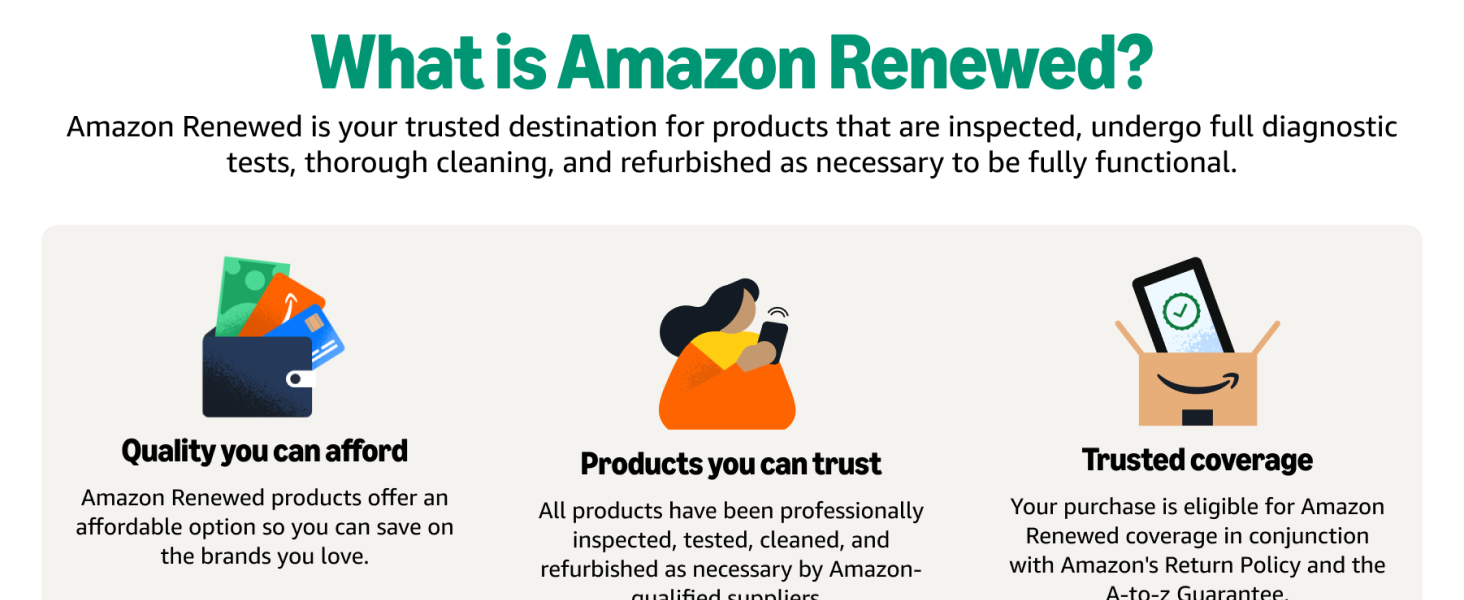
This manual provides essential information for setting up, operating, and maintaining your Apple iPhone 16e 128GB Black, locked to Verizon (Renewed). This device has been professionally inspected, tested, and cleaned by Amazon-qualified suppliers to ensure it works and looks like new, backed by the Amazon Renewed Guarantee.
Key Features of Your Renewed iPhone 16e:
- Professionally inspected, tested, and cleaned by Amazon-qualified suppliers.
- No visible cosmetic imperfections when held at arm's length.
- Battery capacity exceeds 80% relative to new.
- Compatible and fully functional accessories (may not be original).
- Eligible for replacement or refund within 90 days of receipt if not satisfied.
2. Setup and Initial Configuration
What's in the Box:
- Apple iPhone 16e (128GB, Black, Locked to Verizon)
- USB Cable
Powering On and Initial Setup:
- Press and hold the Side button until the Apple logo appears.
- Follow the on-screen instructions to select your language and region.
- Connect to a Wi-Fi network.
- Set up Face ID for secure authentication.
- Create a passcode.
- Restore data from a backup (iCloud or computer) or set up as a new iPhone.
- Sign in with your Apple ID or create a new one.
eSIM Activation:
The iPhone 16e supports Dual SIM functionality using eSIM. Contact your Verizon service provider for instructions on activating your eSIM. This typically involves scanning a QR code or entering activation details provided by your carrier.
3. Operating Your iPhone 16e
Display:
Your iPhone 16e features a vibrant 6.1-inch OLED Super Retina XDR display with a resolution of 2532x1170 pixels and 460 PPI. This display offers sharp visuals, excellent color reproduction, and high brightness for an immersive viewing experience, whether you're browsing, watching videos, or using apps.

Performance:
Powered by the Apple A18 chip and 8GB of RAM, the iPhone 16e delivers smooth and consistent performance. Apps open instantly, multitasking is fluid, and the device maintains its speed even after extended use. It runs on iOS 18, providing access to the latest features and security updates.
Battery Life:
Equipped with a 4005 mAh Lithium-Ion battery, the iPhone 16e offers impressive battery longevity. It is designed to consistently last a full day of typical usage, with up to 26 hours of video playback. This ensures you can rely on your device throughout your day without constant recharging.
4. Camera Features
The iPhone 16e is equipped with a powerful camera system designed to capture high-quality photos and videos.
Rear Camera:
- Resolution: 48 Megapixels
- Flash: LED
- Digital Zoom: Up to 10x
- Video Capture: Supports 1080p and 4K resolutions
Front Camera:
- Number of Cameras: 1
The camera excels in good lighting conditions, producing clean and detailed images. It's designed for ease of use, allowing you to point and shoot for great results.

5. Specifications
| Feature | Specification |
|---|---|
| Brand | Apple |
| Model Name | iPhone 16e |
| Operating System | iOS 18 |
| Memory Storage Capacity | 128 GB |
| RAM Memory Installed Size | 8 GB |
| Screen Size | 6.1 Inches |
| Display Type | OLED |
| Display Resolution Maximum | 2532x1170 Pixels |
| Rear Facing Camera Photo Sensor Resolution | 48 MP |
| Number of Rear Facing Cameras | 1 |
| Number of Front Cameras | 1 |
| Battery Power | 4005 Milliamp Hours |
| Wireless Carrier | Verizon |
| Cellular Technology | 5G |
| Sim Card Size | eSIM |
| Connector Type | USB Type C |
| Item Weight | 5.88 Ounces |
| Item Dimensions | 2.82 x 2.82 x 5.78 inches |
6. Maintenance
To ensure the longevity and optimal performance of your iPhone 16e, follow these maintenance guidelines:
- Cleaning: Use a soft, lint-free cloth to clean your iPhone. Avoid abrasive materials or harsh chemicals.
- Software Updates: Regularly check for and install iOS updates to benefit from the latest features, security patches, and performance improvements. Go to Settings > General > Software Update.
- Battery Care: Avoid extreme temperatures. Optimize battery usage through iOS settings.
- Protection: Consider using a screen protector and a protective case to guard against scratches and accidental drops.
7. Troubleshooting
If you encounter issues with your iPhone 16e, try these common troubleshooting steps:
- Restart: A simple restart can resolve many minor software glitches. Press and hold the Side button and either Volume button until the power off slider appears, then drag the slider.
- Force Restart: If your iPhone is unresponsive, quickly press and release the Volume Up button, then quickly press and release the Volume Down button, then press and hold the Side button until the Apple logo appears.
- Software Issues: Ensure your iOS is up to date. If problems persist, consider backing up your data and performing a factory reset (Settings > General > Transfer or Reset iPhone > Erase All Content and Settings).
- Network Problems: Check your Wi-Fi and cellular settings. Try resetting network settings (Settings > General > Transfer or Reset iPhone > Reset > Reset Network Settings).
8. Warranty and Support
Your Apple iPhone 16e (Renewed) is covered by a 90-day warranty. This product is eligible for a replacement or refund within 90 days of receipt if you are not satisfied, as part of the Amazon Renewed Guarantee.
For further assistance, please refer to the Amazon Renewed support page or contact Amazon customer service directly.


