1. Introduction
This manual provides essential information for setting up, operating, and maintaining your UMIDIGI G5 Android 13 Smartphone. Please read this guide thoroughly to ensure proper use and to maximize the device's capabilities.
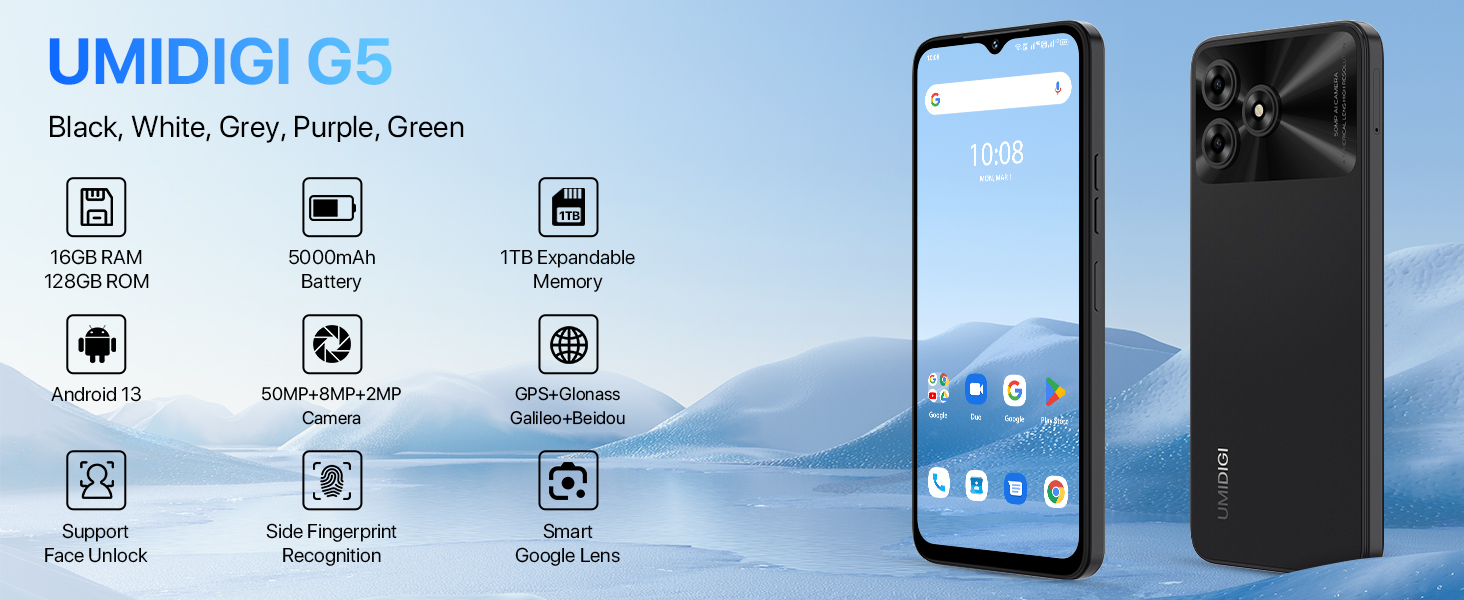
Image: UMIDIGI G5 Smartphone highlighting its core features.
2. What's Included
Verify that all items are present in the package:
- UMIDIGI G5 Smartphone
- Protector Film (pre-applied)
- Phone Case
- Power Adapter
- SIM Tray Ejector
- USB Type-C Cable
- Quick Start Guide
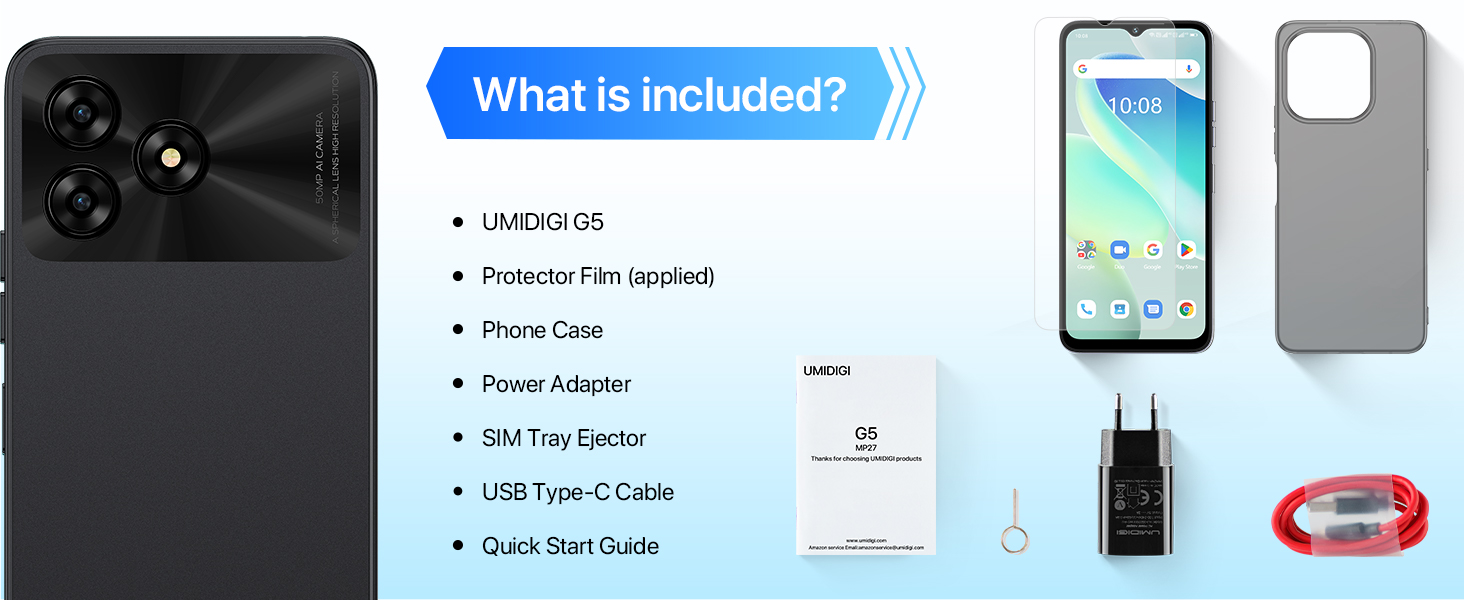
Image: Package contents of the UMIDIGI G5.
3. Setup
3.1 Inserting SIM and TF Card
The UMIDIGI G5 supports dual Nano-SIM cards or one Nano-SIM and one TF (microSD) card for expandable storage up to 1TB.
- Locate the SIM tray on the side of the device.
- Insert the SIM tray ejector tool into the small hole next to the tray and press firmly until the tray pops out.
- Place your Nano-SIM card(s) and/or TF card into the designated slots on the tray. Ensure the gold contacts are facing down and the cards are correctly oriented.
- Carefully reinsert the tray into the phone until it clicks into place.
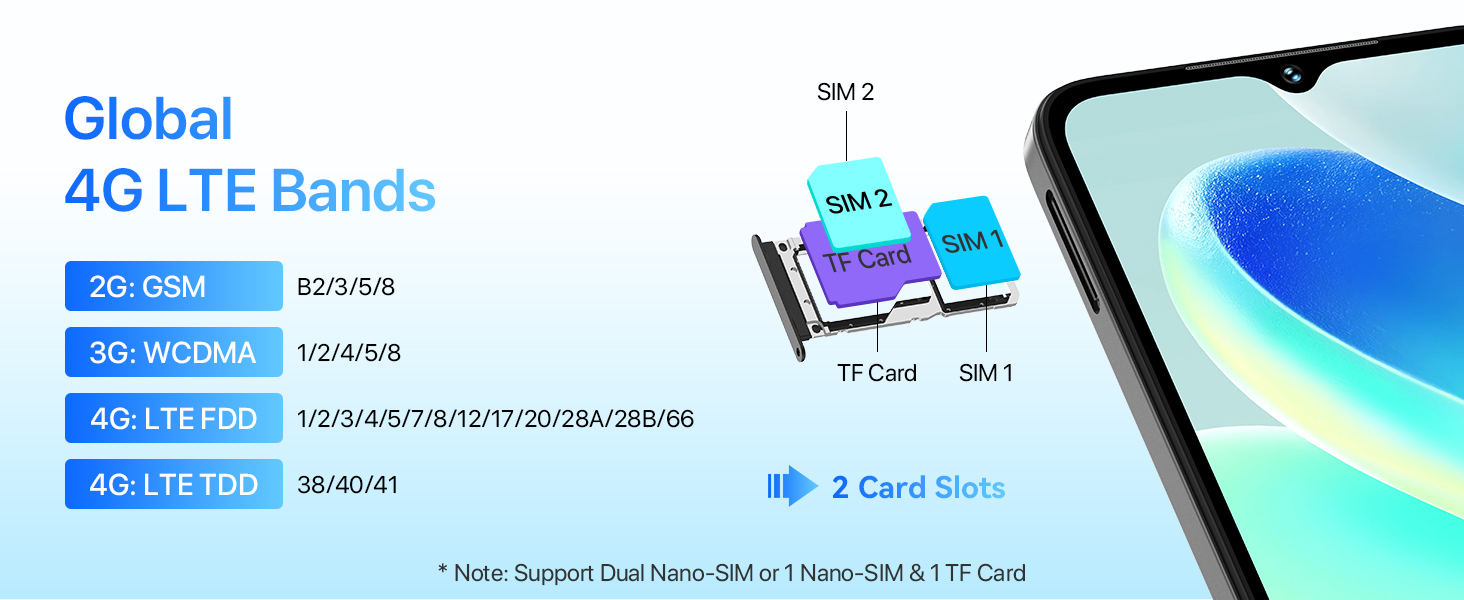
Image: SIM and TF card installation guide.
3.2 Initial Power On and Setup
- Press and hold the power button until the UMIDIGI logo appears.
- Follow the on-screen prompts to select your language, connect to Wi-Fi, and set up your Google account.
- Configure security features such as fingerprint unlock and face unlock during the initial setup for enhanced device security.
4. Operating Your Device
4.1 Display and Interaction
The UMIDIGI G5 features a 6.6-inch HD+ display with a 90Hz refresh rate for smooth visuals.
- Screen Size: 6.6 inches
- Resolution: 720 x 1640 (HD+)
- Aspect Ratio: 20:9
- Refresh Rate: 90Hz
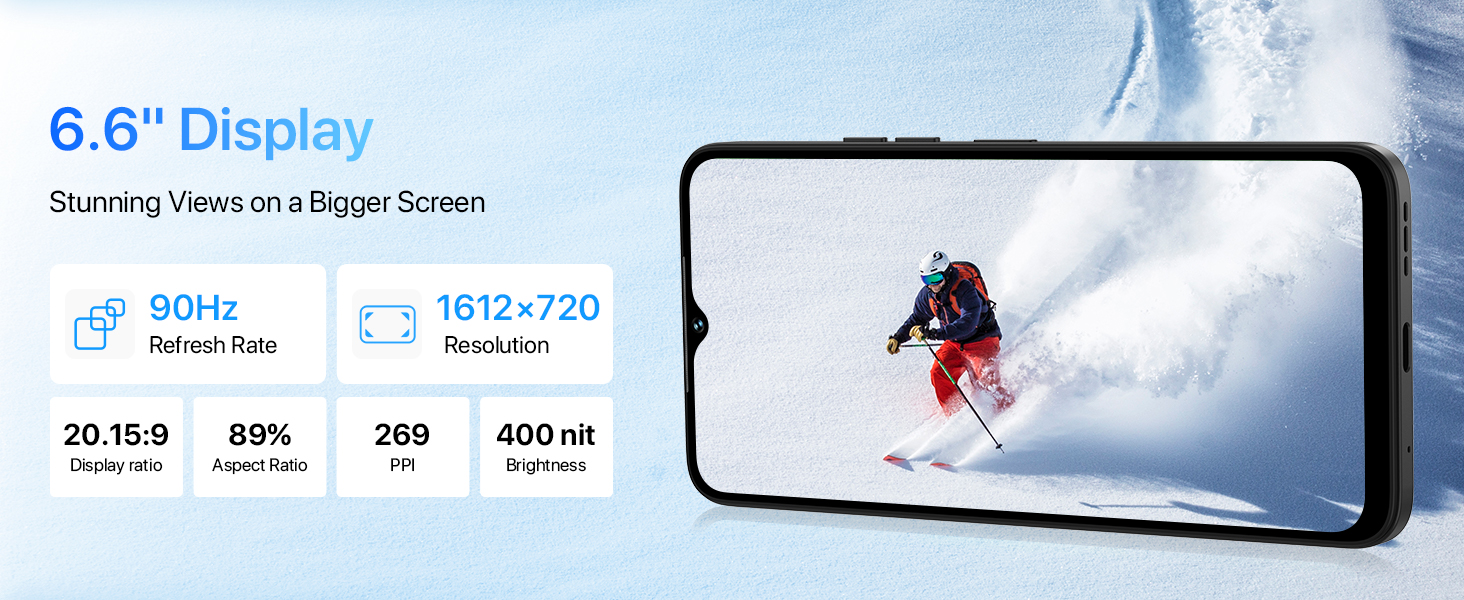
Image: Details of the UMIDIGI G5's display features.
4.2 Camera Functions
The UMIDIGI G5 is equipped with a 50MP AI main camera, a 2MP macro camera, and an 8MP front camera.
- 50MP Main Camera: Captures high-resolution images with vibrant colors.
- 2MP Macro Camera: Designed for close-up shots, revealing fine details.
- 8MP Front Camera: Ideal for selfies and video calls, includes beauty mode.
Multiple camera modes are available:
- AI Camera: Intelligent scene recognition for optimized photos.
- Pro Mode: Manual controls for advanced photography.
- Portrait Mode: Creates a depth-of-field effect.
- Panorama Mode: Captures wide scenic views.
- Night Mode: Enhances photos in low-light conditions.
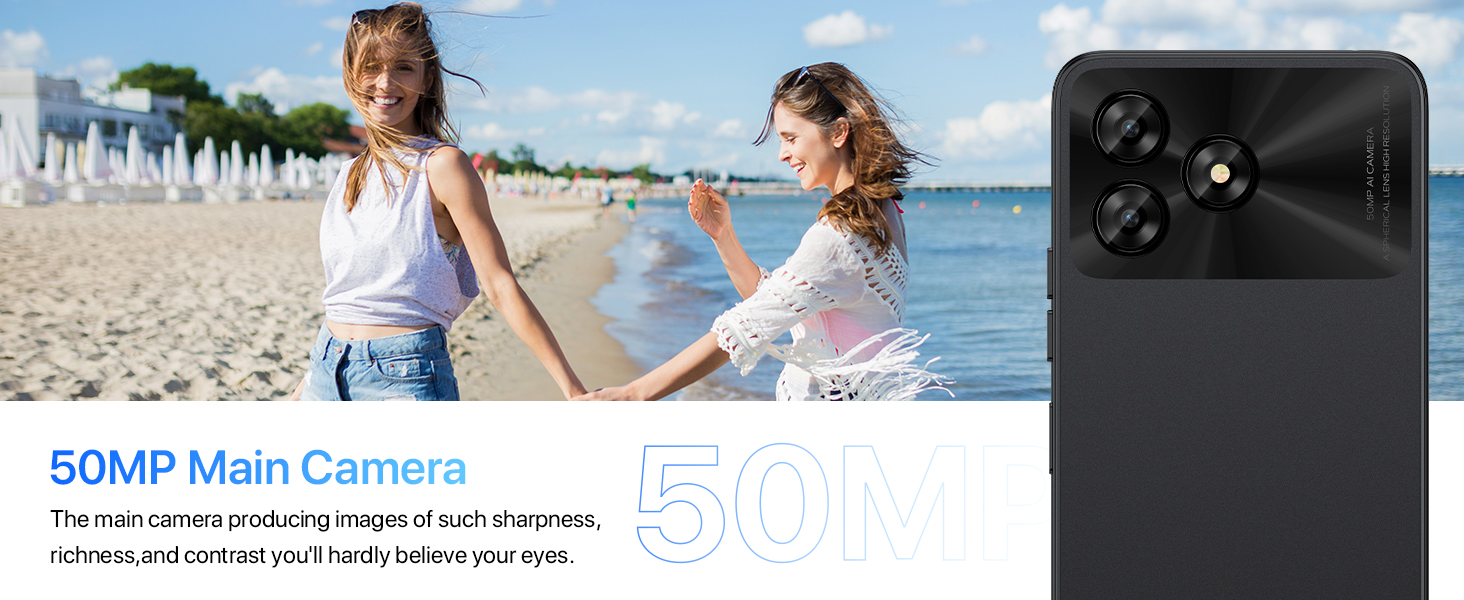
Image: Overview of the UMIDIGI G5 camera system.
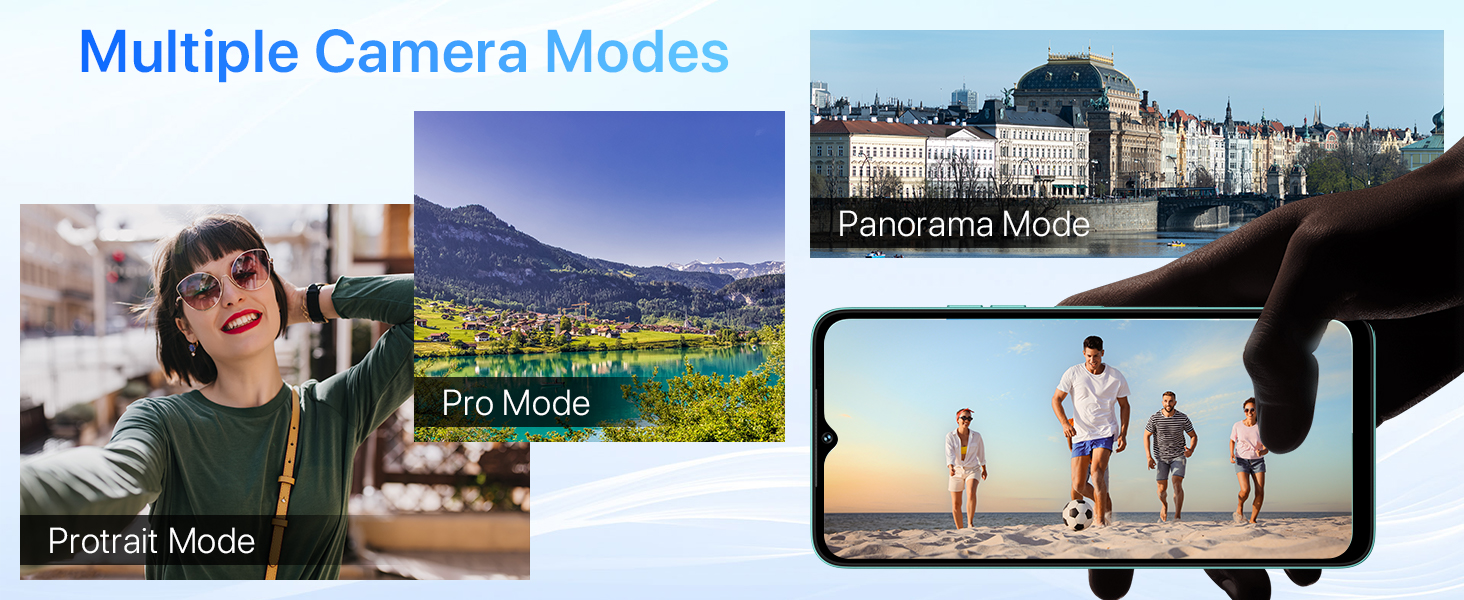
Image: Demonstration of Night Mode functionality.
4.3 Battery and Charging
The UMIDIGI G5 is equipped with a 5000mAh battery and supports 10W fast charging.
- Use the provided USB Type-C cable and power adapter for optimal charging.
- The device supports OTG (On-The-Go) functionality, allowing it to act as a power bank to charge other electronic devices.
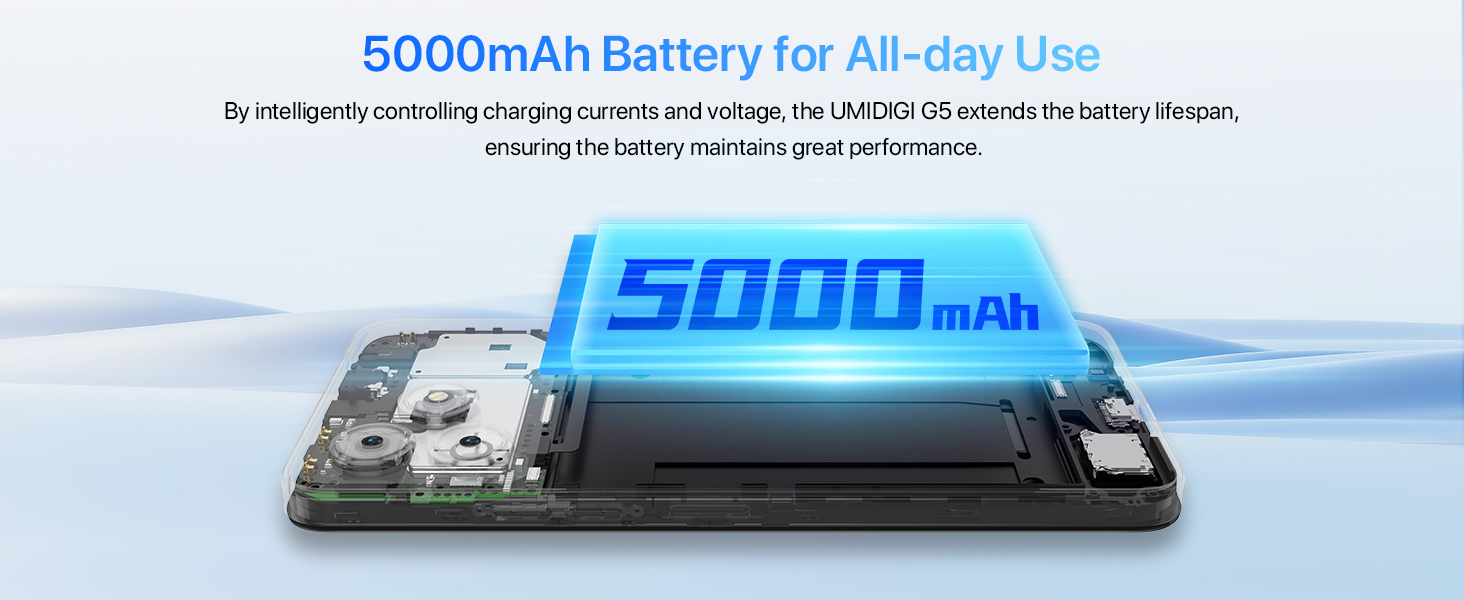
Image: 5000mAh battery and 10W charging.
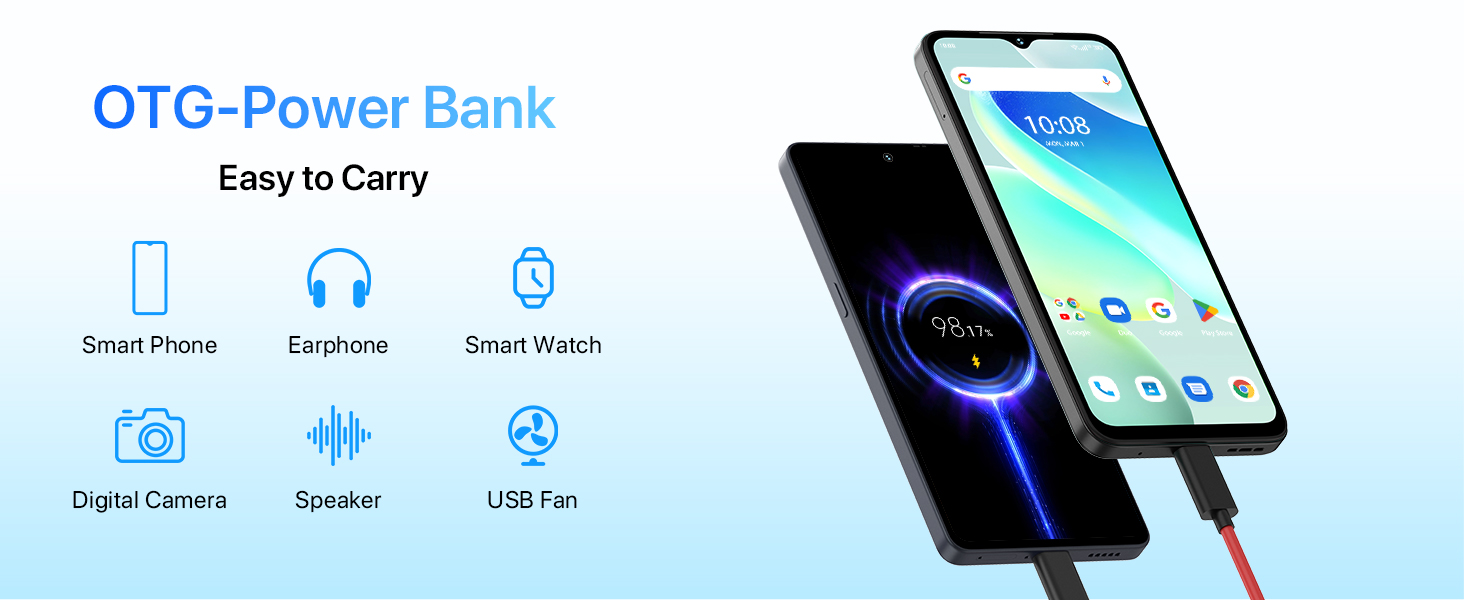
Image: OTG (On-The-Go) power bank feature.
4.4 Security Features
The UMIDIGI G5 offers multiple security options for unlocking your device:
- Face Unlock: Uses facial recognition to unlock the phone quickly.
- Side Fingerprint Sensor: A fingerprint sensor integrated into the side power button for convenient unlocking.
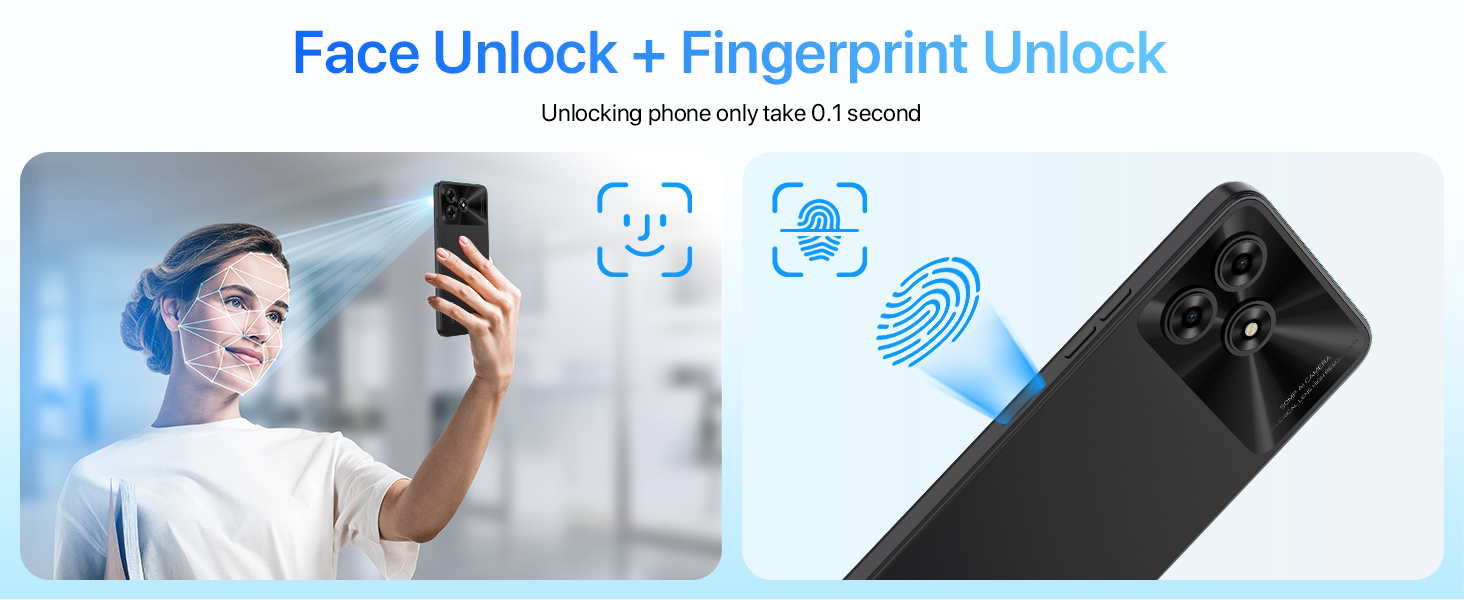
Image: Face Unlock and Fingerprint Unlock features.
5. Connectivity
5.1 Network Connectivity
The UMIDIGI G5 supports global 4G LTE bands, ensuring broad network compatibility.
- 2G GSM: B2/3/5/8
- 3G WCDMA: 1/2/4/5/8
- 4G LTE FDD: 1/2/3/4/5/7/8/12/17/20/28A/28B/66
- 4G LTE TDD: 38/40/41
5.2 Wireless and Location Services
- Bluetooth 5.0: For connecting wireless accessories.
- Wi-Fi: Supports standard Wi-Fi networks for internet access.
- GPS: Integrated GPS, Glonass, Galileo, and Beidou for accurate location tracking and navigation.
- FM Radio: Headset-free FM radio functionality.
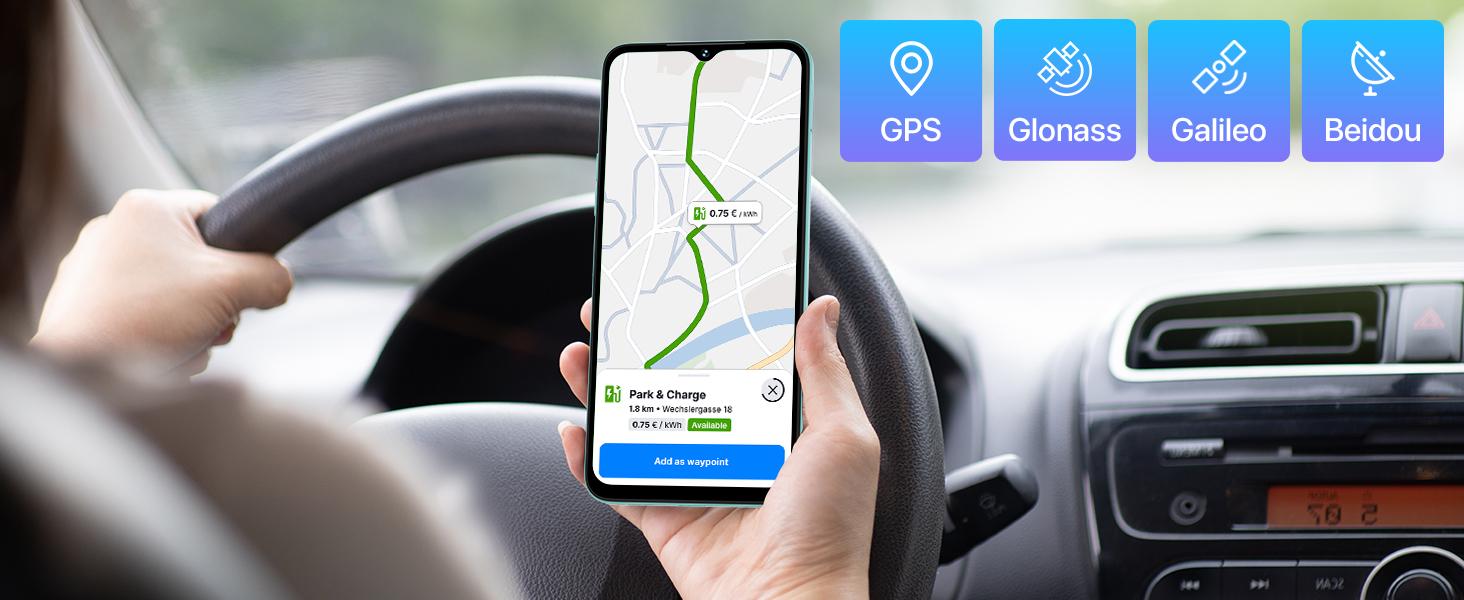
Image: GPS and global navigation satellite system support.
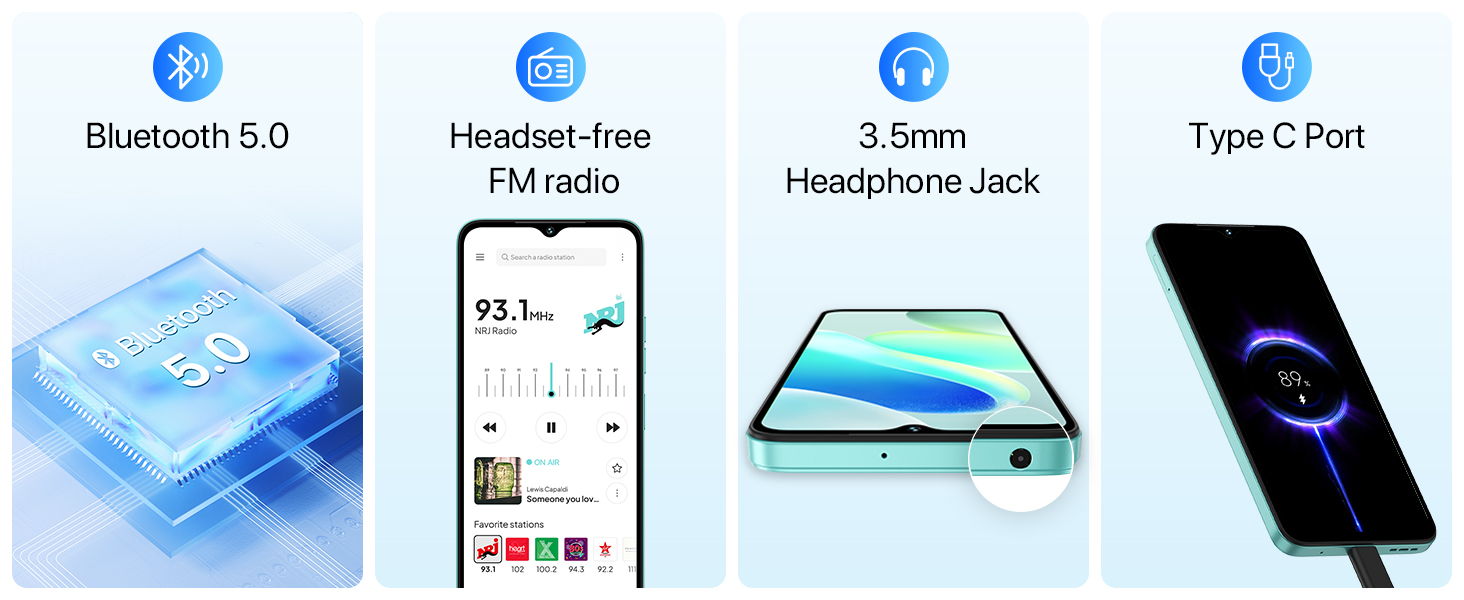
Image: Bluetooth, FM radio, headphone jack, and Type-C port.
6. Storage and Performance
The UMIDIGI G5 is powered by a Unisoc T606 Octa-Core processor and offers ample memory and storage.
- Processor: Unisoc T606 Octa-Core
- RAM: 8GB (expandable up to 16GB with virtual memory expansion)
- Internal Storage: 128GB
- Expandable Storage: Up to 1TB via TF card
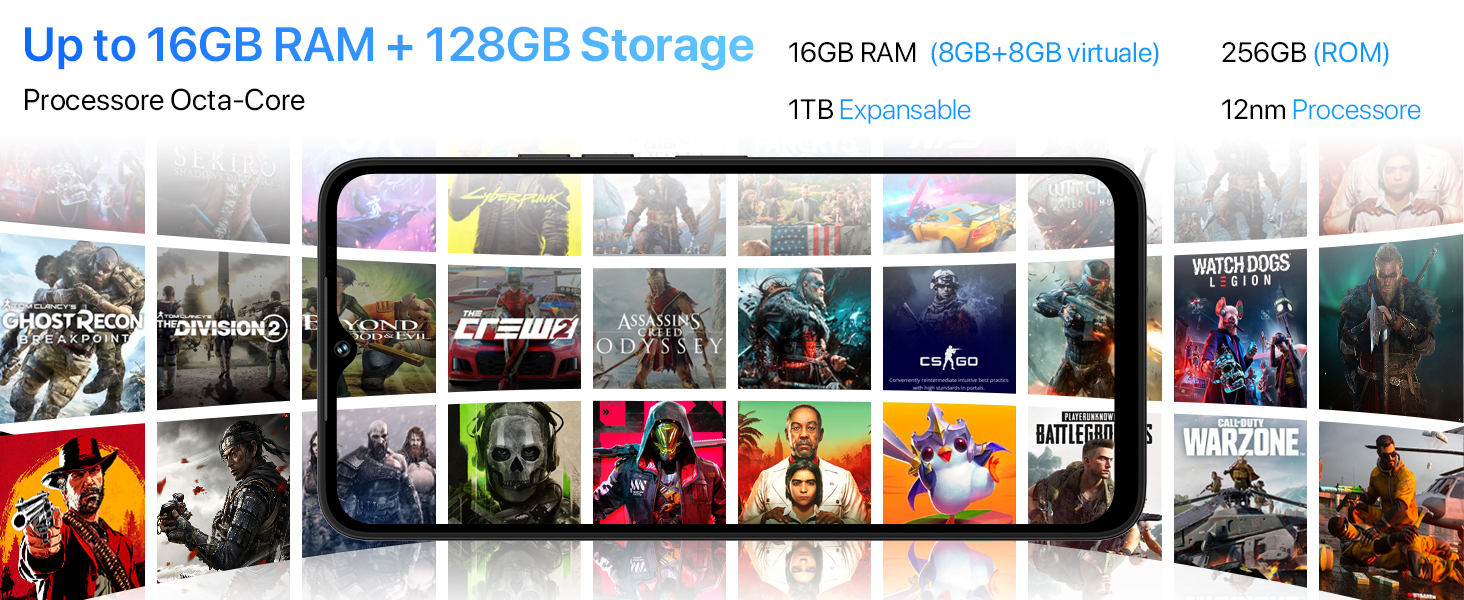
Image: Processor, RAM, and storage capabilities.
7. Software
The UMIDIGI G5 runs on Android 13, offering enhanced privacy, personalization, and a responsive user experience.
- Operating System: Android 13
- Google Mobile Services (GMS): Pre-installed with essential Google applications.
- Google Lens: Utilize Google Lens for smart search, translation, object identification, and more.
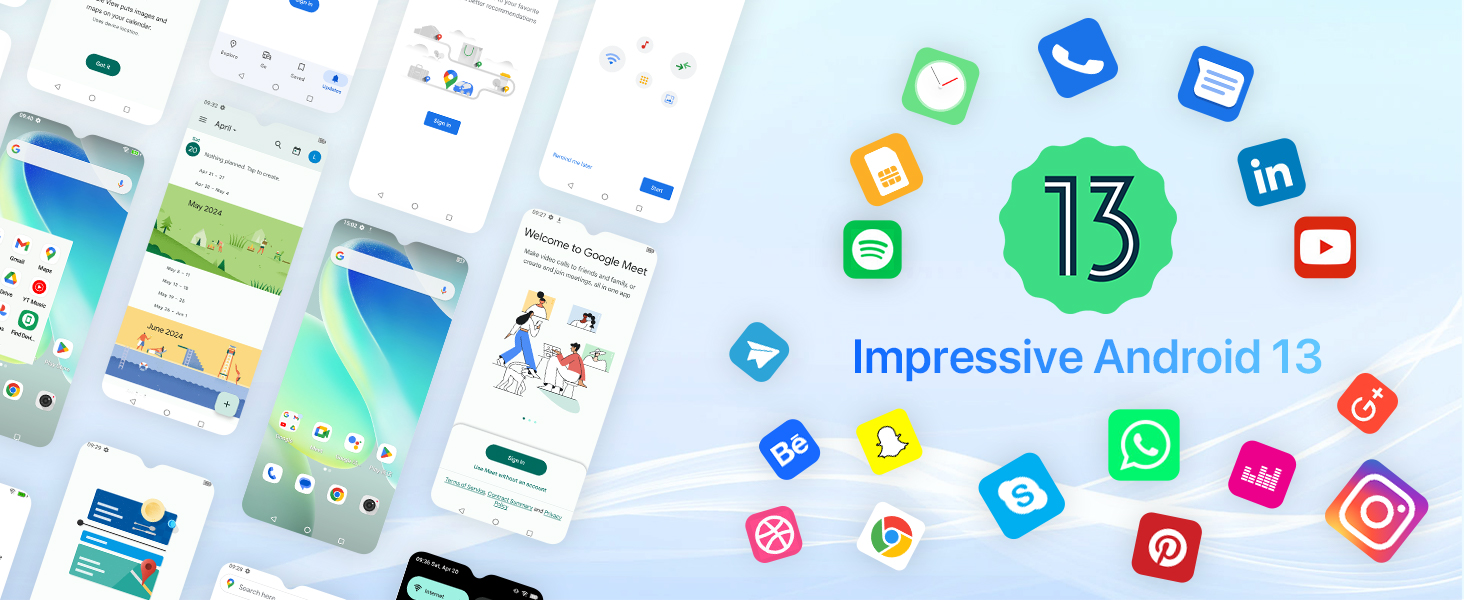
Image: Android 13 operating system interface.
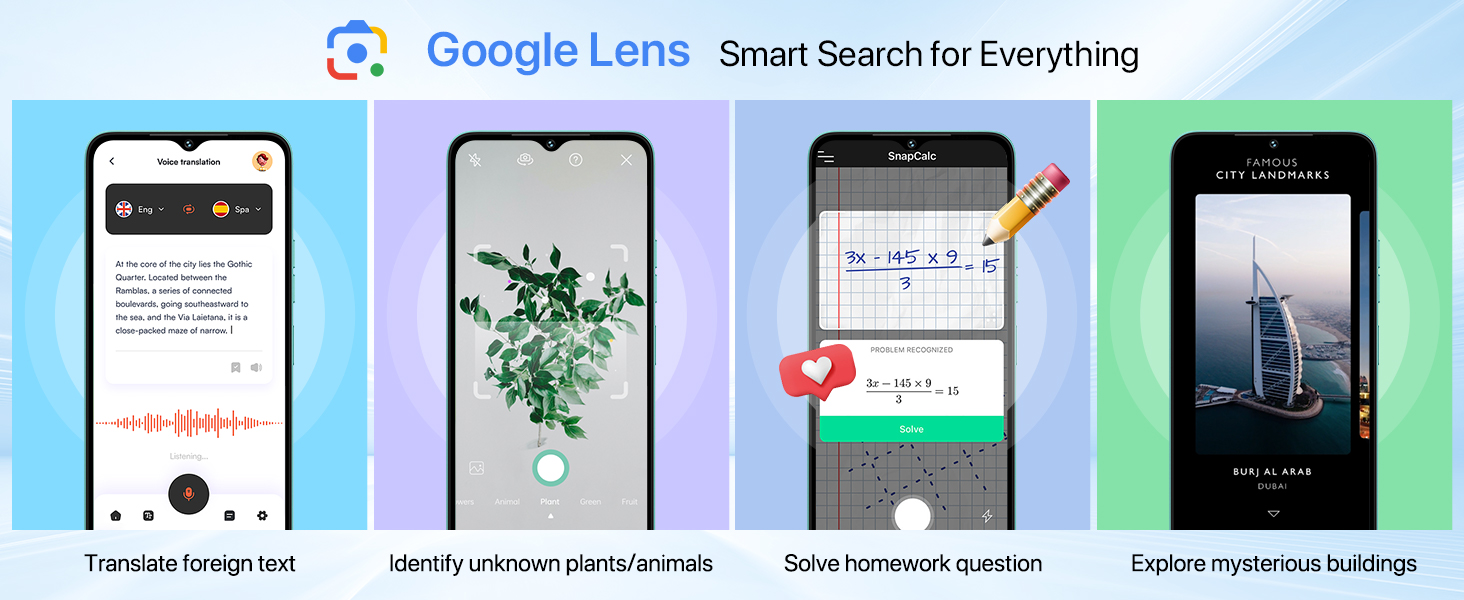
Image: Google Lens functionality.
8. Maintenance
To ensure the longevity and optimal performance of your UMIDIGI G5, follow these maintenance guidelines:
- Cleaning: Use a soft, lint-free cloth to clean the screen and body. Avoid abrasive materials or harsh chemicals.
- Temperature: Operate the device within recommended temperature ranges. Avoid extreme heat or cold.
- Water Resistance: The device is not rated for water resistance. Avoid exposure to liquids.
- Software Updates: Regularly check for and install system updates to benefit from performance improvements and security patches.
- Battery Care: Avoid fully discharging the battery frequently. Charge the device using the provided charger.
9. Troubleshooting
If you encounter issues with your UMIDIGI G5, refer to the following common solutions:
| Problem | Possible Solution |
|---|---|
| Device does not power on | Ensure the battery is charged. Connect the charger and wait a few minutes before attempting to power on again. |
| Poor network signal | Check SIM card insertion. Move to an area with better network coverage. Restart the device. |
| Apps crashing or freezing | Clear the app's cache and data in Settings > Apps. If the issue persists, uninstall and reinstall the app. Ensure sufficient storage space. |
| Battery drains quickly | Reduce screen brightness. Close unused apps running in the background. Disable unnecessary features like Bluetooth or GPS when not in use. |
| Fingerprint/Face unlock not working | Ensure your finger/face is clean and properly positioned. Re-register your fingerprint/face in Security settings. |
10. Specifications
Detailed technical specifications for the UMIDIGI G5 Smartphone:
- Model Name: G5
- Operating System: Android 13
- Processor: Unisoc T606 Octa-Core
- RAM: Up to 16GB (8GB physical + 8GB virtual)
- Internal Storage: 128GB
- Expandable Storage: Up to 1TB via TF Card
- Screen Size: 6.6 Inches
- Display Resolution: 720 x 1640 HD+
- Refresh Rate: 90Hz
- Main Camera: 50MP AI Camera
- Macro Camera: 2MP
- Front Camera: 8MP
- Battery Capacity: 5000mAh
- Charging: 10W Fast Charging
- Connectivity: 4G LTE, Bluetooth 5.0, Wi-Fi
- Navigation: GPS, Glonass, Galileo, Beidou
- Security: Face Unlock, Side Fingerprint Sensor
- Dimensions: 8.8mm thickness, 195g weight (approximate)
- Ports: USB Type-C, 3.5mm Headphone Jack
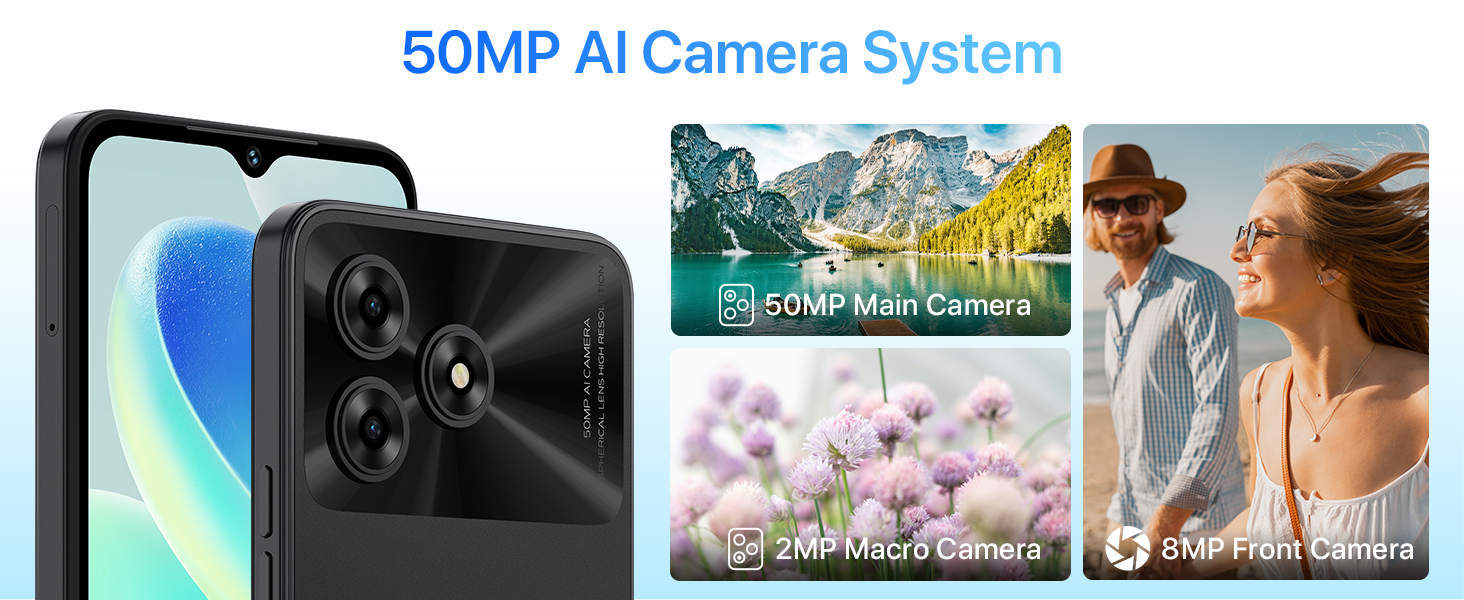
Image: Physical dimensions of the UMIDIGI G5.
11. Warranty and Support
For warranty information and customer support, please refer to the official UMIDIGI website or contact your retailer. Keep your proof of purchase for warranty claims.
Official Website: www.umidigi.com


