
1. Introduction
The Access AST300 L1 Fingerprint Scanner is a biometric device designed for secure and accurate fingerprint authentication. Featuring a FAP 20 thermal sensor, it provides reliable live finger detection for various applications. This manual provides essential information for setting up, operating, maintaining, and troubleshooting your device to ensure optimal performance.
2. Product Overview
The AST300 L1 is a compact and lightweight fingerprint scanner. It connects via a C PIN (USB Type-C) for seamless integration with compatible systems. The device is designed for ease of use and portability.
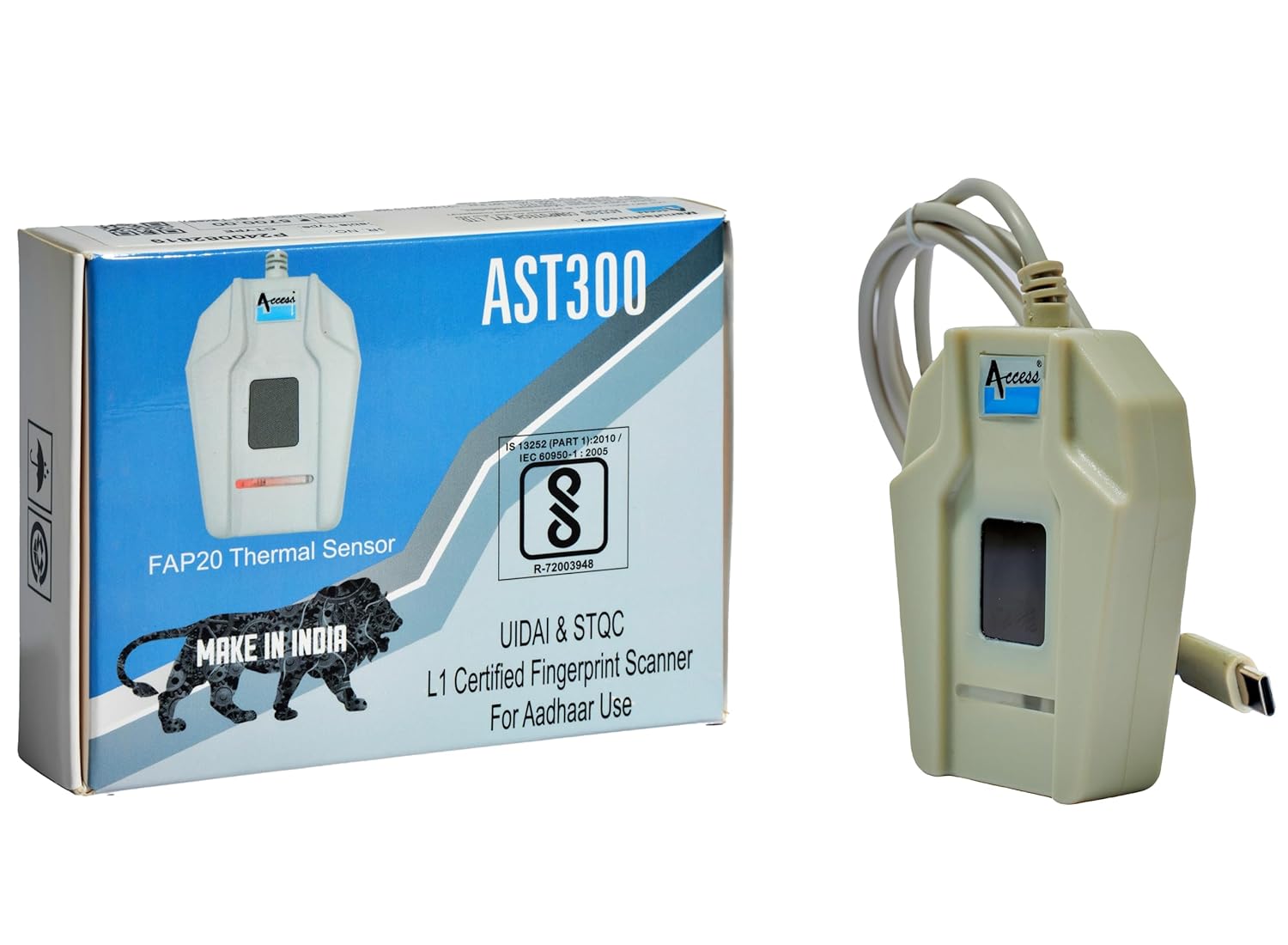
Figure 2.1: Access AST300 L1 Fingerprint Scanner with its retail packaging. The packaging highlights the FAP20 Thermal Sensor and L1 certification for Aadhaar use.
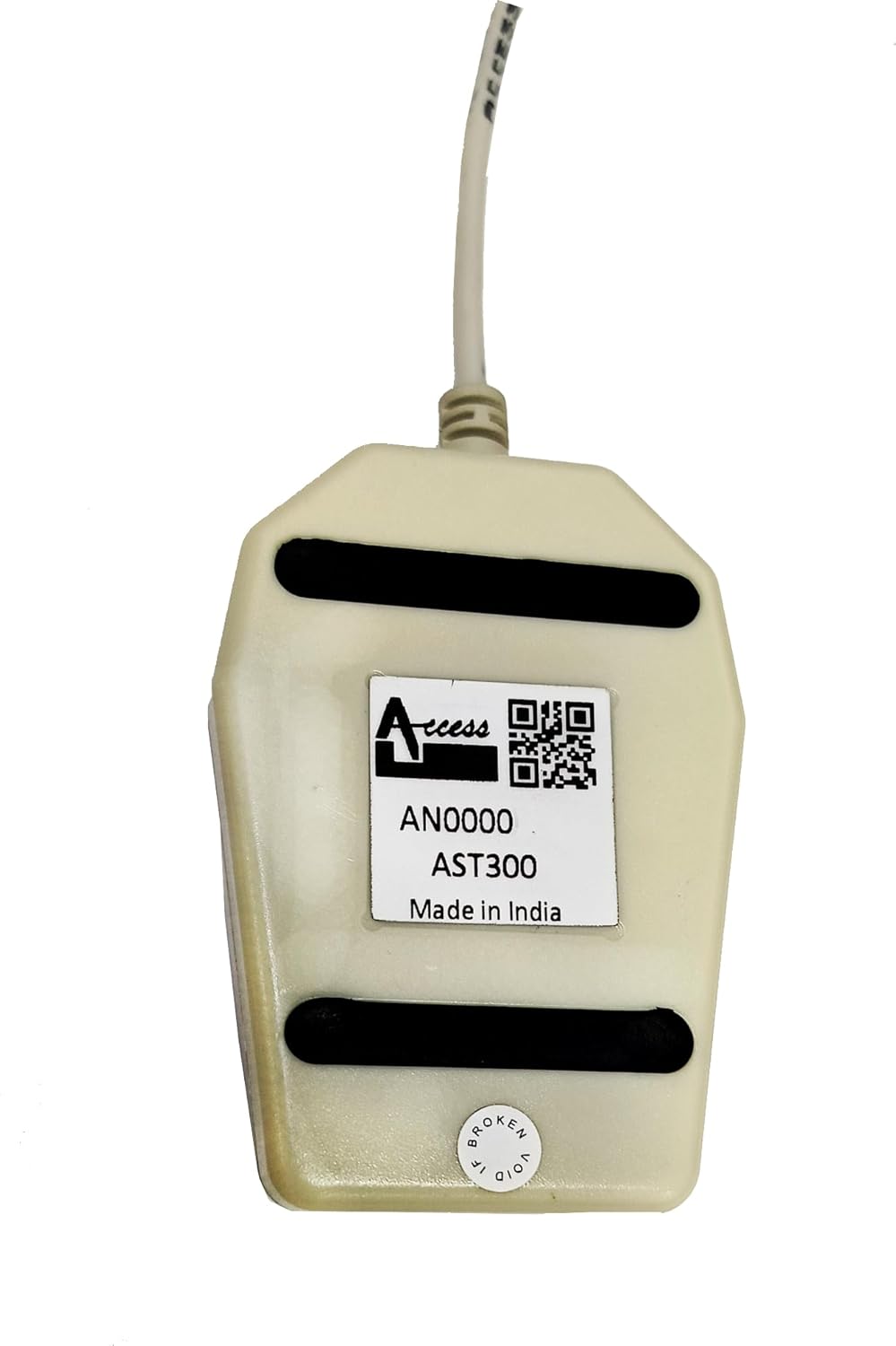
Figure 2.2: Rear view of the Access AST300 L1 Fingerprint Scanner, displaying the model number (AST300) and manufacturing details.
3. Key Features
- FAP 20 Thermal Sensor: Provides a large fingerprint capture area for improved matching performance and reliability across various fingerprint types.
- Live Finger Detection: Advanced technology to detect real fingerprints, enhancing security and preventing fraudulent inputs.
- Easy Type-C Connectivity: Seamless setup and connection with Windows and Linux operating systems.
- UIDAI Whitelisted: Officially approved for Aadhaar Authentication, AEBAS (Aadhaar Enabled Biometric Attendance System), AEPS (Aadhaar Enabled Payment System), and KYC & Aadhaar-Based Authentication Services.
- High Efficiency: Optimized for fast fingerprint detection with minimal rejections.
- Compact Design: Tabletop design for convenience and portability.
4. Setup Instructions
Follow these steps to set up your Access AST300 L1 Fingerprint Scanner:
- Connect the Device: Plug the C PIN connector of the AST300 L1 scanner into an available USB Type-C port on your computer (Windows or Linux).
- Driver and RD Service Installation: The device requires specific drivers and an RD (Registered Device) service for proper functionality, especially for Aadhaar-related applications.
- Download the necessary setup files from the official Access Computech website. A direct link for the RD service setup is: Download RD Service Setup.
- Follow the on-screen instructions to install the drivers and RD service. Ensure all components are installed correctly for seamless operation.
- Verification: After installation, verify the device is recognized by your system and the RD service is running. Refer to your operating system's device manager or the RD service status application.

Figure 4.1: The AST300 L1 scanner, highlighting its USB Type-C connectivity and compatibility with Windows, along with its certifications for Aadhaar and STQC.
5. Operating Instructions
Once the device is set up and drivers are installed, you can begin using your AST300 L1 scanner:
- Application Integration: The scanner is designed to work with various applications that require biometric authentication, such as Aadhaar-based services (AEBAS, AEPS, KYC). Ensure your application is configured to use the AST300 L1.
- Finger Placement: Place your finger flat and centered on the scanner's thermal sensor. Ensure full contact for an accurate reading.
- Authentication Process: Follow the prompts within your application for fingerprint capture and authentication. The device will typically provide visual feedback (e.g., an LED indicator) during the scanning process.
- Secure Operation: The live finger detection feature ensures that only real, live fingerprints are accepted, enhancing the security of your authentication processes.
6. Maintenance
Proper maintenance ensures the longevity and optimal performance of your AST300 L1 scanner:
- Cleaning: Regularly clean the thermal sensor surface with a soft, lint-free cloth. If necessary, use a small amount of isopropyl alcohol on the cloth, ensuring no liquid enters the device.
- Storage: Store the device in a cool, dry place away from direct sunlight and extreme temperatures.
- Handling: Avoid dropping the device or subjecting it to strong impacts. Do not attempt to open the casing, as this may void the warranty.
- Cable Care: Handle the USB cable gently. Avoid bending or twisting it sharply, which can damage the internal wires.
7. Troubleshooting
If you encounter issues with your AST300 L1 scanner, refer to the following troubleshooting tips:
- Device Not Recognized:
- Ensure the C PIN cable is securely connected to both the scanner and your computer.
- Try connecting to a different USB Type-C port.
- Verify that the necessary drivers and RD service are correctly installed. Reinstall them if needed.
- Check your computer's Device Manager (Windows) or equivalent (Linux) to see if the device is listed without errors.
- Fingerprint Capture Issues:
- Ensure your finger is clean and dry.
- Place your finger flat and firmly on the sensor, covering the entire area.
- Clean the sensor surface as described in the Maintenance section.
- Ensure the application you are using is compatible and properly configured for the AST300 L1.
- Application Specific Problems (e.g., Airtel Mitra App):
- Some applications may require specific versions of the RD service or have their own compatibility requirements. Contact the application provider's support for assistance.
- Ensure your RD service is active and up-to-date.
- Device Malfunction After Some Use:
- If the device stops functioning after a period, ensure it has not been subjected to physical damage or improper handling.
- Reinstall drivers and RD service.
- If the issue persists, refer to the Warranty and Support section for further assistance.
8. Specifications
| Brand | Access |
| Model | AST300 L1 |
| Scanner Type | Fingerprint (Thermal Biometric Scanner) |
| Connectivity Technology | USB Type-C |
| Resolution | 600 dpi |
| Greyscale | 256 levels |
| Light Source Type | LED |
| Wattage | 1 Watts |
| Product Dimensions (LxWxH) | 10 x 6 x 2.5 cm |
| Item Weight | 90 g |
| Country of Origin | India |

Figure 8.1: Physical dimensions of the Access AST300 L1 Fingerprint Scanner, showing approximate length of 9cm and width of 5.6cm.
9. Warranty and Support
Your Access AST300 L1 Fingerprint Scanner comes with the following:
- 1-Year Warranty: For peace of mind against manufacturing defects.
- 1-Year Free RD Service: Ensures uninterrupted usage and compliance with biometric authentication standards.
For technical support, warranty claims, or further inquiries, please contact the Access Computech Support Team. You can find their contact information on the official Access Computech website or through your purchase documentation.
Manufacturer: ACCESS COMPUTECH PVT LTD, Vadodara, Gujarat, India.
10. Important Information
The AST300 L1 biometric device has been officially whitelisted by UIDAI, making it fully approved for:
- Aadhaar Authentication
- AEBAS (Aadhaar Enabled Biometric Attendance System)
- AEPS (Aadhaar Enabled Payment System)
- KYC & Aadhaar-Based Authentication Services
This ensures seamless device registration, continued functionality, and secure, real-time authentication for banking, access control, and government applications.


