
1. Introduction
This manual provides essential information for the installation, operation, and maintenance of your Waterdrop G5P700-CF replacement filter. This filter is specifically designed for use with the Waterdrop G5P700 Tankless Reverse Osmosis System.
The Waterdrop G5P700-CF filter is engineered to enhance water quality by reducing various impurities, ensuring cleaner and better-tasting water for your household needs.

Image 1.1: The Waterdrop G5P700-CF filter shown alongside the compatible G5P700 Reverse Osmosis system.
2. Setup: Filter Replacement
Replacing the Waterdrop G5P700-CF filter is a quick and tool-free process, designed for user convenience. It typically takes only three seconds.
2.1. Replacement Procedure
- Identify the Filter: Locate the CF filter on your Waterdrop G5P700 RO system.
- Unlock: Gently twist the filter counter-clockwise until it unlocks from its housing. The system features an automatic water shutoff when the filter is removed.
- Remove: Pull the old filter straight out from the system.
- Insert New Filter: Take the new Waterdrop G5P700-CF filter. Align the new filter with the housing, ensuring it is properly seated.
- Lock: Push the filter in and twist it clockwise until it locks securely into place.

Image 2.1: Visual guide demonstrating the simple twist-and-pull method for filter replacement, highlighting the alignment point and tool-free design.
3. Operating the Filter
Once installed, the Waterdrop G5P700-CF filter operates continuously as part of your G5P700 RO system. It works to purify your tap water through multiple stages of filtration.
3.1. Filtration Process
The filter effectively reduces various contaminants and undesirable elements from your water. This includes:
- Chlorine
- Unpleasant taste and odor
- Rust
- Sand
- Sediment
- Dust
- Other particulate impurities
This multi-stage filtration process ensures that the water dispensed from your system is cleaner and has an improved taste profile.

Image 3.1: An illustration detailing the various filtration layers within the Waterdrop filter and the types of impurities they remove, such as chlorine, rust, and sediment.
4. Maintenance
Proper maintenance, primarily timely filter replacement, is crucial for ensuring the continuous performance of your Waterdrop G5P700 RO system.
4.1. Filter Lifespan and Replacement Schedule
Each Waterdrop G5P700-CF replacement filter has a lifespan of up to 6 months or 1056 gallons (4000 liters), whichever comes first. The actual lifespan may vary based on your local water quality and daily usage.
It is recommended to replace the filter as scheduled to maintain optimal filtration performance and water quality. Your G5P700 RO system typically includes an indicator to notify you when a filter replacement is due.

Image 4.1: A visual representation highlighting the 6-month service life of the Waterdrop G5P700-CF filter.
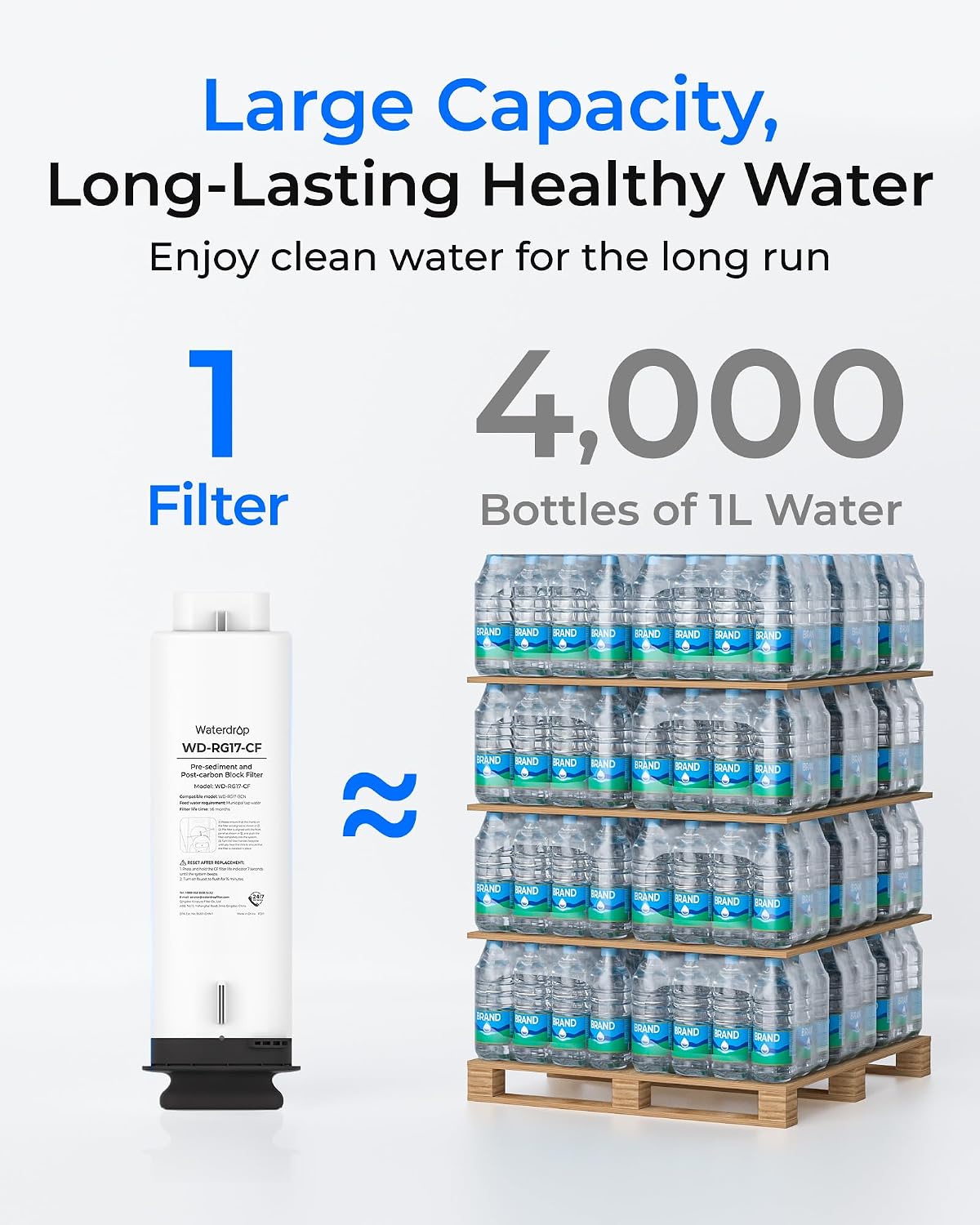
Image 4.2: This image demonstrates the significant capacity of one filter, equivalent to 4,000 bottles of 1-liter water, emphasizing its long-lasting performance.
4.2. Disposal of Used Filters
Used filters should be disposed of according to local waste disposal regulations. They are generally considered non-hazardous household waste.
5. Troubleshooting
If you experience issues with your Waterdrop G5P700 RO system after installing the G5P700-CF filter, consider the following troubleshooting steps:
- Reduced Water Flow: If the water flow rate decreases significantly, it may indicate that the filter is nearing the end of its lifespan or is clogged. Replace the filter if it has been 6 months or 1056 gallons since the last replacement.
- Unusual Taste or Odor: A return of unpleasant taste or odor in the filtered water suggests that the filter's capacity to remove these impurities has been exhausted. Replace the filter immediately.
- Leaking: Ensure the filter is correctly seated and locked into its housing. Refer to the 'Setup: Filter Replacement' section (2.1) to re-install the filter properly. If leaking persists, check the O-rings for damage or contact customer support.
- No Water Flow: Verify that the water supply to the RO system is turned on. Check if the filter is correctly installed and locked. If the issue persists, contact customer support.
6. Specifications
| Feature | Specification |
|---|---|
| Model Number | WD-G5P700-CF |
| Compatibility | Waterdrop G5P700 Tankless Reverse Osmosis System |
| Material | PP Cotton and Carbon Block |
| Dimensions (D x W x H) | 15.5 cm x 15.5 cm x 41.7 cm |
| Filter Lifespan | Up to 6 months or 1056 gallons (4000 liters) |
| Benefits | Reduces chlorine, taste, odor, rust, sand, sediment, dust, and dirt |
7. Warranty and Support
7.1. Return Policy
This product is subject to a 30-day return policy, allowing for refund or replacement in case of defects or dissatisfaction.
7.2. Customer Support
Waterdrop offers lifetime technical support for its products. Our customer service team is available 24/7 to provide assistance and answer any questions you may have regarding your filter or RO system.
For support, please refer to the contact information provided with your Waterdrop G5P700 RO system or visit the official Waterdrop website.


