Introduction
This manual provides essential instructions for the safe and efficient operation of your EF ECOFLOW RIVER 3 Portable Power Station. Please read this manual thoroughly before using the product to ensure proper usage and to prevent damage or injury. Keep this manual for future reference.
The EF ECOFLOW RIVER 3 is a compact and powerful portable power station designed to provide reliable electricity for various applications, from outdoor adventures to home backup during power outages. It features a 245Wh LiFePO4 battery, 300W AC output (up to 600W with X-Boost), and fast charging capabilities.
Important Safety Instructions
Always follow basic safety precautions when using this product to reduce the risk of fire, electric shock, or injury.
- Do not disassemble, repair, or modify the unit. Incorrect reassembly may cause fire or electric shock.
- Do not place the unit near fire or expose it to heat. Keep out of direct sunlight.
- Do not charge, use, or store the unit in a bathroom or in an area exposed to water or moisture.
- Use only approved accessories.
- Do not use the unit if it is damaged or has been dropped.
- Keep the unit away from children and pets.
- Ensure proper ventilation during use and charging. Do not cover the unit.
- The battery pack is IP54 waterproof, but the entire device is not. Avoid exposing the entire unit to water.
Setup and Initial Use
Before using your RIVER 3 Portable Power Station for the first time, please follow these steps:
- Unpacking: Carefully remove the power station and all accessories from the packaging. Verify that all components are present: RIVER 3 unit, AC charging cable, car charging cable, and user manual. Note that the protective bag may ship separately.
- Initial Charge: It is recommended to fully charge the RIVER 3 before first use. Connect the AC charging cable to the unit's AC input port and then to a wall outlet. The display will show the charging status.
- Power On/Off: Press and hold the main power button for a few seconds to turn the unit on or off. The LCD screen will illuminate.

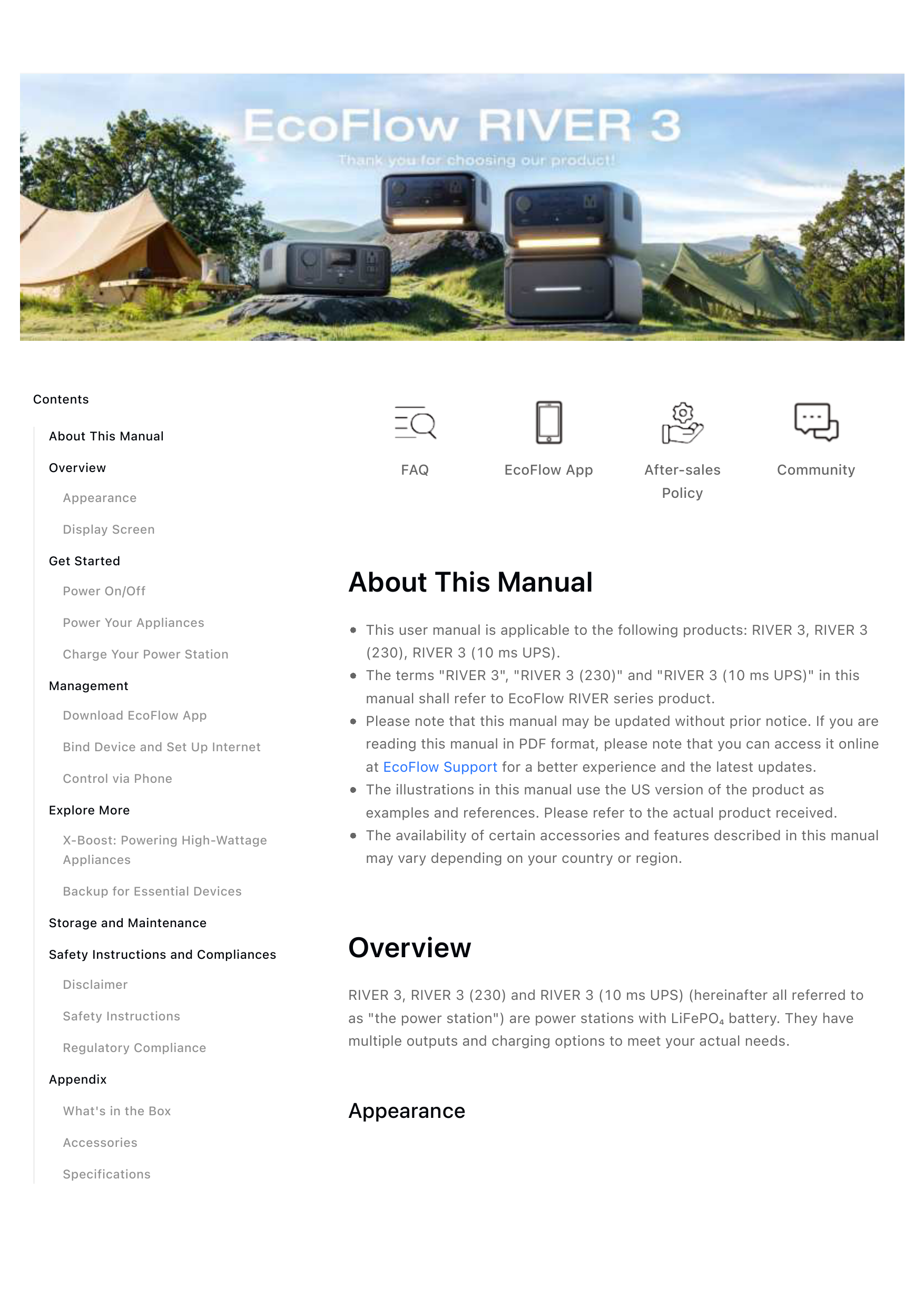
Image: The EF ECOFLOW RIVER 3 Portable Power Station with its various ports and display screen.
Operating Instructions
Charging the RIVER 3
The RIVER 3 offers multiple charging options:
- AC Wall Outlet: Connect the AC charging cable directly to a standard wall outlet. The X-Stream technology allows for 0-100% charge in approximately 1 hour.
- Solar Panel: Connect compatible solar panels (e.g., EcoFlow 110W Portable Solar Panel) to the solar input port. Charging time is approximately 2.6 hours with 110W solar input.
- Car Charger: Use the car charging cable to charge the unit from your vehicle's 12V cigarette lighter port.
- Generator: The unit can also be charged via a generator.

Image: The RIVER 3 being charged via an AC wall outlet, demonstrating its fast charging capability.

Image: The RIVER 3 connected to a solar panel for charging in an outdoor setting.
Powering Devices
The RIVER 3 provides multiple output ports to power various devices:
- AC Outlets: The unit has 2 AC outlets, providing a continuous output of 300W. For devices requiring higher wattage, the X-Boost feature can power appliances up to 600W.
- USB-A Ports: Two USB-A ports are available for charging smaller electronic devices.
- USB-C Port: One USB-C port provides fast charging for compatible devices.
- Car Charging Outlet: A 12V car charging outlet is available for devices that use a car adapter.

Image: The RIVER 3 connected to and powering multiple devices simultaneously, including a drone, a lantern, and a portable heater.

Image: A family using the RIVER 3 to power a television and gaming console, illustrating its capability to power home appliances.
Uninterruptible Power Supply (UPS) Function
The RIVER 3 features an auto-switching UPS function. In the event of a power outage, the AC outlet will switch to the RIVER 3's power supply within 20 milliseconds. This ensures continuous operation for vital home appliances, maintaining food storage, security, and communication.

Image: A person working on a laptop, with the RIVER 3 connected, demonstrating its UPS functionality during a power interruption.
X-GaNPower Technology
The RIVER 3 incorporates X-GaNPower technology, which enhances energy efficiency. This allows for double the runtime for appliances under 100W, such as Wi-Fi routers or low-wattage lights, compared to standard power stations of similar capacity.

Image: The RIVER 3 powering a lamp, illustrating the extended runtime provided by X-GaNPower technology for low-wattage devices.
X-Quiet Operation
With X-Quiet technology, the RIVER 3 operates at a low noise level, typically less than 30 dB at a distance of 1.5 feet. This makes it suitable for use in quiet environments like bedrooms or offices.

Image: The RIVER 3 placed on a bedside table next to a sleeping child, highlighting its quiet operation.
Smart App Control
The RIVER 3 can be controlled and monitored via a dedicated smartphone app. This app provides advanced charging status, battery health insights, and allows for versatile and customized charging settings, including speed control, timed charging, power-saving mode, and low-battery alerts.

Image: A smartphone displaying the EcoFlow app interface, showing battery status and control options for the RIVER 3.
Maintenance
Proper maintenance ensures the longevity and optimal performance of your RIVER 3 Power Station.
- Storage: Store the unit in a dry, well-ventilated area, away from direct sunlight and extreme temperatures. For long-term storage, discharge the battery to about 30% and then recharge to 80% every 3 months to prolong battery life.
- Cleaning: Use a dry, soft cloth to wipe the exterior of the unit. Do not use harsh chemicals or abrasive materials. Ensure all ports are free of dust and debris.
- Battery Care: The RIVER 3 uses an LFP (LiFePO4) battery designed for 3000+ charge cycles, offering a 10-year lifespan. Avoid fully discharging the battery frequently.
- X-Guard Protection: The built-in X-Guard technology provides advanced battery monitoring with over 40 safety measures, protecting against current, voltage, temperature, and circuit risks.

Image: Diagram illustrating the X-Guard battery protection technology within the RIVER 3, showing various safety measures.
Troubleshooting
If you encounter issues with your RIVER 3, refer to the following common problems and solutions:
| Problem | Possible Cause | Solution |
|---|---|---|
| Unit does not power on | Battery is fully discharged; Power button not held long enough. | Charge the unit using an AC outlet. Press and hold the power button for 3-5 seconds. |
| AC output not working | AC output is not enabled; Device wattage exceeds 300W (or 600W with X-Boost). | Press the AC power button to enable AC output. Check device wattage and enable X-Boost if necessary. |
| Slow charging via solar | Insufficient sunlight; Solar panel not properly connected; Panel is dirty. | Ensure panels are in direct sunlight and angled correctly. Check connections. Clean solar panels. |
| Unit overheating | Poor ventilation; Excessive load. | Ensure vents are clear. Reduce the number or wattage of connected devices. Allow unit to cool down. |
If the problem persists, please contact customer support.
Specifications
| Feature | Detail |
|---|---|
| Brand | EF ECOFLOW |
| Model Name | Ecoflow River 3 (EFR705) |
| Battery Capacity | 245 Watt-hours (LiFePO4) |
| AC Output | 300W (Pure Sine Wave), 600W with X-Boost |
| Total Power Outlets | 6 (2x AC, 2x USB-A, 1x USB-C, 1x Car Outlet) |
| Charging Time (AC) | 1 Hour (0-100%) |
| Solar Input | 110W Max (approx. 2.6 hours for full charge) |
| UPS Function | <20 ms Auto-switching |
| Lifespan | 3000+ Cycles to 80%+ capacity (10-year lifespan) |
| Noise Level | <30 dB at 1.5 ft (X-Quiet Technology) |
| Dimensions | 8.3"L x 4.4"W x 10"H |
| Weight | 7.8 pounds |
| Material | Metals (Steel/Aluminum) And Plastics |
| Protection | IP54 waterproof battery pack, Fireproof, Drop-resistant (X-Guard Technology) |
Warranty Information
EF ECOFLOW products are covered by a limited warranty. Please refer to the official EF ECOFLOW website or your purchase documentation for detailed warranty terms and conditions specific to the RIVER 3 model. The warranty typically covers defects in materials and workmanship under normal use.
Keep your proof of purchase for warranty claims.
Customer Support
For technical assistance, troubleshooting beyond this manual, or warranty inquiries, please contact EF ECOFLOW customer support:
- Website: Visit the official EF ECOFLOW website for FAQs, support resources, and contact information.
- Email: Refer to your product packaging or the official website for the customer support email address.
- Phone: Refer to the official website for customer service phone numbers.
When contacting support, please have your product model (RIVER 3, EFR705) and purchase date readily available.