
1. Product Overview
The HelloBaby HB6250Plus is a state-of-the-art video baby monitor designed to provide parents with peace of mind. Featuring a large 6-inch IPS screen, a long-lasting 4000mAh battery, and secure 2.4GHz FHSS wireless transmission, this monitor ensures a clear, private, and reliable connection to your baby.
The system includes a parent unit (monitor) and a baby unit (camera), offering essential features such as two-way talk, infrared night vision, and remote pan-tilt-zoom capabilities.

Image: The HelloBaby HB6250Plus monitor and camera units.
2. Key Features
- Stunning 6-Inch IPS Large Screen: High color accuracy and wider viewing angle for clear, vivid visuals.
- Long-Lasting 4000mAh Battery: Extended operation, especially useful during nighttime or for long monitoring periods.
- Two-Way Talk: Comfort your baby with your voice or listen to their sounds from anywhere in your home.
- Night Vision & Pan-Tilt-Zoom: Monitor in complete darkness with infrared night vision. Remotely adjust the camera's view (318° pan, 120° tilt, 2X zoom).
- No WiFi – Secure & Private: Utilizes 2.4GHz FHSS wireless transmission for a secure, hack-proof connection, prioritizing your baby's privacy.
- Temperature Monitoring: Displays the room temperature to ensure your baby's comfort.
- Eight Lullabies: Soothe your baby with built-in melodies.
- ECO Mode: Conserves battery by activating the screen and sound only when noise is detected.

Image: Visual representation of the monitor's core features.
3. Setup Guide
3.1. Package Contents
- Parent Unit (Monitor)
- Baby Unit (Camera)
- Power Adapters (x2)
- User Manual
3.2. Initial Setup
- Charge the Parent Unit: Connect the parent unit to a power outlet using one of the provided power adapters. Charge fully before first use (approximately 7-8 hours).
- Power the Baby Unit: Connect the baby unit (camera) to a power outlet using the other power adapter. The camera must remain plugged in for continuous operation.
- Position the Baby Unit: Place the camera in a location that provides a clear view of your baby's crib or play area. Ensure it is at least 3 feet (1 meter) away from the baby to avoid potential hazards. The camera can be placed on a flat surface or mounted to a wall.
- Power On: Press and hold the Power button on the parent unit until the screen turns on. The baby unit will automatically connect to the parent unit.
- Adjust Antenna: Extend the antenna on the parent unit for optimal signal reception. The parent unit also features a kickstand for convenient placement on a table.
4. Operating Instructions
4.1. Monitor Controls
The parent unit features intuitive buttons for easy navigation and control:
- Microphone Button: Press and hold to speak to your baby through the camera.
- Zoom Button: Press to zoom in or out on the camera's view.
- Menu/OK Button: Press to access the main menu or confirm a selection.
- Navigation Arrows: Use to move the camera view (pan/tilt) or navigate through menu options.
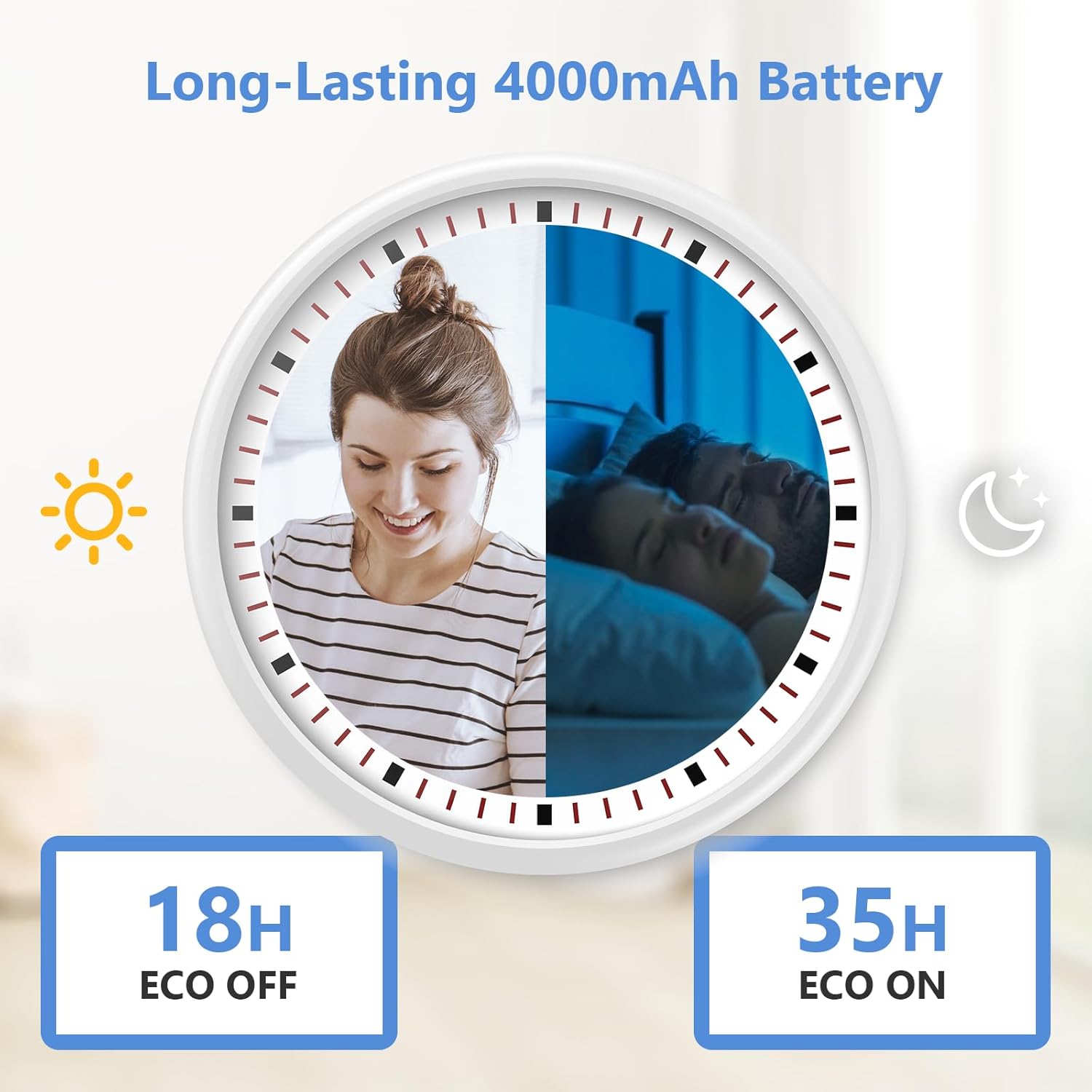
Image: The parent unit (monitor) displaying its controls and screen.
4.2. Camera Controls (Pan-Tilt-Zoom)
From the parent unit, you can remotely adjust the camera's viewing angle:
- Use the Up/Down/Left/Right navigation arrows on the parent unit to pan (move horizontally) and tilt (move vertically) the camera.
- Press the Zoom button to digitally zoom in (2X) on the image for a closer look at your baby.
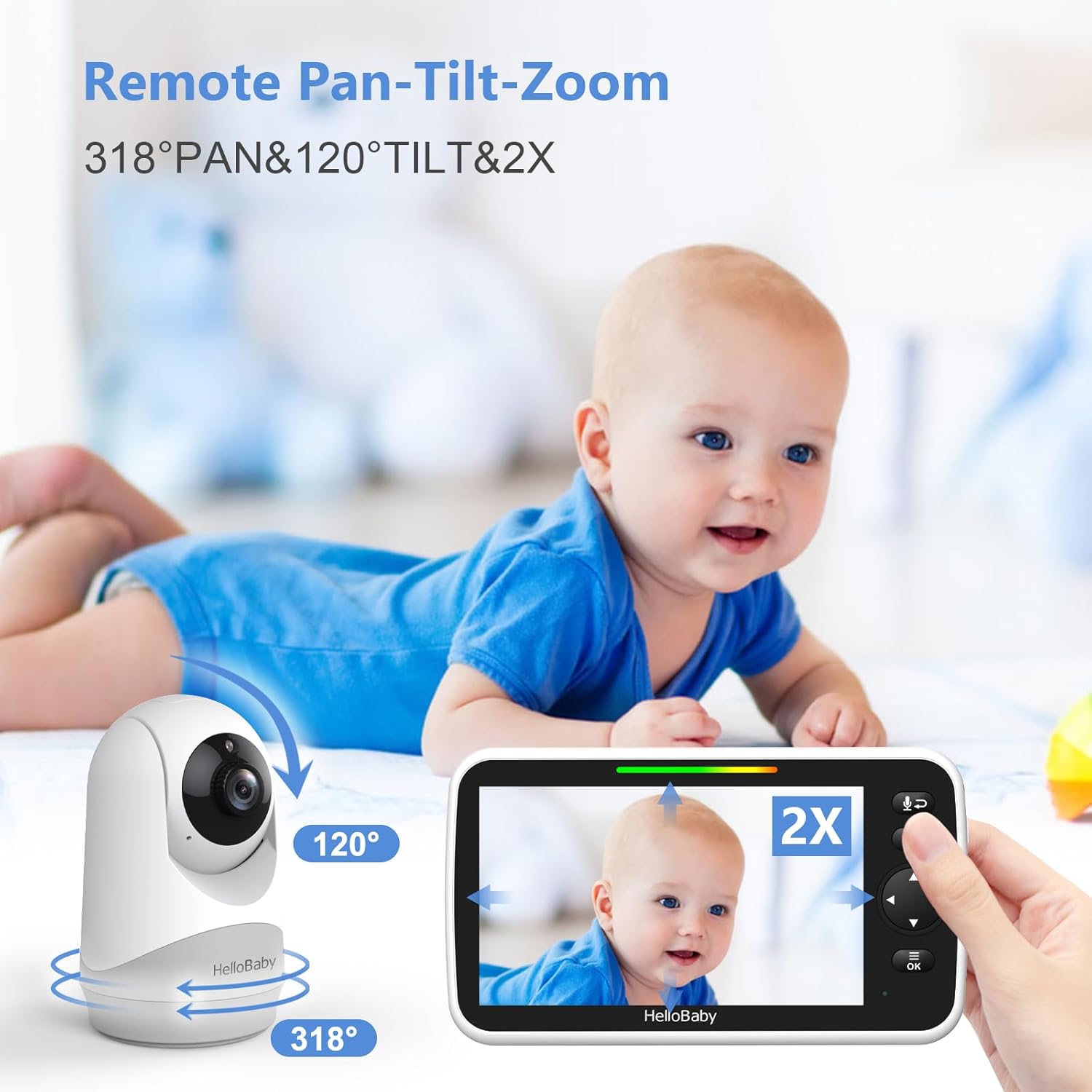
Image: Demonstrating the remote pan-tilt-zoom capabilities of the camera.
4.3. Two-Way Talk
To communicate with your baby or anyone near the camera:
- Press and hold the Microphone button on the parent unit.
- Speak clearly into the microphone on the parent unit. Your voice will be transmitted through the camera's speaker.
- Release the button to stop talking and listen for your baby's response.
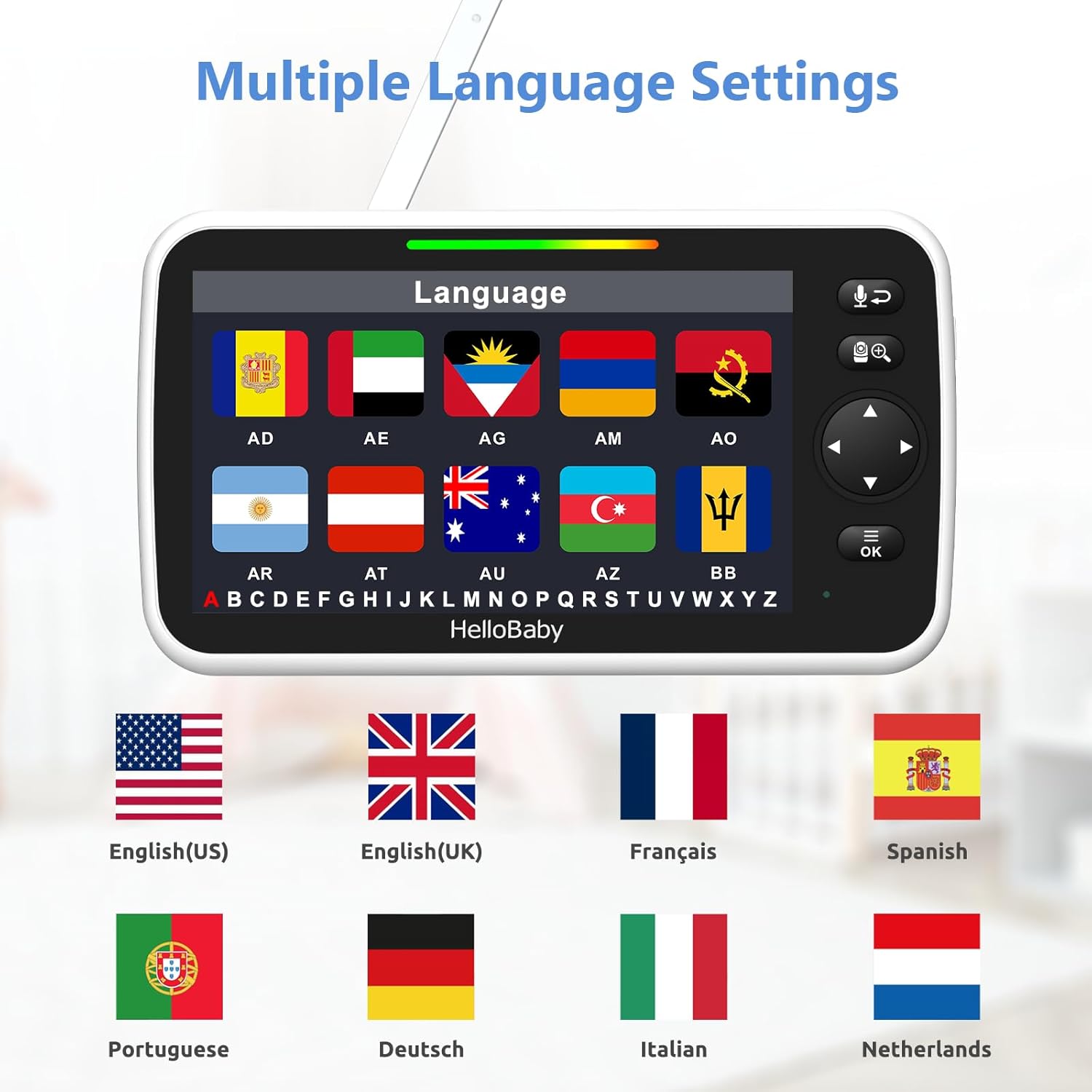
Image: The two-way talk feature in use, allowing communication between parent and baby.
4.4. Night Vision
The camera automatically activates infrared night vision in low-light conditions, providing a clear black-and-white image of your baby without disturbing their sleep. This feature ensures 24-hour monitoring capability.
4.5. ECO Mode
ECO mode helps conserve battery life on the parent unit. When activated, the screen and sound will turn off when no sound is detected from the baby's room. The monitor will automatically reactivate when sound is detected, alerting you to your baby's needs.
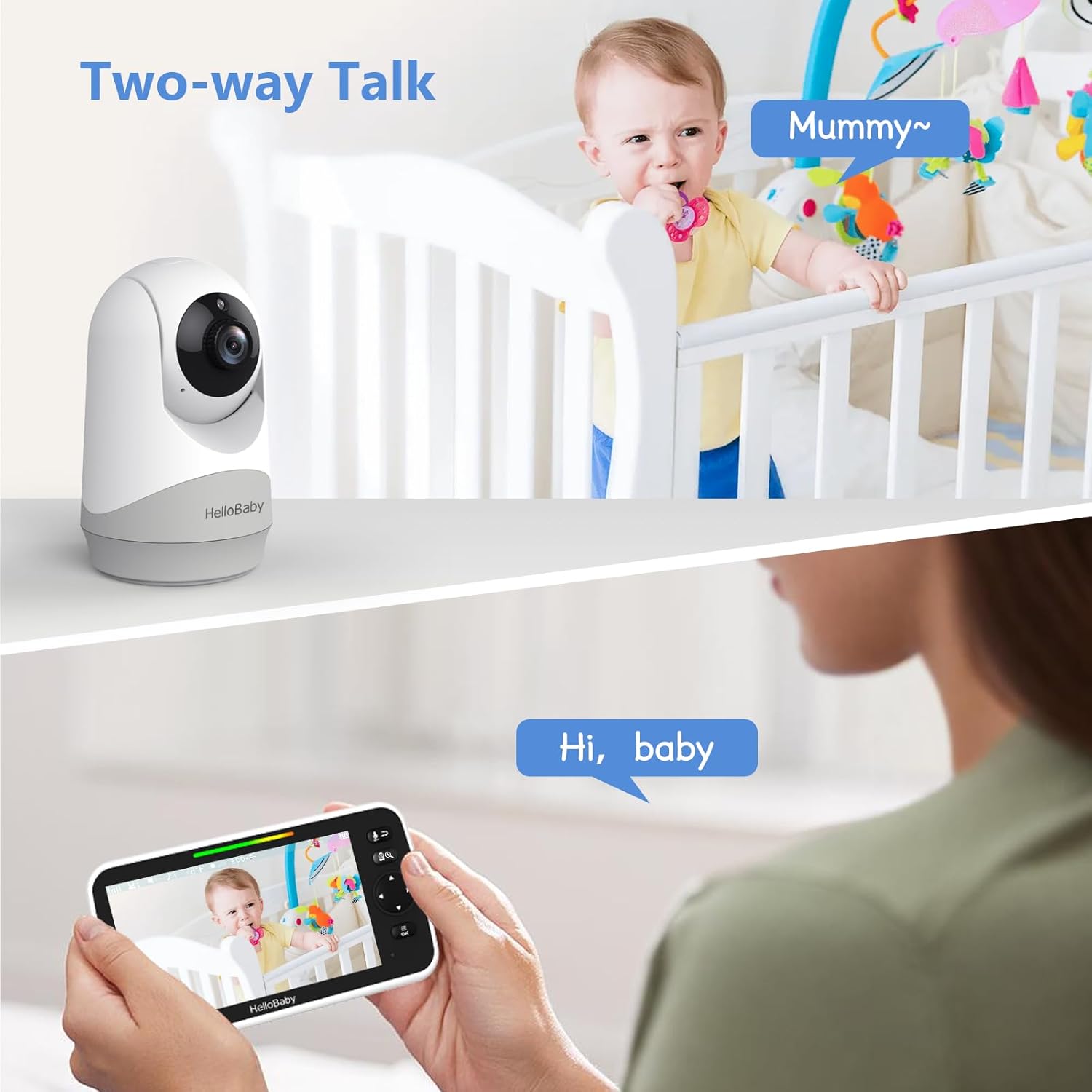
Image: Battery performance with and without ECO mode, showing up to 35 hours with ECO ON.
4.6. Secure Connection (No WiFi)
The HelloBaby HB6250Plus uses a dedicated 2.4GHz FHSS wireless transmission system. This means it does not require an internet connection or a mobile app, ensuring a private and secure link between the camera and monitor, free from potential hacking risks associated with Wi-Fi connected devices.

Image: Illustration of the secure 2.4GHz FHSS wireless transmission, highlighting no app and no Wi-Fi.
5. Maintenance
- Cleaning: Use a soft, dry cloth to clean the monitor and camera units. Do not use abrasive cleaners or solvents.
- Battery Care: To prolong battery life, avoid fully discharging the parent unit frequently. Charge it regularly.
- Storage: If storing the monitor for an extended period, ensure both units are fully charged and then store them in a cool, dry place.
- Antenna: Handle the parent unit's antenna with care to prevent damage.
6. Troubleshooting
| Problem | Possible Cause | Solution |
|---|---|---|
| No picture/sound on monitor | Camera or monitor not powered on; out of range; low battery. | Ensure both units are plugged in and powered on. Move monitor closer to camera. Charge parent unit. |
| Poor picture quality | Too far from camera; interference; camera lens dirty. | Move monitor closer. Avoid placing near other electronic devices. Clean camera lens gently. |
| No two-way talk | Microphone button not held down; volume too low. | Ensure microphone button is pressed during speech. Increase volume on parent unit. |
| Monitor beeping | Out of range warning; low battery warning. | Move monitor closer to camera. Charge parent unit. |
| Camera not panning/tilting | Obstruction; unit malfunction. | Check for physical obstructions. If problem persists, contact customer support. |
7. Specifications
| Feature | Detail |
|---|---|
| Model | HB6250Plus |
| Screen Size | 6-inch IPS |
| Battery Capacity | 4000mAh (Parent Unit) |
| Transmission Type | 2.4GHz FHSS (No WiFi) |
| Pan Angle | 318° |
| Tilt Angle | 120° |
| Zoom | 2X Digital Zoom |
| Night Vision | Infrared |
| Item Weight | 1.63 pounds |
| Package Dimensions | 7.64 x 5.31 x 4.41 inches |
| UPC | 190282014892 |
8. Warranty and Support
HelloBaby products are designed for reliability and performance. For specific warranty details and terms, please refer to the warranty card included with your product or visit the official HelloBaby website.
If you encounter any issues or have questions regarding your HB6250Plus Video Baby Monitor, please contact HelloBaby Customer Support. Our team is dedicated to providing assistance and ensuring your satisfaction.
You can find more information and support resources on the HelloBaby Brand Store.


