
1. Setup
1.1 Unboxing and Initial Setup
Carefully remove all components from the packaging. Ensure all listed items are present before proceeding with the setup. The package includes the TCL TV with Google TV, TV Stands, Power Cable, TV Remote + Batteries, Quick Start Guide, and Warranty Card.

Image: Overview of the TCL 115QM7K TV's dimensions and the items included in the box, such as the TV, stand, remote, and cables.
1.2 Physical Installation
The TCL QM7K TV can be installed using the included single pedestal stand or mounted on a wall. The stand provides stable support, while the TV's ultra-slim design and integrated cable management facilitate a clean, seamless wall-mounted appearance. All input ports are conveniently located on the sides for easy access.

Image: A side view of the TCL 115QM7K TV demonstrating its slim profile and suitability for seamless wall mounting.

Image: A rear view of the TCL 115QM7K TV, showcasing its ultra-slim design and integrated cable management features for a tidy setup.
1.3 Connectivity
The TV is equipped with four HDMI inputs, including two HDMI 2.1 ports for high-bandwidth devices and two 60Hz ports. One of the HDMI 2.1 ports supports eARC (Enhanced Audio Return Channel) for simplified audio connectivity with sound systems. Additional connectivity options include RF, Wi-Fi, and USB ports.

Image: A close-up view of the various input ports on the side of the TCL 115QM7K TV, including HDMI, USB, and RF connections.
2. Operating Instructions
2.1 Smart TV Features (Google TV)
The TCL QM7K TV operates on the Google TV smart OS, providing a user-friendly interface for accessing streaming services, apps, and content. It features hands-free voice control and comes with a backlit voice remote for convenient navigation, even in low-light conditions.
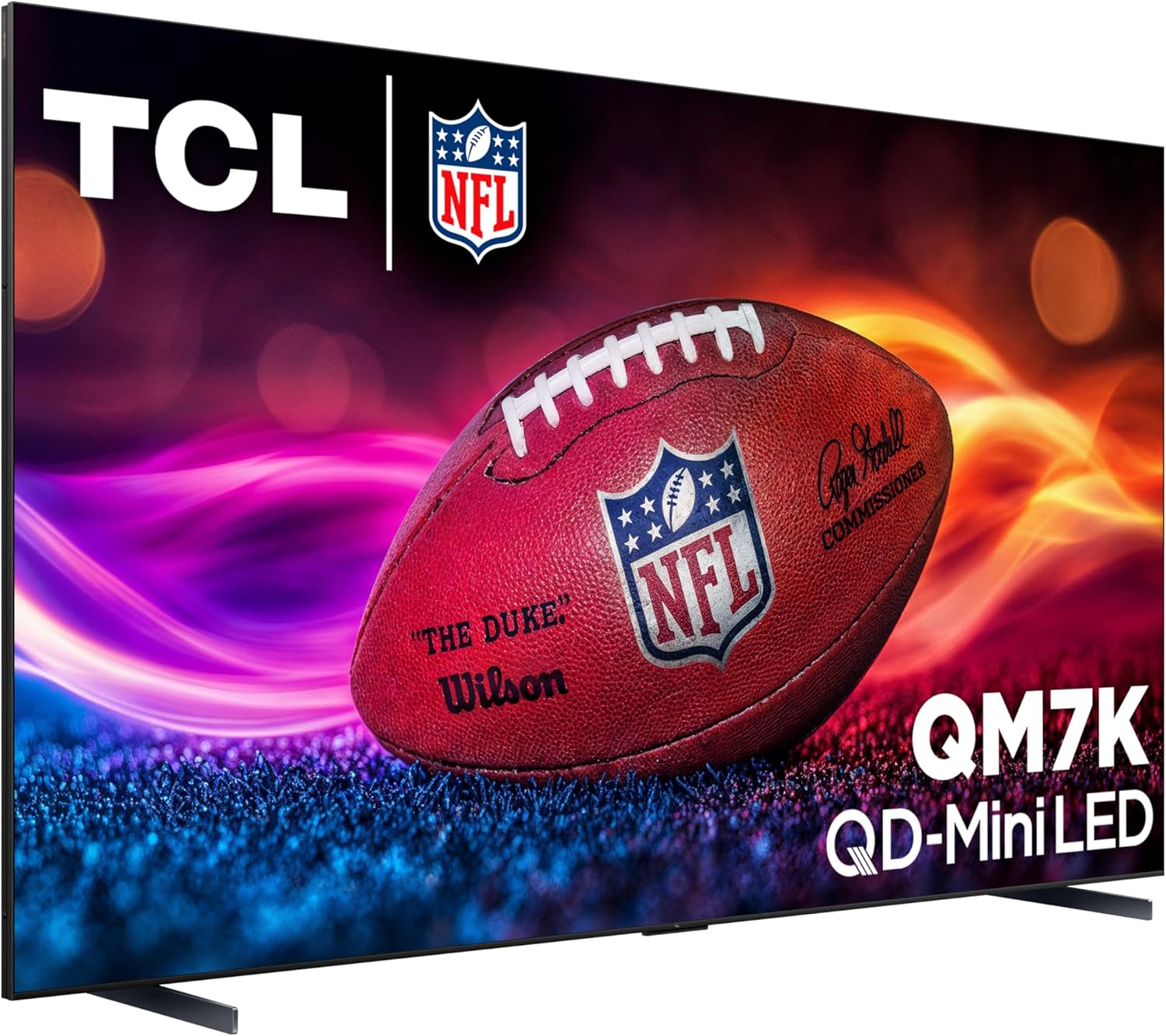
Image: The Google TV smart interface displayed on the TCL 115QM7K TV, showing various streaming app icons and content recommendations.
2.2 Picture Quality Features
Experience exceptional visual clarity with the TCL QM7K's advanced display technologies:
- QD-Mini LED: Combines QLED and OLED technologies for precise, pixel-level lighting.
- TCL HALO CONTROL SYSTEM: An advanced suite including Super High Energy LED Microchip, Super Condensed Micro Lens, Micro-OD Reduced Optical Distance, High Contrast HVA Panel, Enhanced QLED, Zero Delay Transient Response, Bi-direction 23-bit Backlight Controller, and Dynamic Light Algorithm for "Halo-Free" images.
- LD2500 Precise Dimming Series: Provides pure black levels with up to 2500 precisely controlled local dimming zones.
- HDR 3000 Nits: Delivers high peak brightness for a great picture in various lighting environments.
- CrystGlow HVA Panel: Blocks reflections and offers ultra-wide viewing angles for crisp, visible details.
- Enhanced QLED: Utilizes more vibrant Quantum crystals for improved colors, reproducing nearly all the DCI-P3 color space.
- AIPQ Pro Processor: Harnesses AI to dynamically control Picture Clarity, Contrast, Color, Motion, Upscaling, and Backlighting based on the incoming video signal.

Image: An illustration depicting the QD-Mini LED technology with high zone dimming for stunning contrast on the TCL 115QM7K TV.

Image: A diagram illustrating the components of the TCL Halo Control System, including the Micro-OD, Super Condensed Micro Lens, and Dynamic Light Algorithm.
2.3 Audio Features
The TCL QM7K TV delivers immersive sound with its integrated ONKYO 4.2.2 Speaker System, placing you at the center of the soundstage. It also supports Dolby Atmos for advanced spatial audio processing, enhancing your movie, TV show, and gaming experiences.
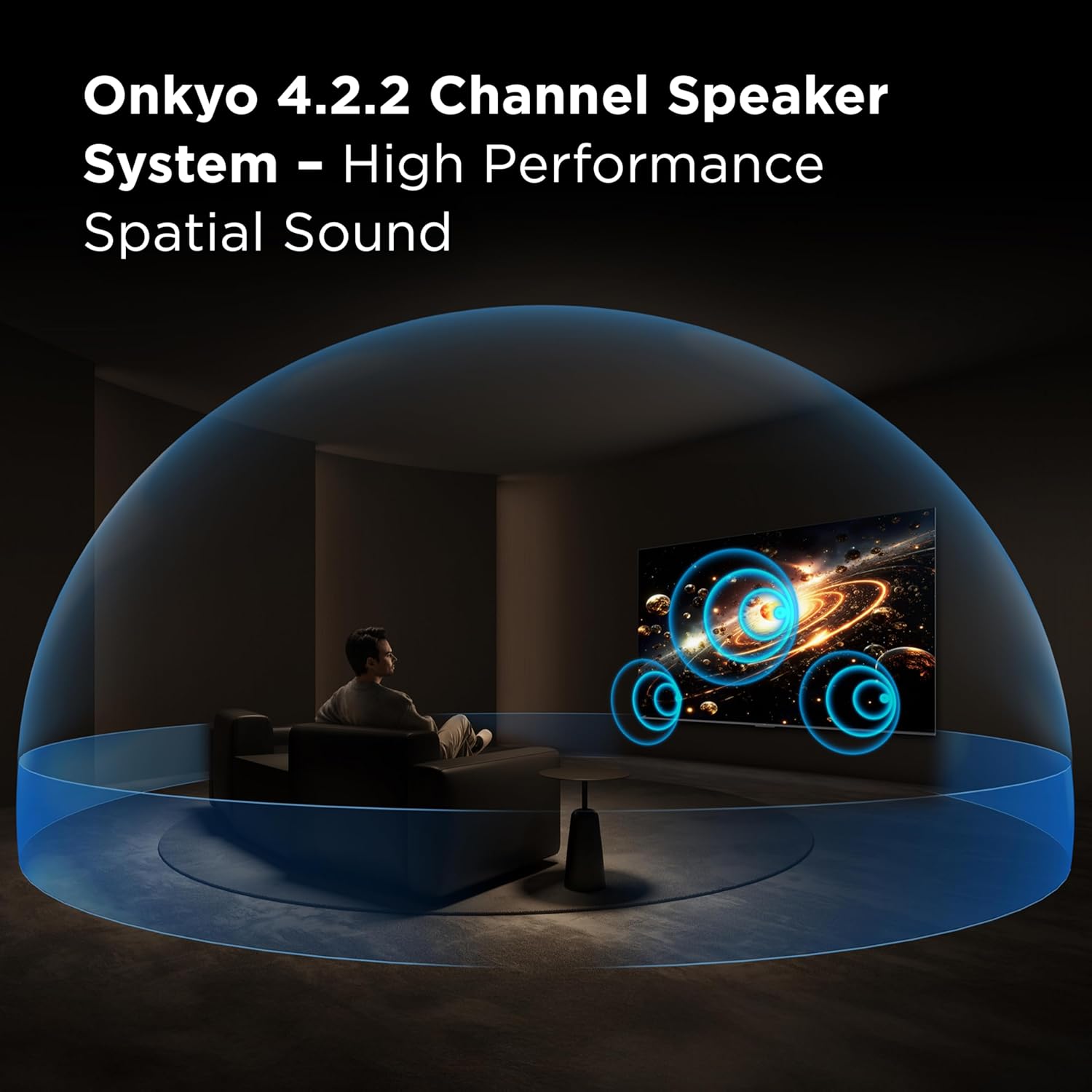
Image: An illustration demonstrating the immersive audio experience provided by the Onkyo 4.2.2 Channel Speaker System on the TCL 115QM7K TV.
2.4 Gaming Features
For gamers, the TV offers a 144Hz Native Refresh Rate for crystal clear motion and smooth gameplay. The Game Accelerator 288 provides blistering fast VRR (Variable Refresh Rate) up to 288Hz, minimizing lag and tearing. It also supports AMD FreeSync Premium Pro for automatically enabling game mode and ensuring the lowest possible input lag and latency.

Image: A screenshot from a video game displayed on the TCL 115QM7K TV, highlighting the Game Accelerator 288 feature for responsive, lag-free gameplay.
3. Maintenance
3.1 Cleaning the TV
To clean the screen, gently wipe with a soft, dry microfiber cloth. For stubborn marks, slightly dampen the cloth with water or a screen-specific cleaning solution. Avoid using harsh chemicals or abrasive materials. For the TV body, use a soft, dry cloth to remove dust.
3.2 Software Updates
The TCL QM7K TV, running on Google TV, is designed to receive automatic software updates over the internet. Ensure your TV is connected to a stable Wi-Fi network to receive the latest firmware, which can improve performance, add new features, and enhance security. You can also manually check for updates through the TV's settings menu.
4. Troubleshooting
If you encounter issues with your TCL QM7K TV, try the following basic troubleshooting steps:
- No Power: Ensure the power cable is securely connected to both the TV and a working power outlet. Try a different outlet.
- No Picture/Sound: Verify that the correct input source is selected. Check all cable connections (HDMI, audio) for looseness or damage.
- Unexpected Power Behavior: If the TV turns on/off unexpectedly, ensure the sleep timer is not activated and check for any external devices that might be sending power signals. A power cycle (unplugging the TV for a few minutes and plugging it back in) can often resolve this.
- Poor Picture Quality: Adjust picture settings (brightness, contrast, color) in the TV menu. Ensure you are viewing high-quality content for optimal performance. For motion-related issues, adjust the 'Motion Clarity' settings.
- Network Connectivity Issues: Check your Wi-Fi router and ensure the TV is within range. Reconnect to the Wi-Fi network in the TV settings.
- Remote Not Responding: Replace the batteries in the remote control. Ensure there are no obstructions between the remote and the TV's IR sensor.
- Factory Reset: As a last resort, performing a factory reset can resolve many software-related issues. Navigate to the TV's settings menu to find the factory reset option. Note that this will erase all personalized settings and installed apps.
5. Specifications
| Feature | Specification |
|---|---|
| Brand | TCL |
| Model | 115QM7K |
| Screen Size | 115 Inches |
| Resolution | 4K UHD |
| Display Technology | QLED, Mini LED |
| Refresh Rate | 144 Hz (Native), Game Accelerator up to 288Hz |
| Peak Brightness | 3000 Nits |
| Dimming Zones | Up to LD2500 Precise Dimming Series |
| Audio System | ONKYO 4.2.2 Speaker System, Dolby Atmos |
| Operating System | Google TV |
| Connectivity | RF, Wi-Fi, USB, HDMI (2x HDMI 2.1, 1x eARC) |
| Product Dimensions (D x W x H) | 2.2" x 101" x 59.4" |
| Item Weight | 220.02 Pounds |
| Special Features | Built-In Speaker, Game Mode, Multiple Voice Assistance, Bezel-Less Design, AMD FreeSync |
6. Warranty and Support
Your TCL 115-Inch QM7K QLED 4K Smart QD-Mini LED TV comes with a manufacturer's warranty. Please refer to the 'Warranty Card' included in your product packaging for detailed information regarding warranty coverage, terms, and conditions. For technical assistance, troubleshooting, or service inquiries, please contact TCL Customer Support. Contact information can typically be found on the warranty card or on the official TCL website.


