
Radtel
Radtel RT-600 Portable Two-Way Radio User Manual
Model: RT-600
1. Introduction
Thank you for choosing the Radtel RT-600 Portable Two-Way Radio. This device is a versatile communication tool designed for various applications, offering reliable performance with its tri-band frequency capabilities, including air band reception. This manual provides detailed instructions for the proper setup, operation, and maintenance of your RT-600 radio to ensure optimal performance and longevity. Please read this manual thoroughly before using the product.
2. Package Contents
Upon opening the package, please verify that all the following items are included:
- Radtel RT-600 Radio Body (x2)
- Li-ion Battery Pack (2200 mAh) (x2)
- Dual-Band Antenna (x2)
- Belt Clip (x2)
- Desktop Charger (x2)
- Hand Strap (x2)
- English User Manual (x2)

Figure 2.1: Contents of the Radtel RT-600 package, including two radio units, batteries, antennas, chargers, belt clips, hand straps, and user manuals.
3. Product Features
The Radtel RT-600 is equipped with a range of advanced features for enhanced communication:
- Tri-Band Operation: Supports 144-148MHz / 420-450MHz (TX/RX) and 50-600MHz (RX only) with 108-136MHz AM air band reception.
- One-Key Frequency Copy: Allows for automatic frequency capture from another radio, including CTCSS/DCS tones, enabling immediate communication without programming (radios must be within 1 meter).
- 200 Storage Channels: Ample memory for storing frequently used frequencies.
- VOX Voice Transmission: Voice-activated transmission for hands-free operation.
- Wireless Radio Replication: Enables cloning settings between radios wirelessly.
- Frog Sound Tail Signal: A distinctive end-of-transmission tone.
- Cross-Band Intercom: Facilitates communication between different frequency bands.
- NOAA Emergency Weather Receiver: Provides access to emergency weather alerts.
- Power-on Password: Enhances security by requiring a password to power on the device.
- CHIRP Support: Compatibility with CHIRP programming software for advanced customization.
- Durable Construction: Features a metal material build for robust use.
4. Components Identification
Familiarize yourself with the various parts of your Radtel RT-600 radio:
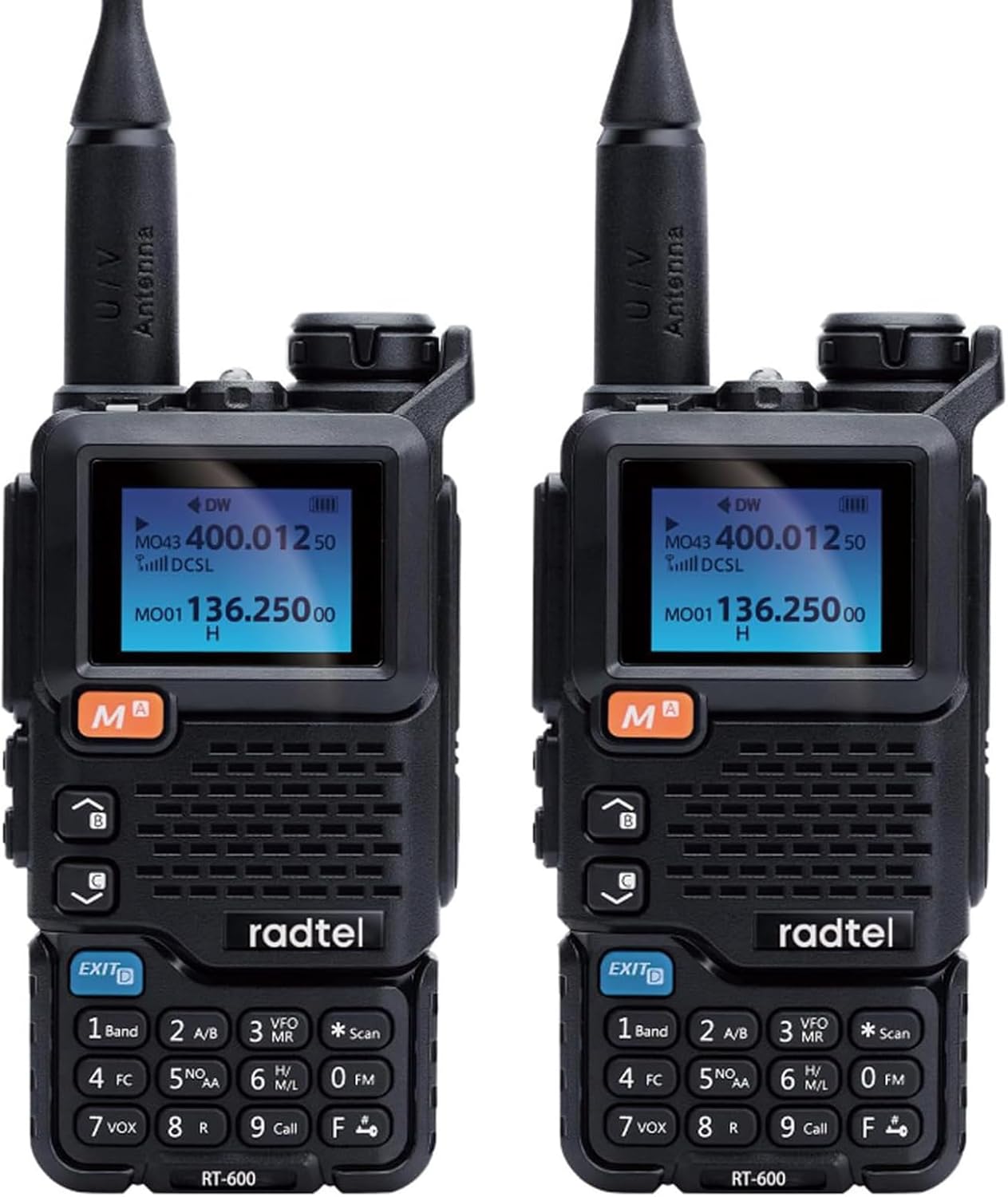
Figure 4.1: Front view of two Radtel RT-600 radios, showing the display, keypad, and main controls.
- Antenna: For transmitting and receiving signals.
- LCD Display: Shows frequency, channel, battery status, and other indicators.
- Keypad: Numeric and function keys for input and control.
- Speaker/Microphone: For audio output and input.
- Power/Volume Knob: Turns the radio on/off and adjusts volume.
- PTT (Push-to-Talk) Button: Activates transmission.
- Side Buttons: Programmable function buttons (e.g., Monitor, Scan).
- Battery Pack: Removable Li-ion battery.
- Belt Clip Attachment Point: For securing the belt clip.
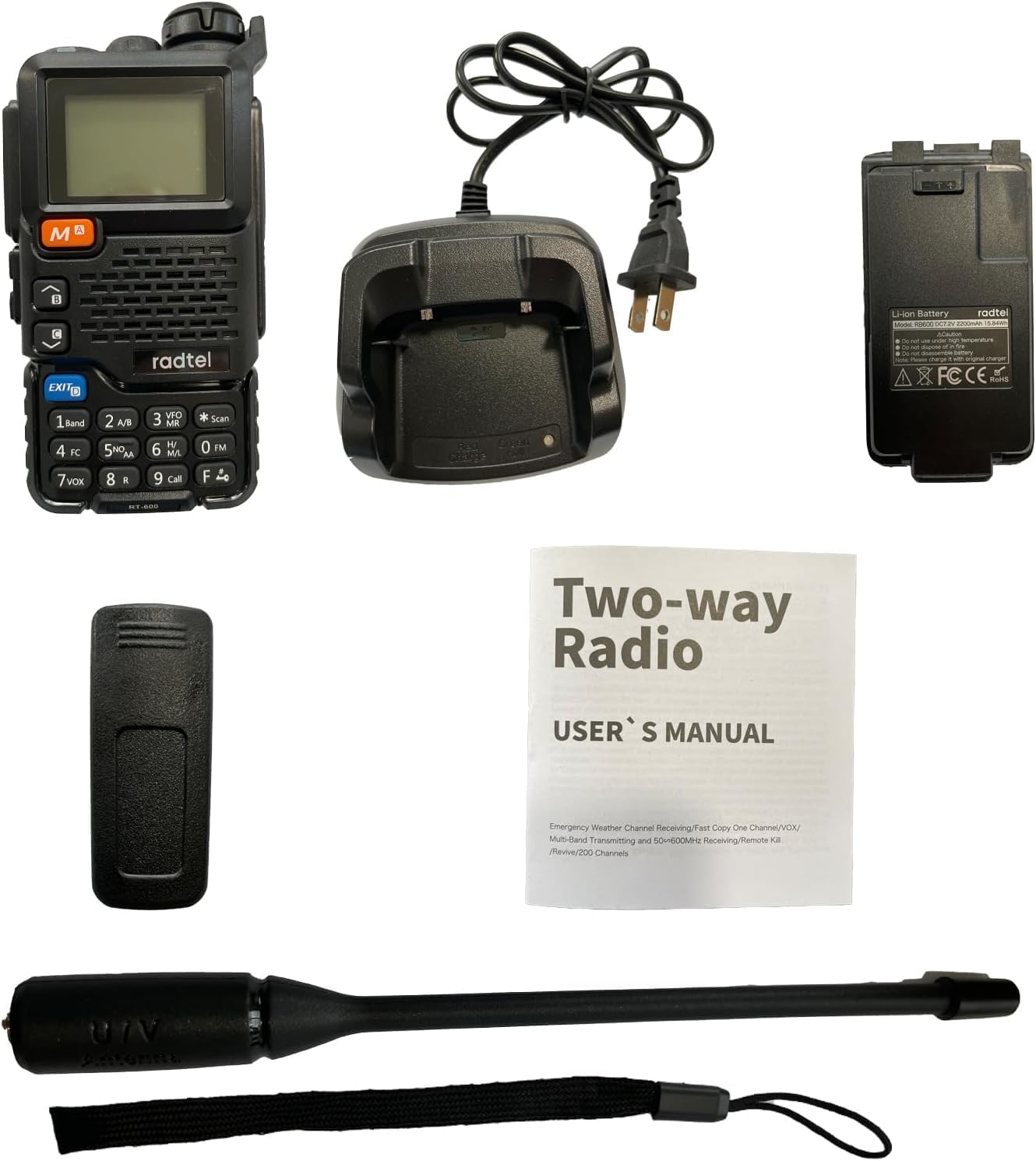
Figure 4.2: Various views of the Radtel RT-600, illustrating the front, side, and back with the belt clip attached.
5. Setup
5.1. Battery Installation
- Ensure the radio is powered off.
- Align the battery pack with the grooves on the back of the radio.
- Slide the battery pack upwards until it clicks securely into place.
- To remove, press the battery release latch (if present) and slide the battery downwards.
5.2. Charging the Battery
The RT-600 comes with a 2200 mAh Li-ion battery. For optimal performance, fully charge the battery before first use.
- Connect the AC adapter to the desktop charger.
- Plug the AC adapter into a power outlet.
- Place the radio (with battery installed) into the charging slot of the desktop charger.
- The charging indicator light on the charger will typically turn red while charging and green when fully charged.
Note: Do not use a USB-C charger with this device. Only use the provided desktop charger.
5.3. Attaching the Antenna
- Screw the antenna clockwise into the connector on the top of the radio until it is finger-tight.
- Do not overtighten the antenna.
6. Operating Instructions
6.1. Power On/Off and Volume Control
- Power On: Rotate the Power/Volume knob clockwise until you hear a click. The display will light up.
- Power Off: Rotate the Power/Volume knob counter-clockwise until you hear a click.
- Volume Adjustment: Rotate the Power/Volume knob clockwise to increase volume and counter-clockwise to decrease it.
6.2. Channel and Frequency Selection
The RT-600 supports 200 storage channels and direct frequency input.
- Channel Mode: Use the UP/DOWN arrow keys to navigate through stored channels.
- Frequency Mode (VFO): Enter frequencies directly using the keypad. Press the 'VFO/MR' button to switch between VFO (Frequency) and MR (Memory/Channel) modes.
6.3. One-Key Frequency Copy (Automatic Frequency Capture)
This feature allows your RT-600 to quickly copy the frequency and CTCSS/DCS tone from another radio, enabling instant communication.
- Place the two radios (your RT-600 and the target radio) within 1 meter of each other.
- Activate the one-key copy function on your RT-600 (refer to your radio's specific key assignment for this function, often labeled 'FC' or similar).
- The RT-600 will scan and capture the frequency and tone from the transmitting radio.
- Once copied, your RT-600 will be set to communicate on that frequency.
6.4. Air Band Reception (108-136MHz AM)
The RT-600 can receive AM signals in the air band frequency range.
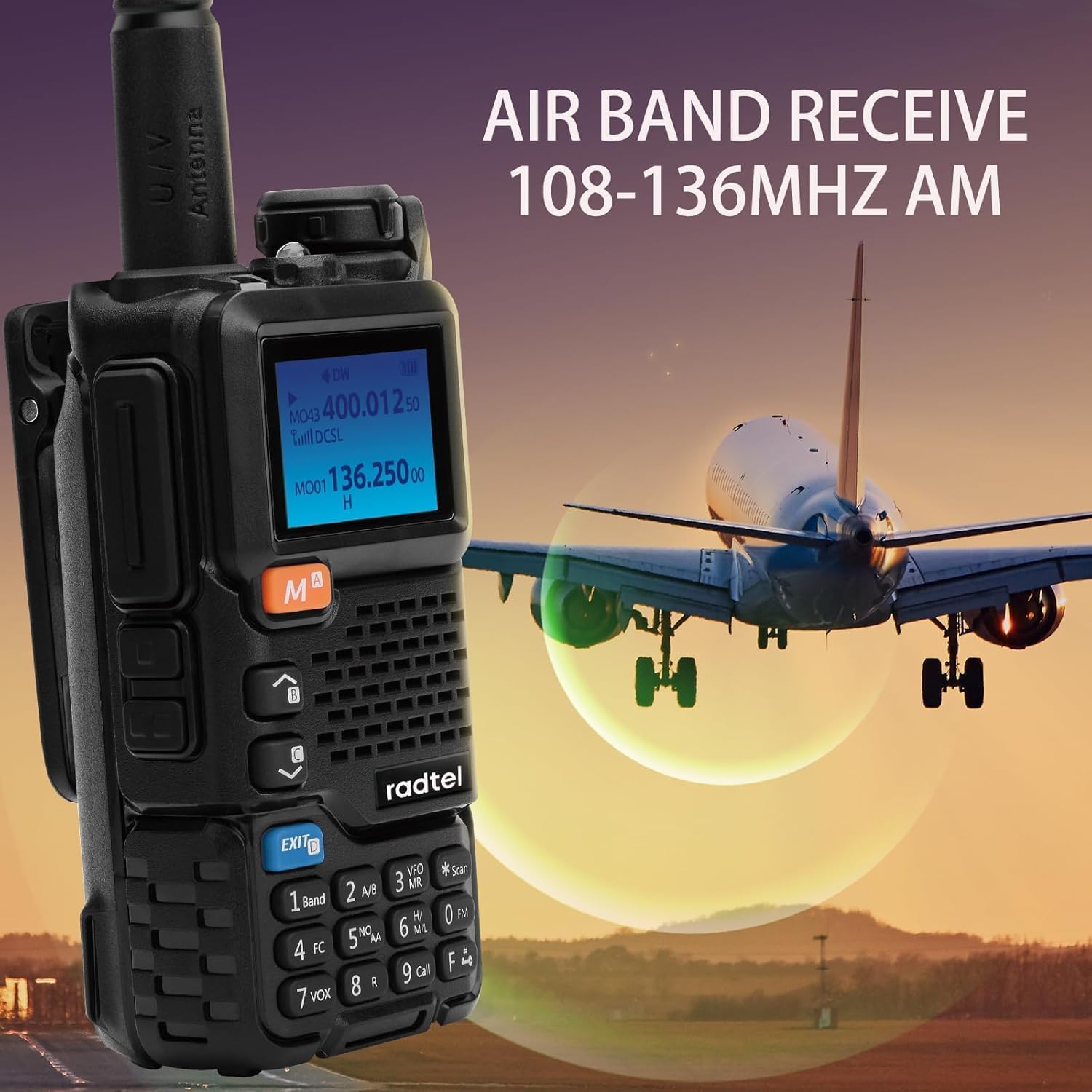
Figure 6.1: The Radtel RT-600 displaying air band reception, with an airplane in the background, indicating its capability to receive signals in the 108-136MHz AM range.
To access air band frequencies, switch to VFO mode and input frequencies within the 108-136MHz range. The radio will automatically switch to AM modulation for this band.
6.5. NOAA Emergency Weather Receiver
Stay informed about severe weather conditions with the built-in NOAA weather alert function.
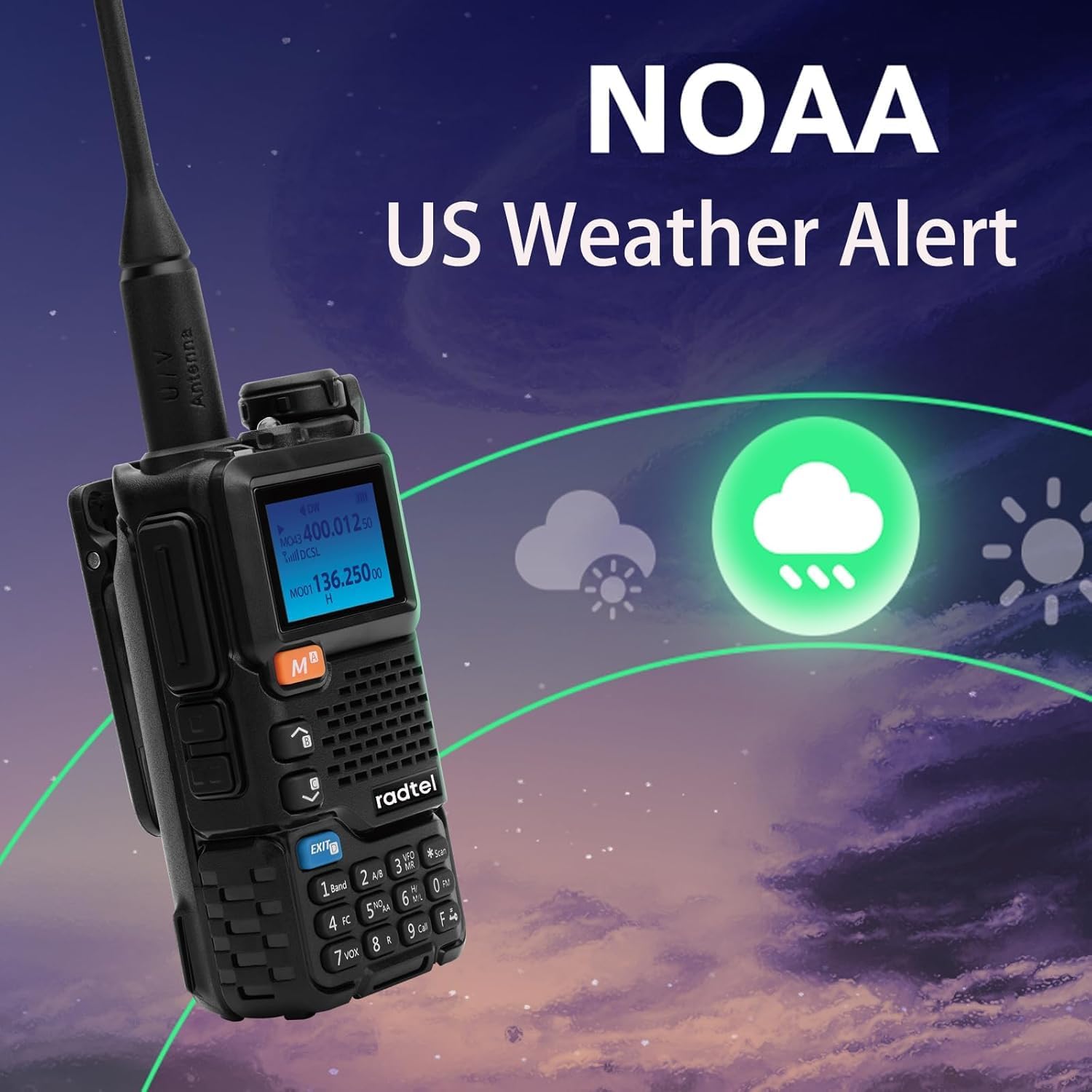
Figure 6.2: The Radtel RT-600 screen showing a weather alert icon, indicating its NOAA emergency weather receiver capability.
Refer to your radio's menu settings to enable and configure the NOAA weather alert feature. The radio will monitor designated NOAA frequencies and alert you to warnings.
6.6. Power-on Password
For added security, you can set a password that must be entered each time the radio is powered on.
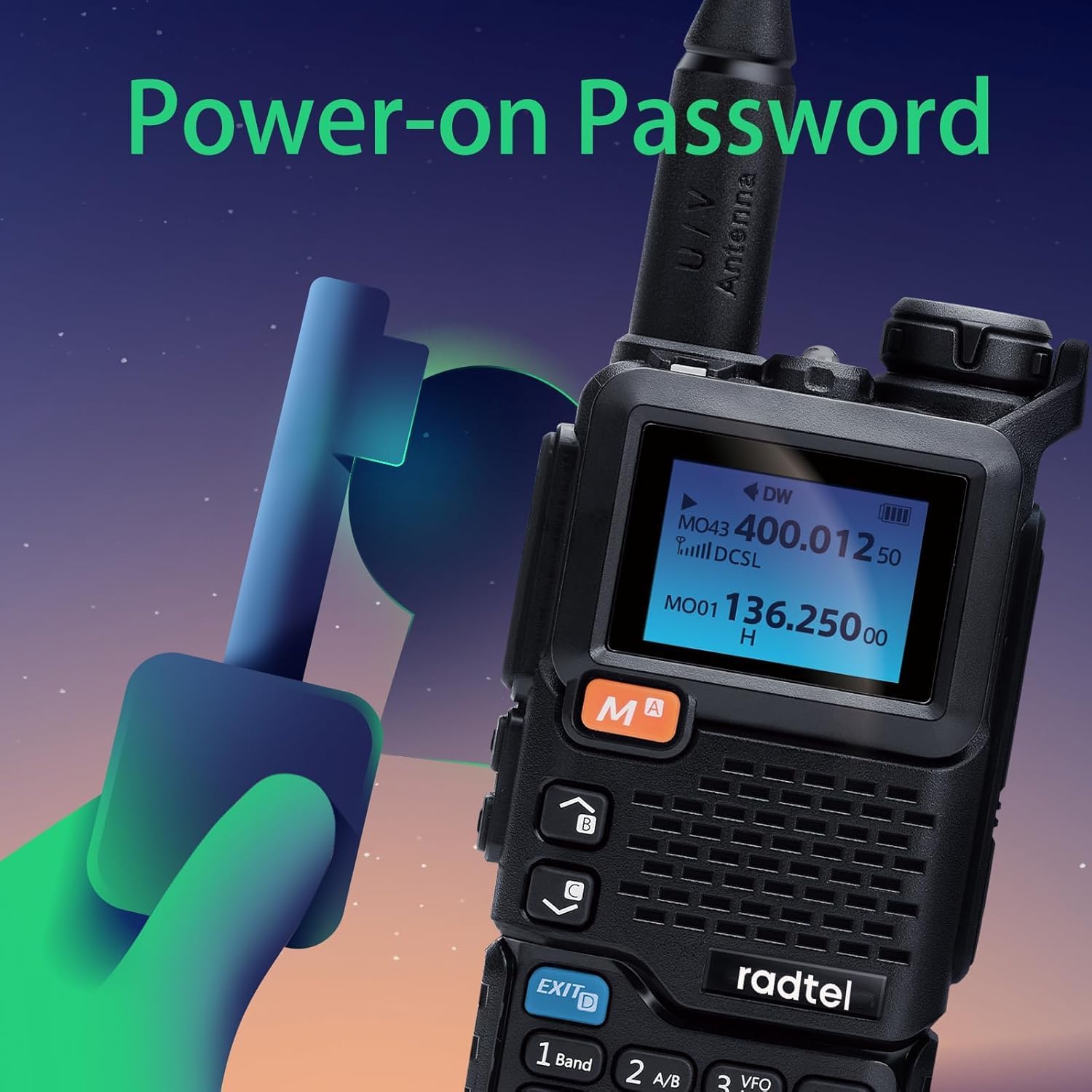
Figure 6.3: An illustration depicting the Radtel RT-600 with a key graphic, symbolizing the power-on password feature for enhanced security.
This feature can be enabled and configured through the radio's menu system. Ensure you remember your password, as forgetting it may require a factory reset.
6.7. Other Functions (VOX, DTMF, FM Radio)

Figure 6.4: The Radtel RT-600 display with graphics indicating DTMF, Frog Sound Tail Signal, and FM Radio capabilities.
- VOX (Voice Operated Exchange): Allows hands-free transmission when your voice is detected. Adjust VOX sensitivity in the menu.
- DTMF (Dual-Tone Multi-Frequency): Used for various control functions, such as remote control of repeaters.
- FM Radio: The RT-600 can also function as an FM broadcast radio receiver.
Detailed instructions for these and other advanced functions (like Wireless Radio Replication, Cross-Band Intercom, and CHIRP support) can be found in the radio's internal menu system or by consulting the full English manual provided in the package.
7. Maintenance
- Cleaning: Use a soft, damp cloth to clean the radio's surface. Do not use harsh chemicals or abrasive cleaners.
- Battery Care:
- Avoid overcharging or completely discharging the battery.
- Store the battery in a cool, dry place when not in use for extended periods.
- If the radio will not be used for a long time, remove the battery.
- Antenna: Ensure the antenna is securely attached but not overtightened. Avoid bending or stressing the antenna.
- Storage: Store the radio in a dry, dust-free environment away from direct sunlight and extreme temperatures.
8. Troubleshooting
| Problem | Possible Cause | Solution |
|---|---|---|
| Radio does not power on. | Battery is low or not installed correctly. | Charge the battery or re-install it correctly. |
| Cannot transmit or receive. | Incorrect frequency/channel; antenna loose; battery low. | Verify frequency/channel settings; check antenna connection; charge battery. |
| Poor audio quality. | Low signal strength; volume too low/high; speaker/mic obstruction. | Move closer to other radio; adjust volume; clear obstructions. |
| Battery drains quickly. | Frequent transmission; high power setting; aging battery. | Reduce transmission time; use low power if possible; consider replacing battery. |
| Power-on password forgotten. | Password not remembered. | Contact Radtel support for factory reset instructions (may erase settings). |
9. Specifications
| Feature | Detail |
|---|---|
| Brand | Radtel |
| Model | RT-600 |
| Frequency Range (TX/RX) | 144-148MHz / 420-450MHz |
| Frequency Range (RX Only) | 50-600MHz (including 108-136MHz AM Air Band) |
| Battery Capacity | 2200 mAh Li-ion |
| Output Power | 3W-5W |
| Storage Channels | 200 |
| Maximum Range | 3km-5km (depending on terrain and conditions) |
| Dimensions | 115 x 60 x 37.5 mm (approx.) |
| Material | Metal |
| Water Resistance | Not water resistant |
| Special Features | Air Band, One-Key Copy Frequency, 2200mAh Battery, VOX, Wireless Replication, Frog Sound Tail Signal, Cross-band Intercom, NOAA Receiver, Power-on Password, CHIRP Support |
10. Warranty and Support
Your Radtel RT-600 radio comes with a standard manufacturer's warranty. Please refer to the warranty card included in your package for specific terms and conditions.
For technical support, troubleshooting assistance, or warranty claims, please contact Radtel customer service. Contact information can typically be found on the official Radtel website or on the packaging.
Note: Keep your purchase receipt as proof of purchase for warranty purposes.
Related documents


Ask a question about this manual
Ask about setup, troubleshooting, compatibility, parts, safety, or missing instructions. Manuals+ will review the question and use this page’s manual context to help answer it.