Introduction
This manual provides detailed instructions for the Casio Enticer MTD-135D-3AVDF analog watch. Please read this manual carefully to ensure proper use and maintenance of your timepiece. This watch features a durable design, 50-meter water resistance, and a date display.
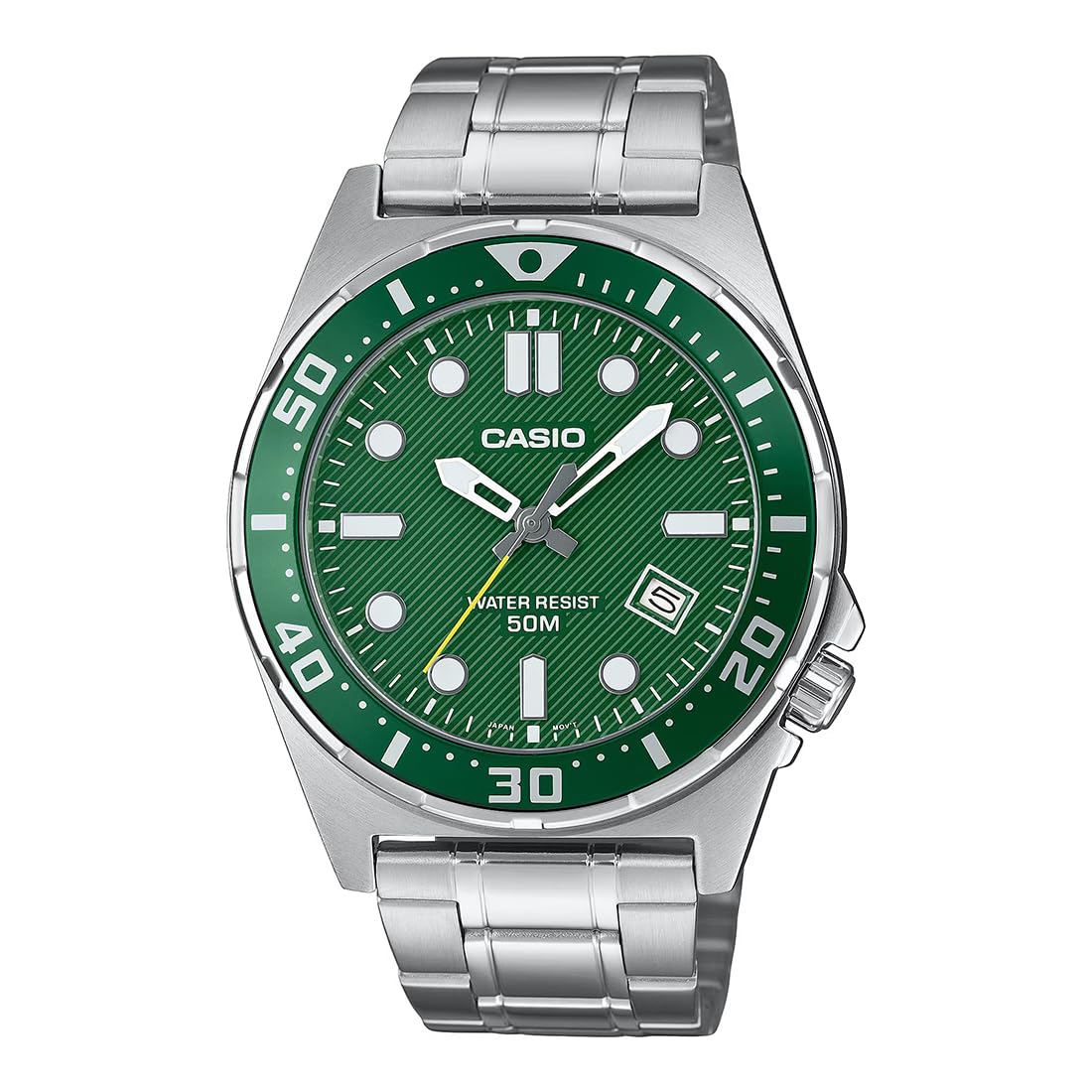
Figure 1: Front view of the Casio Enticer MTD-135D-3AVDF watch.
Setup
1. Setting the Time
- Pull the crown (B) out to the second click. The second hand will stop.
- Rotate the crown to set the hour and minute hands. Ensure the AM/PM setting is correct if your watch has a 24-hour indicator or if setting the date.
- Push the crown back in to the normal position. The second hand will resume movement.
2. Setting the Date
- Pull the crown (B) out to the first click.
- Rotate the crown to set the date. Avoid setting the date between 9:00 PM and 1:00 AM, as this may interfere with the automatic date change mechanism.
- Push the crown back in to the normal position.
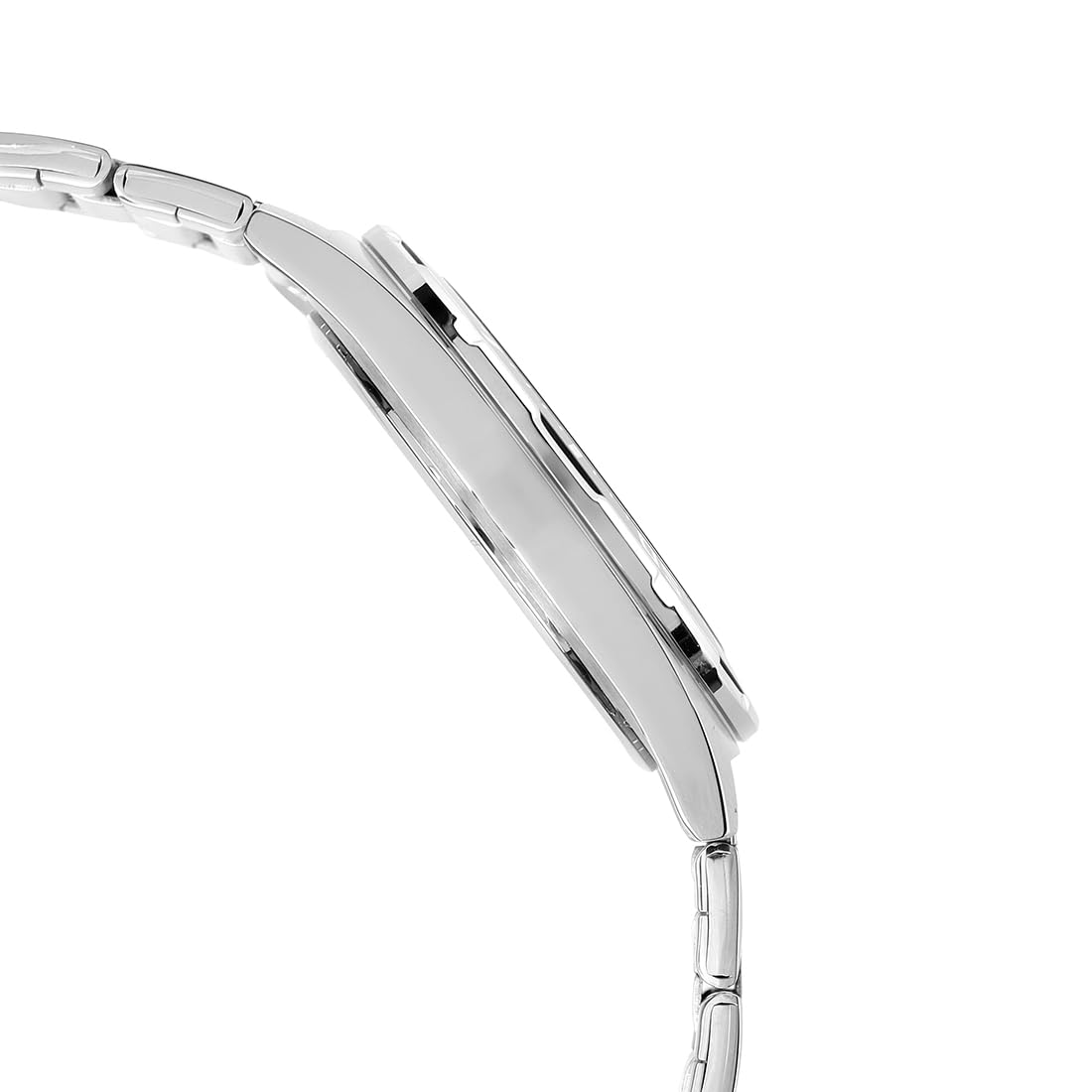
Figure 2: Side view of the watch, highlighting the crown (B) for time and date adjustments.
3. Band Adjustment
The stainless steel band can be adjusted for wrist size. It is recommended to have this adjustment performed by a qualified watch technician or jeweler to prevent damage to the band or clasp.
Operating the Watch
Reading the Time
The watch displays time using hour, minute, and second hands on an analog dial. The green dial features clear markers for easy readability.
Date Display
The current date is displayed in a window at the 4 o'clock position on the dial.
Water Resistance (50 Meters)
This watch is water resistant up to 50 meters (5 ATM). This means it is suitable for everyday use and can withstand splashes, rain, and brief immersion in water. It is not suitable for showering, swimming, diving, or snorkeling. Ensure the crown is fully pushed in before any contact with water.
Maintenance
Cleaning Your Watch
- Wipe the watch case and band with a soft, dry cloth to remove dirt and moisture.
- For stainless steel bands, a soft brush and mild soapy water can be used, followed by thorough rinsing and drying. Avoid getting soap or water on the watch head if not fully water-resistant.
- Do not use chemical cleaners, solvents, or abrasive materials, as these can damage the watch's finish.
Battery Replacement
The watch is powered by a 12V battery. When the watch stops or the second hand moves erratically (e.g., skipping seconds), the battery may need replacement. Battery replacement should be performed by a qualified watch technician to ensure proper sealing and maintain water resistance.
Water Resistance Checks
To maintain the 50-meter water resistance, it is recommended to have the watch's seals checked periodically, especially after battery replacement or if the watch has been subjected to impact. This service should be performed by an authorized service center.

Figure 3: Rear view of the watch, displaying the stainless steel case back.
Environmental Considerations
- Avoid exposing the watch to extreme temperatures (hot or cold) or sudden temperature changes.
- Protect the watch from strong impacts or vibrations.
- Keep the watch away from strong magnetic fields, which can affect timekeeping accuracy.
Troubleshooting
| Problem | Possible Cause | Solution |
|---|---|---|
| Watch is not running or stops intermittently. | Battery is low or depleted. Crown is pulled out. | Replace battery (professional service recommended). Push crown fully in. |
| Time is incorrect. | Time not set correctly. Watch subjected to strong impact or magnetic field. | Reset the time as per "Setting the Time" instructions. If problem persists, consult service center. |
| Date is incorrect. | Date not set correctly. Date set during prohibited hours. | Reset the date as per "Setting the Date" instructions. Avoid setting date between 9 PM and 1 AM. |
| Condensation appears inside the watch. | Temperature change or water resistance compromised. | Immediately take the watch to an authorized service center for inspection and repair. |
Specifications
| Feature | Detail |
|---|---|
| Model Number | MTD-135D-3AVDF |
| Display Type | Analog |
| Movement Type | Quartz |
| Power Source | Battery Powered (1 x 12V battery included) |
| Case Material | Stainless Steel |
| Band Material | Stainless Steel |
| Dial Colour | Green |
| Band Colour | Silver |
| Crystal Material | Mineral Glass |
| Case Diameter | 43.6 Millimetres |
| Case Thickness | 9.3 Millimetres |
| Item Weight | 126 Grams |
| Water Resistance Depth | 50 Metres (5 ATM) |
| Clasp Type | Foldover Clasp |
| Date First Available | 20 February 2025 |
| Country of Origin | China |

Figure 4: Diagram illustrating the dimensions of the watch, including case diameter.
Warranty and Support
Warranty Information
This Casio watch comes with a Limited Warranty. Please refer to the warranty card included with your purchase for specific terms, conditions, and duration of coverage. The warranty typically covers manufacturing defects under normal use.
Customer Support
For technical assistance, service, or warranty claims, please contact Casio customer support or an authorized Casio service center. You can find contact details on the official Casio website or in the documentation provided with your watch.
Manufacturer/Importer Contact:
Imported By - Casio India Co Pvt LtdA-41, 1st Floor, MCIE, Mathura Road,
New Delhi-110044, India
For more information, visit the official Casio India website.